
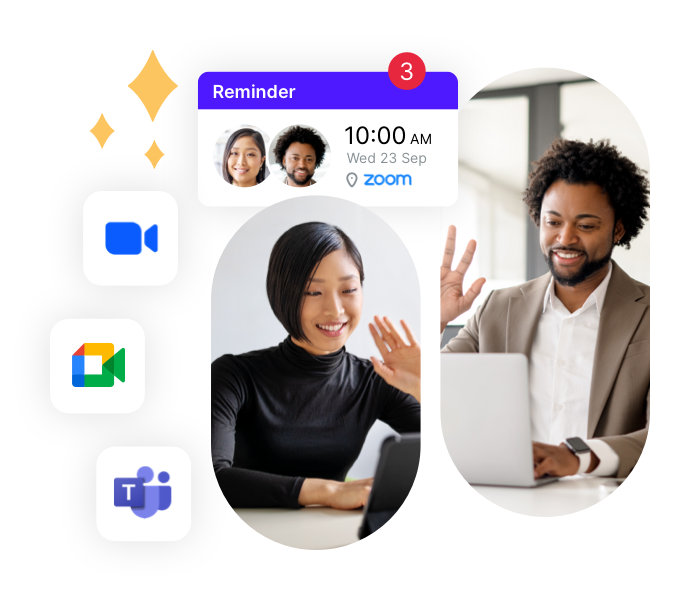
Connect once. Get unique links forever.
Connect your Zoom, MS Teams, or Google Meet account and set it as your meeting location.
YCBM will then automatically generate a unique video link for every booking and add it to your calendar event, confirmations, and reminders—no extra setup required.
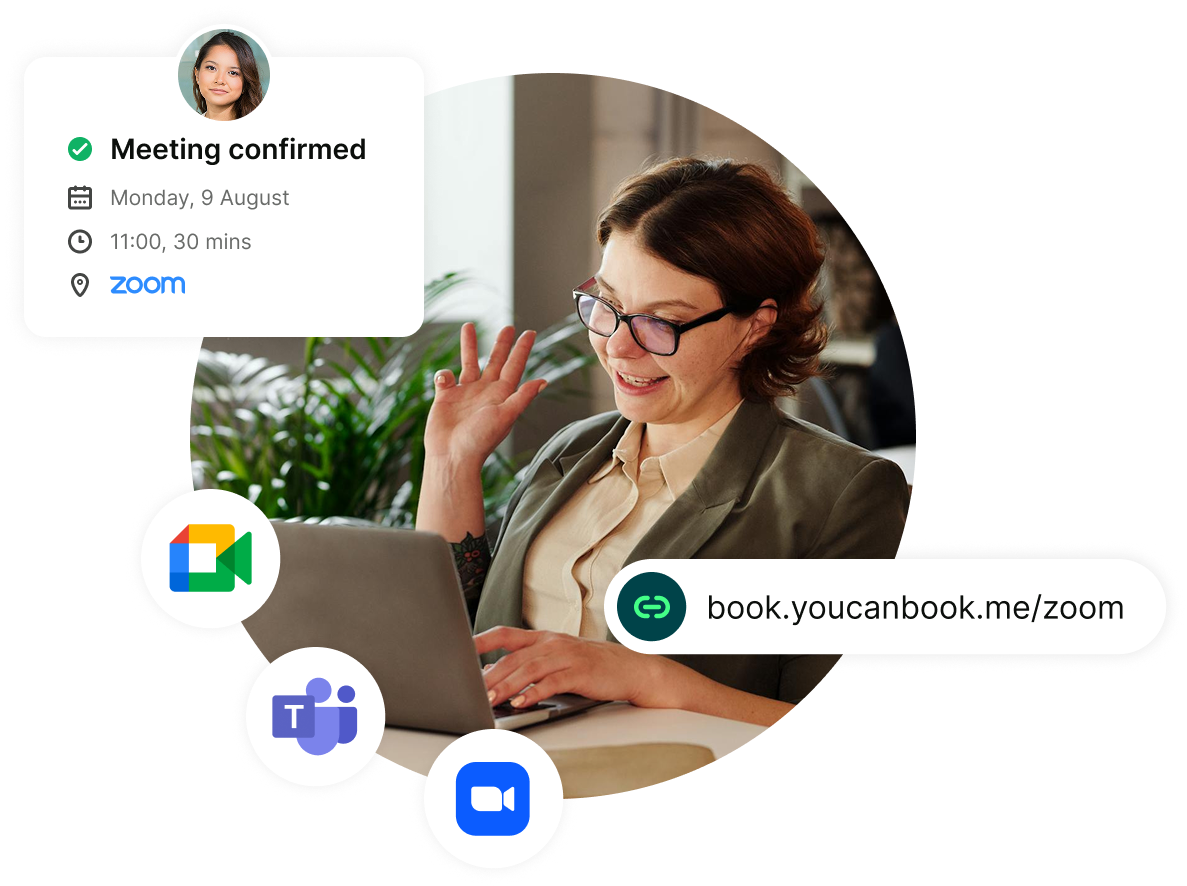
Meet with anyone, anywhere
Schedule virtual meetings through YouCanBookMe to:
- Reduce travel time to zero, freeing up hours every week
- Let customers book instantly based on your real-time availability
- Build stronger relationships with more frequent touchpoints and better accessibility
- Host engaging, productive virtual sessions using your preferred video tool
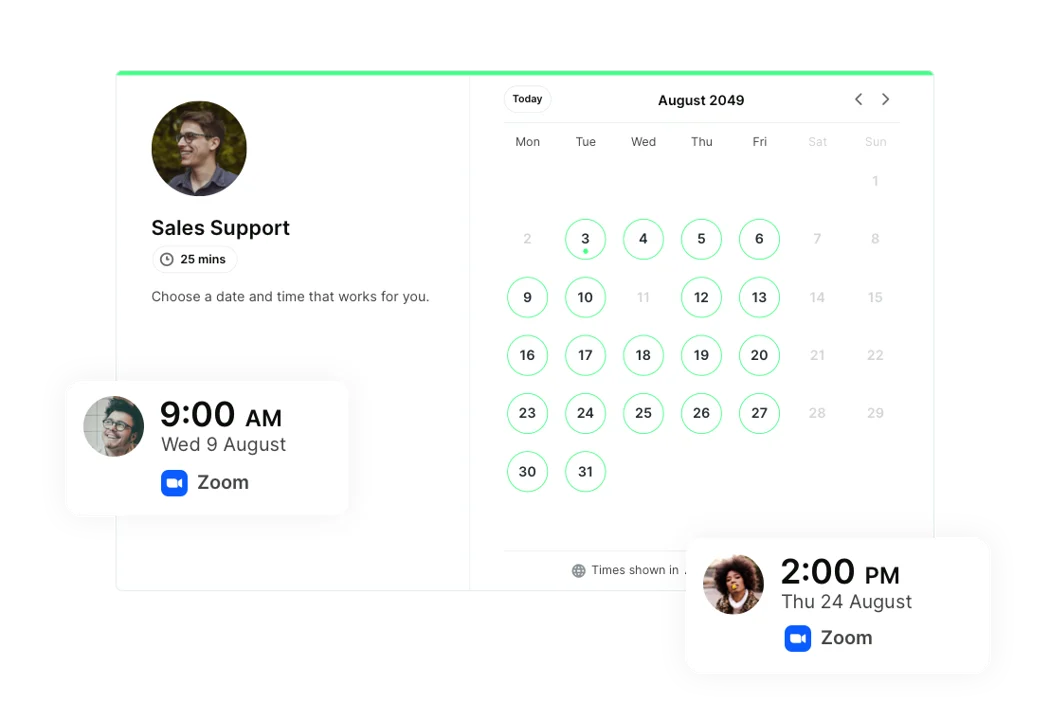
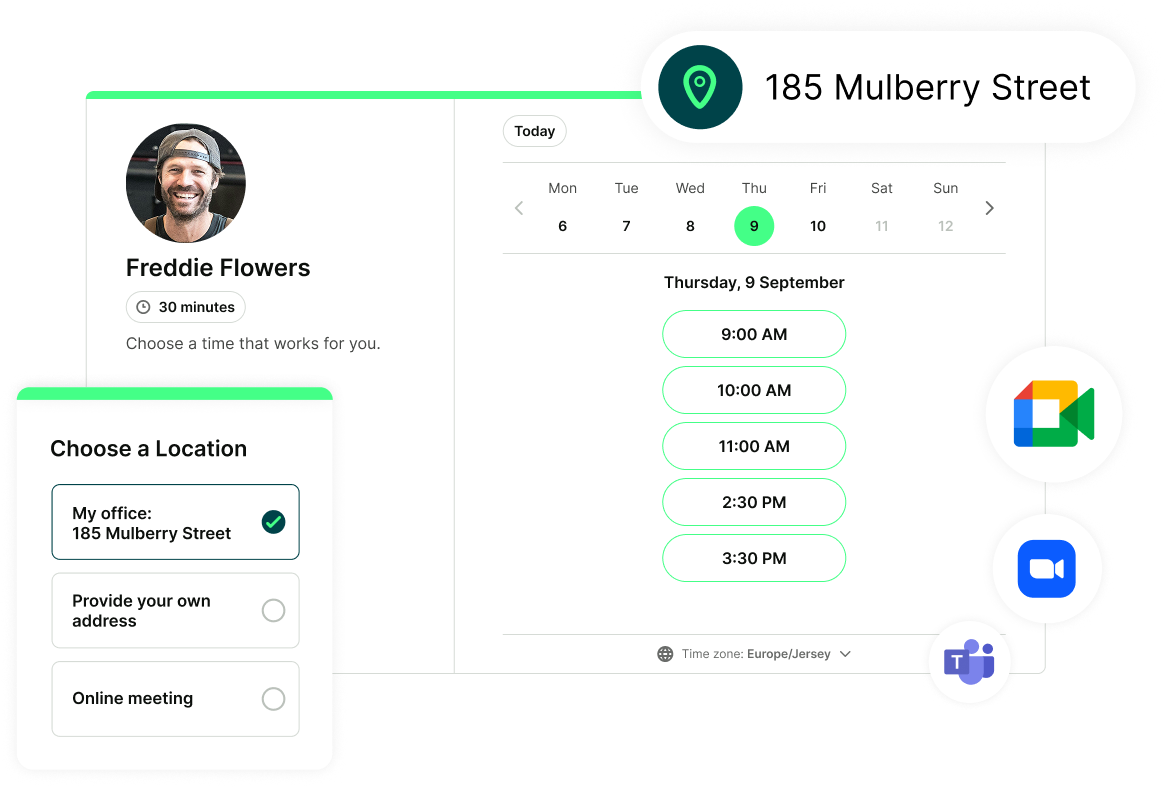
In-person, phone, or virtual—offer every meeting type on a single booking page
YouCanBookMe gives you full flexibility over how you meet.
Set a fixed location for your appointments—or offer multiple options like a phone call, physical address, or video call and let your bookers choose the one that works best for them.


Trusted by teams that rely on virtual meetings
See how teams use YCBM to cut out admin and keep every online meeting running smoothly.
-
Higher education
Illinois College uses YouCanBookMe’s online scheduling tool across multiple departments to simplify and speed up bookings. The team offers bookers the choice between both in-person and Zoom meetings.
“When we started using the Zoom integration, we were thrilled that it automatically created a link for us.”


-
Recruitment
Executive search firm WittKieffer knows the recruitment industry is changing. Companies are becoming more comfortable interviewing and hiring candidates online. YCBM’s native Zoom integration has been a lifesaver for the team since 2020.
“Video will be integral to executive recruiting from here on out, saving time and money and enabling more interaction with potential hires.”

-
Coaching
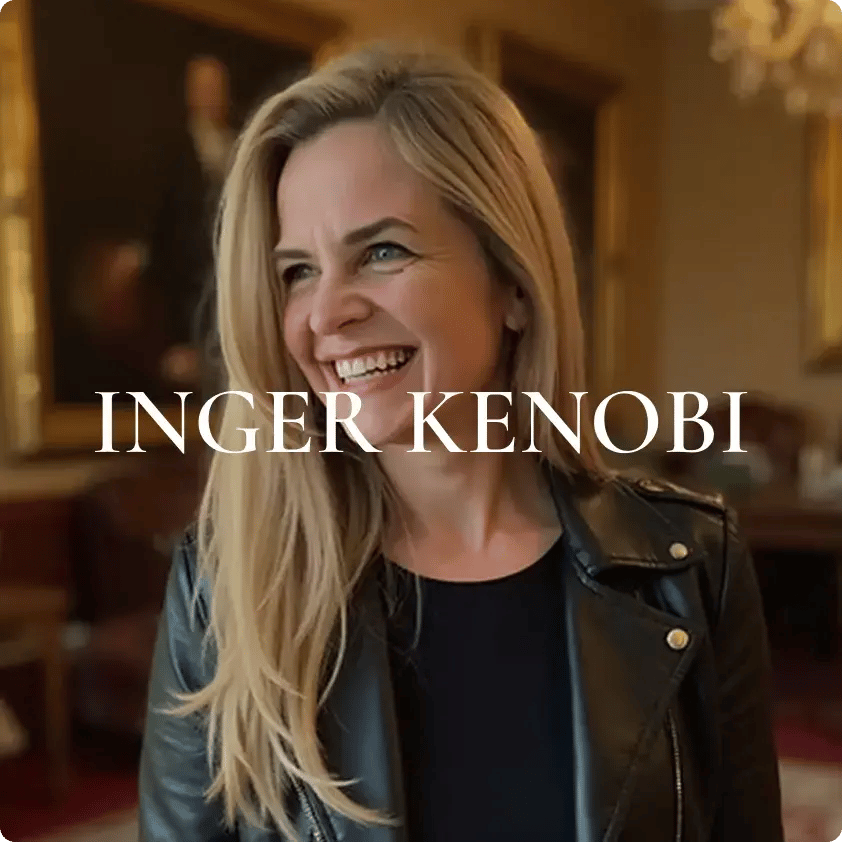
Life coach Inger Kenobi uses our online booking tool to automate all low-value scheduling tasks. YouCanBookMe brings Inger and her clients greater peace of mind by including all vital information, such as a unique video chat link, right in the confirmation email.
“It sends out the Zoom link so I don't have to send out separate emails all the time. I love that!”
Better meetings start here.
Browse quick, practical resources designed to help you schedule and run meetings without the hassle.
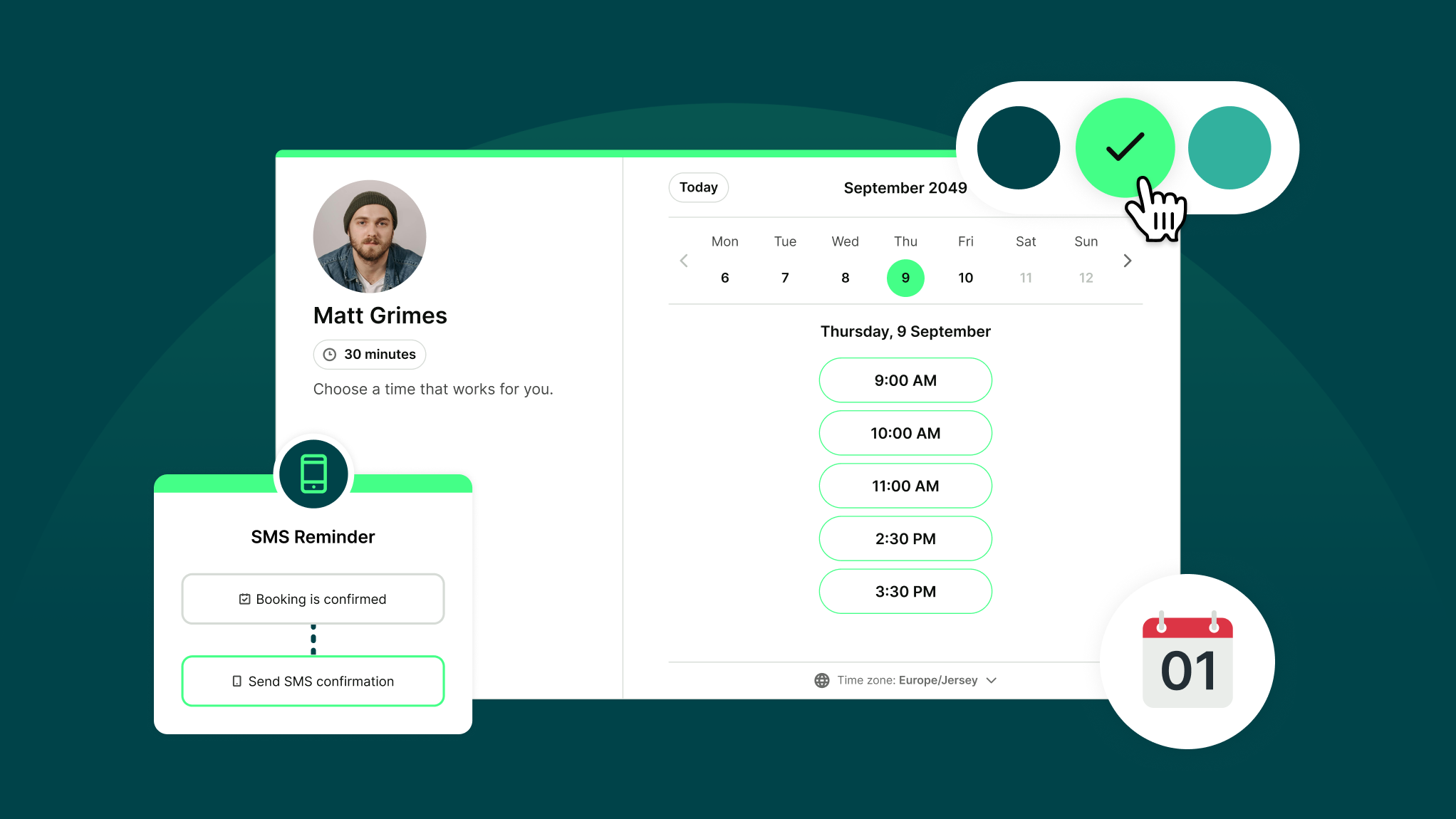
How Does YouCanBookMe Work? A Simple Getting Started Guide
New to YouCanBookMe? Don’t worry—we’ll show you how to put your scheduling on autopilot and set up your first booking page in (almost) no time.
.jpg?width=1920&height=1440&name=chris-montgomery-smgTvepind4-unsplash%20(1).jpg)
How to Blur Your Zoom Background on Multiple Devices
Messy home office and your conference call is about to start? Here’s how to blur the background in Zoom for a professional appearance.

How to Get Your Boss to Cover YouCanBookMe (3 Templates!)
Want your company to cover YouCanBookMe? We’ve got the perks, the pitch, and plug-and-play templates to make asking a total no-brainer.
Get started today
Join thousands of coaches, consultants, and entrepreneurs who use YouCanBookMe to power their business. Get your first booking in a few minutes.


 4.7 / 5 — Trustpilot


FAQs
Does YCBM automatically add the meeting link to the calendar invitations?
Yes. When you set Zoom, Google Meet, or MS Teams as your meeting location, YCBM automatically adds the unique video link to the calendar event for both you and your booker.
Can I automatically add meeting links to my emails and SMS notifications?
Absolutely. You can customize every part of your booking flow. YCBM inserts the correct meeting link into all confirmation emails, reminder emails, and SMS messages. Your clients always get the right link at the right time.
Can I automatically create a Zoom link with a password?
Yes—YouCanBookMe can include your Zoom meeting passcode automatically, depending on your Zoom settings.
If your Zoom account has “Embed passcode in invite link for one-click join” turned on, YCBM will automatically include the passcode inside the link. Your bookers can join securely without needing to enter anything manually.
If that setting is turned off or locked by your Zoom admin, you can still include the passcode by adding the shorthand code {ZOOM-PASSWORD} to any of your YCBM notifications. We recommend adding it to your reminder email and to the calendar event description so bookers can easily find it before joining.
Can I use Zoom, Google Meet, or MS Teams for group virtual meetings?
Yes. You can schedule group bookings for up to 50 participants with YouCanBookMe. While Zoom, Google Meet, and MS Teams don’t generate unique links for group bookings, you can easily add a static video link for everyone to join. Just drop the link into your calendar event and your confirmation and reminder emails, and YCBM will send it automatically to all participants.