
Serve your clients better Grow your business faster
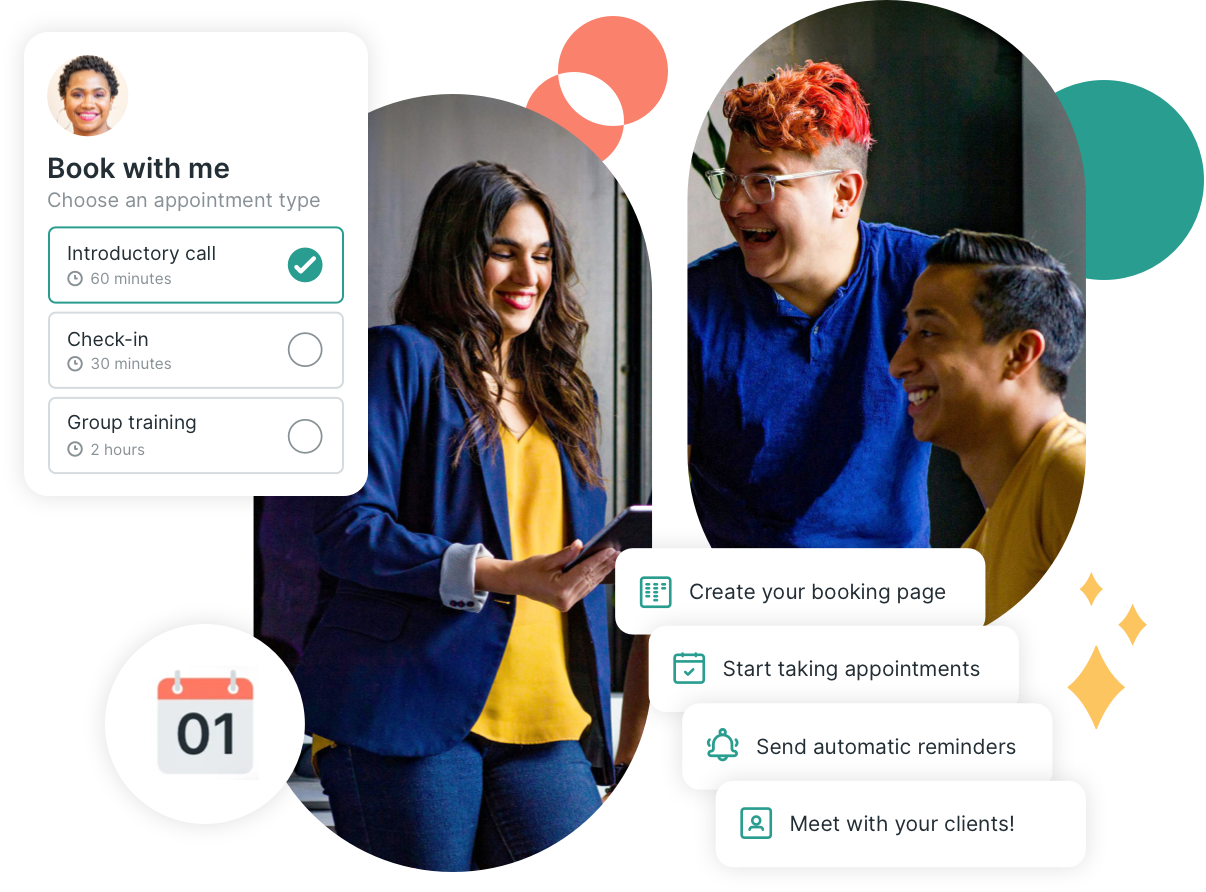
YouCanBookMe eliminates scheduling friction with completely customizable booking pages that work the way you do.

-
Multiple layouts to suit how you're scheduled
Display your availability showing one day, multi-day or a whole month. You decide what bookers see to best fit the way you work.

.png?width=1108&height=760&name=choose-views@2x%20(1).png)
-
Customizable automated email workflows
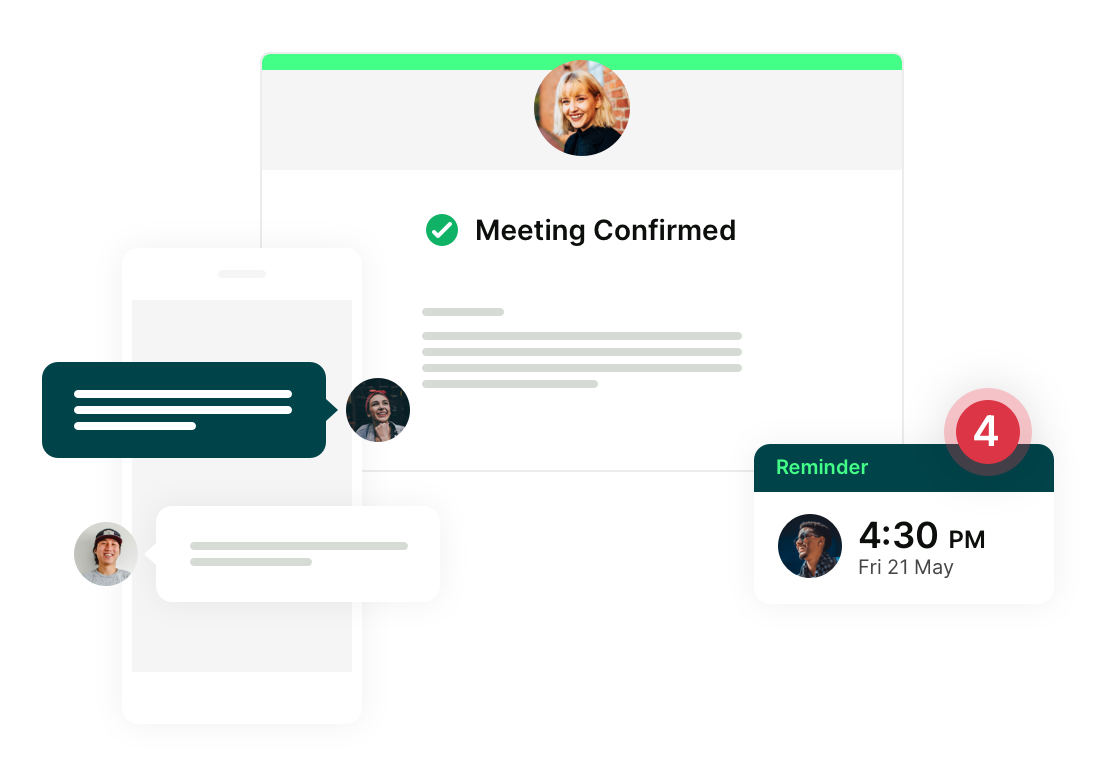
Unlimited reminders, follow-ups and no-show tracking. Include your company logo, color and all the information your clients need, based on their booking choices.
-
Share your availability where your clients are
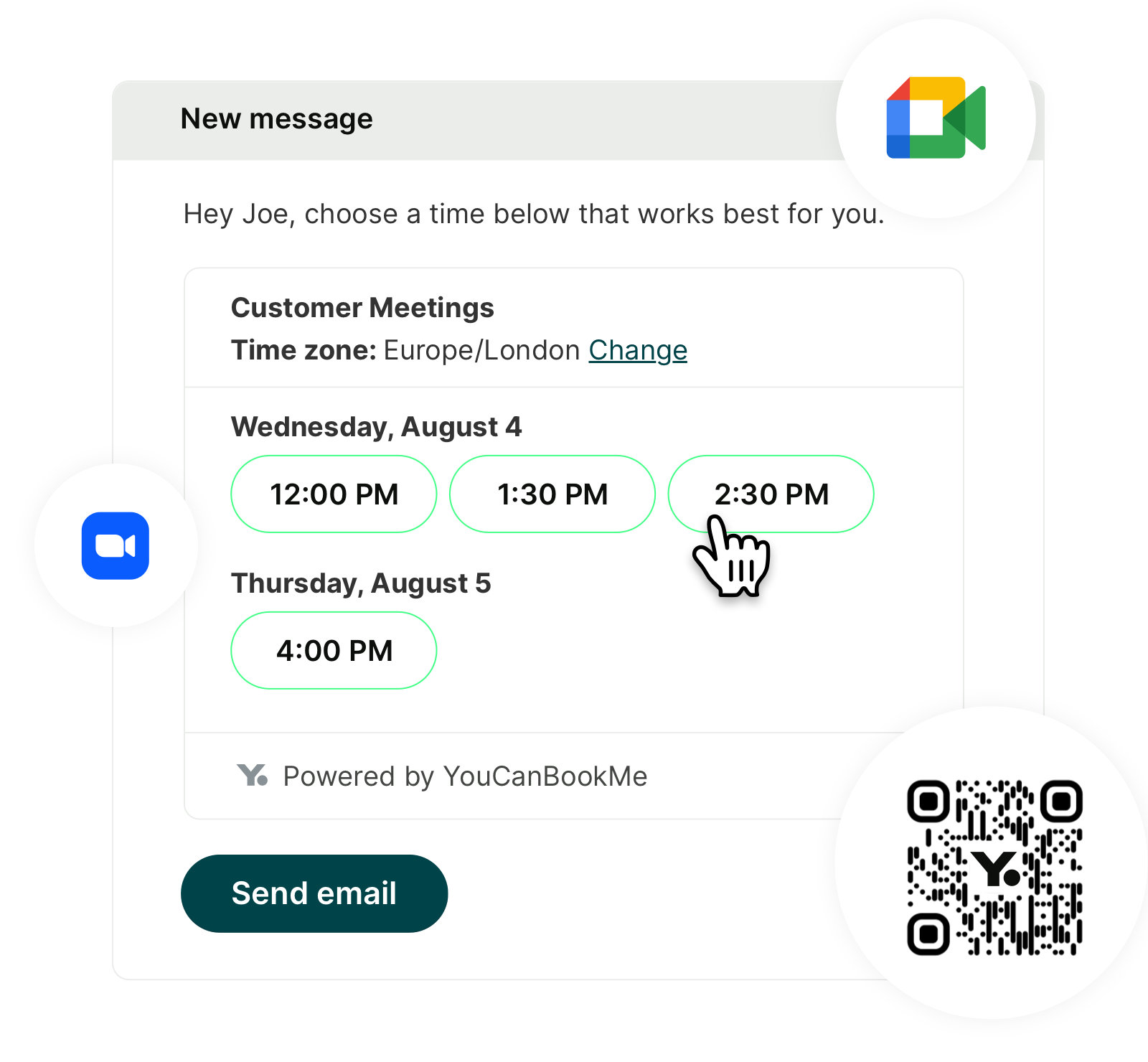
Paste suggested times in an email, embed in your website, share on social media, add a QR code to a flyer — be where you customers are.
-
Take payments
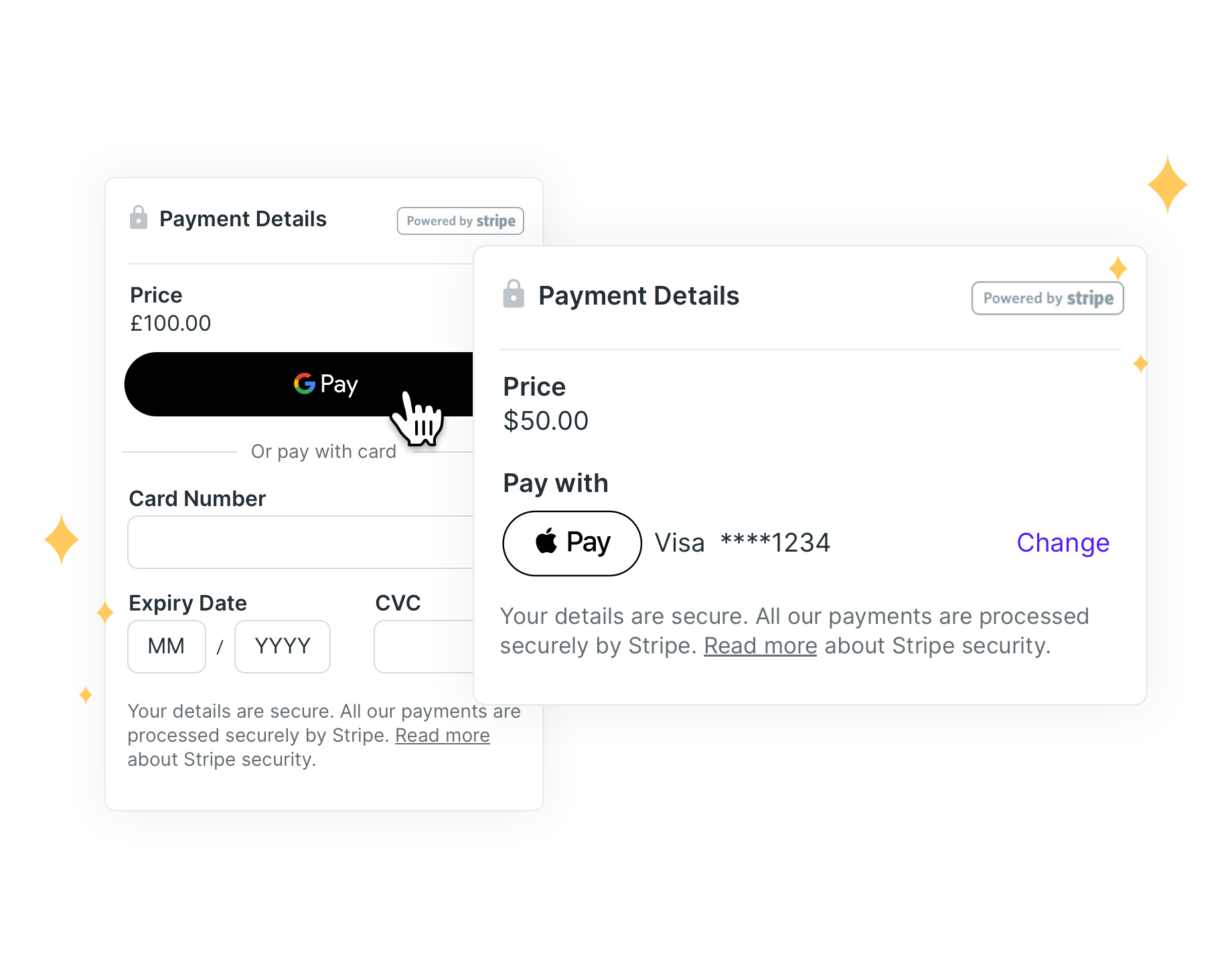
Charge people in advance to meet with you. Accept credit cards, Apple & Google Pay. Reduce no-shows by charging a deposit.
Focus on what you do best
YouCanBookMe takes care of all the manual tasks around scheduling while letting you personalize the experience to suit your business and your brand.

One link, lots of options
Daily booking limits
Request-only bookings
Single-use links
Custom booking forms
Bespoke notifications
Trusted by more than 1M+ users worldwide
Whether you're a consultant, coach, freelancer, or leader — we've got you.
Professional Services
Remove the friction
Offer the best booking experience for your business. 'Always on' booking pages that offer seamless scheduling no matter where your clients are.
Let us do the admin
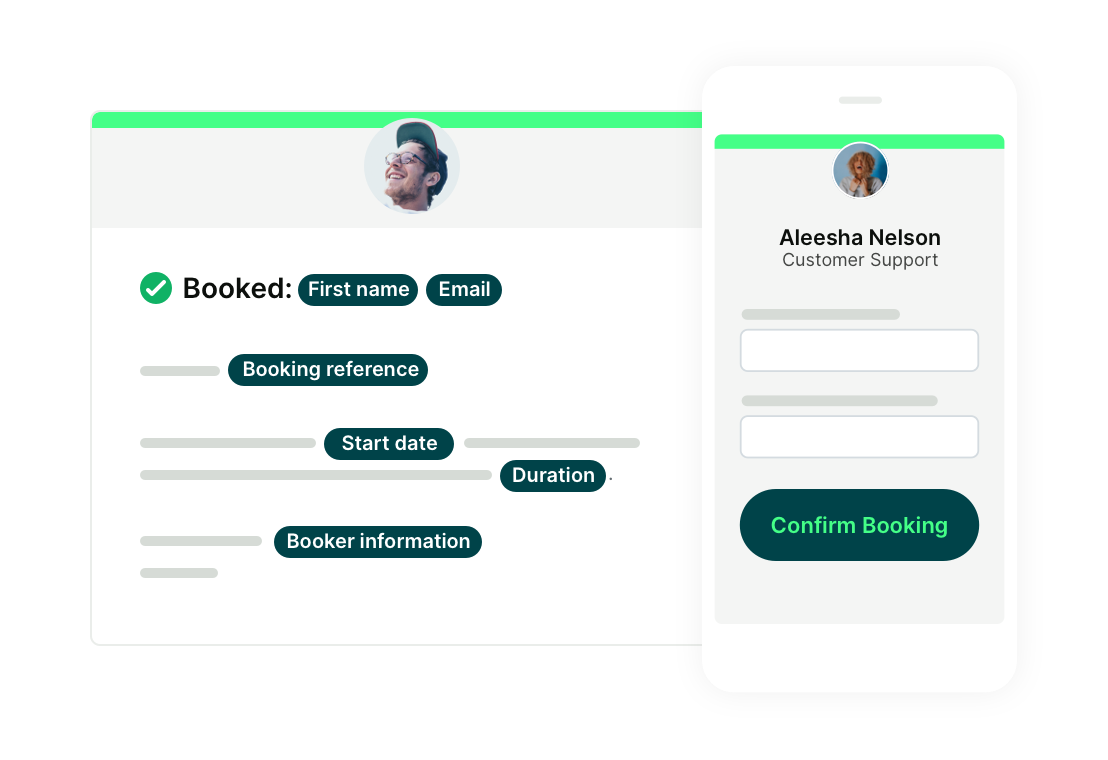
Automatic, customizable communications at every stage of the scheduling process. Confirmations, reminders, follow-up & no-show emails/ SMS let you communicate with your brand voice.
Showcase your brand
Customizable pages in multiple languages. Your clients are booking with you, not us!
Coaching
Never miss an opportunity
Embed your booking page on your website and in your social media so potential clients can schedule when their need is greatest.
Capture the information you need to be prepared
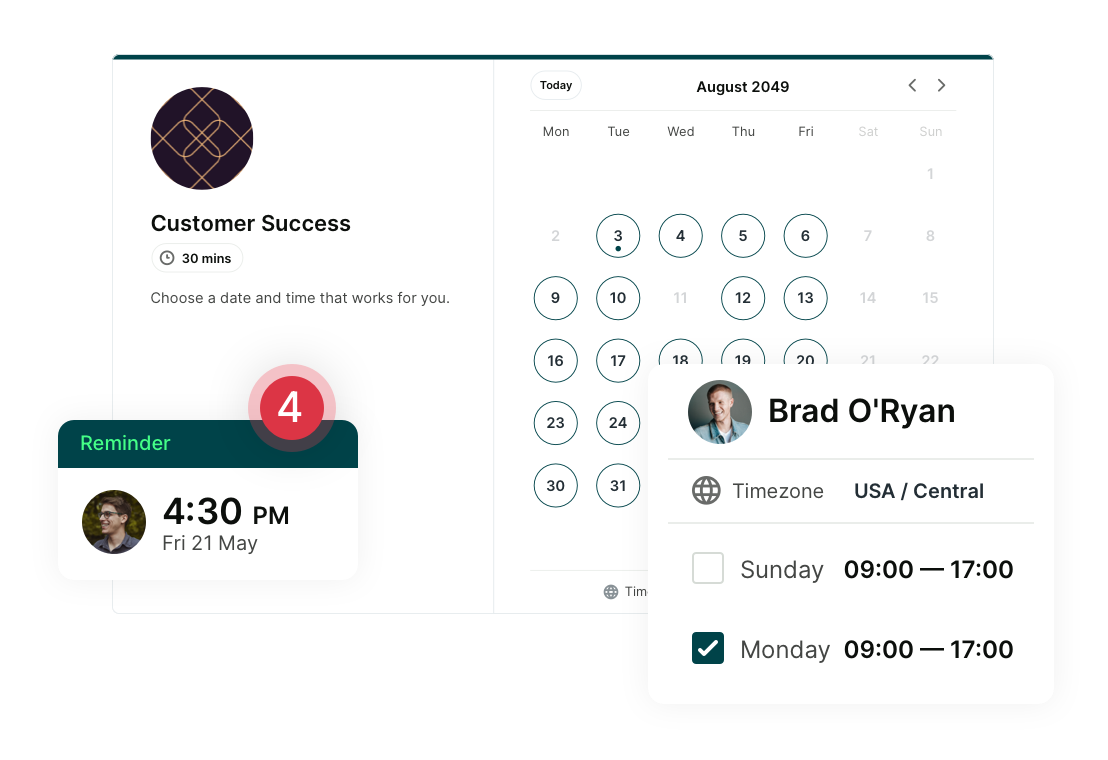
Be prepared for every session by asking questions on customizable booking forms. Pass information into your CRM or database

Consulting
Get seen where prospects are
Add your booking link to social media, emails and QR codes so leads always know how you to find you.
Weed out the time-wasters
Use Appointment Requests to ensure you only meet with qualified leads.
Automate your workflows
Customized workflows to automate your processes and keep in touch before and after your meetings.
Freelance
Be available to clients 24/7
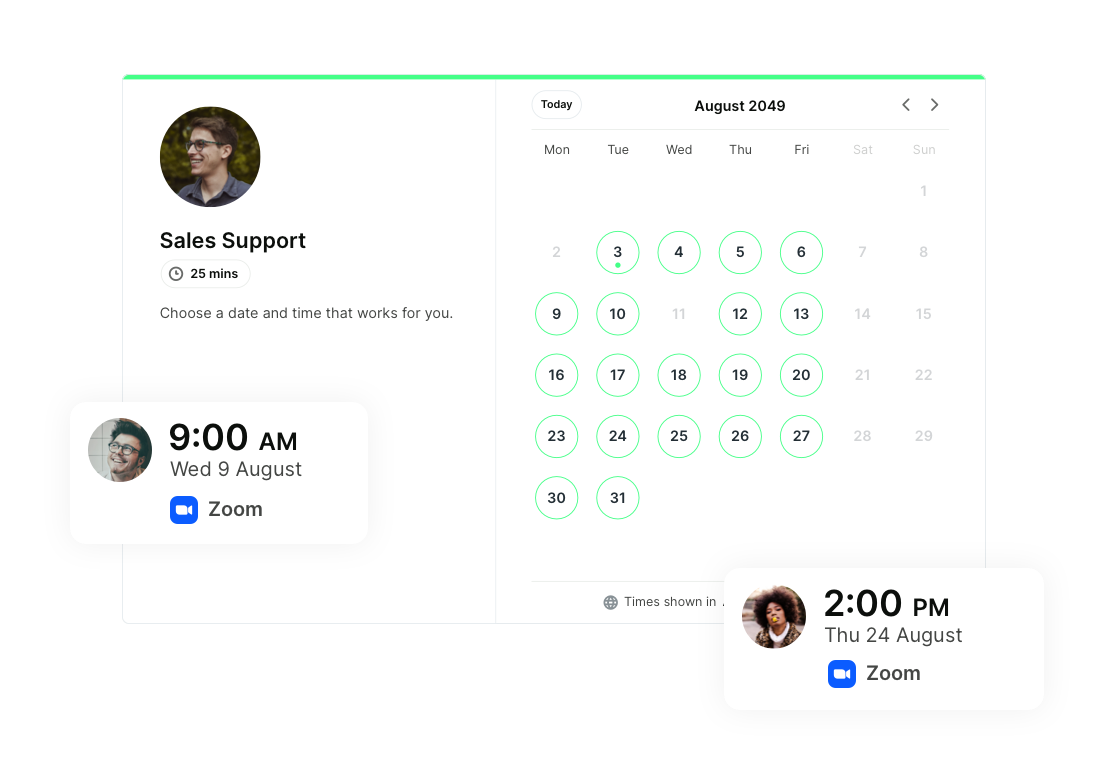
There's no problem working with clients around the world when your booking link is in duty around the clock. Times zones and languages? Taken care of!
Branded booking pages
Highlight your own brand, or co-brand with your client. Unique booking page settings mean you can offer the best booking experience for every situation.
Admin, schmadmin!
Keep your client database, project management and billing systems up to date with powerful automations and workflows.
Get started today
Join thousands of coaches, consultants, and entrepreneurs who use YouCanBookMe to power their business. Get your first booking in a few minutes.


 4.7 / 5 — Trustpilot


FAQs
How does YouCanBookMe work for individual professionals?
As a solo business owner, time is rarely on your side. Scheduling meetings can quickly turn into back-and-forth that eats into your day, and that’s exactly what YouCanBookMe is built to eliminate. You create a customizable booking page that reflects your brand and how you work, connect your calendar to show real-time availability, and share your scheduling link wherever your clients are, whether that’s email, your website, or social media.
From there, YouCanBookMe takes care of the rest. It handles confirmations, reminders, follow-ups, and even payments, while you stay in control with features like booking limits, request-only meetings, and custom intake questions. With the admin streamlined for you, you can stay focused on serving clients and growing your business.
Check out our Getting Started Guide to learn more about YCBM.
Can I try YouCanBookMe for free?
100% yes! YouCanBookMe offers a 14-day free trial with no credit card required. After the trial, you can stay on our free-forever plan, which includes one calendar connection, one booking page, meeting confirmation emails, and customizable booking forms. As your business grows or your scheduling needs change, you can upgrade at any time to access more calendars, booking pages, and advanced features, like min/max advance booking notice and buffer times.
See our pricing page to learn more about plans.
Do I need a credit card to start my free trial?
No, you don’t need a credit card to start your free 14-day trial. You’ll only be asked to add payment details if you decide to continue on one of our paid plans.
Can I create multiple booking pages for different services?
You sure can! Under our free-forever plan, you can create one booking page, while paid plans let you add more. The Individual plan includes two booking pages, and the Professional plan up to ten. With the Professional plan, you can also list multiple appointment types on a single booking page, allowing your clients to choose from different services you offer.
What apps and tools integrate with YouCanBookMe?
YouCanBookMe integrates with major calendar apps like Google Calendar, Microsoft Outlook, Apple Calendar, and Fastmail, so your availability always reflects your real schedule. It also connects seamlessly with Zoom, Google Meet, and Microsoft Teams to automatically generate video links for your meetings. You can integrate with HubSpot to keep contacts and bookings in sync, take payments securely at booking with Stripe, and connect to 6,000+ more apps through Zapier to automate your workflows.
What is the best scheduling software for freelancers and consultants?
The best scheduling software for freelancers and consultants depends on how you work and what features matter most to you. YouCanBookMe is well-suited to professionals who want their booking page to reflect their brand and workflow, while handling confirmations, reminders, and follow-ups automatically. With calendar sync, video call integrations, and the option to take payments at booking, it supports both simple setups and more structured client work.