
Control the booking experience before anyone books

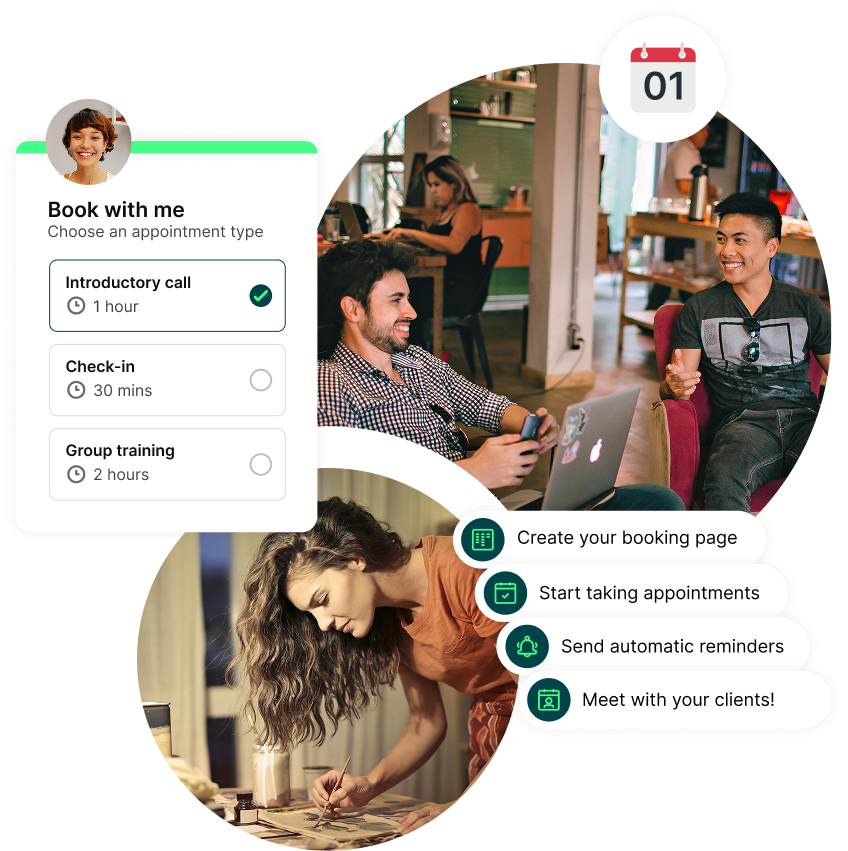
Set different appointment types
Offer exactly what you want to be booked for. Free intro calls, paid sessions, workshops, or group events—each with its own rules, length, and availability.

Ask the right questions beforehand
Collect prep details, preferences, and vital info with configurable booking forms. Use conditional logic to show or hide questions based on previous answers.

Choose to accept or reject bookings
Prefer to review bookings before they’re confirmed? Let people request a time and approve or decline it before it hits your calendar.

Password-protect your booking pages
Keep certain bookings exclusive. Perfect for internal meetings, private clients, or invite-only sessions.

Set prices and take payments for meetings
Charge upfront or take deposits—all while supporting multiple currencies, promo codes, and popular payment methods.

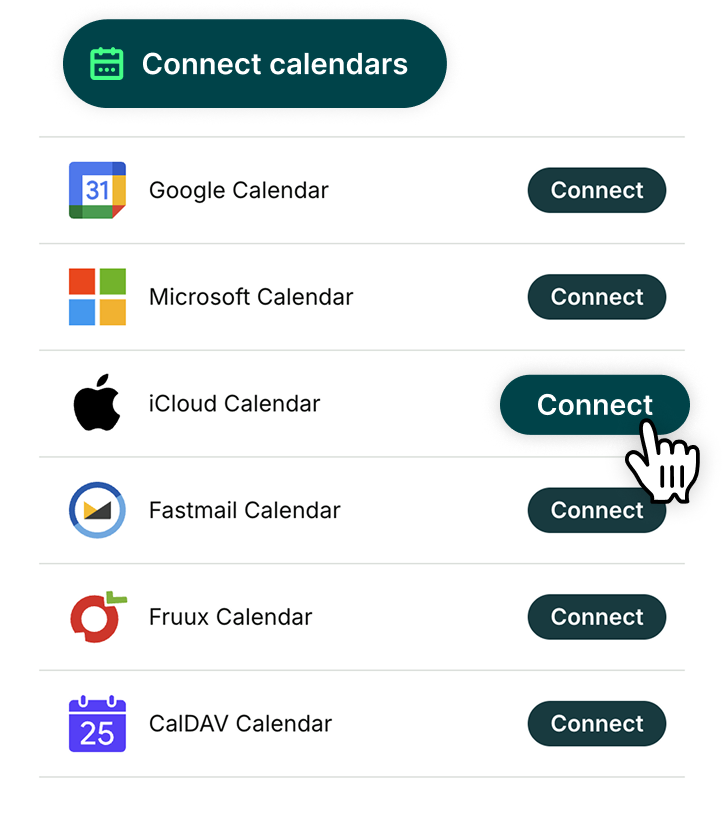
Sync with all your calendars
Connect up to 10 calendars, including Google, Apple, Outlook, and Fastmail, to keep availability accurate and prevent double-bookings.
Keep bookers informed automatically, every step of the way
-
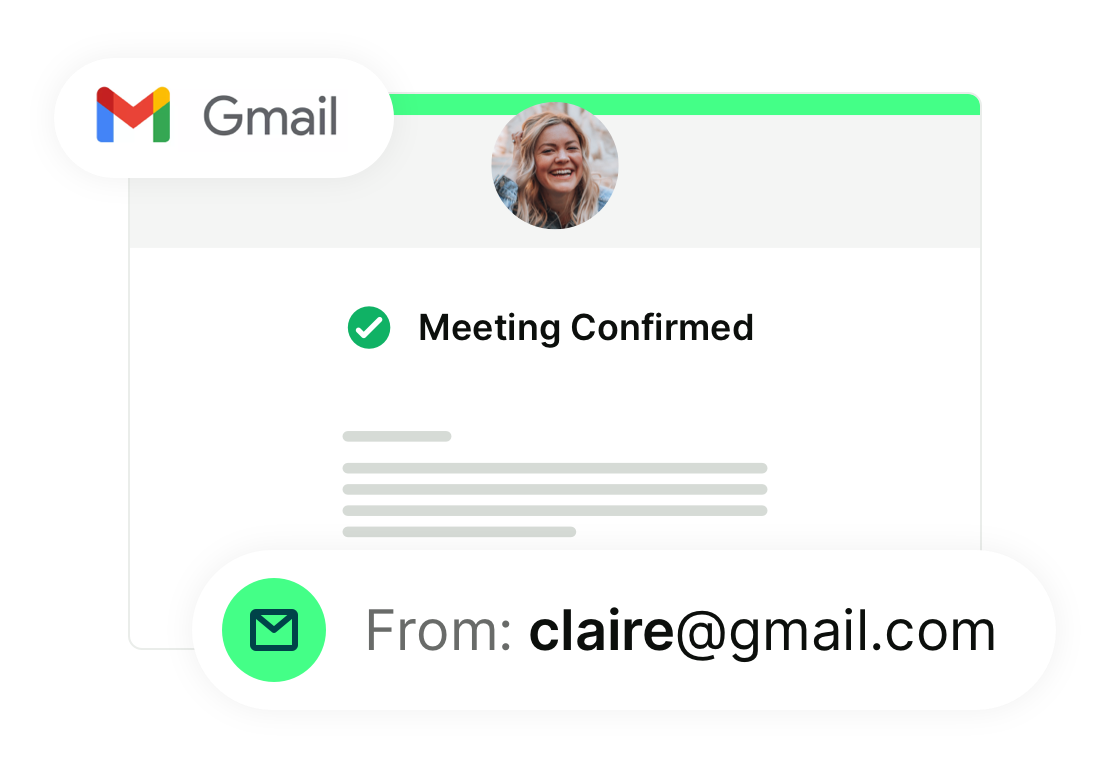
Booking confirmations
Give clients instant peace of mind. Once a booking is made, instantly send confirmation emails with all the details they need—when they’re booked, where to meet, how to prepare, and what to expect next.

-
Meeting reminders
Automated reminders keep meetings top of mind and reduce missed appointments—no more chasing clients.

-
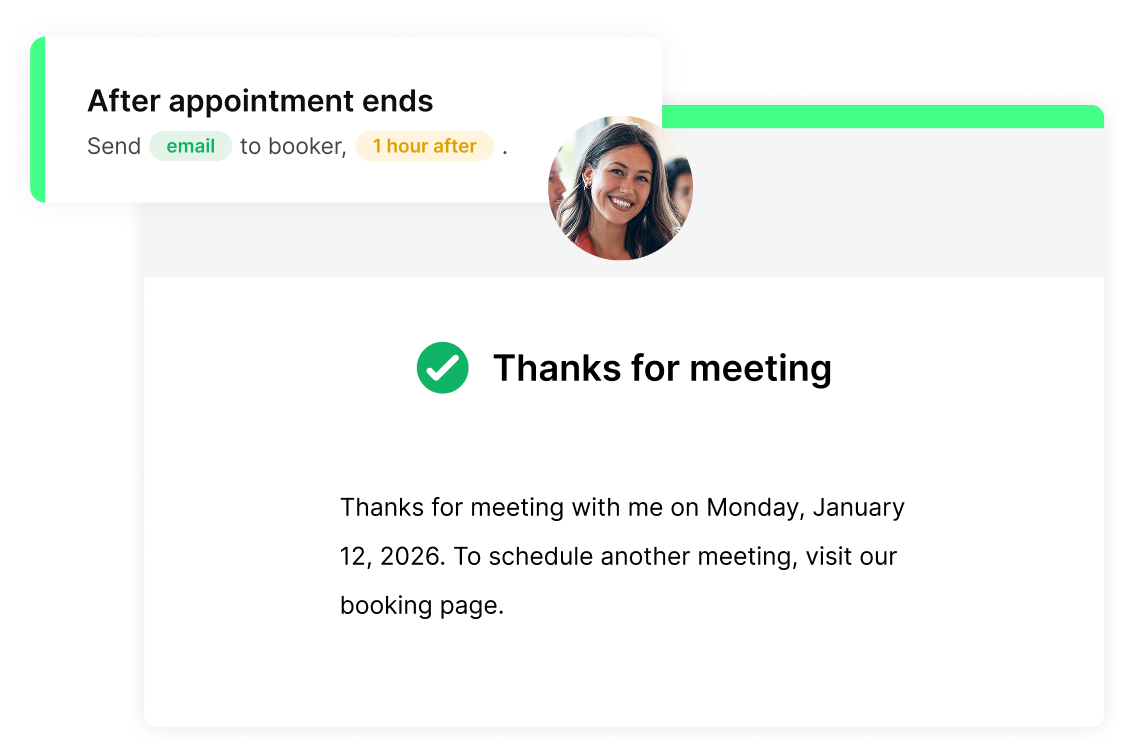
Engaging follow-ups
Turn one booking into the next. Send rebooking links, next steps, or review requests automatically after meetings.
Emails that keep everything running smoothly
Send emails that help clients remember, prepare, and show up—without you lifting a finger.
- Automatically send confirmations, reminders, and follow-ups
- Make every message sound like you with full control over timing and wording
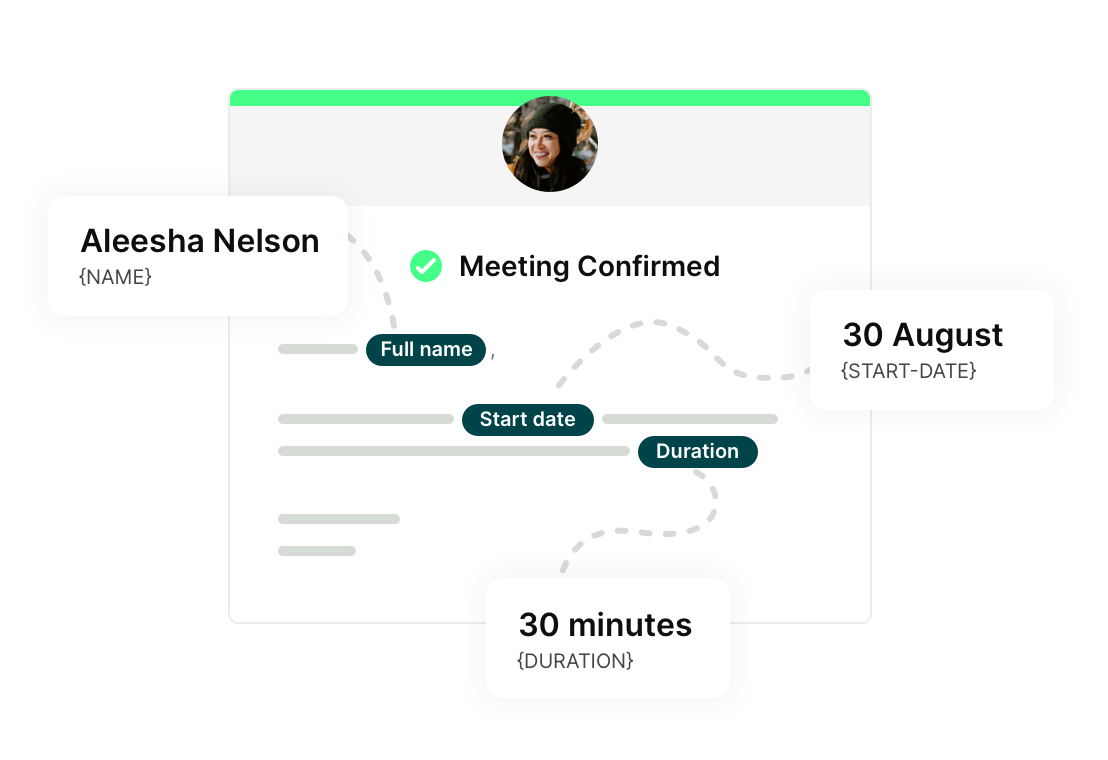
- Personalize emails with names, links, and details pulled automatically from the booking form
- Send from your own Gmail address so messages feel familiar and trusted
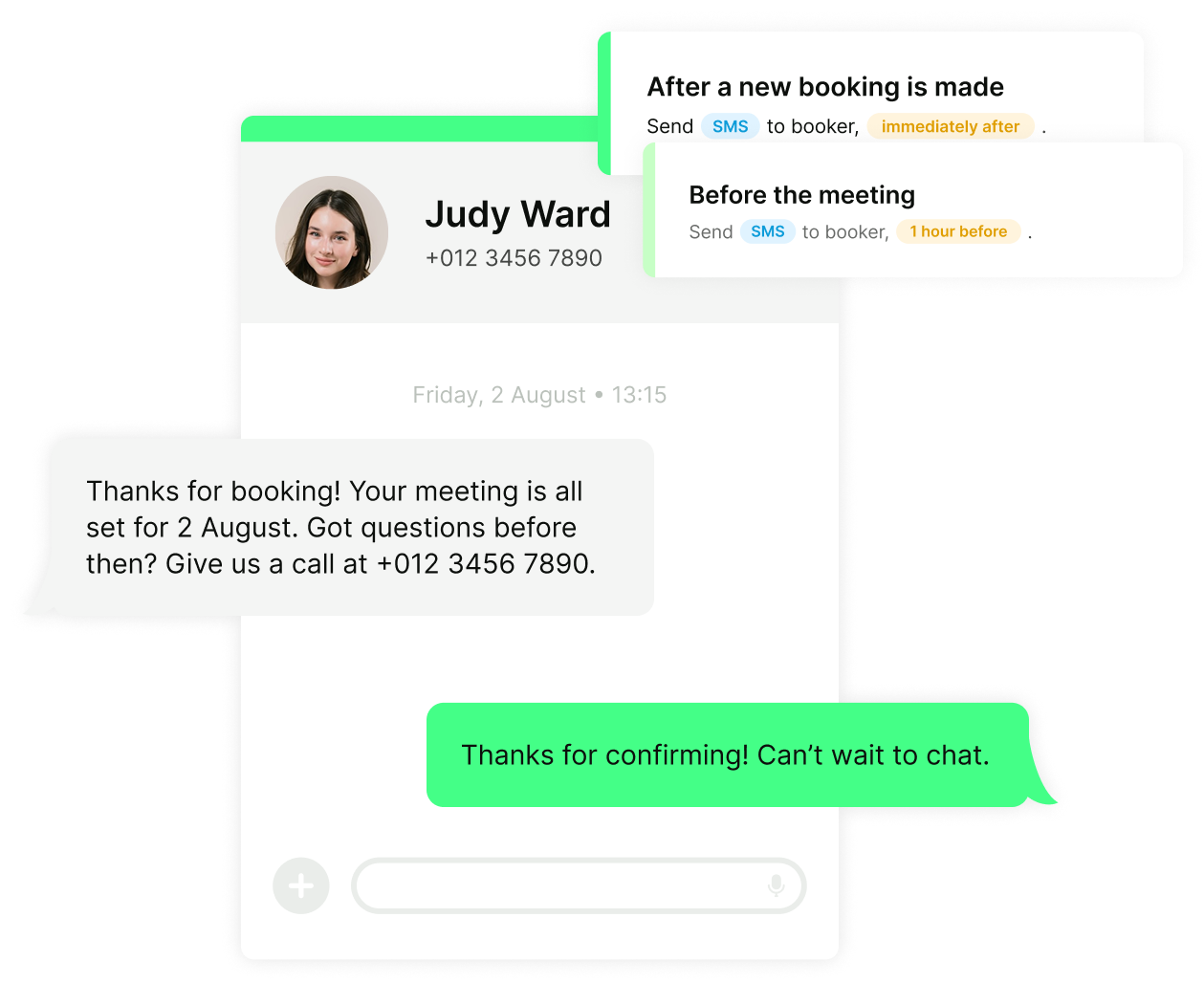
SMS notifications that cut through the noise
Reach clients where they’re most likely to see your message—right on their phone.
- Send quick confirmations, reminders, and follow-ups by text
- Keep no-shows low with timely nudges clients actually read
- Use trusted numbers, including your own business line or local numbers
- Send texts worldwide with automatic time zone handling
Finish strong after every booking—without the busywork
-
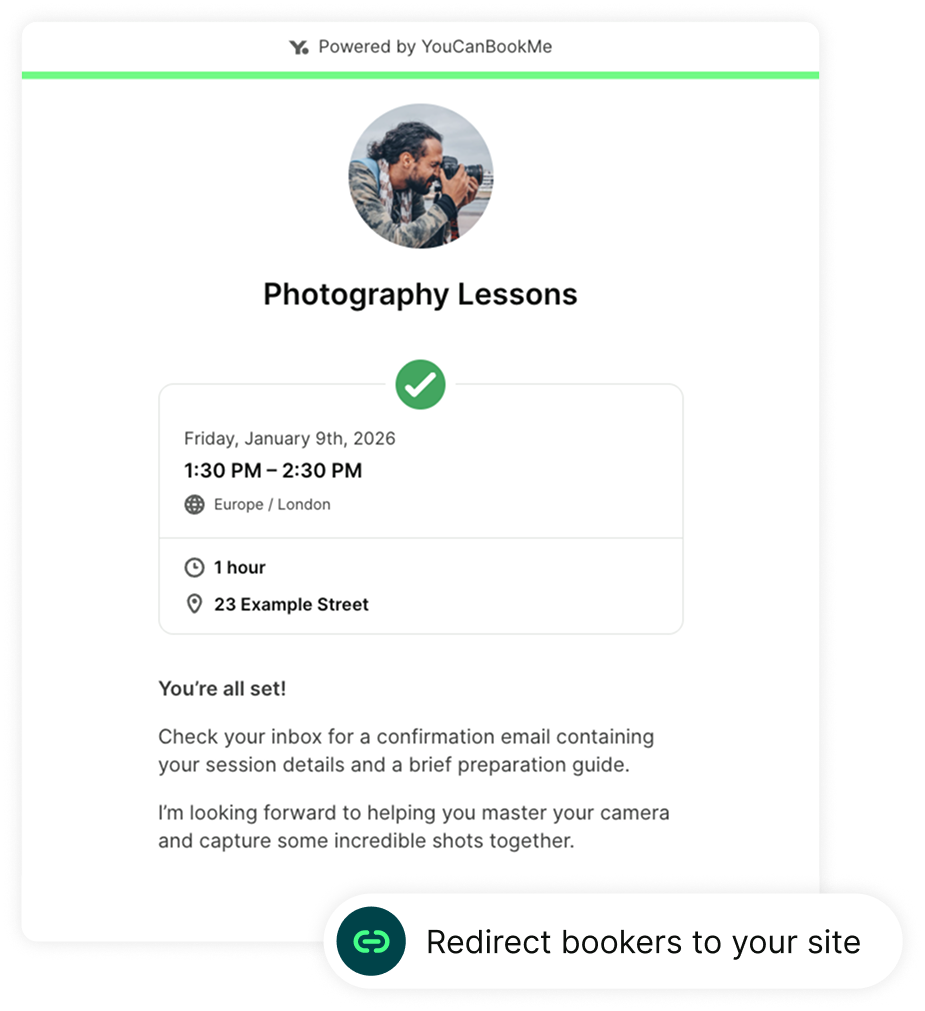
Custom confirmation page
Show a branded confirmation screen or redirect bookers to your own website after they schedule.
-
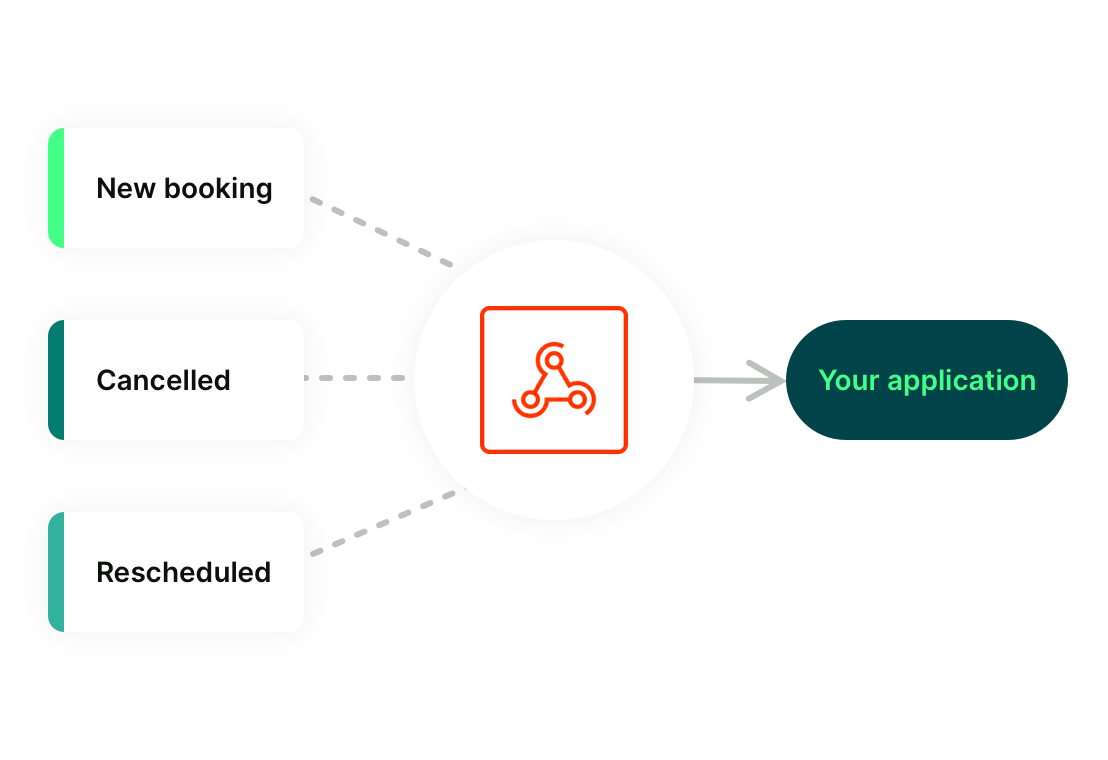
Webhooks
Trigger actions in other tools whenever a meeting is booked, rescheduled, or canceled—perfect for advanced workflows and integrations.
-
Calendar sync
Any changes made in YouCanBookMe, Google, iCal, or Outlook automatically update everywhere—on your calendar, in YouCanBookMe, and in all scheduled reminders and messages.
-
Analytics
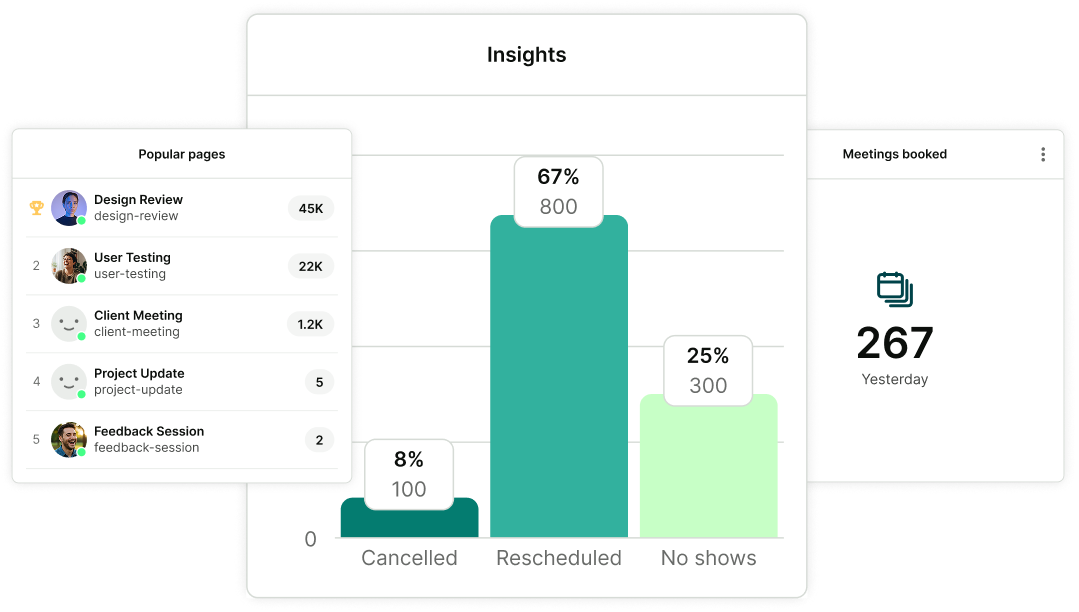
Track top-performing booking pages, total meetings, cancellations and no-shows, revenue, and SMS so you can spot what’s working and where to optimize.
Built for businesses that rely on automation
Less mental load. More momentum.
-
"Appointment reminders are phenomenal. Before I turned them on, I had almost 20% of appointments canceled. After turning them on, that went down to less than 1%.”
 Greg SchwartzGenerative AI Consultant
 -
“I want my calendar to fill up while I'm sleeping. And it does. It could be any time of the day or night. I'll wake up in the morning. Oh, there's some new appointments that I have.”
 Melissa GeorgeCEO, InvestHER Fiduciary Solutions
 -
“What stood out to me was the automation. We picked YouCanBookMe because we wanted the studio to be self-automated—it needed to run smoothly without us being there all the time.”
 Trisyia IrdinaProducer, Studio 5 Spaces
 -
“The mental work saved is even more than the time saved. I love that YouCanBookMe brought clarity, as well as saving time.”
 Inger KenobiLife Coach
 -
“YouCanBookMe really takes care of any kind of scheduling with patients. It makes it easy for them to make their appointments, cancel their appointments, move their appointments. They get automatic notifications.”
 Thomas McCartyOwner, Tree of Life Acupuncture
 -
“It used to take me half an hour to book one session, so having something that can automate it, that can take that part of the work away from me, that makes my life infinitely easier.”
 Nate CruzFitness Coach and Boxing Champion
Get started today
Join thousands of coaches, consultants, and entrepreneurs who use YouCanBookMe to power their business. Get your first booking in a few minutes.


 4.7 / 5 — Trustpilot


FAQs
Can I connect YCBM to other workflows in my business?
Absolutely. YouCanBookMe connects seamlessly with the tools you already use. You can connect natively to calendars like Google, Apple, Microsoft, and Fastmail, video tools like Zoom and Google Meet, Stripe for payments, and CRMs like HubSpot—plus over 6,000 additional apps through Zapier.
For more advanced setups, webhooks let you trigger custom workflows whenever a booking is created, rescheduled, or canceled. That means bookings can automatically update CRMs, notify your team, kick off onboarding steps, or sync data across your systems—without manual intervention.
Can I take payments in my own currency?
Yes. YouCanBookMe’s free booking site supports multiple currencies, so you can charge clients in the currency that makes the most sense for your business and your audience.
YouCanBookMe integrates with Stripe to support over 135+ different currencies, making it easy to accept payments from clients around the world—including US payments and UK payments. You can set the currency for each booking page, so pricing feels local and familiar while everything is handled automatically behind the scenes.
Can I offer discount codes and packages?
Yes. YouCanBookMe’s online booking website lets you offer promo codes and discounts through Stripe, giving you flexible ways to attract new clients or reward returning ones.
You control every detail of each discount—set expiration dates, minimum order values, and redemption limits to match your goals. When a client books, the promo code field appears directly on your booking form, and the discount is applied automatically, keeping the checkout experience smooth and simple.
Can I take payments with Apple Pay and Google Pay?
Yes. YouCanBookMe’s free booking website supports Apple Pay and Google Pay, allowing clients to book and pay in just a few taps. These fast, familiar payment options are especially helpful on mobile and can significantly reduce drop-off during checkout.
Can I accept or reject bookings before they are confirmed?
You can! YouCanBookMe’s Meeting Requests feature gives you full control before a booking is finalized. When someone requests a time, the booking appears on your calendar with question marks until you decide whether to accept or reject it.
You can also customize the emails sent to your booker based on your decision, so expectations are clear and communication stays professional—without extra follow-up or manual coordination.
Can I add conditional questions to my booking form?
Yes. Conditional follow-up questions let your booking form adapt based on how someone answers earlier questions. You can show or hide fields dynamically, so bookers only see what’s relevant to them.
This keeps forms short and easy to complete while ensuring you still collect the information you need—leading to better-prepared meetings and a smoother booking flow.