
Win clients before the meeting even starts
Get the financial services scheduling software that helps you fill your calendar, qualify better leads, and deliver a premium client experience—automatically.

Trusted by 1M+ users across 100 countries







First impressions are everything.
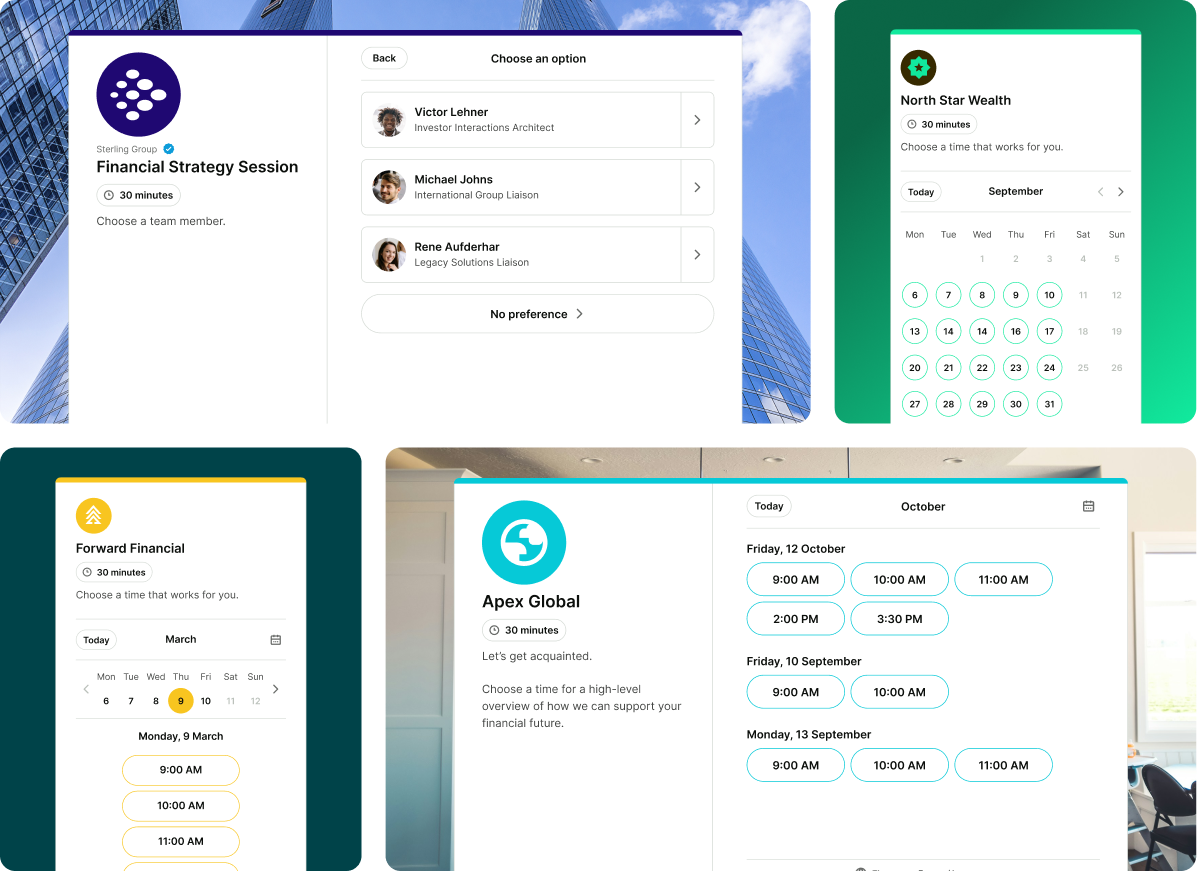
Does yours look like your firm—or like everyone else's? Build trust from the first click with a fully branded booking experience that turns more visitors into clients.
- Add your logo, brand colors, and custom backgrounds
- Embed your booking page directly on your website
- Redirect to a bespoke confirmation page after every booking
It's your business, and every interaction should reflect it.

Turn every booking into a VIP client experience
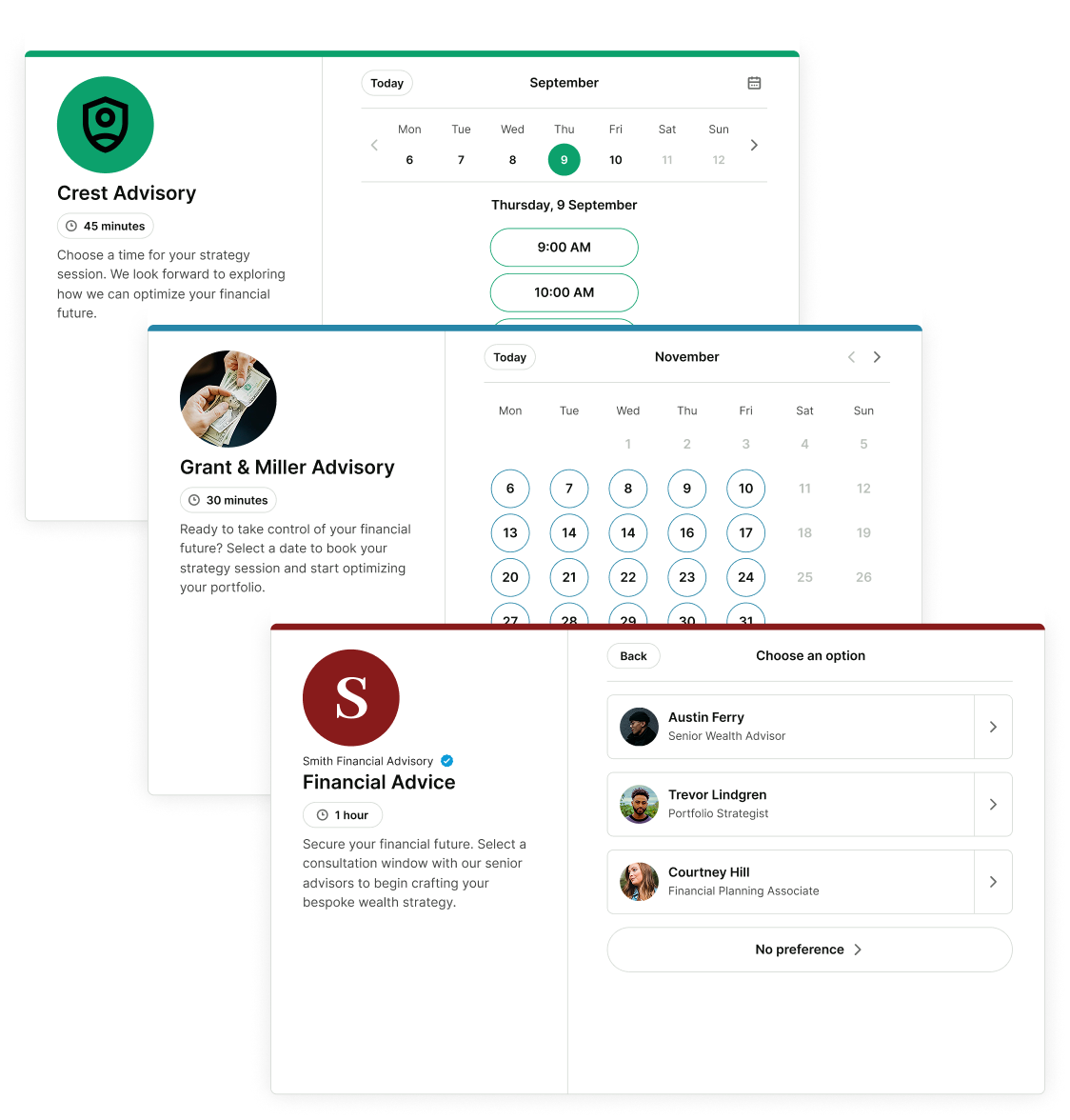
With live calendar syncs, clients can book the time slot, advisor, and appointment type that suits them in seconds—letting your calendar fill up even while you sleep.
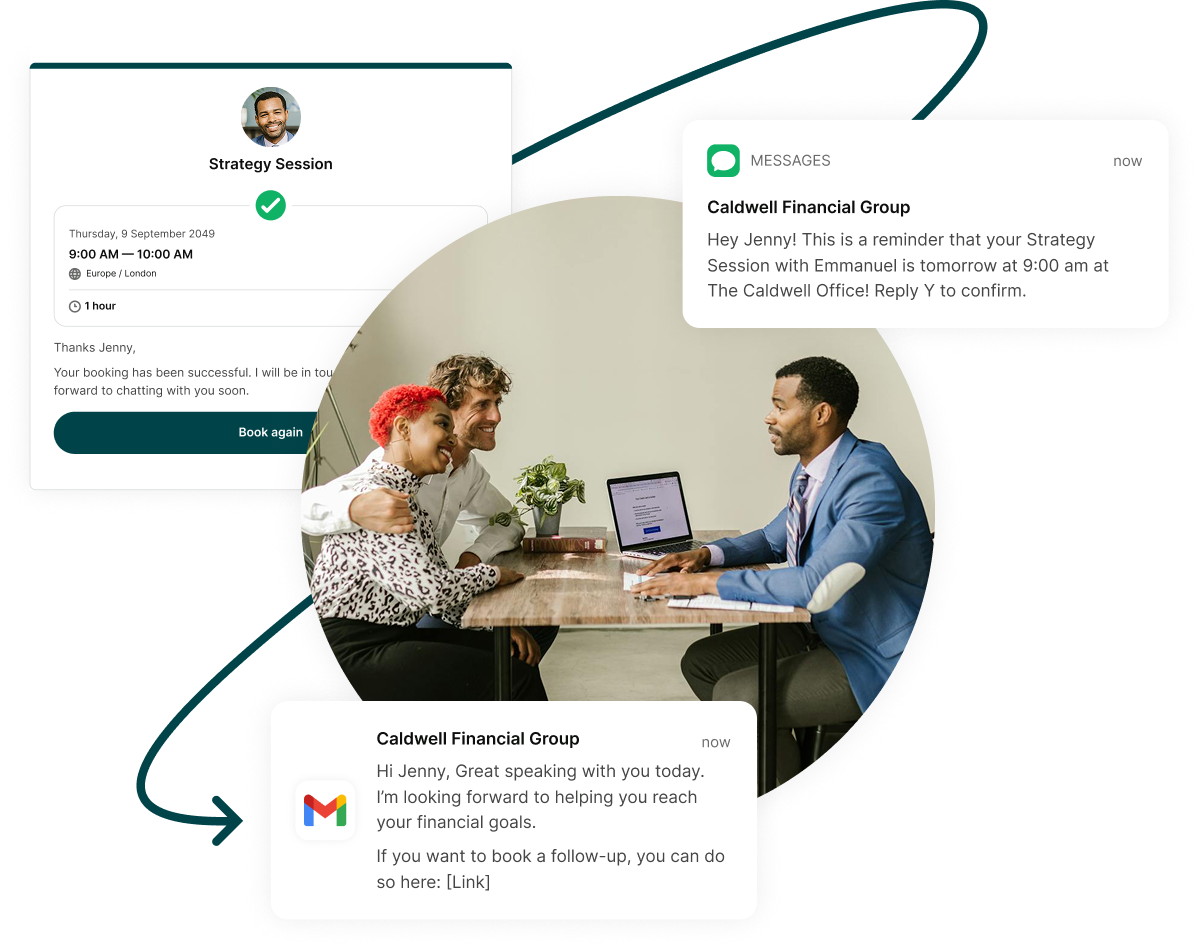
Automated confirmations, SMS and email reminders, and personalized follow-ups keep clients engaged before, during, and long after every meeting.

Stop giving your best hours to your coldest leads
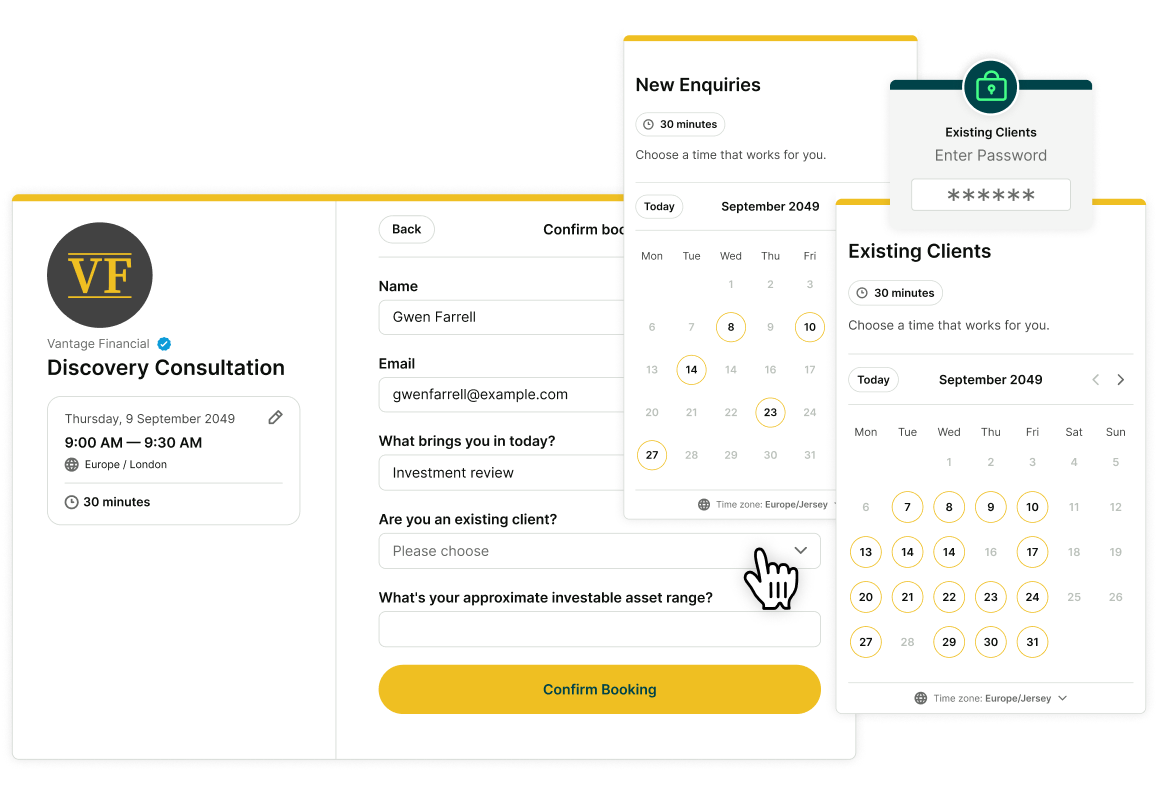
Your time is valuable. Qualify clients before they book by asking the right questions upfront—so you can focus on high-value conversations, not price shoppers.
Create tailored booking experiences for different audiences, with more access for existing clients and more control over new leads.

Why financial businesses (like yours) ♥️ YouCanBookMe
Real stories from financial services teams booking more clients, cutting admin, and making scheduling just work.
-
"I want my calendar to fill up while I'm sleeping. I could be any time of the day or night — I'll wake up in the morning and there are new appointments. I love it."
 Melissa GeorgeCEO, InvestHER Fiduciary Solutions
 -
"Playing phone tag is frustrating, it's inefficient, it's a waste of time. I want people to schedule calls—it's great for them and it's great for me."
 Brian MartucciFounder, Get Loans
 -
"My job is not to tell you when to talk to me. I love it when people book their appointments—that's you telling me when you want to talk."
 Van RichardsonCo-Founder & CEO, Filo Mortgage
 -
"I give my clients a separate link with more availability—more dedicated time, because that's what they pay for—compared to somebody who doesn't know me yet."
.png?width=100&height=97&name=Alex%20Falcon%20Huerta%20FCCA%20(1).png) Alex Falcon HuertaCEO, Soaring Falcon
Alex Falcon HuertaCEO, Soaring Falcon -
"We needed a tool where we could change the branding on each booking page and have multiple calendars with different rule sets. YouCanBookMe came top marks on that."
 Ben SztejkaManaging Director, Your Ecommerce Accountant

Everything your business needs to run better, more profitable client bookings

Separate booking pages for different audiences
Create distinct pages for prospects and existing clients —with different availability, intake questions, appointment types, and levels of access.

Create custom intake forms
Collect what you need before every call. Know who you're meeting, what they want to discuss, and whether they're ready to move forward—all before you even say hello.

Automate reminders and follow-ups
Reduce no-shows with timely reminders. Then keep relationships warm with personalized follow-ups that go out automatically—days, months, or even a year later.

Add buffer time between appointments
Give yourself space to reset, take notes, and prepare for your next client. Set it once and it runs itself.

Manage your entire team from one dashboard
Create individual booking pages or bring your team together on one page. Share availability, distribute meetings with round robin, or let clients choose who to meet.

Get paid before you meet
Allow clients to schedule and pay for sessions in one step. Offer promo codes to attract new clients and paid add-on services to boost your revenue per booking.





 4.7 / 5 — Trustpilot


Time saved. Stress relieved.
Find out how to make every aspect of your client booking process simpler, smoother, and more effective.

How a scheduling tool helps this CEO stay focused on her mission
Learn how a communications pro makes client connections stronger, boosts performance, and creates more wins with YouCanBookMe's leading scheduling technology.
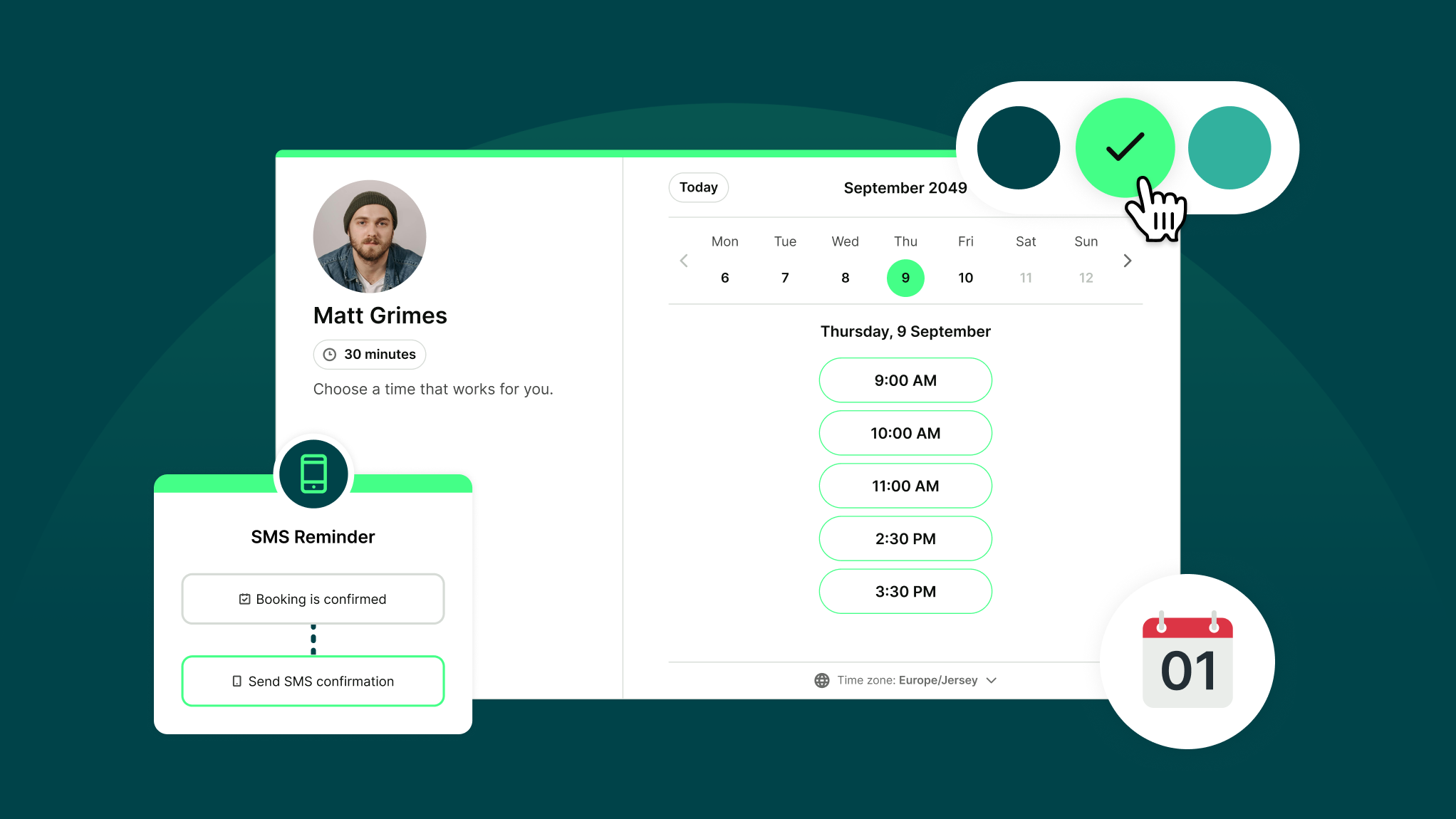
How Does YouCanBookMe Work? A Simple Getting Started Guide
New to YouCanBookMe? Don’t worry—we’ll show you how to put your scheduling on autopilot and set up your first booking page in (almost) no time.
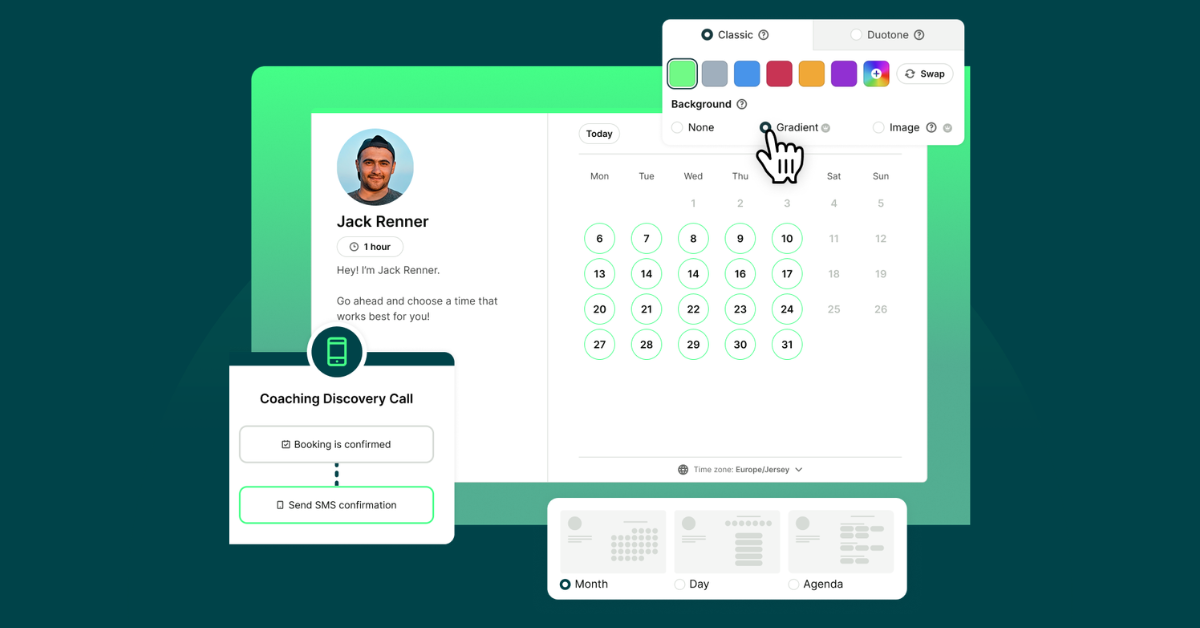
10 Powerful Ways to Customize Your Booking Page with YCBM
Unlock the secrets to a booking page that wows. See how to elevate your brand, streamline your workflow, and leave a lasting impression with every appointment.
Frequently Asked Questions
Does YouCanBookMe have a free trial?

Yes, absolutely! When you sign up for YouCanBookMe, you'll automatically receive a free 14-day trial of our paid plan. After you’ve enjoyed your two-week trial, you can make the decision to upgrade. Or, you can stick with the free plan—forever. Compare YouCanBookMe’s plans to see which one is right for you.
Can I use YouCanBookMe with my team?
Yes. YouCanBookMe is built for teams of all sizes—from small firms to large, distributed organizations.
Create individual booking pages for each team member or bring everyone together on a shared page with pooled availability. Each person connects their own calendar and can personalize their booking page, while clients can choose who they want to meet—or you can use round-robin scheduling to automatically distribute meetings and balance workloads.
You can also control access with role-based permissions, give admins full visibility from one dashboard, and manage scheduling across teams, locations, and time zones—all in one place.
Can I create different booking pages for different types of clients?
Yes. Many financial services professionals use YouCanBookMe to create separate booking pages for new prospects and existing clients—so they can control who gets access to their time.
Set different availability, intake questions, and appointment types for each audience. Give existing clients more flexibility, while using tighter controls to qualify new enquiries before they reach your calendar.
You can also protect client-only pages with passwords, ensuring your best clients always have priority access—without opening up your schedule to everyone.
What calendars can I integrate YouCanBookMe with?
So many. You can integrate as many calendars as you’d like — both personal and business — with YouCanBookMe. Our software for financial services integrates with Google Calendar, Gmail, Outlook 365, Outlook.com, and Apple Calendar.
Can I offer in-person and virtual meetings?
You bet. You’re in control of your bookings. Easily customize the types of appointments you offer, whether that’s in-person, virtual, or both. Using our software for financial services, you can block entire days for virtual-only meetings if that makes the most sense for your calendar and your availability. Plus, you can give your clients the flexibility they need to choose the appointment type that works for them.
How can I collect important information from clients to help me better prepare for our meetings?
YouCanBookMe has configurable booking forms that let you collect valuable information from your clients before you meet. Gather details like client contact information, how your clients found you, and what they want to discuss. Ensure everyone in the meeting is prepared, so your time together is as productive as it can be.