
No more scheduling chaos Just bookings that work
From admissions to advising to faculty office hours, YouCanBookMe gives every team on campus a better way to meet with students.
No back-and-forth. No missed appointments. No admin overhead.


Trusted by universities and colleges worldwide


140,000+ bookings
At Missouri State since 2014 with 60% fewer staff managing appointments.

5 hrs/week saved
Per advisor at Portland State University—1,100+ hours a month across the team.

~ 0% no-shows
At Illinois College with emails and calls cut by 25%.
Built for every team on campus
One scheduling tool. Every department. Easy access for all students.

Admissions
Interviews, campus tours, & info sessions
Send one booking link, set your tour capacity, and let prospective students book themselves in. Share your page on your website, socials, emails, or via QR code on print materials.

Academic Advising
Drop-ins, degree check-ins, & support appointments
Embed your booking page in your LMS so students are two clicks from a confirmed appointment. Offer multiple appointment types and advisors on one page, so students can quickly find the right support.

Faculty & Staff
Office hours, research check-ins, & dissertation reviews
Replace open-door chaos with bookable, capped slots. Set minimum notice, add buffer time between appointments, and let students reschedule or cancel within your rules.

Student Counseling & Wellness
Wellness appointments, counseling, & student support
Let students book 24/7 without calling, whenever they need support. Cut no-shows with email and SMS reminders, then automatically follow up with helpful resources.

Career Services & Financial Aid
Mock interviews, CV reviews, aid consultations & appeals
Let students choose between in-person and virtual appointments when they book, giving them more flexibility. Collect what they need help with upfront, so your team can come prepared.

IT Support & Help Desk
Hardware, software, & account access issues
Students log the issue and their device before they arrive. Triage by appointment type, route to the right tech, and add buffer time so each request gets the time it needs.
Consistency for your team. Control for every calendar.
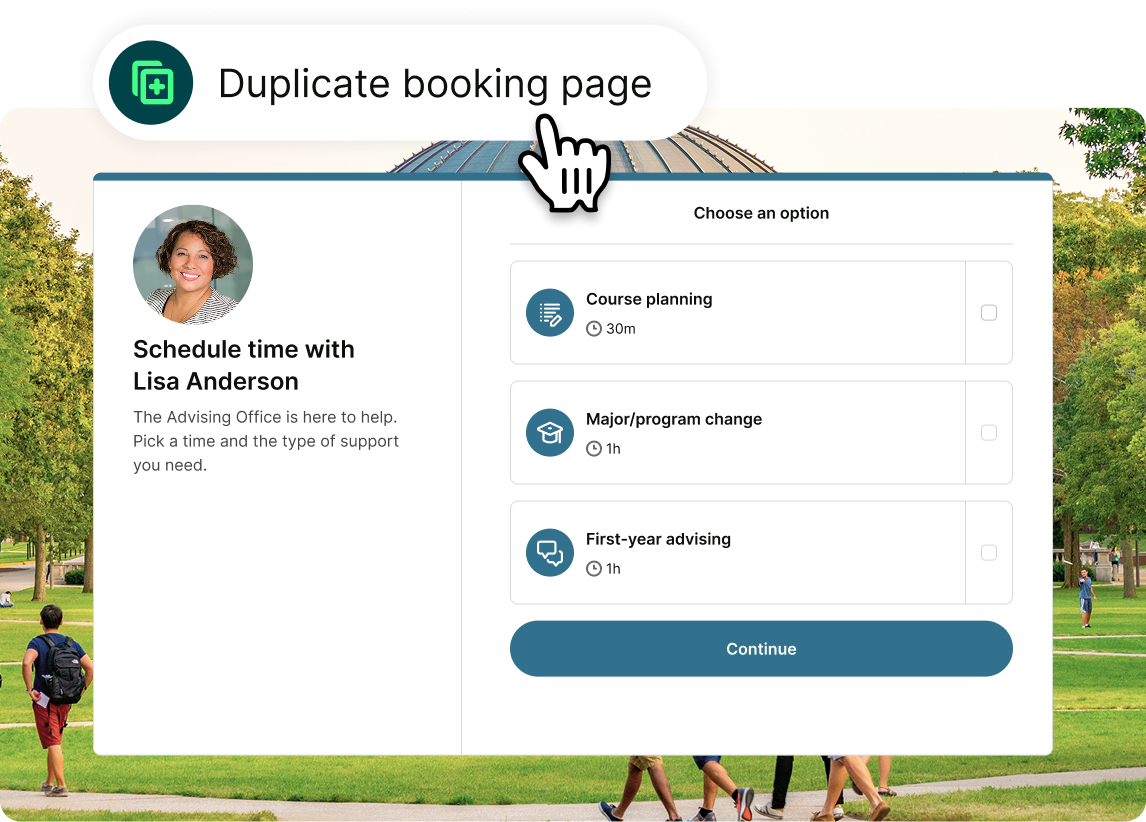
Get your entire department up and running in minutes. Admins create a branded template with pre-built appointment types, then duplicate it across the team.
Each person connects their own calendar and controls their availability and booking rules. You get consistency across the department. Your team stays in control of their time.

Keep students informed from booking to follow-up
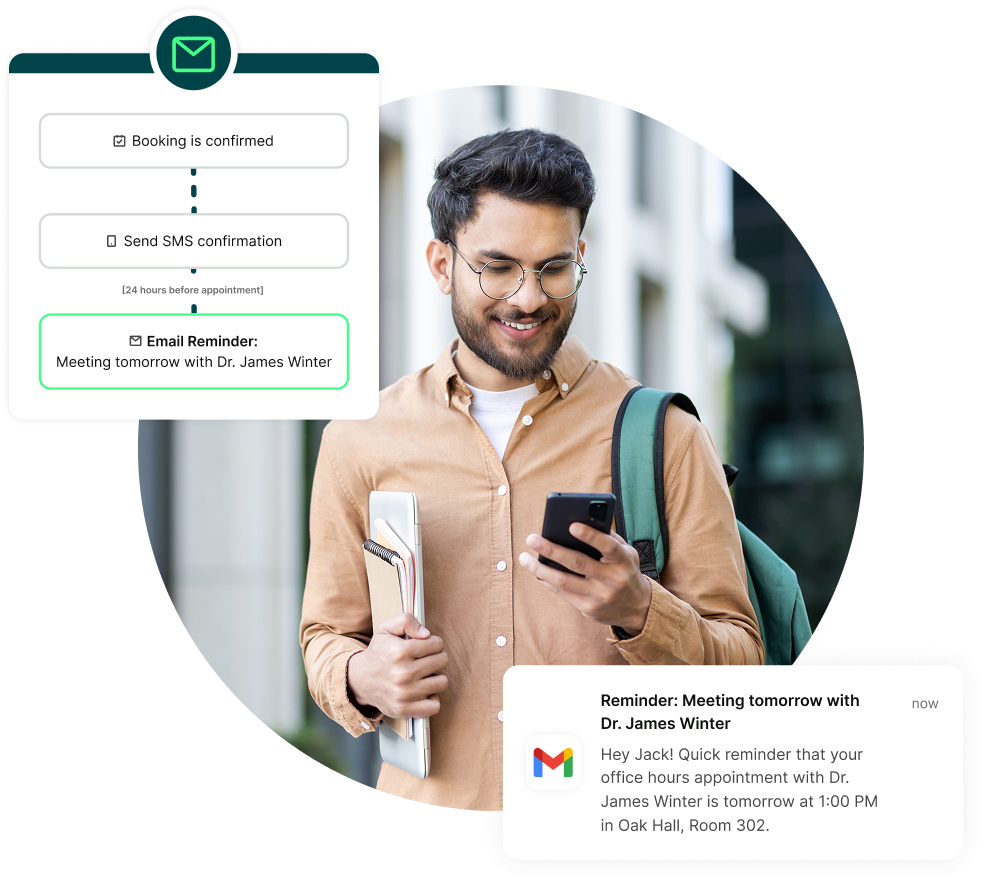
A student books. Then life happens. Automated email and SMS reminders keep the appointment on their radar and make sure they have the details they need when it’s time to meet.
If plans change, students can reschedule instead of simply not showing up. After the meeting, automatic follow-ups send next steps, useful links, or resources without adding another task to your day.

Every student gets access, not just the ones who can call
Not every student can call during office hours or make it across campus at 2 p.m. Some are working full-time, caring for children, or studying remotely. Some just hate phone calls.
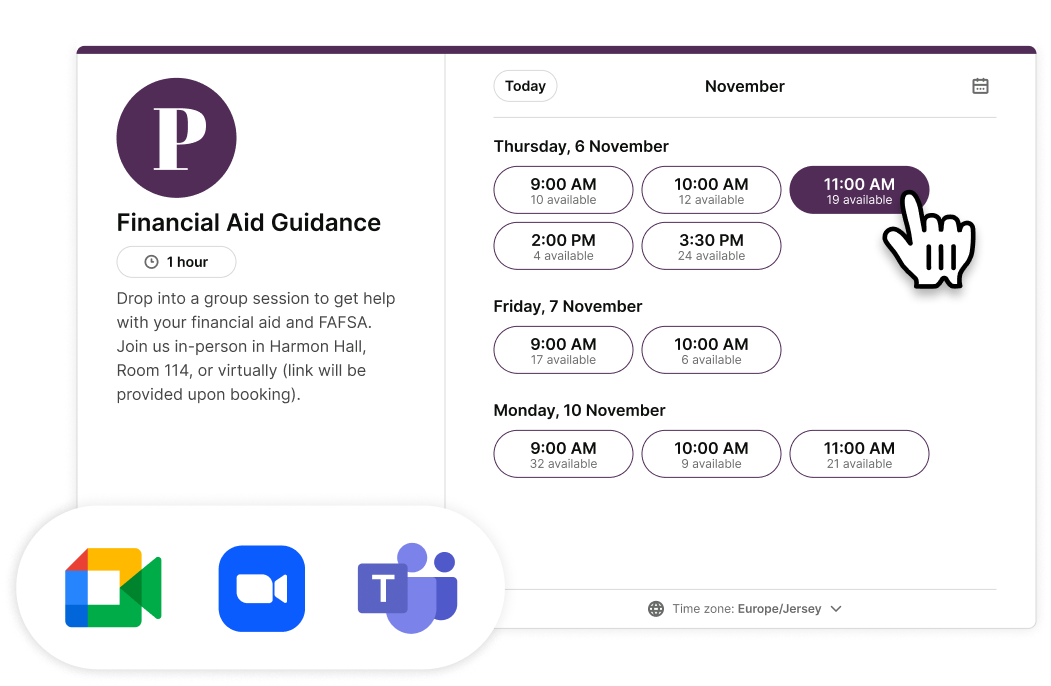
Let them book when it suits them, from any device. Students can choose an in-person or virtual appointment, with Zoom, Google Meet, or MS Teams links created automatically. Easier for them. Less work for you.

See what’s working across every department
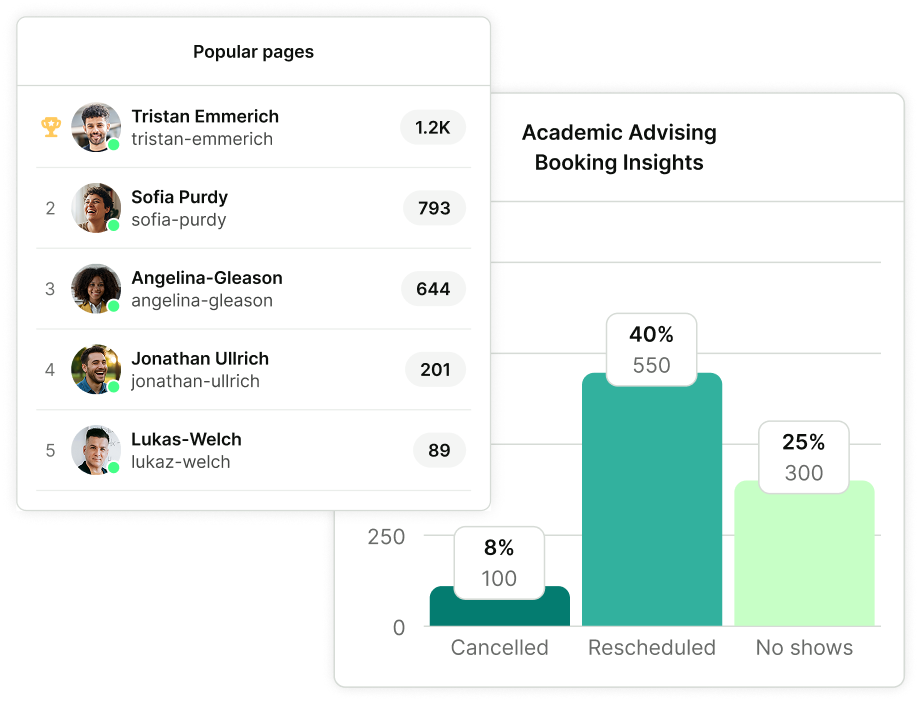
See when students are booking and where demand is highest. Track bookings, cancellations, reschedules, and no-shows across your pages and teams.
Use those patterns to adjust availability, plan for busy periods, and make better decisions about where your students—and your staff—need more support.
Need scheduling across your entire institution?
Talk to our team about a setup that scales across all departments, with 30% off paid plans for eligible educators
What colleges say after thousands of bookings
From advising and admissions to faculty and student services, see why higher-ed teams keep using YouCanBookMe year after year.
-
"There are calendaring options that are already part of Student Information Systems, but there are none that have the flexibility or customizability that YouCanBookMe has. We were able to integrate YouCanBookMe with our Student Information System and that was a huge factor in the decision to use it."
 Danny RyelExecutive Assistant, Portland State UniversityUser Since2013Team Bookings90,000+
 -
“Office hours are a thing of the past. Now, you need to be booking appointments. I'm not leaving a whole hour open when no one's going to show up. My students and I are both happier when they use my booking site.”
 Angela PlankDepartment of Biology, Missouri State UniversityUser Since2014Team Bookings140,000+
 -
“It’s not just a tool—it’s part of how we work. YouCanBookMe has made scheduling easier for everyone, from students to staff. It’s like magic.”
 Jeremy HommowumEducational Technology Manager, Illinois CollegeUser Since2022Team Bookings16,000+
 -
“Student Life has used YouCanBookMe for scheduling fun activities. Financial Aid has scheduled in-person and virtual appointments with YCBM. The Admissions team has used it for campus tours. The Writing Center has used it for virtual appointments. It’s just a very flexible tool.”
.webp?width=1448&height=2027&name=Matt%20Minnich%20(1).webp) Matthew MinnichAssociate Director of Online Services, Cleveland Institute of ArtUser Since2014Team Bookings30,000+
Matthew MinnichAssociate Director of Online Services, Cleveland Institute of ArtUser Since2014Team Bookings30,000+ -
“When we implemented YouCanBookMe, I had a full staff booking advising appointments. Pretty quickly, I went from six students down to two. Now the phone hardly ever rings. It really helps with efficiency.”
 Brittany WiseAssistant Director, Student Success and Advisement Center, Missouri State UniversityUser Since2014Team Bookings140,000+
 -
“There are so many ways that you could utilize YouCanBookMe from an administrative perspective that are just amazing and you could really harness that power to be efficient with your time.”
 Steven TolmanAssociate Professor & Ed.D. Program Director, Georgia Southern UniversityUser Since2021Bookings850+







 4.7 / 5 — Trustpilot


Better scheduling starts here
Practical guides, ideas, and real-world examples to help college teams spend less time managing appointments and more time supporting students.
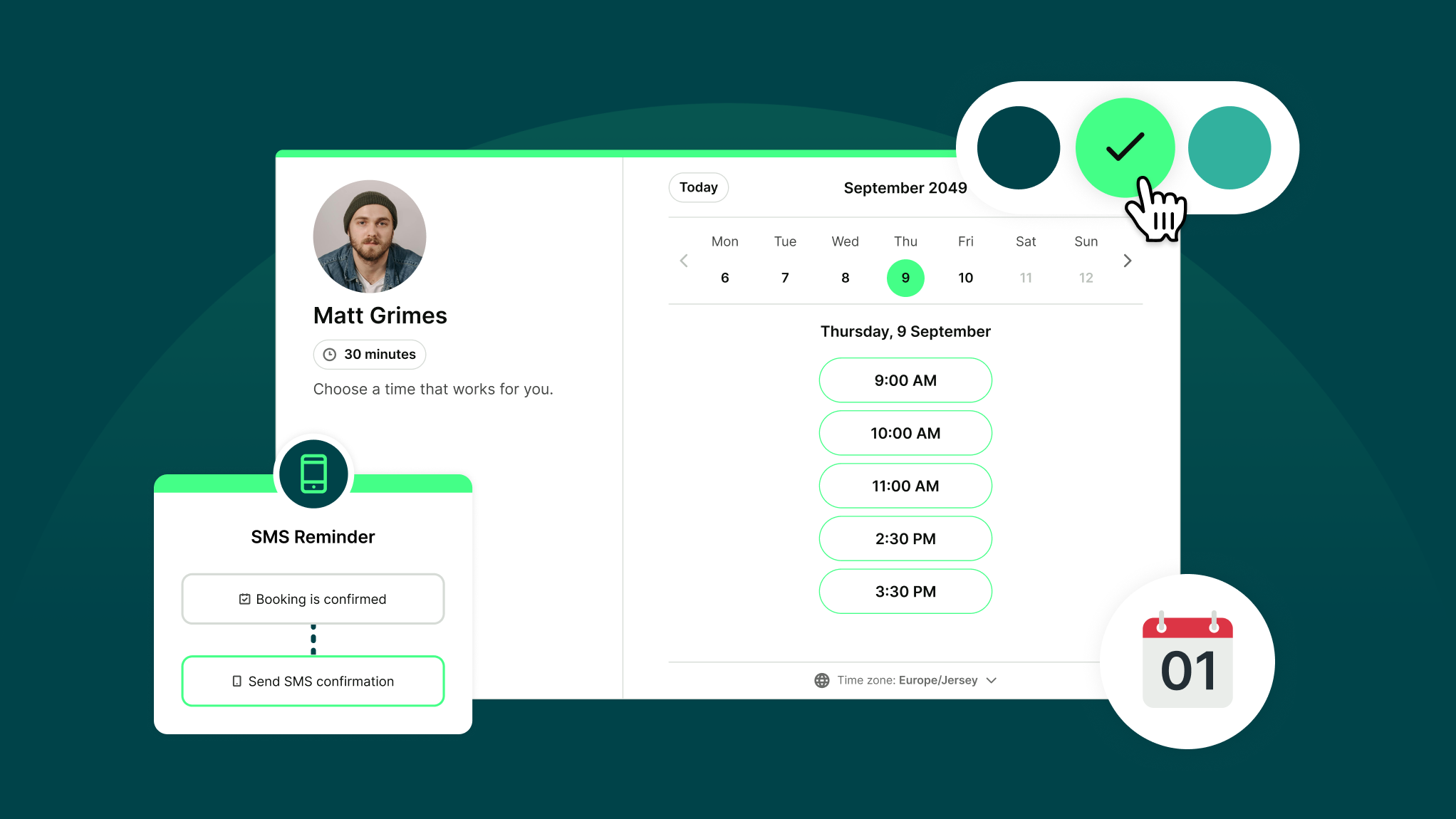
How Does YouCanBookMe Work? A Simple Getting Started Guide
New to YouCanBookMe? Don’t worry—we’ll show you how to put your scheduling on autopilot and set up your first booking page in (almost) no time.
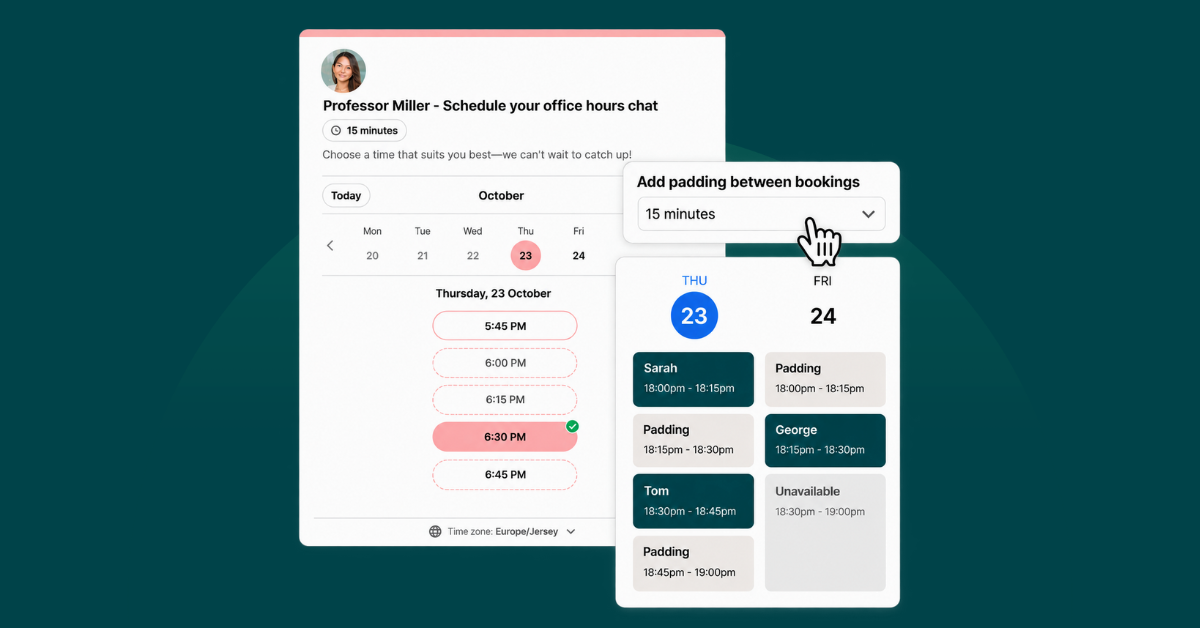
7 Booking Page Availability Controls Every Educator Should Use
The scheduling controls hiding in your YouCanBookMe settings—and why it's worth switching them on.
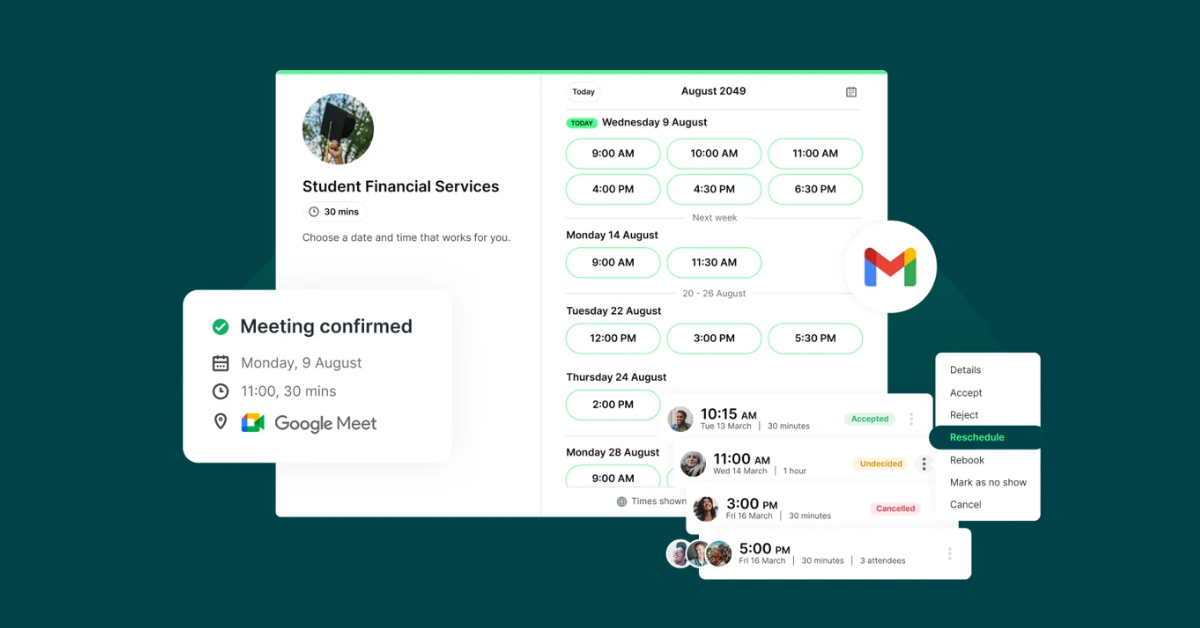
7 Booking Page Setups That Actually Fit How Schools Work
From parent-teacher conference week to private lessons, here’s how to make education scheduling much easier.
Frequently Asked Questions (FAQ)
I don’t want my page accessible to the public. Is there a way to password-protect it so only certain students can access/book time with me?

Absolutely! With our scheduling software for universities, you can password-protect your booking pages, ensuring only your designated students can access them. Plus, you can turn on Meeting Requests for extra security, letting you approve or decline appointments before they’re confirmed.
Does YouCanBookMe offer a discount for educators?
Yes. In addition to having a free-forever plan, YouCanBookMe provides educators at educational institutions with a 30% discount off all our paid plans.
To see if you qualify, apply for the educator discount.
I don’t want my page accessible to the public. Is there a way to password-protect it so only certain students can access/book time with me?
Absolutely! With our scheduling software for universities, you can password-protect your booking pages, ensuring only your designated students can access them. Plus, you can enable tentative bookings for extra security, allowing you to approve or decline appointments before they appear on your calendar.
What if my availability changes during exam season or semester breaks?
YouCanBookMe syncs with your calendar, so blocked days, new commitments, and time off are automatically reflected on your booking page. For seasonal changes like exams or semester breaks, set a specific date range so your page only opens when you need it and closes automatically when it’s over. During busier periods, you can also add booking limits, buffer time, or minimum notice to protect your schedule.
Is YouCanBookMe accessible for students using assistive technology?
Yes. YouCanBookMe booking pages support keyboard navigation and screen readers, with clear focus indicators and strong color contrast to help more students schedule, reschedule, and cancel bookings independently.
We also maintain an up-to-date VPAT that documents how YouCanBookMe performs against established accessibility standards, giving university accessibility and procurement teams the information they need to review the platform.