
Easier student scheduling Less pointless admin
Students get help. You get your time back. YouCanBookMe makes every advisor, tutor, and faculty member bookable in seconds so the right student always finds the right person.

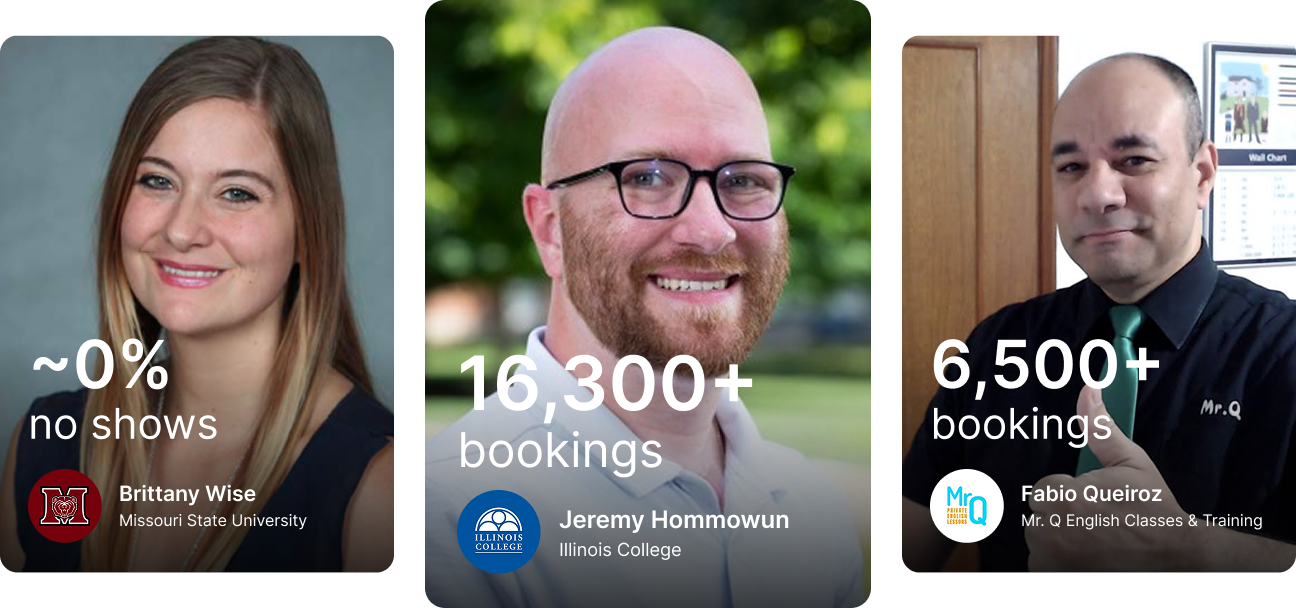

140,000+ bookings

5 hrs/week saved

~ 0% no-shows
Built for every corner of education
Whether you're a solo tutor or running a 55-person advising team, YouCanBookMe handles the scheduling so you don’t have to.


The education scheduling software universities and colleges rely on








Give every student an easier way to book
When booking runs through phone calls and emails, the students who struggle most are often the last to get an appointment. Online self-scheduling gives every student—on campus or remote, traditional or non-traditional—equal access to advisors, tutors, teachers, and professors.
Set your availability once, and students choose a time that works for them, day or night, from any device.

Your schedule, your rules
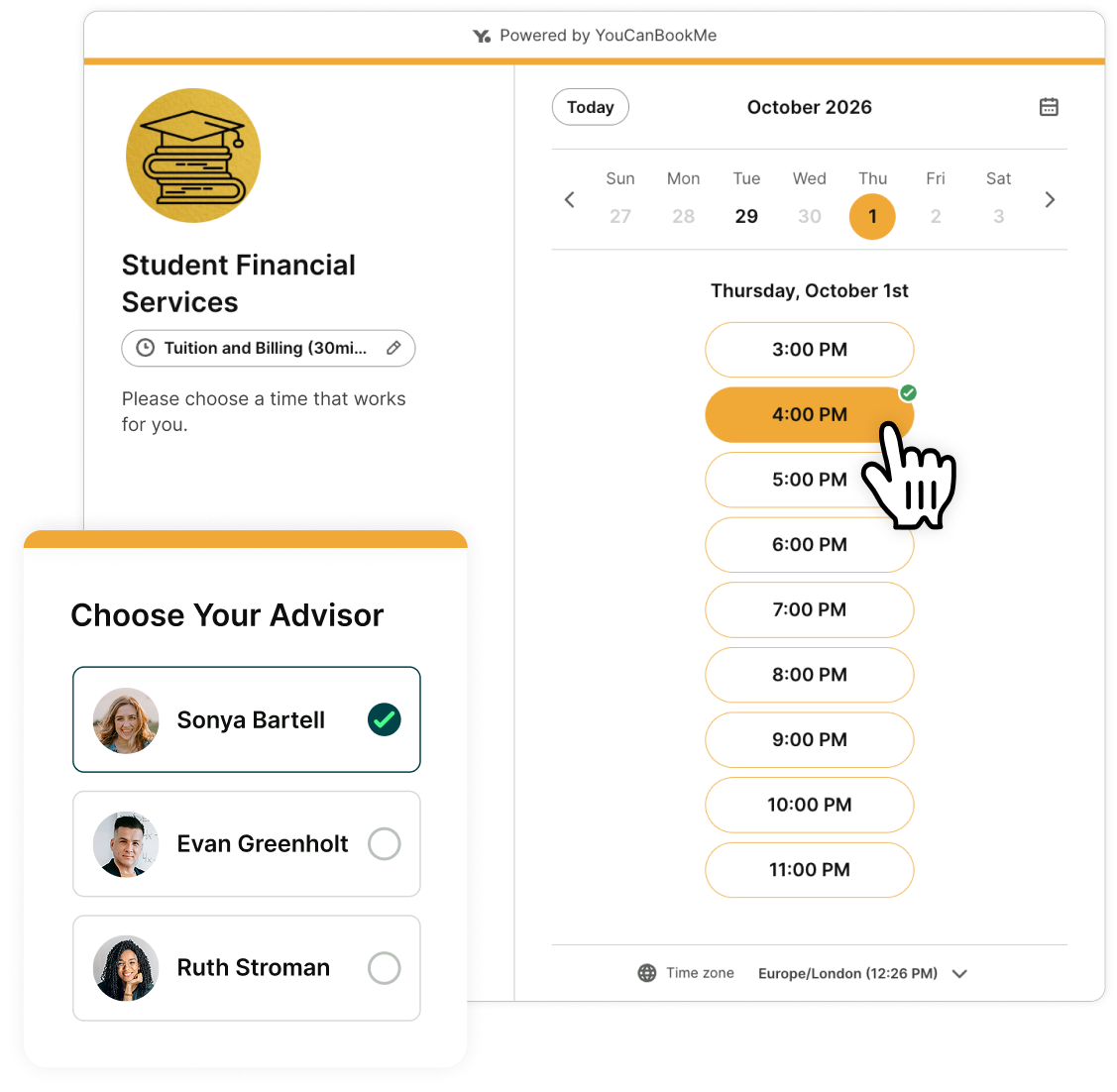
Sync your calendars so existing commitments block out instantly. Add buffer time between sessions for prep, travel, or just a coffee before the next student walks in. Set a minimum notice period so no one can drop a booking on you an hour before.
You decide when you're bookable. YCBM makes sure everyone else respects it.

Know what every student needs before you meet
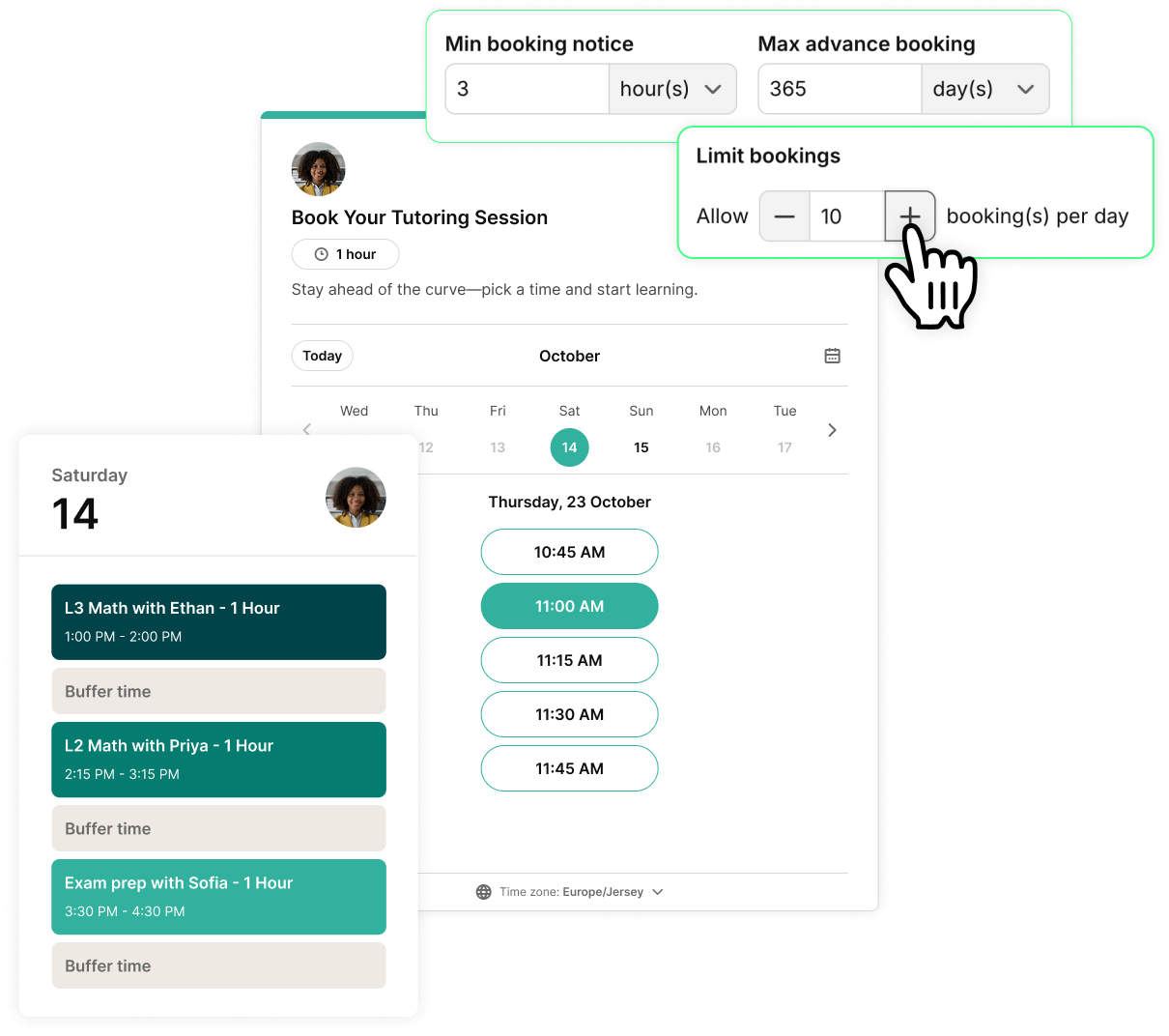
Customize your booking form to ask students to describe what they need when they book. By the time the meeting starts, you already understand the issue—and sometimes, you can solve it before you even meet.
Once they’re booked, automated confirmations, reminders, and follow-ups make sure they always have the right information at the right time.

Real success stories from educators like you
Less coordination. Easier booking. Better-supported students.
-
"There are calendaring options that are already part of Student Information Systems but there are none that have the flexibility or customizability that YCBM has. We were able to integrate YCBM with our Student Information System and that was a huge factor in the decision to use it."
 Danny RyelExecutive Assistant, Portland State UniversityUser Since2018Bookings90,000+
 -
“Office hours are a thing of the past. Now, you need to be booking appointments. I'm not leaving a whole hour open when no one's going to show up. My students and I are both happier when they use my booking site.”
 Angela PlankDepartment of Biology, Missouri State UniversityUser Since2014Bookings140,000+
 -
“It’s not just a tool—it’s part of how we work. YouCanBookMe has made scheduling easier for everyone, from students to staff. It’s like magic.”
 Jeremy HommowumEducational Technology Manager, Illinois CollegeUser Since2022Bookings16,000+
 -
“Student Life has used YouCanBookMe for scheduling fun activities. Financial Aid has scheduled in-person and virtual appointments with YCBM. The Admissions team has used it for campus tours. The Writing Center has used it for virtual appointments. It’s just a very flexible tool.”
 Matthew MinnichAssociate Director of Online Services, Cleveland Institute of ArtUser Since2014Bookings30,000+
 -
“Students book themselves in. If they want to book a make-up lesson, the link is right on my website. They can reschedule to a different slot, and I don’t have to worry about handling it. This is how you avoid the scheduling nightmare altogether.”
 Amanda CooleyFounder, Amanda Cooley Piano StudioUser Since2013Bookings350+
 -
"24/7, 365 days of the year, YouCanBookeMe is there serving my students and my business."
 Fabio QueirozFounder, Mr. Q's English ClassesUser Since2015Bookings6,500+
 -
“I would highly recommend it. One, it’s easy to set up for first timers. The second thing is that the integration with Stripe is making my life much easier. I love the SMS reminders too because it means we don’t lose money from no-shows for our high paid program.”
 Charlie ChengFounder, AI Cubed AcademyUser Since2019Bookings450+
 -
“When we implemented YouCanBookMe, I had a full staff booking advising appointments. Pretty quickly, I went from six students down to two. Now the phone hardly ever rings. It really helps with efficiency.”
 Brittany WiseAssistant Director, Student Success and Advisement Center, Missouri State UniversityUser Since2014Bookings140,000+
Designed around how educators work

Embed booking pages directly into your LMS
Drop your booking page straight into LMSs like Moodle or Canvas. Students book without leaving their course, no separate tab or login required.

Every meeting type, set up your way
Create appointment types to cover advising, tutoring, recruitment, office hours, parent-teacher meetings, and more. Edit the length, location, and description as needed.

Your whole department, one booking link
One link shows availability across your whole advising team, writing center, or IT department. Students get the first available slot automatically.

Stop no-shows with text reminders
SMS reminders land where emails don't—straight on students’ phones. Add follow-ups after the meeting to keep students accountable and engaged between sessions.

One session, up to 50 students
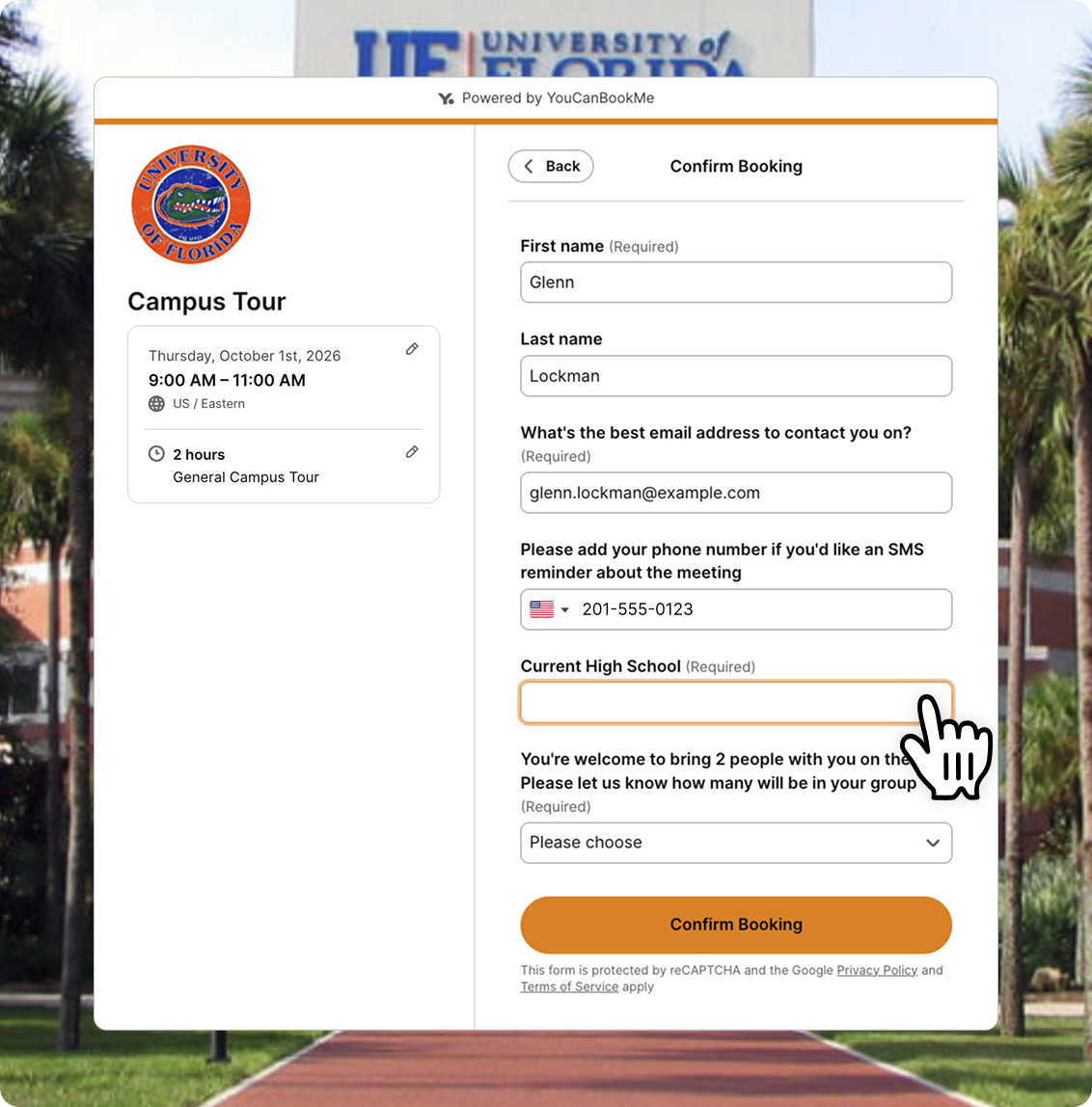
Schedule virtual and in-person webinars, info sessions, and campus tours. Let students or parents reserve multiple seats in a single booking, perfect for families or students signing up together.

Open and close bookings on your schedule
Running parent conferences in November? Enrollment interviews in March? Set a date range so your booking page opens and closes automatically—no manual switching required.





Less admin. Better conversations.
Practical guides to help educators set up their booking page and run their calendars better than ever before.
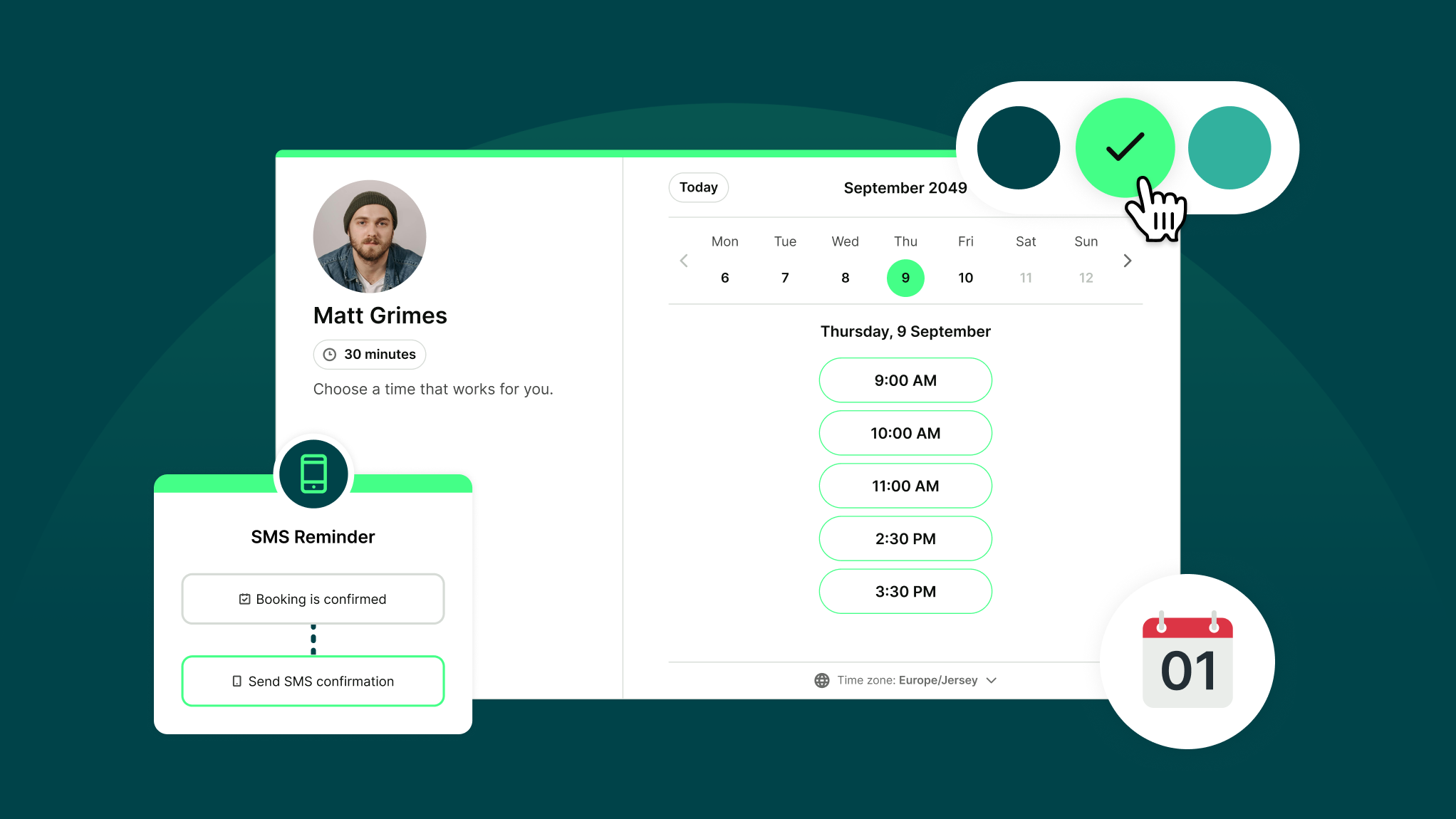
How Does YouCanBookMe Work? A Simple Getting Started Guide
New to YouCanBookMe? Don’t worry—we’ll show you how to put your scheduling on autopilot and set up your first booking page in (almost) no time.
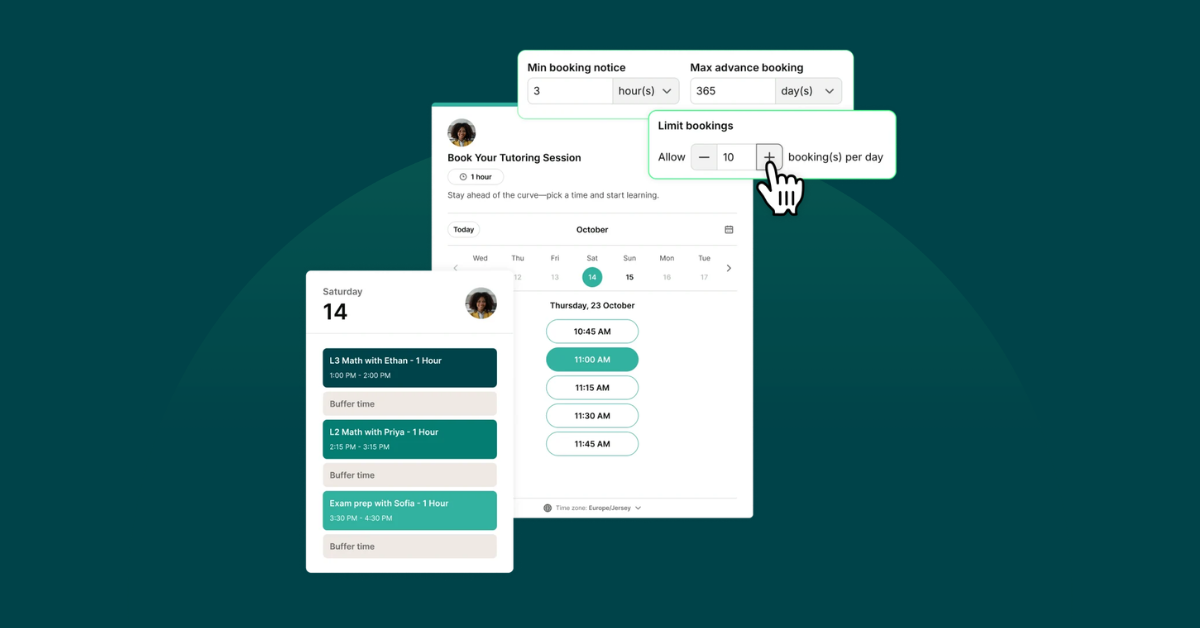
9 Must-Have Education Scheduling Features for Higher Ed Teams
From advising and office hours to admissions and student support, higher ed teams need scheduling software that can keep up. Here are the 9 features that matter most.
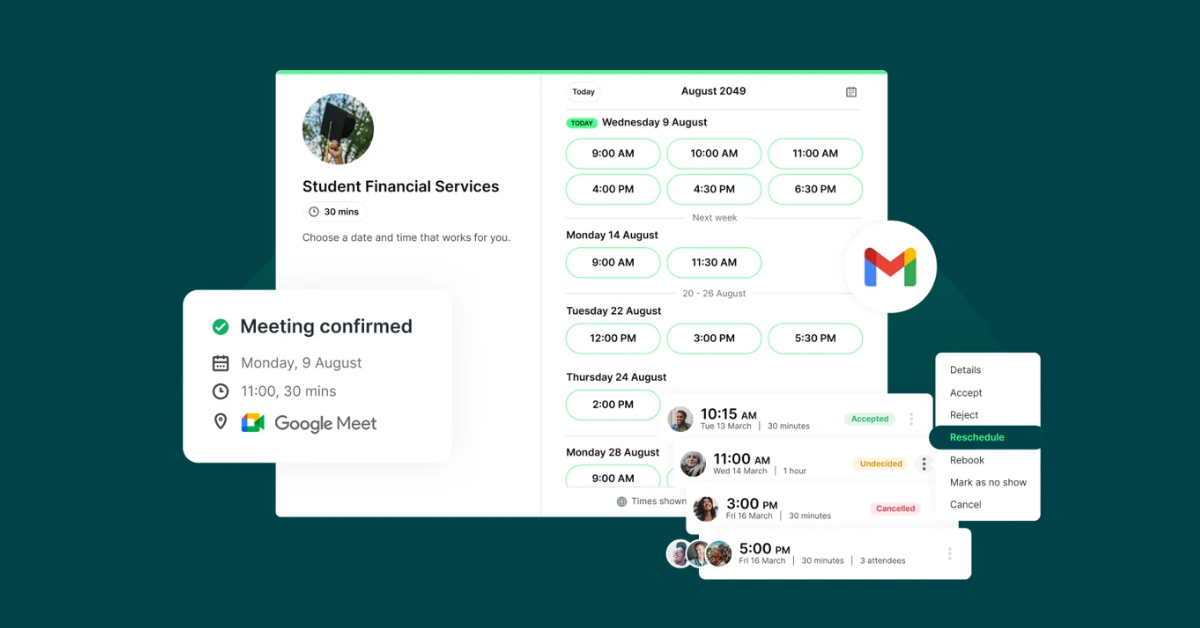
7 Booking Page Setups That Actually Fit How Schools Work
From parent-teacher conference week to private lessons, here’s how to make education scheduling much easier.

 4.7 / 5 — Trustpilot


Frequently Asked Questions
Does YouCanBookMe offer a discount for educators?

Absolutely!
In addition to having a free-forever plan, YouCanBookMe provides educators at educational institutions with a 30% discount off all our paid plans.
To see if you qualify, apply for the educator discount.
If you're a teacher, YouCanBookMe also provides a Parent-Teacher Conference (PTC) plan for school-wide scheduling during this busy period.
The PTC plan gives your school 30 days of access to YouCanBookMe for one flat price, with as many teacher calendars as your school needs.
- $129 for schools that don’t charge tuition
- $175 for schools that charge tuition
To get access to the PTC plan, request here.
I don’t want my page to be publicly accessible. Can I password protect it so only certain students can access it and book time with me?
Of course! Our appointment scheduling software for higher education allows you to password-protect your booking pages, ensuring only your designated students can access them. Additionally, you can turn on tentative bookings for extra security, allowing you to approve or decline appointments before they land on your calendar!
What happens after a student books, for them and for me?
As soon as a booking is confirmed, it lands instantly on your connected calendar and both of you receive a calendar invite. You'll also get a confirmation notification, and the student gets everything they need—meeting details, location, and a video link if it's virtual. From there, automated reminders go out to both of you before the session, so no one shows up unprepared or not at all.
How do I share my booking page with students?
Any way that works for you. Drop the link into your email signature, embed it directly into your LMS or department website, add a "Book now" button to your course page, or generate a QR code to put on your syllabus or office door. Students click, choose a time, and they're done—no account needed on their end.
I sometimes need to meet with parents as well. Does YouCanBookMe offer a parent-teacher conference scheduler?
Yes! YouCanBookMe’s scheduling software for schools offers a dedicated parent-teacher conference scheduler designed to streamline meetings with parents. You can set specific availability windows tailored for parent-teacher conferences, making it simple for parents to choose convenient meeting times. You also have the flexibility to customize appointment durations, add buffer times between meetings, and integrate with your existing calendar for seamless scheduling. Additionally, YouCanBookMe sends automated email confirmations and reminders to both parents and educators, ensuring everyone stays informed and prepared!
What if my availability changes during exam season or semester breaks?
YouCanBookMe syncs with your calendar, so any changes you make there—blocked days, new commitments, time off—reflect on your booking page automatically. For seasonal changes like exam periods or parent evening weeks, you can set a date range so your booking page only opens during that window and closes automatically when it's done.
Does YouCanBookMe send auto-generated emails, such as reminder emails? If so, how much control do we have over these?
Yes, you can set up emails and SMS notifications (SMS at an extra fee) to automatically trigger at every stage of the booking process. These notifications include confirmations, reminders, and follow-ups and are completely customizable. You can tailor them to every use case and send as many or as few as you like.
Does YouCanBookMe work with a hybrid schedule?
Absolutely. Setting up in-person and online meetings in YouCanBookMe’s scheduling software for schools is very straightforward. You can quickly customize your booking options to allow students to choose between virtual and face-to-face appointments, offering flexibility and convenience. You can also designate specific meeting types, such as progress reviews, as virtual and others, like lab sessions, as in-person. For virtual meetings, you can select your preferred video tool: Zoom, Google Meet, or MS Teams. And for in-person, you can add the address.
Can we offer group appointments?