

Trusted by 1M+ users across 100 countries




Automate your email reminders
Keep every meeting on track. YouCanBookMe automates confirmations, reminders, and follow-ups—so clients know where to be and when.
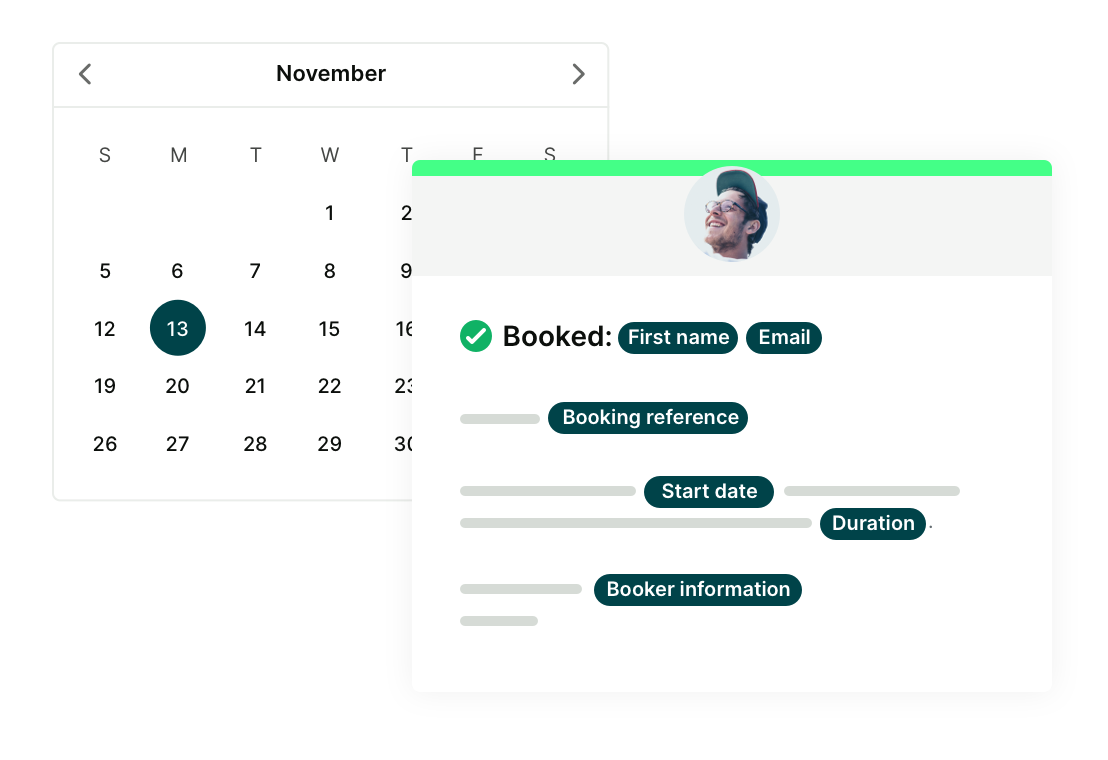
Customizable and personalized reminders
Say goodbye to generic, one-size fits all email reminders.
- Customize everything from subject lines and message content to timing and frequency.
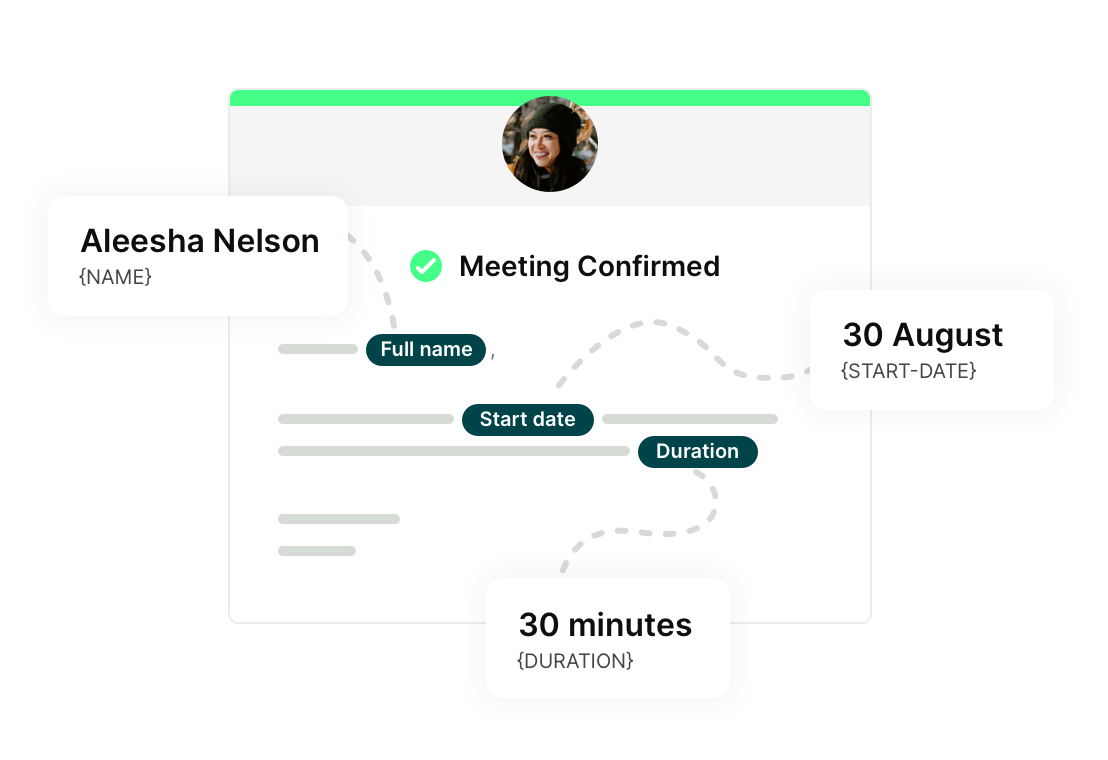
- Automatically personalize messages with shorthand codes that pull in names, times, locations, video links, and prep answers from your booking form.
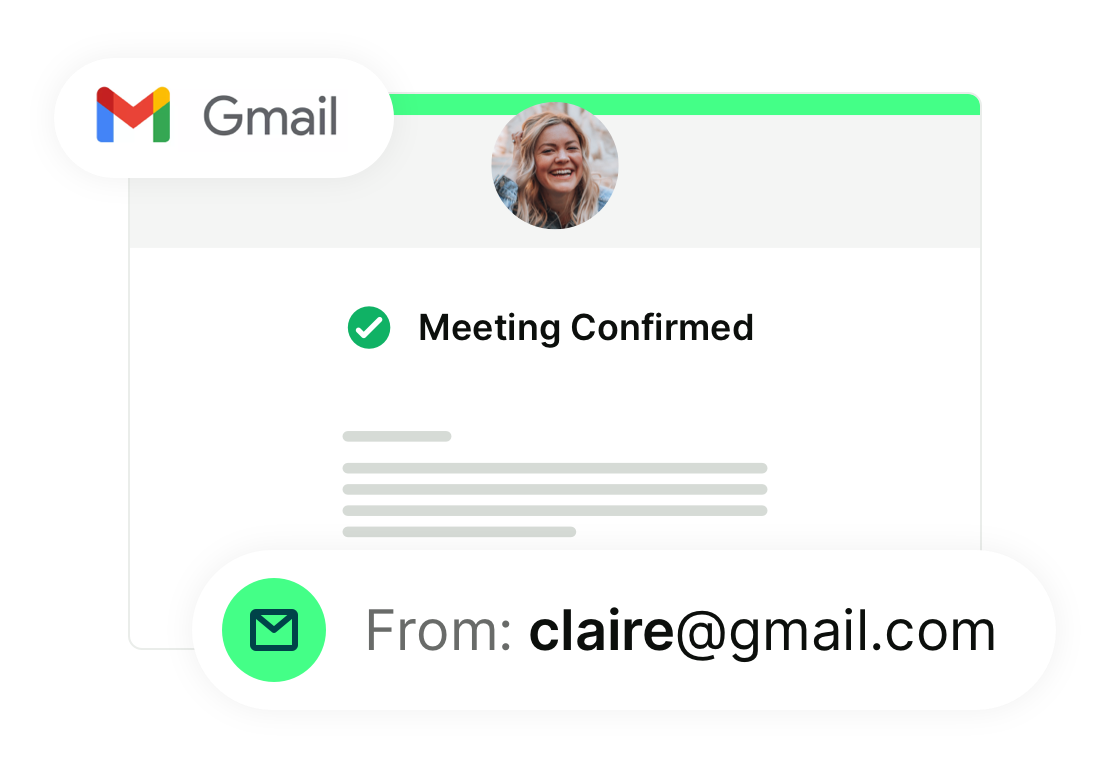
- Deliver emails through your own Gmail account so reminders land directly in your booker’s inbox.
Easy rescheduling, without any back-and-forth
Plans change. Your reminders handle it automatically.
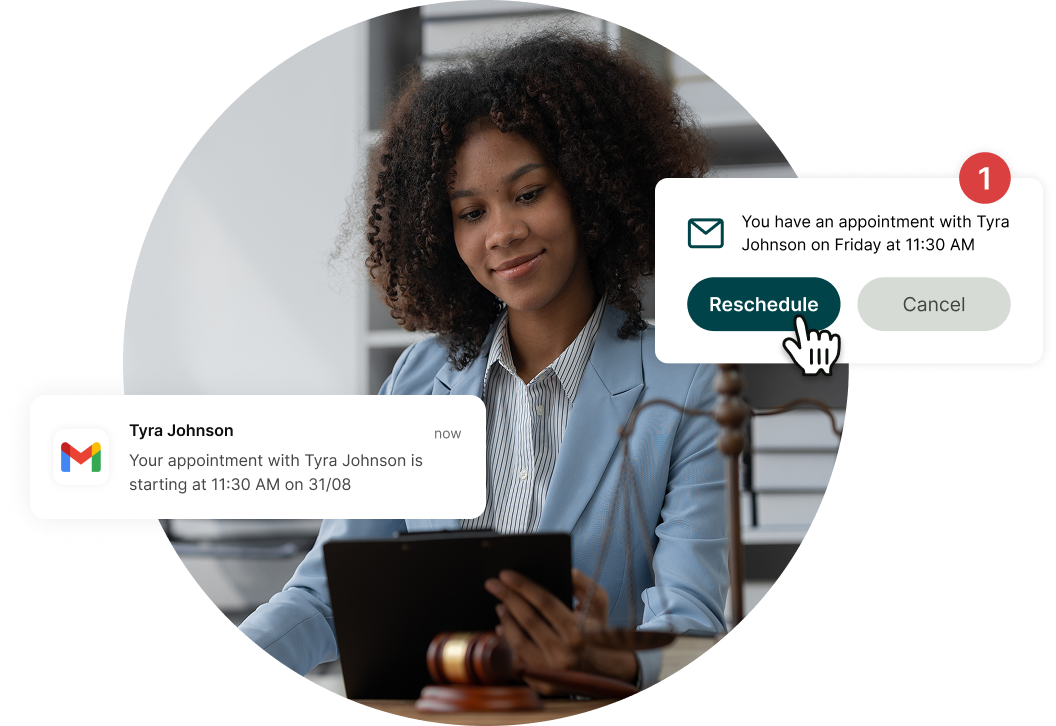
Include cancel or reschedule links directly in reminder emails so clients can make updates in seconds. Set clear rescheduling and cancellation limits to protect your time and revenue.
Automate your entire booking flow
-
Confirmation emails
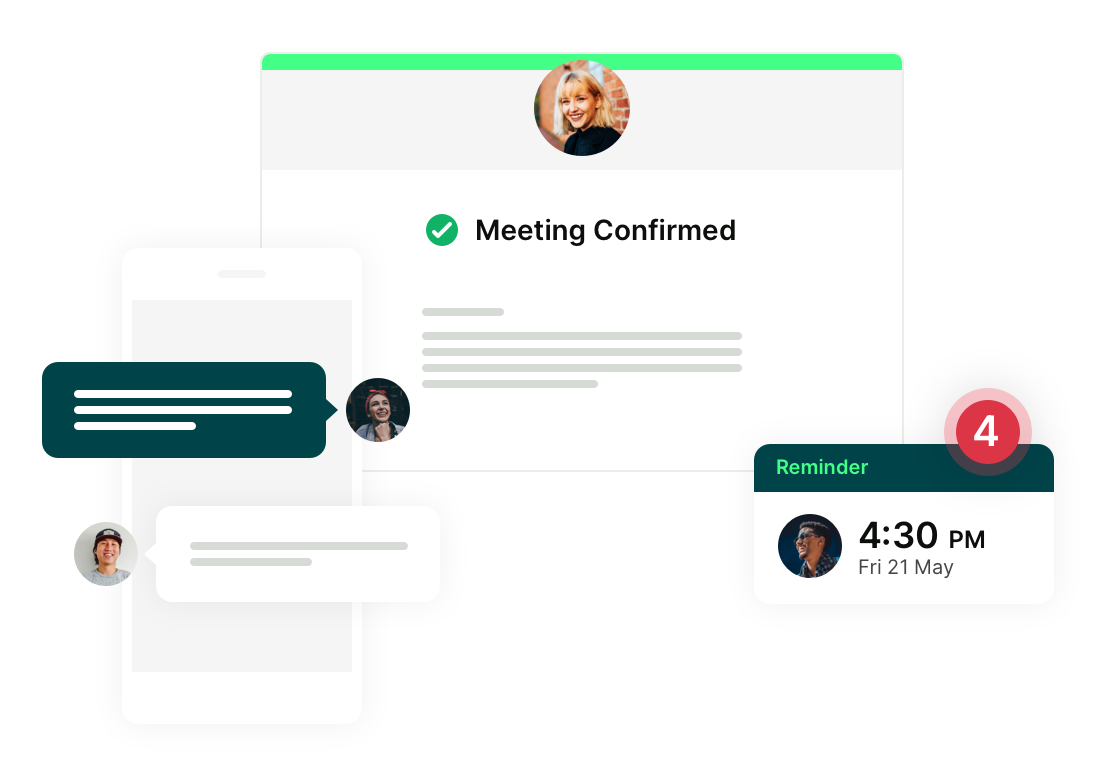
Share vital details the moment someone books—meeting links, directions, prep notes, and next steps—so clients arrive ready.

-
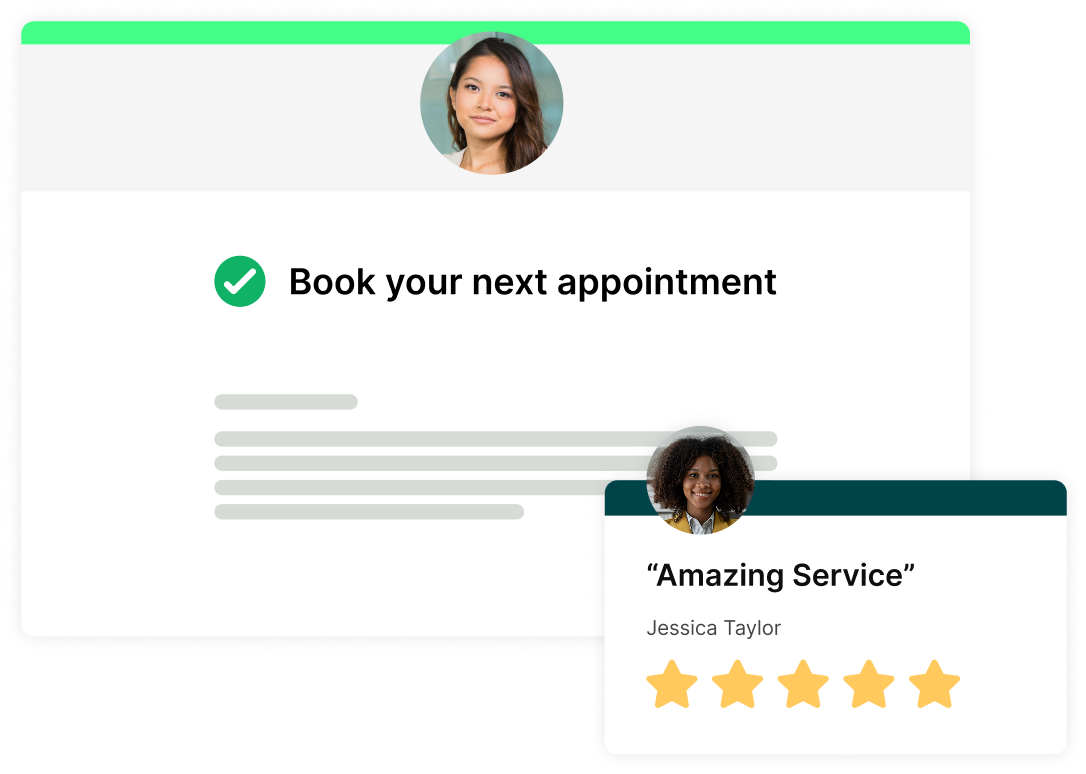
Follow-up emails
Turn one-time meetings into repeat business. Prompt clients to rebook, leave a review, or take the next step—automatically.
-
Calendar invites
Every booking creates a calendar event with all the details your booker provided. Customize the content and structure so it works exactly how you need it to.
-
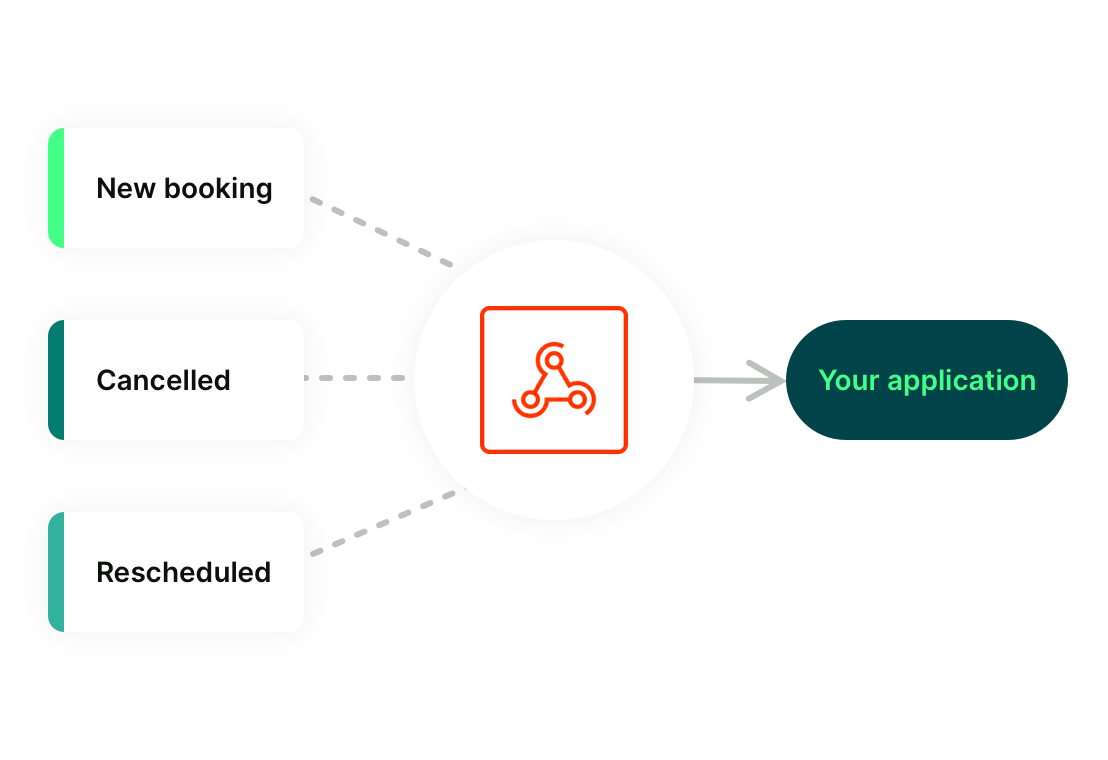
Webhooks
Trigger actions in other tools whenever a meeting is booked, rescheduled, or canceled—perfect for advanced workflows and integrations.
Professionals (like you!) ♥️ YouCanBookMe
You bring the expertise. YouCanBookMe handles the scheduling, reminders, and everything in between.
-
"Appointment reminders are phenomenal. Before I turned them on, I had almost 20% of appointments canceled. After turning them on, that went down to less than 1%.
 Greg SchwartzGenerative AI Consultant
 -
“YCBM has significantly improved my customer experience by providing a seamless booking process. My clients appreciate the ease of scheduling and the automated reminders."
 Corine La FontPublic Relations and Communication Consultant
 -
“I think the biggest feature that has been useful for us is the automated reminders and follow-ups. We feel comfortable knowing that we're doing our part to make sure that clients are staying engaged with us.”
 Scott LearnedSenior Attorney, Learned Law PLLC
 -
“With YouCanBookMe, we now book our coaching clients because we can set up how they get reminded and how often they get reminded.”
 Kathleen MetcalfFounder & CEO, Kammbium
 -
“For me, it’s all about the ease of use: how simple it is to collect payments, set up paid mini strategy sessions, send email reminders, and gather information through the booking form. All of these features working together are why I use YCBM and why I recommend it to everyone.”
 Romana SiracusaFractional CMO
 -
“YCBM really takes care of any kind of scheduling with patients. It makes it easy for them to make their appointments, cancel their appointments, move their appointments. They get automatic notifications.”
 Thomas McCartyOwner, Tree of Life Acupuncture

 4.7 / 5 — Trustpilot


Get started today
Join thousands of coaches, consultants, and entrepreneurs who use YouCanBookMe to power their business. Get your first booking in a few minutes.

FAQs
Can I customize my reminder emails?
Absolutely. You can fully edit the subject line, message content, timing, and frequency of each email reminder. Add dynamic fields like the booker’s name or meeting time, include Zoom or Google Meet links, and automatically pull in details from your booking form. YouCanBookMe’s email reminder software gives you full control, so every message looks and feels exactly the way you want.
Can I send more than one reminder for the same booking?
Yes—you can set up multiple reminders for a single booking. For example, send one 24 hours before and another 30 minutes before the meeting. It’s a simple way to reduce no-shows and make sure everyone comes prepared.
Do reminders go to both me and my bookers?
You can choose who receives them. By default, reminders go to your bookers, but you can also set up internal notifications or reminders for yourself or your team members.
Can I use SMS reminders instead of email?
Yes. YouCanBookMe supports both email and SMS reminders. Many users combine them—sending an email reminder the day before and a quick SMS reminder closer to the meeting—for maximum reliability.