
Trusted by 1M+ users across 100 countries




Stop chasing unpaid invoices
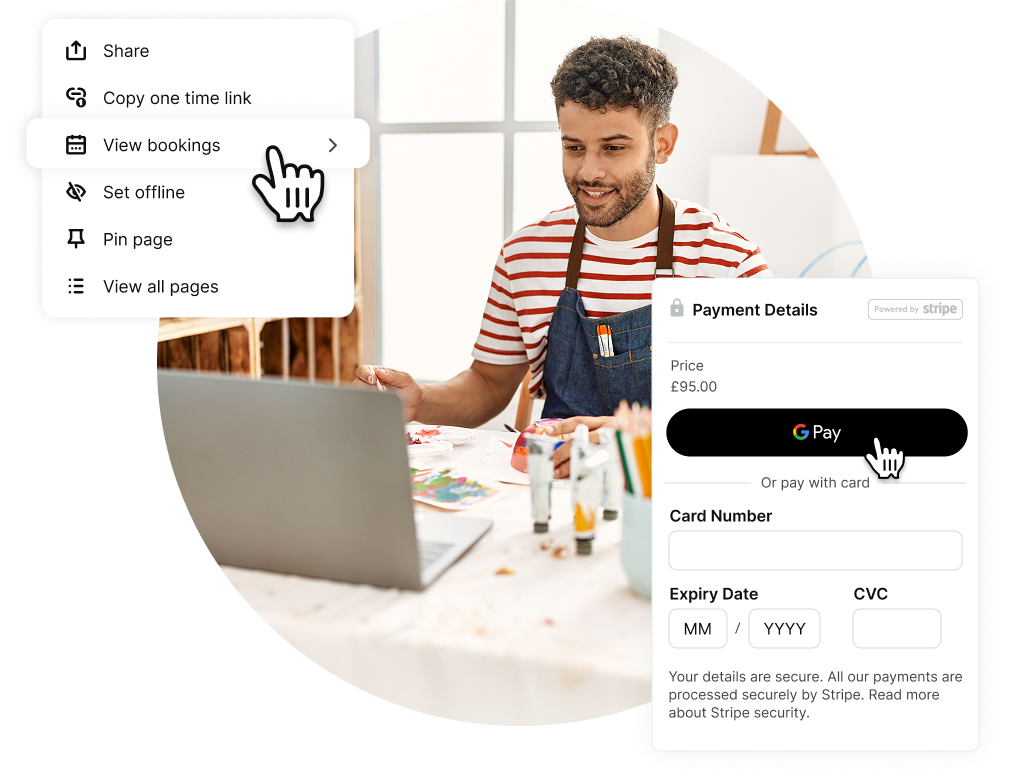
Integrate Stripe with your scheduling page to take payments or deposits right at booking:
- Credit card payments
- Debit payments
- Apple & Google Pay
YouCanBookMe’s appointment and payment app ensures you’re always compensated for your time.
Make mobile booking easy with Apple Pay & Google Pay
Over 70% of YouCanBookMe bookings happen on mobile.
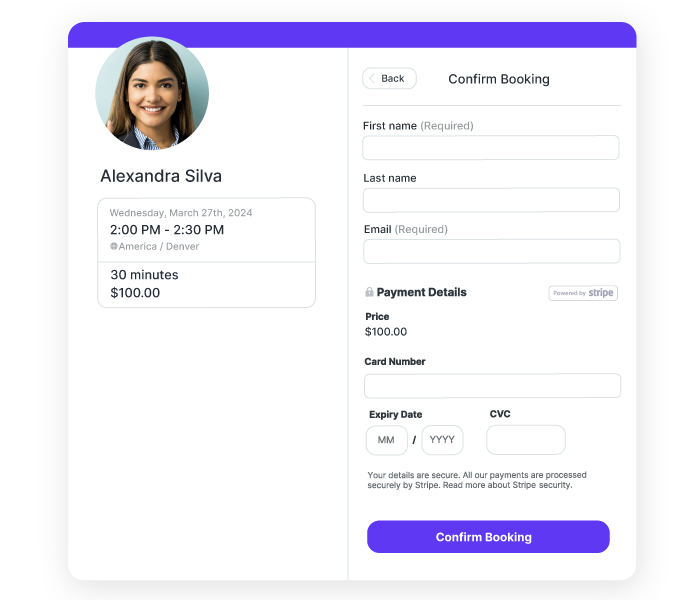
By enabling Apple Pay and Google Pay, clients can confirm and pay for appointments instantly, without typing card details or switching apps.
Fewer steps = more completed bookings.
Accept global payments & bookings, all in one app
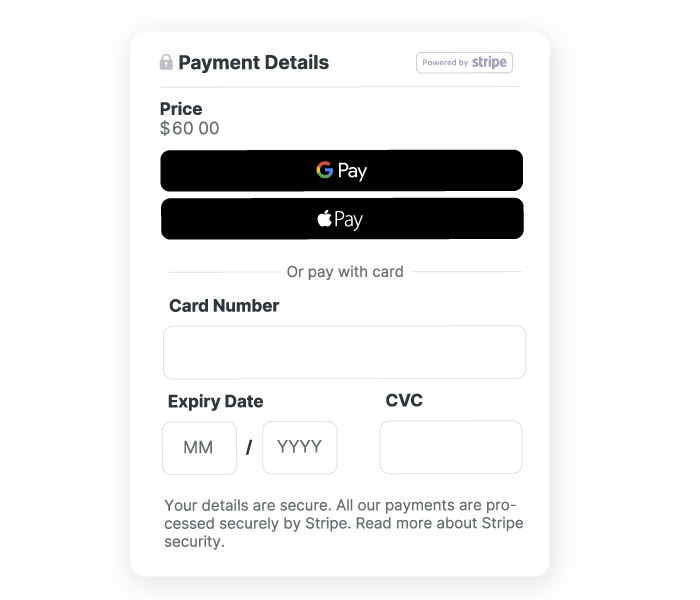
Price services in your currency, support customers in 44+ languages, and collect payments worldwide using a single online booking and payment system.
The easiest way to get paid when clients book
.png?width=2555&height=1067&name=Google_Pay_Logo.svg%20(1).png)
Google Pay
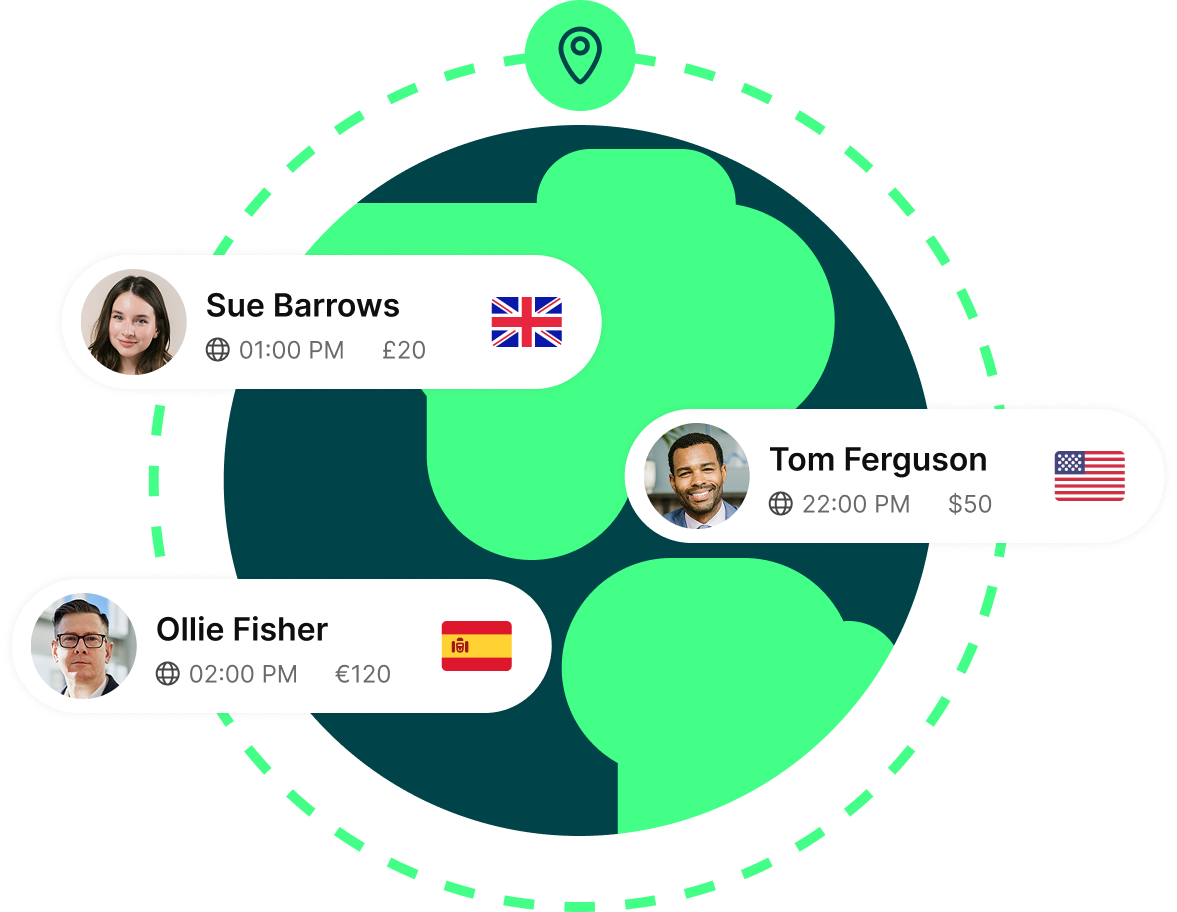
Accept card payments at the moment of booking, so every confirmed appointment is already paid—no follow-ups or awkward reminders.

Apple Pay
Make mobile bookings fast and friction-free. Clients can confirm and pay in seconds using Face ID or Touch ID, without entering card details.
Credit & debit cards
Get full control of your pricing to grow your business
-
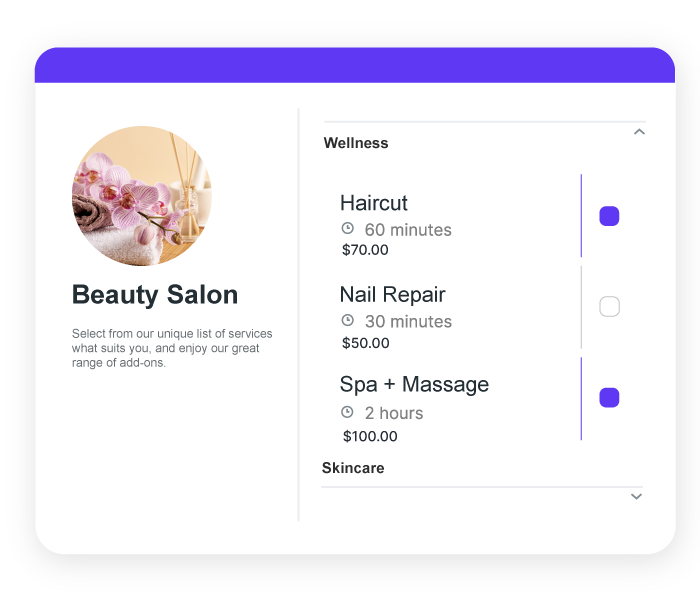
Price all of your services
Whether you offer free intro calls, paid consultations, all-day workshops, or premium sessions, set prices for every appointment type you create.

-
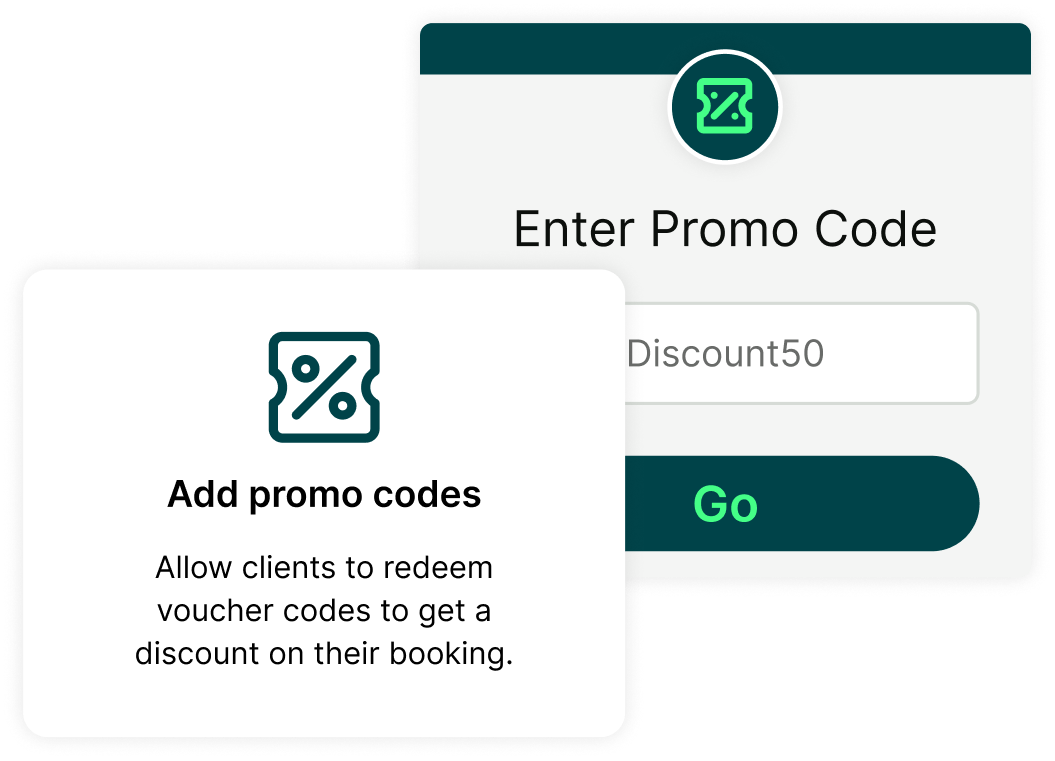
Drive more bookings with promo codes
Create custom discounts with expiration dates, minimum order values, and redemption limits to reward loyal clients and attract new ones.
-
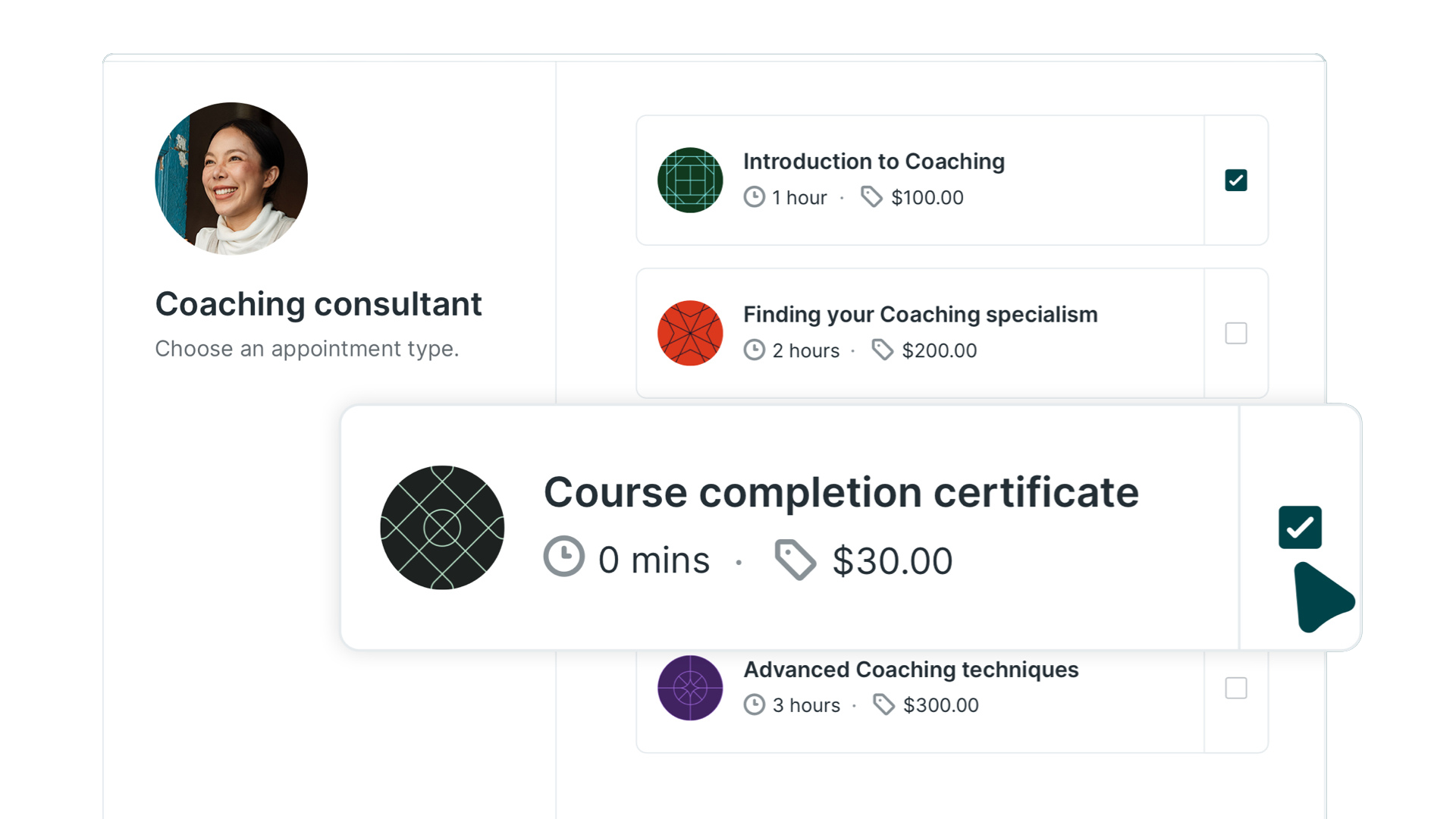
Boost revenue with appointment add-ons
Offer upgrades, materials, or prep work directly during booking—so clients get more value and you earn more per appointment.
-
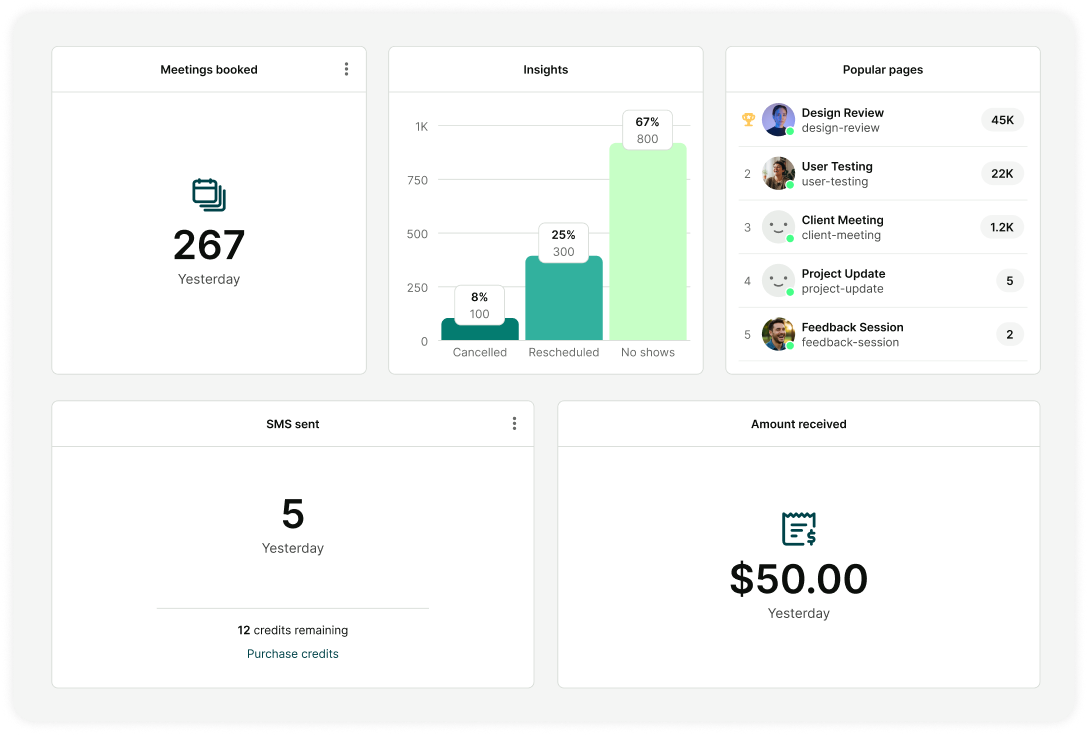
Track what’s driving your revenue
See all your booking revenue in one dashboard to quickly understand what’s working—and where there’s room to grow.
Built to be easy—for you and your clients
Hear from founders and consultants who use YouCanBookMe to get paid upfront, reduce admin, and run their bookings their way.
-
 “For me, it’s all about the ease of use: how simple it is to collect payments, set up paid mini strategy sessions, send email reminders, and gather information through the booking form. All of these features working together are why I use YouCanBookMe and why I recommend it to everyone.”
 -
 “Clients can pay directly through YouCanBookMe. I mean, do I really need to say anything more? We’re getting paid, and their appointment is secured.”
 -
 “I have people from the Netherlands who use euros and Dutch as their language, but also people internationally who use dollars and speak English. I needed the flexibility to set the currency and the language per booking page. And with all the other tools, I could only set that per account.”
 -
 “I would highly recommend YouCanBookMe for two reasons. First, it’s very easy to set up, especially for first-timers. Second, the Stripe integration has made my life much easier. We can offer discounts, and there’s no complicated setup process.”
Get started today
Join thousands of coaches, consultants, and entrepreneurs who use YouCanBookMe to power their business. Get your first booking in a few minutes.


 4.5 / 5 — Trustpilot

 4.6 / 5 — Capterra

FAQs
Does YCBM allow payments using Apple Pay?
Yes! YouCanBookMe’s appointment booking and payment system supports Apple Pay, making it easy for clients to book and pay in just a few taps—especially on mobile devices.
Does YCBM allow payments using Google Pay?
Absolutely. YouCanBookMe’s scheduling and billing software supports Google Pay so clients can confirm and pay for appointments quickly without entering card details.
Does YCBM allow me to create discount codes for my customers?
Yes. YouCanBookMe’s booking payment system lets you offer promo codes and discounts through Stripe, making it easy to reward loyal clients or attract new ones.
You stay in full control of each discount code—set expiration dates, minimum order values, and redemption limits to fit your needs. When a client books, the promo code field appears directly on your booking form, and the discount is applied automatically.
What if the payment doesn't go through when someone books with me?
If a payment fails, the booking isn’t confirmed. This ensures your online booking and payment system only adds paid appointments to your calendar—so you never end up with unpaid bookings.
What currency can I accept payments in?
YouCanBookMe’s booking software with payment integrates with Stripe to support over 135+ different currencies, so you can easily accept payments from clients around the world—including US payments and UK payments.
You can set the currency for each booking page, making it easy to tailor pricing for different audiences. Clients pay in their preferred currency, and everything is handled automatically—so you can focus on your work, not currency conversions.