
8 Powerful YCBM and Zapier Zaps to Save You Time Every Day

Create your free booking page

Zapier makes you happier, especially when you're constantly context-switching between tools and drowning in repetitive tasks.
Whether you're brand new to Zapier or already running a few automations, connecting YouCanBookMe (YCBM) with the rest of your tech stack can save you hours each week and eliminate a lot of manual busywork.
In this article, we’ll explore eight powerful YCBM and Zapier Zaps that help streamline scheduling, reduce repetitive tasks, and keep your entire workflow running smoothly—not just the booking process.
Zapier is an automation tool that connects the apps you use every day. It works by linking two or more tools together using simple, no-code workflows called Zaps. ⚡
Each Zap is made up of a trigger (something that happens in one app) and an action (something Zapier does in another app in response).
For example, a new booking in YouCanBookMe can trigger a Slack message to your team, create a contact in your CRM, or update a Google Sheet with all the booking details!
Now that you know how Zapier works, let’s take a look at the most powerful ways YouCanBookMe users are connecting it with their favorite tools.
Each of the Zaps below shows what it does, why it's useful, and how it can save you time whenever someone books with you.
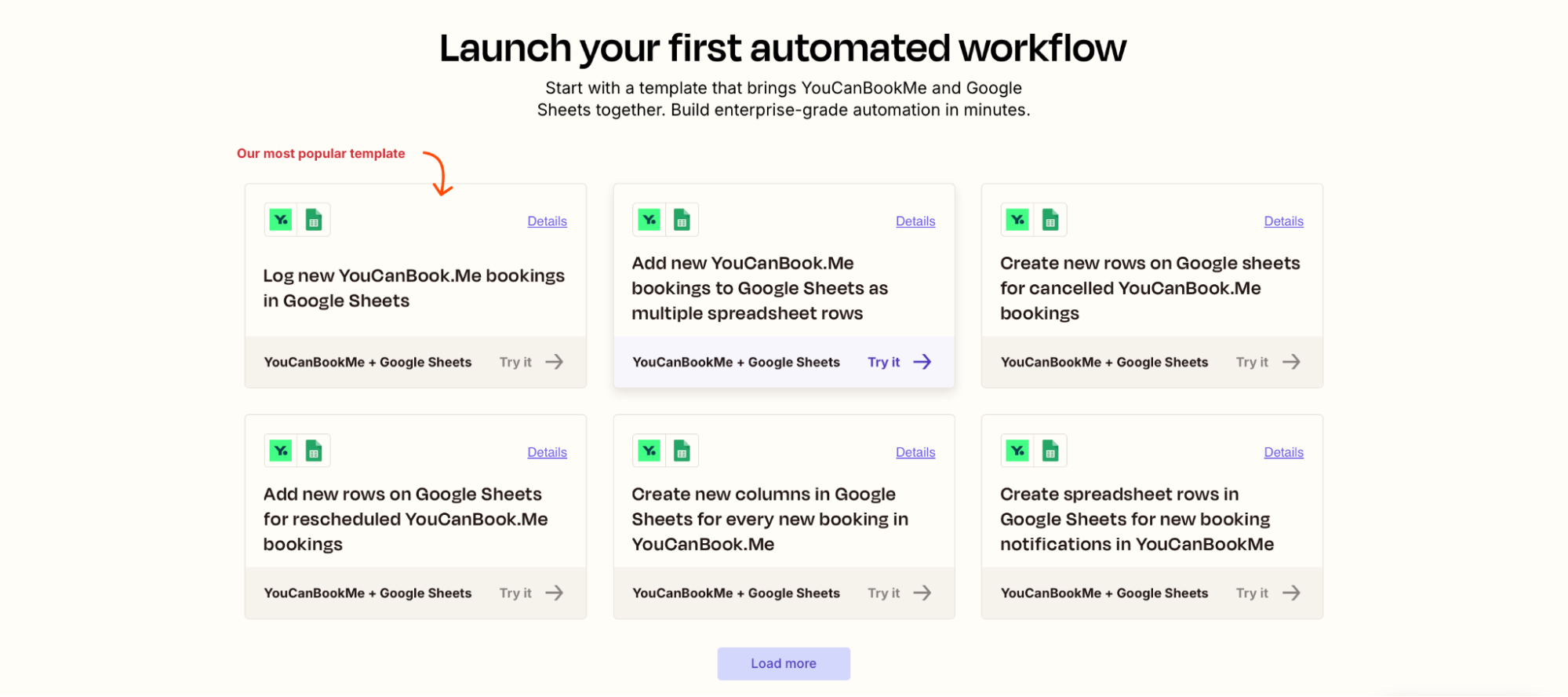
One of the most popular ways to use Zapier with YouCanBookMe is by sending booking data directly into Google Sheets. Each time someone books, a new row is added with the fields you choose to include.
You can track new, canceled, or rescheduled meetings in real time. It’s essentially a simple way to keep your data organized without manual updates.
Why it’s useful:
- Automatically log bookings in a shareable spreadsheet
- Populate custom fields like meeting type, contact info, or notes
- Filter and analyze data for reporting or handoffs
This Zap is ideal for any team that needs structured booking data for reporting, coordination, or handoffs.
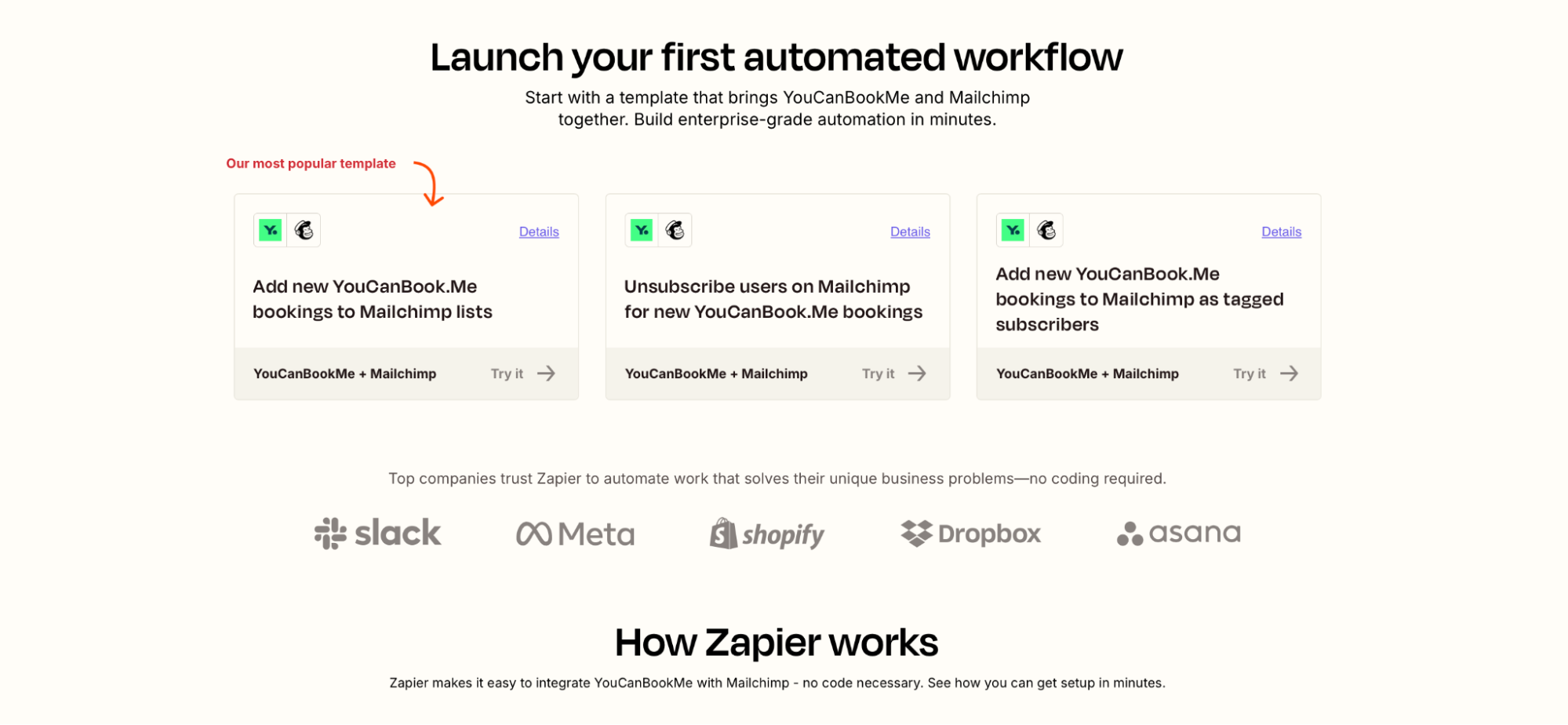
With this Zap, every new YCBM booking can automatically add the booker to your Mailchimp audience. You can also tag them based on booking type, unsubscribe them from specific lists, or trigger email automations.
Why it’s useful:
- Grow your mailing list as people book
- Trigger targeted automations based on booking type
- Keep contact data synced between your scheduler and email tool
This Zap is especially useful for marketers, coaches, and educators who want to engage contacts right after they schedule a session.
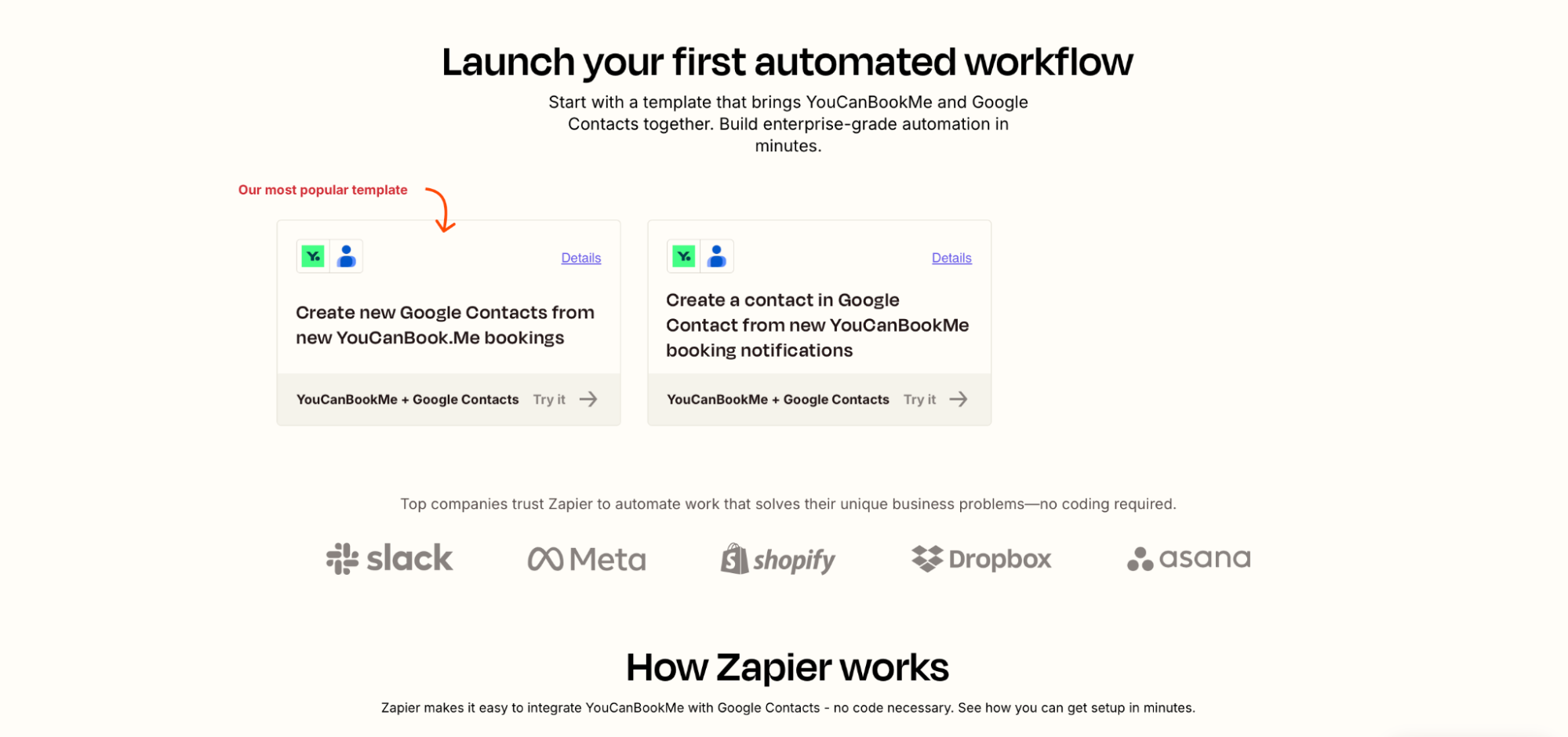
Another popular Zap is sending new YouCanBookMe bookings straight into Google Contacts. This automatically creates a new contact every time someone schedules with you, making it easier to stay organized and keep your address book current.
You can map fields like name, email, phone number, or booking notes, so you always have the right details on hand.
Why it’s useful:
- Keep your contact list clean and searchable
- Access client info directly from Gmail or your phone
- Eliminate manual data entry from your follow-up workflow
Great for anyone who needs fast, reliable access to client or student contact info without toggling between tools.
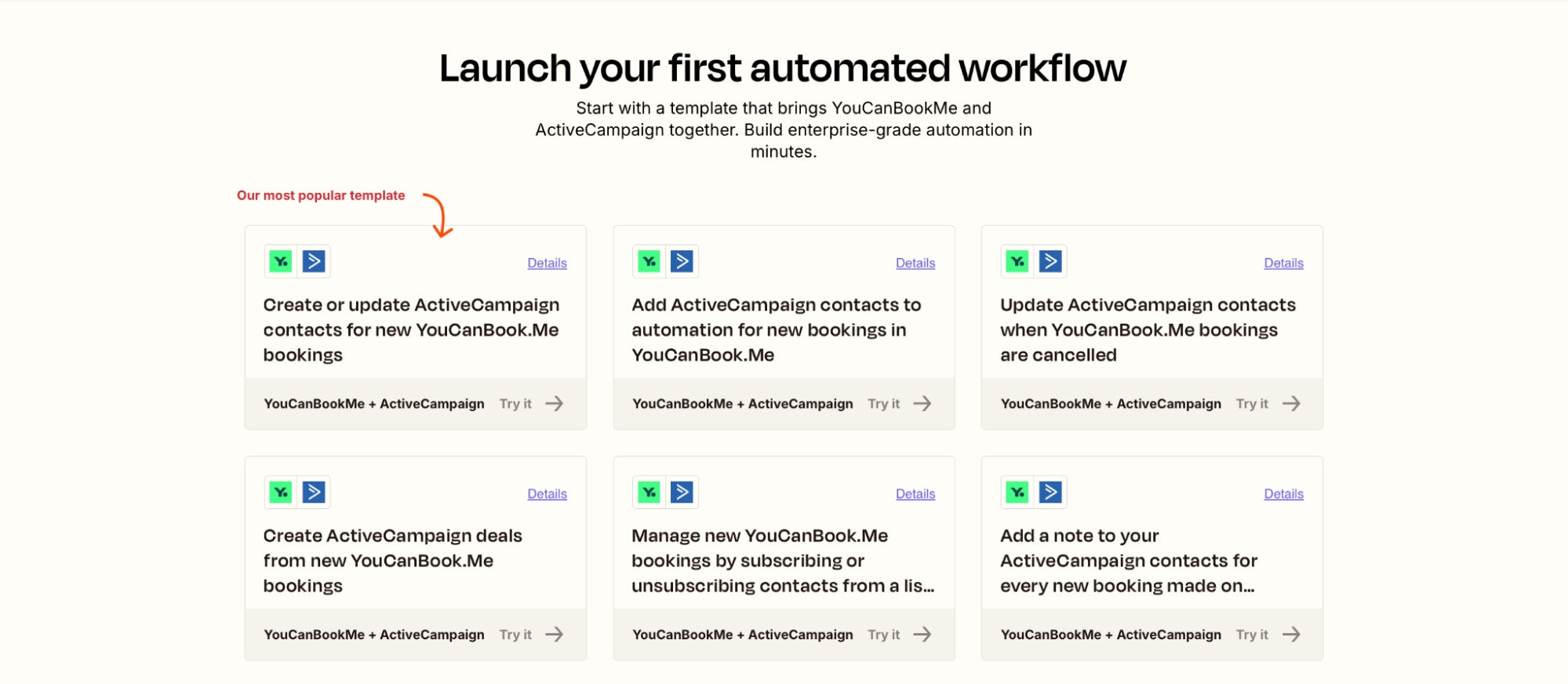
If you’re using ActiveCampaign to manage customer relationships or run email sequences, this Zap makes sure your contacts stay up to date. When someone books through YouCanBookMe, you can automatically create or update their contact record, trigger automations, or even log a note for your team.
Why it’s useful:
- Add new leads or clients directly to your CRM
- Trigger relevant automations based on booking type
- Keep marketing and sales data in sync across tools
Ideal for teams running lead nurture, onboarding, or follow-up workflows that depend on real-time booking activity.
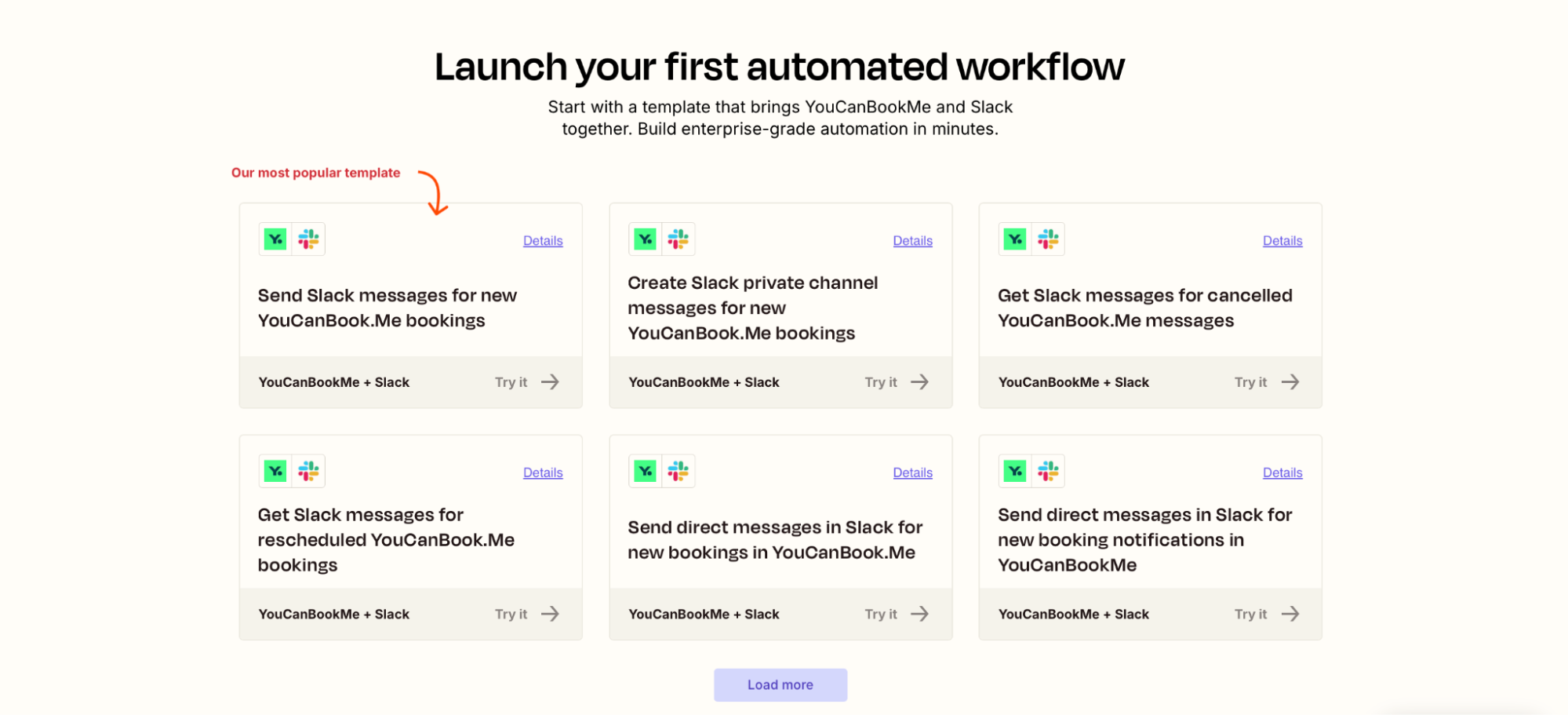
Few things build momentum like seeing bookings roll in, especially when your team gets notified in real time. With this Zap, every new YCBM booking can trigger a Slack message in a channel or DM, so your team knows exactly what’s happening and can jump into action when needed.
Why it’s useful:
- Instantly alert sales, support, or ops teams about new meetings
- Boost team morale by celebrating demo bookings or client sessions
- Keep everyone aligned without email clutter
This is especially popular with sales teams who want to move fast or simply stay motivated by seeing demos getting booked in.
YouCanBookMe has become essential for us. It makes scheduling incredibly easy for our appointment setters and keeps everyone in the loop. Through Zapier, it connects to Slack, so the team is instantly notified whenever a call is booked. Overall, it’s simple, seamless, and very user-friendly.”
– Lindsey Pickowicz, The Fitness Project
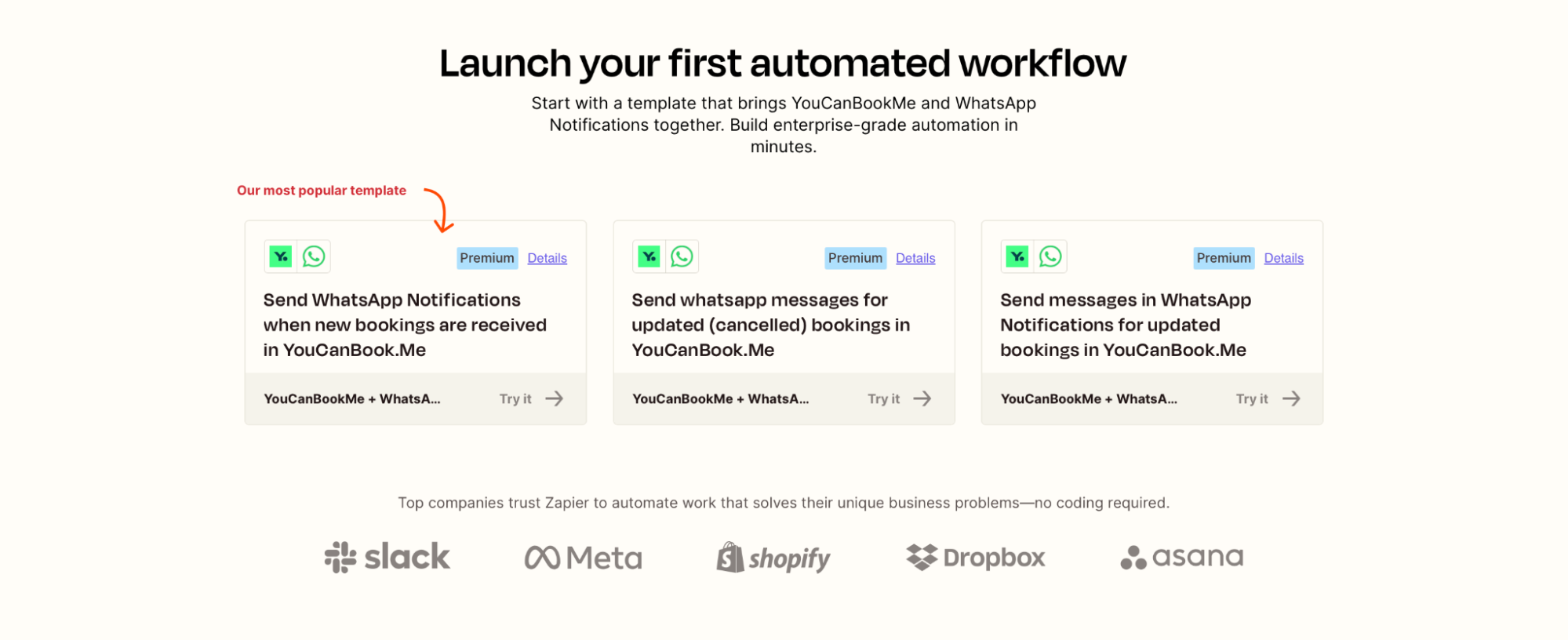
Lots of YCBM users love this one—the WhatsApp integration is a great way to stay updated on new bookings, even if you're not in front of your laptop. With this Zap, you (or a team member) can receive a WhatsApp message instantly whenever someone books, cancels, or reschedules.
Why it’s useful:
- Get notified the moment a booking comes in
- Keep your team in sync without managing calendars or emails
- Ideal for field teams, solo consultants, and mobile-first businesses
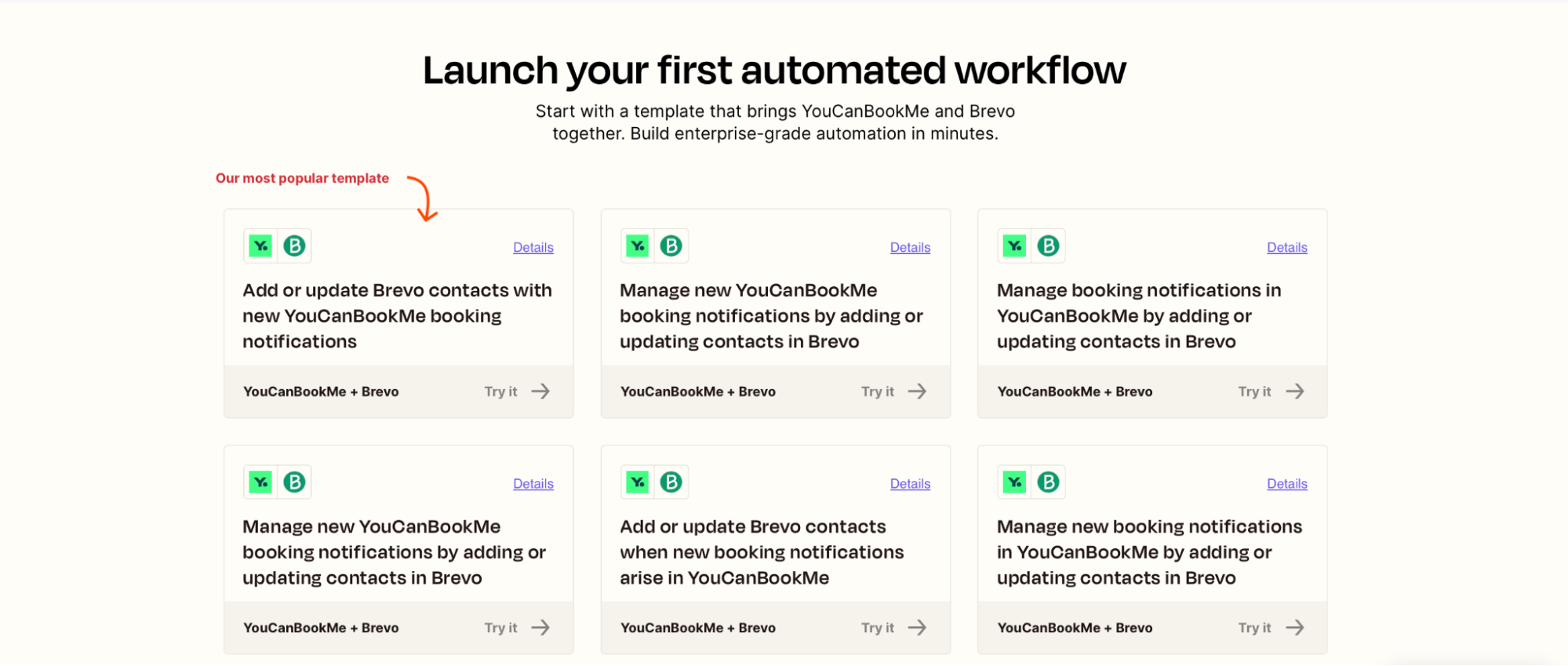
If you're using Brevo for email marketing or customer relationship management, this Zap makes it easy to stay organized. Every time someone books through YCBM, their details are added to your Brevo contact list or used to update an existing contact automatically.
This ensures your lists are always up to date and ready to trigger campaigns or segment users based on the type of appointment they booked.
Why it’s useful:
- Add new contacts to Brevo without manual entry
- Update existing records to reflect booking activity
- Keep your marketing workflows aligned with real-time customer actions
A great option for teams that use Brevo to send post-booking emails, manage leads, or trigger appointment-based automations.
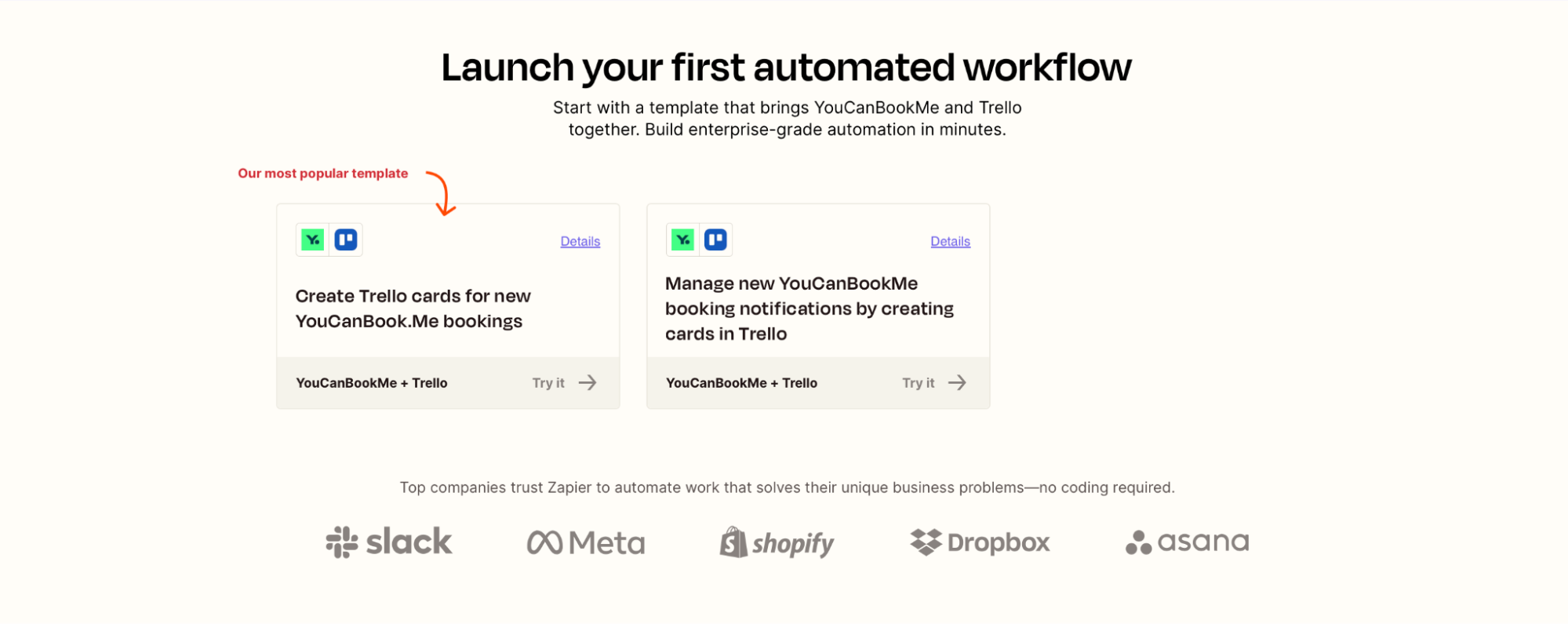
To finish off the list of your favorite YouCanBookMe and Zapier integrations, we have Trello. This Zap is popular among teams that manage tasks, client onboarding, or internal prep work via Trello. With this integration, every new booking in YouCanBookMe can automatically create a new Trello card, complete with key booking info.
It’s ideal if you need to prepare materials for meetings, assign follow-up tasks, or keep your workflow boards up to date without lifting a finger.
Why it’s helpful:
- Ensure every booking becomes a trackable task
- Keep teams aligned on next steps after each appointment
- Use Trello as a lightweight CRM or project tracker
If you’re already using Trello to manage your day-to-day, this Zap turns bookings into action items instantly.
Connecting YouCanBookMe to Zapier opens up a world of time-saving, error-reducing, automation-friendly possibilities.
The best part? You don’t need any coding knowledge.
The second best part? You really can expand the use of YouCanBookMe across your entire business, not just for scheduling but as a trigger for key workflows in sales, marketing, operations, and beyond.
With over 7,000 apps on Zapier, your team can build workflows that turn every new booking into instant, automated action. Here’s what that can look like in practice:👇
- Sales teams get real-time Slack pings for new demo bookings, with leads automatically added to their CRM.
- Ops and admin teams log every booking in Google Sheets or Trello, keeping projects organized and up to date.
- Marketing teams sync new bookings to Mailchimp or Brevo to segment and nurture leads.
- Customer support teams trigger Slack alerts for high-priority bookings, ensuring the right teammate joins when a customer selects a specific appointment type.
- Recruitment teams get Slack alerts for new interview bookings, and can update Trello cards as candidates move through interviews, offers, and onboarding.
In short, Zapier gives you the flexibility to build workflows that match your exact needs. And since YouCanBookMe bookings can act as a trigger, you can automate what happens before, during, or after a meeting.
Start automating your scheduling tasks today
Connect YouCanBookMe and Zapier in just a few minutes and take the manual work out of your booking process.

.png?width=884&height=823&name=FP_%20Booking%20Forms%20-%20Instantly%20send%20information%20to%20your%20CRM%20v2%20(1).png)
Ready to create your first Zap—or try one of these top integrations?
Whether you're new to Zapier or already running a few Zaps, we hope these eight integrations give you fresh ideas for how to streamline your booking flow.
From lead management to internal handoffs, there are countless ways to make YouCanBookMe even more powerful by connecting it to the tools your team already uses.
And if you don’t have a YouCanBookMe account yet, now’s the perfect time to set one up and start automating.
FAQs
How do I connect YouCanBookMe and Zapier?

Connecting YouCanBookMe to Zapier only takes a few minutes and doesn’t require any technical setup. Here’s how to do it:
- Log in to your YouCanBookMe account.
- Click the circle with your initials in the top-right corner and select My Account.
- Go to Integrations.
- Find Zapier and click Connect.
- If you’re already logged into Zapier, the connection will happen automatically. If not, you’ll be prompted to log in.
- Once connected, copy the Zapier API key shown on the Integrations page.
- Open your Zapier account in a new tab.
- Go to Apps, search for YouCanBookMe, and connect it using the API key you copied.
That’s it. Your accounts are now linked.
From here, you can start creating Zaps by choosing a YouCanBookMe trigger, like a new booking, cancellation, or reschedule, and then selecting the app you want to send that information to, such as Google Sheets, Slack, Mailchimp, or your CRM.

Written by
Paulina Major
Paulina Major is a freelance B2B content writer with six years of experience. Since 2024, she has written 100+ articles on scheduling and personally tested and reviewed 30+ booking tools, helping small business owners choose software and simplify their booking processes. As a solopreneur managing her own clients and calendar, she brings firsthand experience to her advice on scheduling, time management, and running a business.
Get started today
Join thousands of coaches, consultants, and entrepreneurs who use YouCanBookMe to power their business. Get your first booking in a few minutes.


 4.7 / 5 — Trustpilot

