
2026 Guide to the 6 Best Account Management Software

Create your free booking page

Client relationships are the heart of any successful small business. But as your customer base grows, so does the complexity of managing it all—keeping track of conversations, staying ahead of renewals, and making sure no one falls through the cracks.
The right account management software gives you the tools to handle more clients with less stress. And if you’re not using one yet but are thinking about it, you’ve come to the right place.
In this guide, we’ll walk you through the six best account management software tools to help you get more clients and manage them more efficiently. For each tool, you’ll get a breakdown of:
- Key features
- Pros and cons
- Pricing
But first, let’s take a look at what account management software actually does.
Account management software, often referred to as customer relationship management (CRM) tools, help businesses organize, track, and grow client relationships. They centralize key information, like contact details, communication history, and deal progress, so teams can stay aligned and responsive.
As your business scales, managing accounts manually becomes time-consuming and error-prone. Account management software makes it easier to stay organized, support your clients, and grow without losing the personal touch that builds long-term loyalty.
Here’s what the right account management software can help you do:👇
- Centralize customer data: Keep all client information in one place, including contact details, communication history, contracts, sales volumes, and support records. This gives your entire team real-time access to the full context of each account, reducing confusion and improving collaboration.
- Build better relationships and retention: Strong relationships come from consistent, proactive engagement. With built-in reminders, account health alerts, and shared account plans, your team can stay ahead of client needs, resolve issues quickly, and drive long-term loyalty.
- Increase automation and productivity: Automate repetitive tasks like lead tracking, email campaigns, data entry, and report generation. This frees up your team to focus on higher-value activities, like strategic planning, upselling, or delivering exceptional service.
- Improve visibility and decision-making: Real-time dashboards and analytics help you monitor account health, track pipeline performance, and measure customer success metrics. With clearer insights, you can identify risks early and focus resources where they’ll make the biggest impact.
- Scale efficiently as you grow: As your client base expands, account management software helps you maintain service quality by standardizing processes and centralizing collaboration. This ensures new team members ramp up quickly and that no account gets overlooked.
Before you jump into choosing a tool, it’s worth stepping back to figure out what you actually need. With dozens of options out there, having clear criteria in mind before making a decision is essential.
Here are some things to consider:
- Clarify your needs and goals: Start by identifying what problems you’re trying to solve. Are you struggling with follow-ups? Losing track of client details? Wanting to scale without more admin work? A clear list of goals will help you focus on the features that matter most.
- Check core features: Look for tools that offer must-have features, like contact management, deal tracking, task automation, reporting, and alerts. Some platforms include extras like built-in email solutions, scheduling tools, or customer health scores, but the essentials should cover your workflow from start to finish.
- Evaluate usability and adoption: Fancy features won’t help if your team doesn’t use the software. Choose a tool with a clean, intuitive interface that’s easy to learn and quick to set up. Look for free trials, onboarding support, and reviews that speak to ease of use.
- Consider integrations, scalability, and security: Your account management software should fit smoothly into your existing small business tech stack. Check for integrations with email tools, marketing platforms, and accounting solutions you already use. Make sure it can scale as your business grows, and don’t overlook data privacy, user permissions, and security settings.
- Compare pricing carefully: Some tools offer free tiers that are perfect for start-ups, while others scale up quickly based on features or user seats. Understand the pricing structure and make sure you’re not paying for more than you need. If you’re a small team, look for platforms that offer flexible plans or small-business pricing.
Choosing the right tool now will save you from costly switches or workarounds later. With your needs clearly defined, it’ll be easier to find the software that helps your business grow.
Best for scheduling-led workflows
|
Best all-in-one CRM |
Best for enterprises |
|
|

|
|
|
YouCanBookMe Best for teams who want to automate client scheduling and integrate with CRMs |
HubSpot CRM Best for growing small businesses that want marketing, sales, and support tools in one place |
Salesforce Best for large companies with complex workflows and advanced reporting needs |


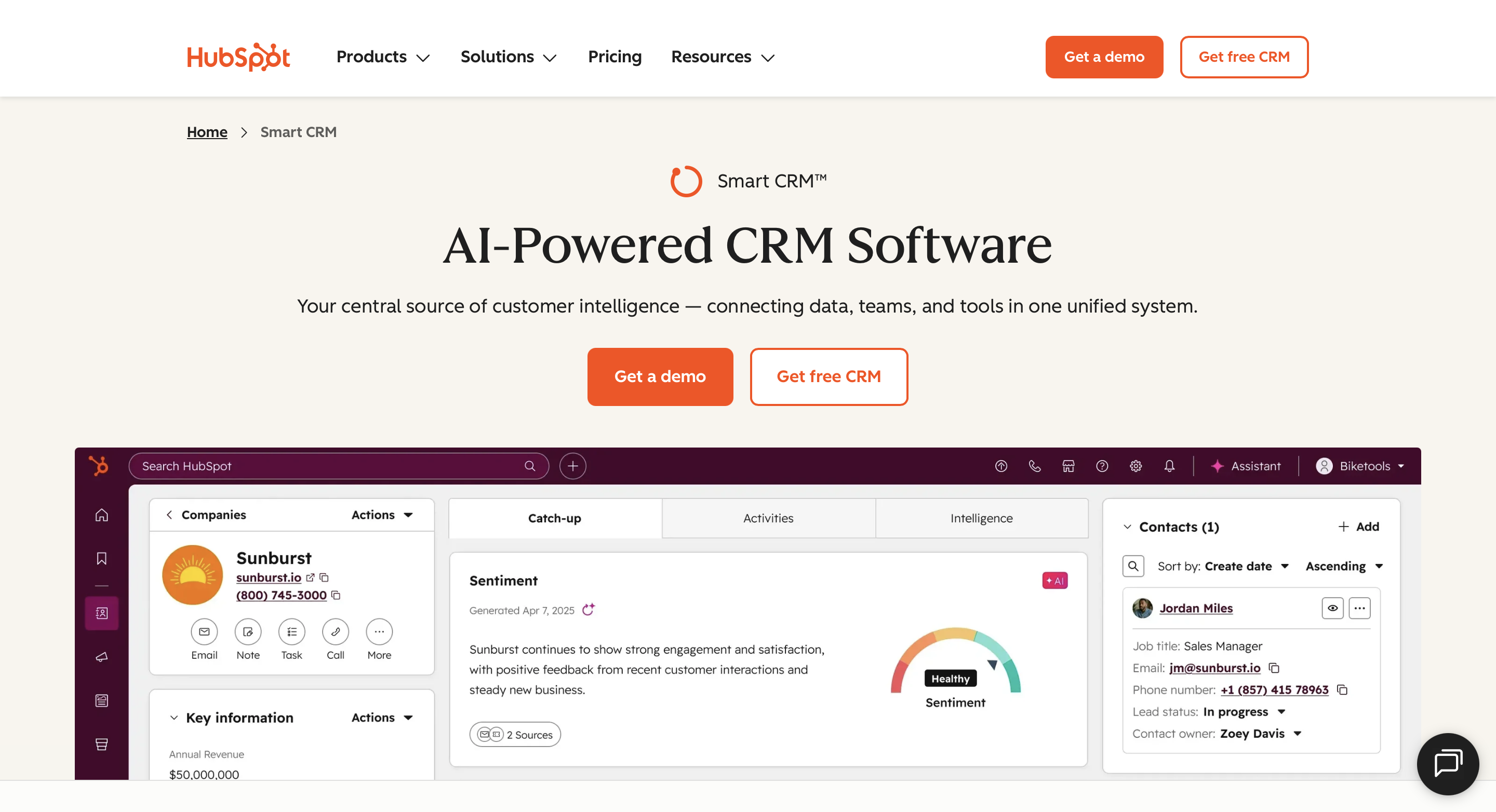
HubSpot is almost a household name when it comes to account management tools—and for good reason. It combines sales, marketing, service, and CRM features into a single, unified platform designed to help small businesses scale without switching tools.
With built-in automation, customizable reports, and AI-powered insights, HubSpot gives teams a smarter way to manage customer relationships from first touch to long-term retention.
Key features:
- Centralized contact and deal management: Store and track all your contacts, conversations, and pipeline activity in one shared workspace.
- Automation and workflows: Set up automated follow-ups, task reminders, and lead nurturing sequences triggered by customer behavior.
- Custom reporting and analytics: Create tailored dashboards that track key metrics like deal progression, customer engagement, and revenue.
HubSpot CRM pros |
HubSpot CRM cons |
|
|
Pricing: HubSpot offers a free forever CRM plan with contact and deal management features. For paid plans, pricing starts at $9 per user/month (billed annually) for Starter, with more advanced features in the Professional and Enterprise tiers. No free trial available.
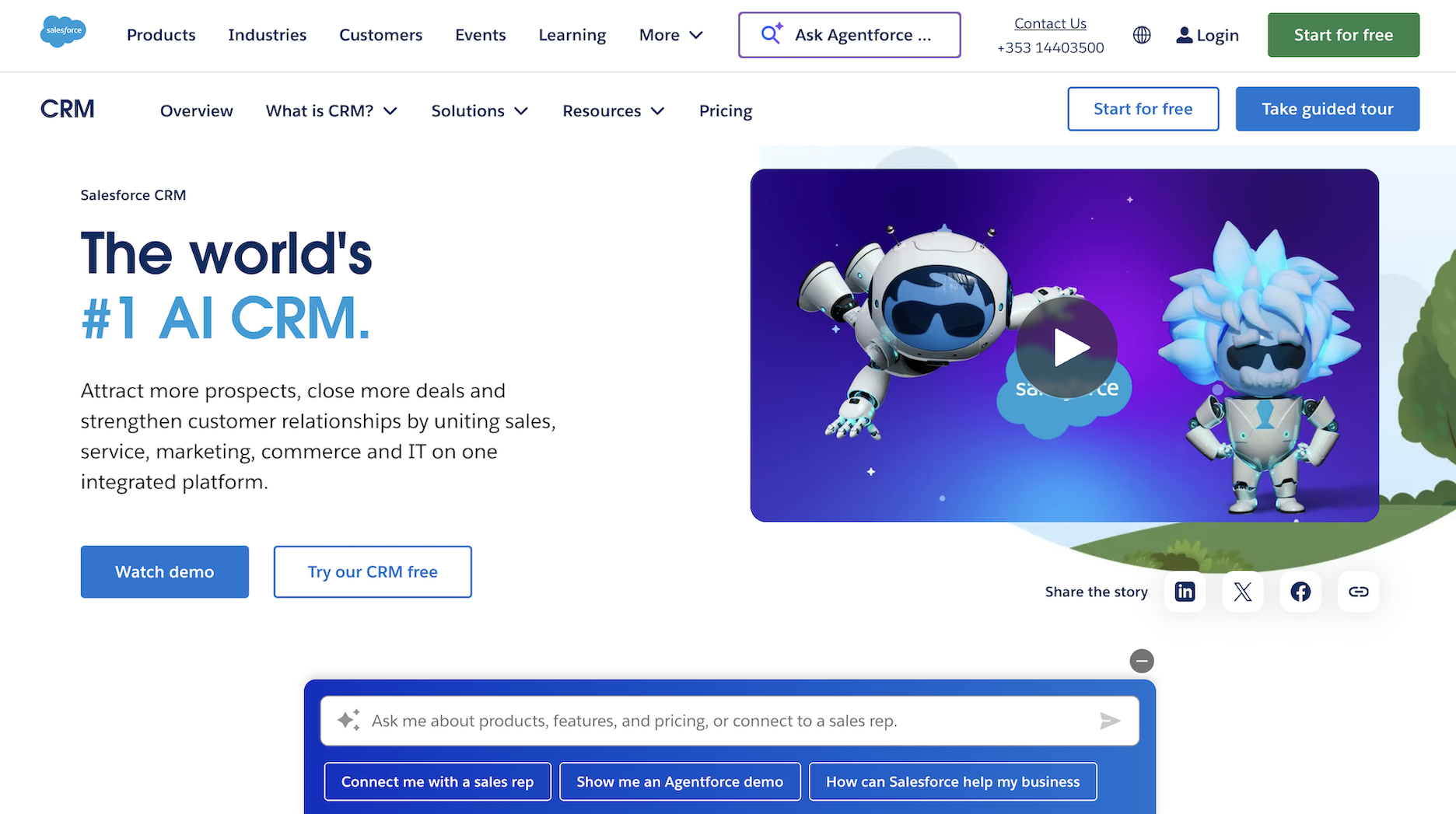
Salesforce is widely recognized as the gold standard for enterprise-level CRM. It offers powerful, customizable tools for managing customer relationships across every touchpoint, including sales, service, marketing, and commerce.
Similar to HubSpot, it also offers AI capabilities and deep reporting. However, what sets it apart is extensive industry-specific solutions, meaning it’s ideal for large organizations that need to manage advanced processes.
Key features:
- AI-powered automation and insights: Use predictive and generative AI to automate follow-ups, personalize outreach, and forecast pipeline trends.
- Unified customer data platform: Give every team access to a 360-degree view of customers across sales, service, and marketing from a single dashboard.
- Highly customizable workflows: Tailor your CRM with custom objects, automation rules, and advanced user permissions to fit your business structure.
Salesforce pros |
Salesforce cons |
|
|
Pricing: Salesforce offers a 30-day free trial. Paid plans start at $25 per user/month (billed annually) for the Starter Suite.
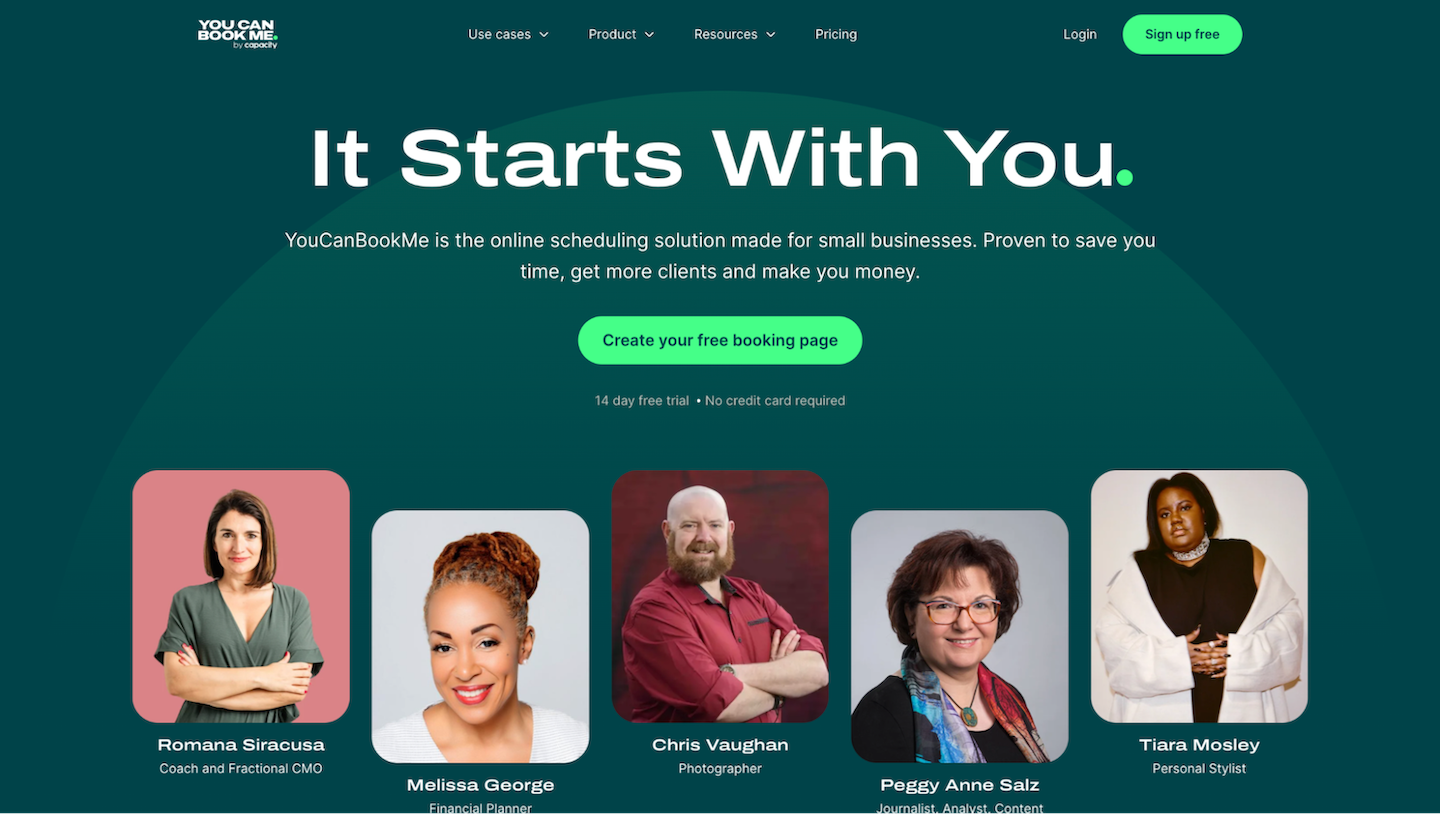
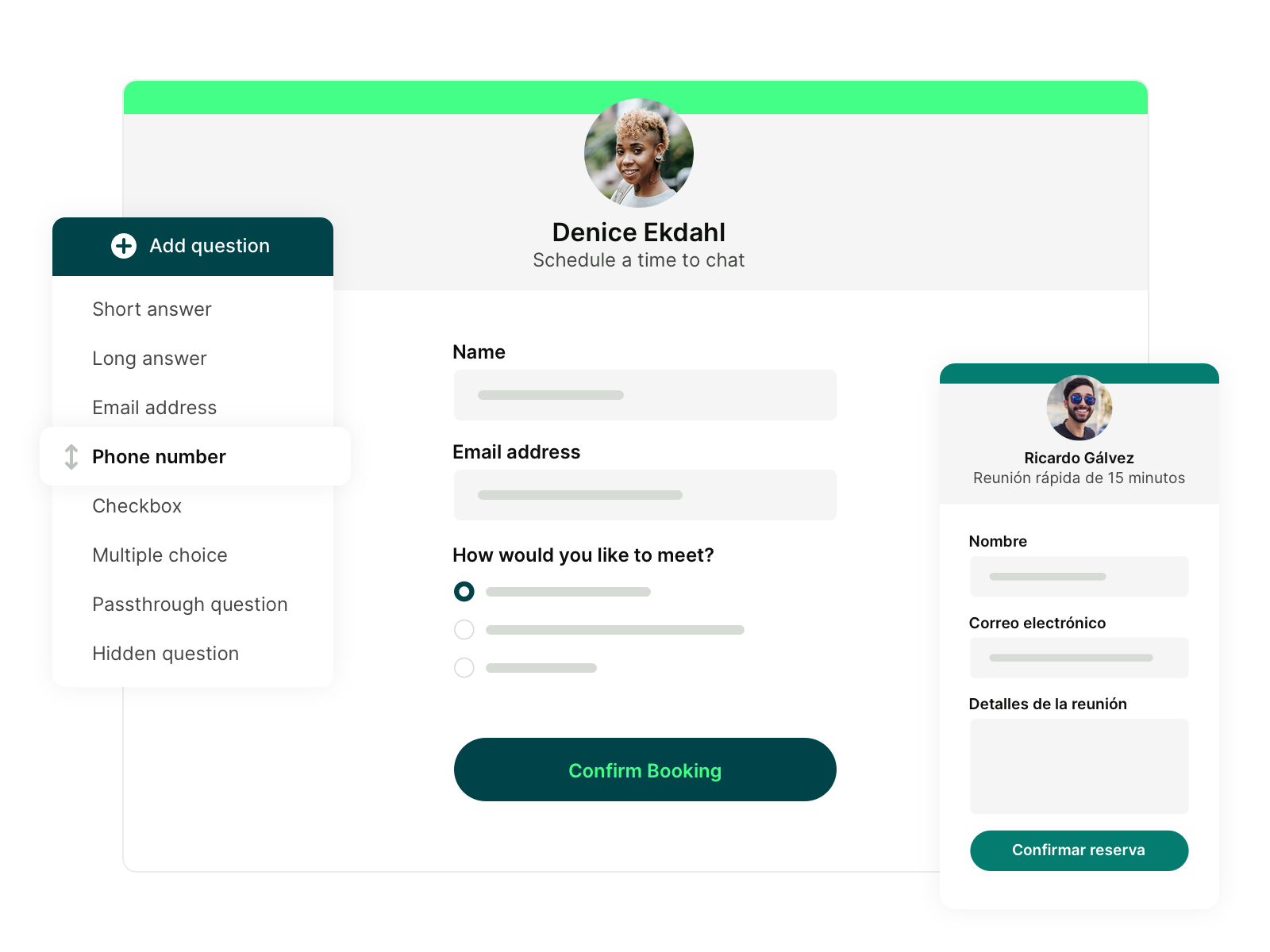
We can’t call YouCanBookMe (YCBM) a typical account management software. It’s not designed to manage leads or analyze pipeline performance metrics, like speed-to-lead, per se. However, YCBM plays a key supporting role in the account management process. By automating appointment scheduling and follow-ups, it ensures that clients always know when and how to engage with you—without the back-and-forth.
Furthermore, using intake forms, you can capture the details you need to personalize conversations, while the native HubSpot-YouCanBookMe integration ensures every meeting is automatically logged to the right contact, complete with reschedules, cancellations, and no-show updates.
Key features:
- Customizable booking forms to prequalify leads: Easily collect key details, like goals, budgets, or timelines, before the meeting begins. Use conditional logic, required fields, and even screening questions to ensure every conversation starts with the right context.
- Multiple appointment types: Create multiple appointment types, like onboarding, check-ins, QBRs, or escalations, each with its own settings, duration, availability, and reminders.
- Meeting analytics: View booking trends and performance across your team, appointment types, or clients. Use the data to optimize workflows or for quarterly business review prep.
YCBM pros |
YCBM cons |
|
|
YouCanBookMe provides the features we need to effectively manage our client interactions."
- Georgie Ionescu, Onboarding Team Lead at Passion.io
Pricing: YCBM offers a generous free plan. Paid plans start at $8.10/month (billed annually) and include features such as two calendar connections, two booking pages, and customizable email and SMS notifications. All paid plans offer a free 14-day trial.
Acquire more clients with smarter scheduling
Every great meeting starts with the right context. Ask qualifying questions during scheduling to weed out low-fit leads and prep for high-value conversations.

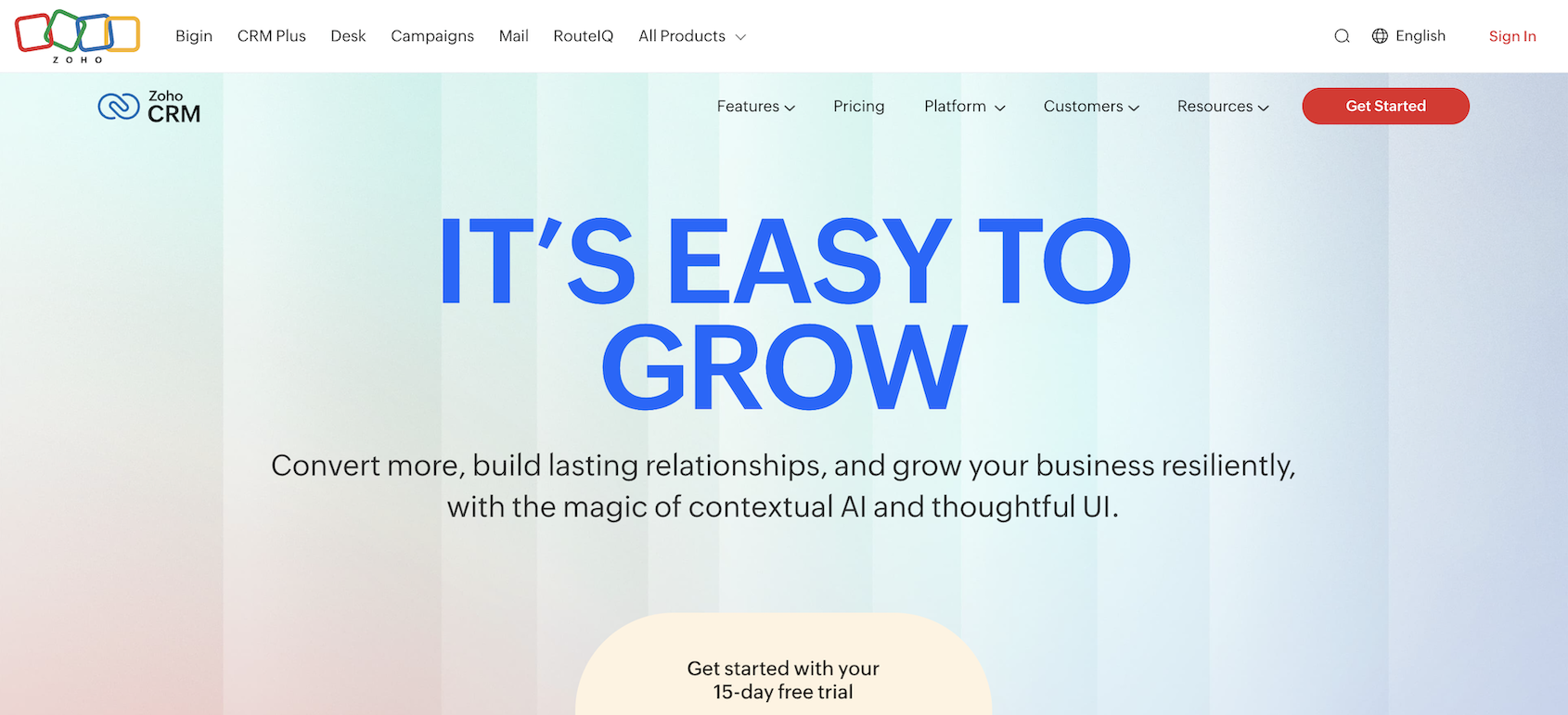
Next up on our account management software list is Zoho CRM, a flexible and budget-friendly platform used by, as they claim, 300,000 businesses worldwide.
It’s packed with automation, AI, and customization features that help teams work smarter without relying on heavy developer support. Zoho stands out for companies that need powerful tools but want to avoid enterprise-level pricing.
Key features:
- AI-assisted workflows with Zia: Automate lead scoring, anomaly detection, email writing, and forecasting using Zoho’s built-in AI assistant.
- Canvas and Blueprint customization: Design custom layouts and build automated workflows for sales stages and internal approvals with no-code tools.
- Multi-channel engagement and tracking: Manage emails, phone calls, live chat, and social media from one dashboard, all linked to your CRM data.
Zoho CRM pros |
Zoho CRM cons |
|
|
Pricing: You can try Zoho with a free 15-day trial. After that, you can either stay on a free plan for up to three users or subscribe to one of the paid plans, which start at $14 per user per month (billed annually).
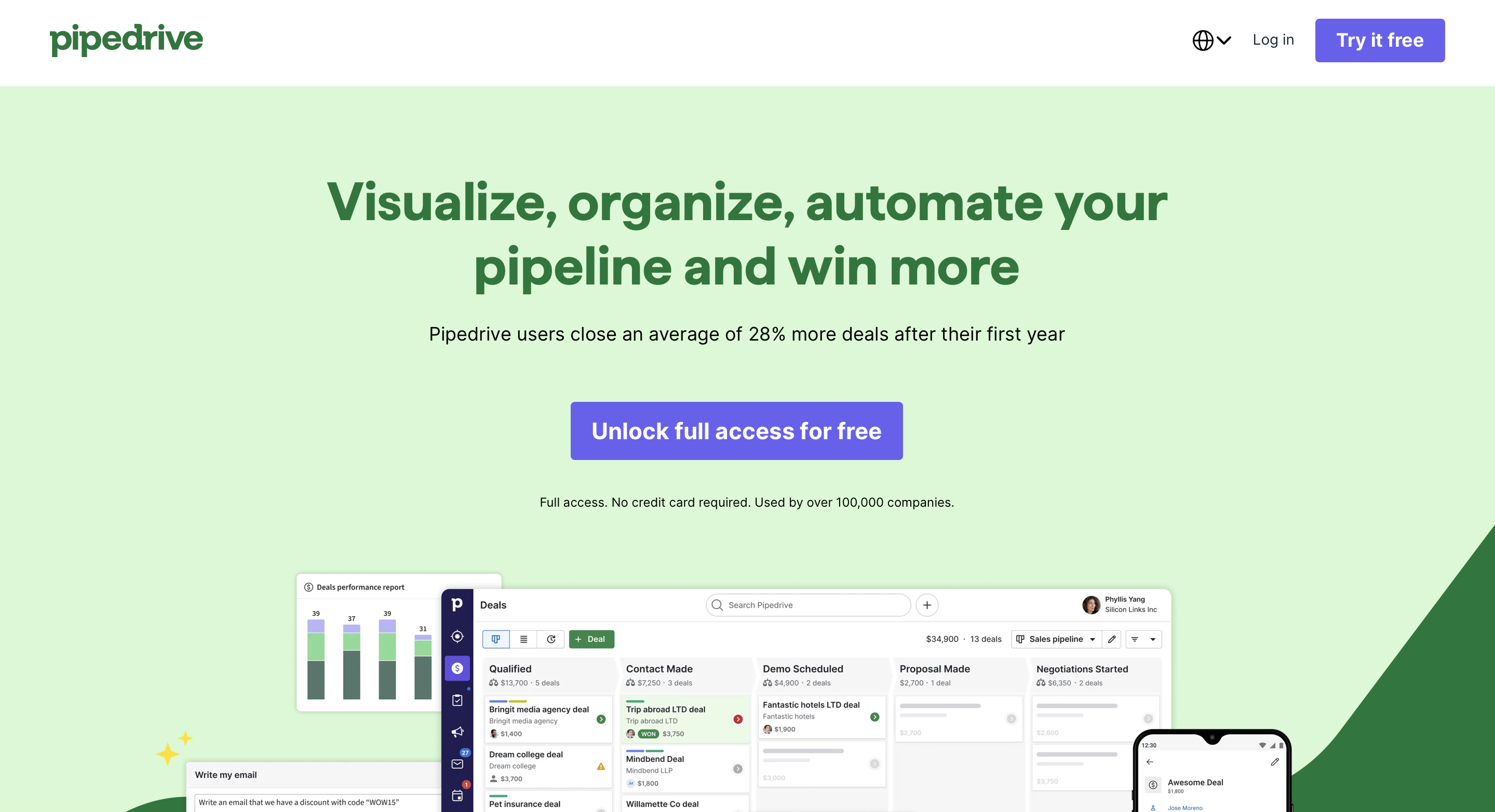
If you’re looking for a user-friendly, sales-focused CRM, you can’t skip over Pipedrive. Designed to keep things simple and effective, Pipedrive helps teams manage deals visually, automate repetitive tasks, and stay laser-focused on closing. It’s also pretty affordable, which is a huge bonus if you’re money-conscious.
Key features:
- Visual sales pipelines: Track deals easily with a drag-and-drop dashboard that reflects your real-world sales process.
- Built-in AI assistant: Get smart nudges, activity suggestions, and insights to help reps work faster and smarter.
- Workflow automation: Save hours by automating follow-ups, email sequences, and lead routing—no tech skills required.
Pipedrive pros |
Pipedrive cons |
|
|
Pricing: While Pipedrive doesn’t have a free CRM, it does offer a 14-day free trial (no credit card needed). Paid plans start at $14/user/month (billed annually) for the Lite plan.
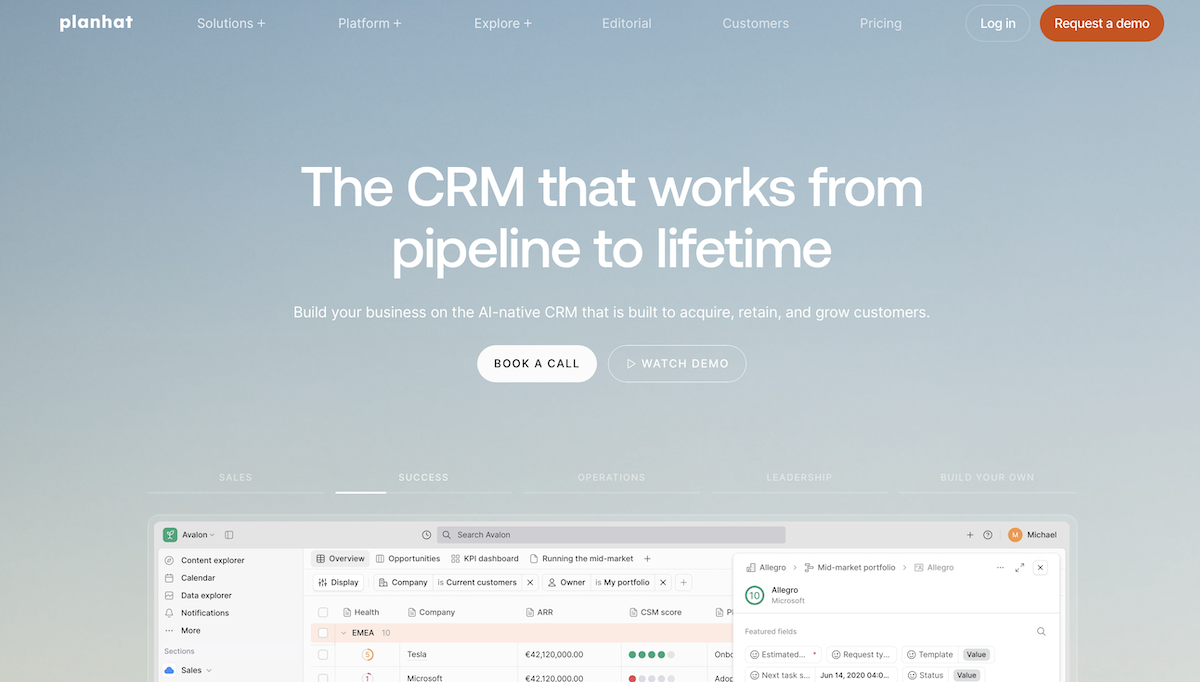
If you’re a bit of an AI geek who wants to manage customer accounts more intelligently, Planhat is a next-generation CRM you shouldn’t miss. It brings together sales, customer success, and operations in one AI-native platform that automates data entry, surfaces key insights, and helps your team stay focused on the customer journey.
Key features:
- Automated data entry: Say goodbye to spreadsheets—Planhat auto-fills customer profiles using firmographics, product usage, and buying signals.
- Shared lifecycle views: Sales and success teams can collaborate in one workspace with built-in handoff tools, task management, and onboarding workflows.
- Out-of-the-box AI tools: Get smart recommendations, conversation insights, and playbooks to guide reps at every stage of the customer journey.
Planhat pros |
Planhat cons |
|
|
Pricing: Available upon request.
Which tool caught your attention?
From robust CRMs like Salesforce and HubSpot to more nimble tools like Pipedrive, Zoho, and Planhat, each platform offers a unique blend of features to help you manage accounts more effectively. Whether you prioritize deep reporting, intuitive UI, or AI-powered workflows, there’s a tool here for you.
But if you’re focused on delivering a seamless client experience—starting with how meetings are booked—YouCanBookMe is built to simplify scheduling and strengthen your account workflows. It integrates directly with HubSpot, automatically creating or updating contacts, logging meetings, and syncing activity, so your team can spend less time on admin and more time managing relationships that drive growth.
Frequently Asked Questions
What are the best tools for account management?

The best account management tools help you stay organized, build stronger client relationships, and scale without losing visibility. Based on different business needs and workflows, these are some of the top options to consider:
- HubSpot – A powerful all-in-one CRM ideal for growing businesses that want sales, marketing, and customer support tools in a single platform.
- Salesforce – The go-to choice for enterprises that need advanced customization, deep reporting, and complex workflow management.
- Pipedrive – A simple, visual CRM designed for sales teams that want an easy way to track deals and stay focused on closing.
- YouCanBookMe – Best for scheduling-led workflows, helping teams automate meetings, capture lead details upfront, and keep CRM records up to date.
Which CRM software is the best?
There’s no single CRM that’s best for every business. The right choice depends on your business size, sales process, and how you manage customer relationships day to day. That said, HubSpot is widely regarded as one of the best options for small and growing businesses. Its generous free plan, intuitive interface, and strong automation features make it easy to get started without a steep learning curve.
When paired with a scheduling tool like YouCanBookMe, HubSpot becomes even more powerful. YouCanBookMe automates meeting bookings, captures key lead details upfront, and syncs every interaction directly to HubSpot. Together, they help you move faster, respond with context, and create a smoother experience from first touch to long-term relationship, giving you a strong foundation to convert leads, win deals, and turn customers into loyal clients.
Can account management software replace spreadsheets and manual tracking?
Yes, in most cases, account management software can fully replace spreadsheets and manual tracking, and do it far more effectively. While spreadsheets may work in the very early stages, they quickly become hard to maintain as client numbers grow.
Account management software centralizes customer data, automates updates, tracks conversations, and reduces human error. It also provides real-time visibility across teams, something spreadsheets struggle to do without constant manual input. That said, spreadsheets can still be useful for one-off analysis or simple reporting.

Written by
Paulina Major
Paulina Major is a freelance B2B content writer who has spent the last two years deep in the world of scheduling — writing about booking best practices, time management, and the tools that help small businesses run more efficiently. She writes from experience: as a solopreneur managing her own clients and calendar, she lives the challenges her readers are trying to solve.
Get started today
Join thousands of coaches, consultants, and entrepreneurs who use YouCanBookMe to power their business. Get your first booking in a few minutes.


 4.7 / 5 — Trustpilot

