Microsoft Bookings vs YouCanBookMe: Which is Right For You?

Let’s put YouCanBookMe and Microsoft Bookings to the test.
Paulina Major
- Microsoft 365. It works well if your team already uses Outlook, needs simple appointment booking, and wants to avoid adding another tool.
- YouCanBookMe offers more flexibility and control. It supports Google, Outlook/Microsoft 365, and Apple calendars, plus stronger booking forms, branding, daily booking limits, and granular availability rules.
- Choose based on how much control you need in terms of customization, scheduling rules, and team scheduling.
Microsoft Bookings is convenient. It's already in your M365 stack, connects to Outlook, and costs nothing extra if you're already on a Business plan. But if you need more than basic appointment scheduling, YouCanBookMe is purpose-built to go further.
This is an honest comparison of YouCanBookMe vs. Microsoft Bookings: what each tool does well, where each one falls short, and how to decide which one fits the way you actually work.
Let’s jump right in!
What is Microsoft Bookings?
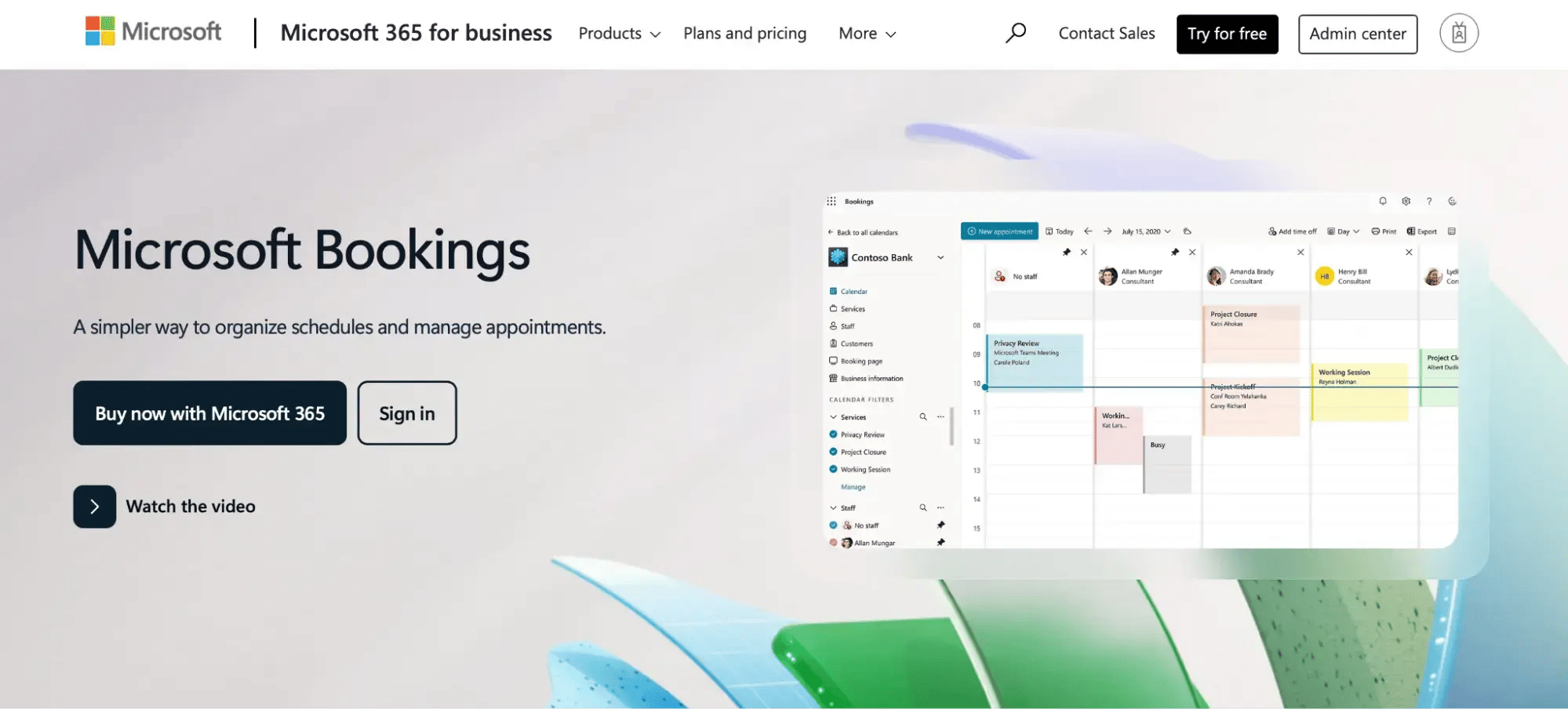
Microsoft Bookings is an appointment-scheduling app included with Microsoft 365 Business and Enterprise plans. It lets businesses publish a booking page, manage staff availability, and connect with Outlook calendars so customers or clients can self-schedule without back-and-forth email. It is designed for straightforward service booking, such as a small law firm scheduling consultations or an IT help desk booking support calls, within an existing Microsoft 365 environment.
How does Microsoft Bookings work?
The setup lives entirely inside the Microsoft 365 admin experience. You create a Bookings page, define your services (meeting types, durations, and assigned staff), set availability, and share a link. When someone books, the appointment lands in the relevant Outlook calendar, and a confirmation goes to the customer. For simple use cases inside an M365-only environment, the flow is functional and frictionless.
What does Microsoft Bookings cost?
Microsoft Bookings isn’t free as a standalone product. It's included with paid Microsoft 365 Business subscriptions: Business Basic ($6/user/month), Business Standard ($12.50/user/month), and Business Premium ($22/user/month), all billed annually.
If you're already on one of those plans, there's no extra line item. But if you're not on M365, you'd need to subscribe just to access it, which isn’t ideal if you want to use the tool only and nothing else.
What Is YouCanBookMe?
YouCanBookMe vs. Microsoft Bookings: A side-by-side comparison
Here’s how the two tools stack up across the features that matter most for professional scheduling: 👇
YouCanBookMe vs. Microsoft Bookings.
A side-by-side comparison
Scroll sideways to see all tools
| Feature | YouCanBookMe | Microsoft Bookings |
|---|---|---|
| Free plan | ✅ Yes—1 booking page, unlimited bookings | ❌ No—requires paid Microsoft 365 subscription |
| Paid plan starts at | $8.10/month | ~$6/user/month (M365 Business Basic) |
| Standalone tool (no ecosystem required) | ✅ Yes | ❌ No—M365 subscription required |
| Google Calendar sync | ✅ Yes | ❌ No |
| Outlook/Microsoft 365 sync | ✅ Yes | ✅ Yes |
| Multi-calendar conflict checking | ✅ Yes—checked across multiple calendars | ⚠️ Basic—single Outlook calendar |
| Custom branding (logo, colors) | ✅ Yes—full brand control on paid plans | ⚠️ Limited—basic color and logo options |
| Custom domain/URL | ✅ Yes | ✅ Yes |
| Multiple booking pages | ✅ Yes | ✅ Yes—per service |
| Embeddable booking widget | ✅ Yes | ✅ Yes |
| Set prices & take payments for bookings | ✅ Yes | ⚠️ Can set prices, but cannot take payments |
| Buffer time between meetings | ✅ Yes | ✅ Yes |
| Minimum advance notice (lead time) | ✅ Yes | ✅ Yes |
| Daily booking limits | ✅ Yes—cap bookings per day | ❌ No |
| Granular availability rules | ✅ Yes—by time of day, day of week | ⚠️ Limited |
| Custom intake questions | ✅ Yes—text, dropdowns, checkboxes | ✅ Yes—basic |
| Conditional/branching logic | ✅ Yes | ❌ No |
| Custom confirmation messages | ✅ Yes | ⚠️ Limited |
| Automated email reminders | ✅ Yes—fully customizable | ✅ Yes |
| SMS reminders | ✅ Yes | ✅ Yes, but only under the Teams Premium account |
| Follow-up emails | ✅ Yes | ✅ Yes |
| Rescheduling/cancellation links | ✅ Yes | ✅ Yes |
| Multi-staff/team booking | ✅ Yes | ✅ Yes |
| Round-robin distribution | ✅ Yes—auto-assign across team members | ❌ No |
| Collective availability (all must be free) | ✅ Yes | ⚠️ Limited |
Calendar integration
YCBM's calendar sync works with Google Calendar, Outlook/Microsoft 365, and Apple Calendar. What’s also cool about YouCanBookMe is that it can check up to 10 calendars simultaneously to prevent double-bookings. Two-way sync means your booking page updates in real time as your schedule changes, and you can block time directly from your calendar without logging into YCBM.
Microsoft Bookings connects to Outlook only. If your team runs entirely on Microsoft 365, that works fine. But if anyone on your team uses Google Workspace or Apple Calendar, Bookings can't account for those commitments, which is where scheduling conflicts creep in. YCBM covers the full picture regardless of which calendar ecosystem you're on.
Booking form customization
Microsoft Bookings lets you add custom questions to your booking form, but it’s rather basic. So, if you don’t need anything fancy apart from the booker’s name, email, and a few question fields, then that’s enough.
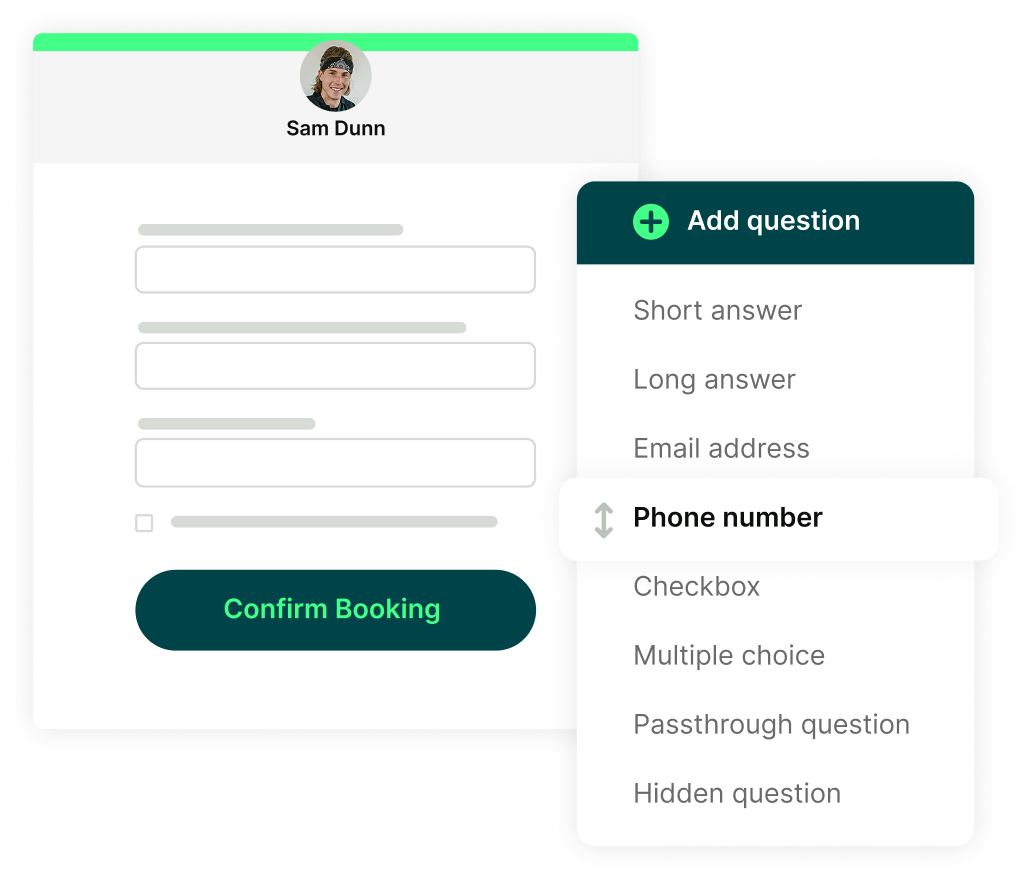
Meanwhile, YCBM's booking forms with conditional logic go further. You can use dropdowns, checkboxes, short and long answers, and blocking questions that screen out unqualified bookings before they land in your calendar. Conditional logic shows or hides fields based on earlier answers, keeping the form short and relevant. That’s a major advantage when you need to ask your leads a few qualification questions before an appointment.
Buffer time and scheduling rules
Both tools support buffer time before and after appointments. On lead time and maximum booking windows, they're level, too.
Where they diverge is in the depth of control. YCBM lets you cap the total number of bookings in a day, which is super useful for anyone who needs to protect focus time or limit client-facing hours. You can also restrict availability by time of day and day of week with granular rules. Microsoft Bookings covers the basics, but those finer controls aren't there.
Team scheduling and round-robin
Both tools support multi-staff booking and let customers book with available team members. For basic team scheduling inside Microsoft 365, MS Bookings works fine.
Where YCBM goes further is in how it distributes those bookings. Rather than manual staff assignment, YCBM's round-robin scheduler automatically rotates meetings across your team, meaning you can:
- Optimize for availability
- Split bookings evenly
- Set a specific sequence
Microsoft Bookings has no equivalent logic. So, if you’re a sales team managing demo calls or a support team handling inbound sessions, using YCBM makes a practical difference.
To be fair, Microsoft Bookings does what it promises inside the Microsoft 365 ecosystem. Still, next to MS Bookings' competitors, a few gaps start to show.
- It requires an active M365 subscription. If you’re already paying for M365, it’s not a big con. If not, you have to be prepared to pay at least $6/user/month.
- No Google Calendar sync. If any part of your workflow lives in Google Calendar, MS Bookings can't account for it.
- Limited booking form flexibility. Basic intake forms only, with no conditional logic and no ability to adapt questions based on what a client selects.
- Minimal branding. You can add a logo and pick a color, but the booking page is recognizably a Microsoft product.
- No daily booking caps or granular availability rules. Restricting yourself to a set number of bookings per day, or blocking specific time windows, isn't possible.
- No round-robin distribution. Bookers can book available staff members; however, the tool doesn’t rotate or balance bookings across a team automatically.
YCBM is built specifically for professional scheduling—not as a feature bundled into a broader suite, but as a dedicated tool designed around one thing: making bookings work for your business.
Here are YCBM’s biggest upsides:
- Your booking page, your brand. With YCBM, you can truly play around with customizing your booking page. Not only can you add custom colors and your logo, but you can also add background images and even custom footers.
- Ability to take payments upfront. YCBM lets you connect Stripe to your booking page so clients can pay the moment they book. You can accept credit and debit cards, Apple Pay, and Google Pay, set prices for different appointment types, and even offer promo codes or add-ons.
- Works across every calendar stack. Whether you or your team is on Outlook, Google Calendar, Apple Calendar, or a mix, YCBM keeps availability accurate across all of them.
- Free to try, no strings attached. The free plan includes one booking page and unlimited bookings. Also, no credit card is needed to get started.
It's an amazing tool for businesses, every type of business... From somebody that's a freelancer, because I know you have this amazing integration where you can actually take payments, up to really large businesses where they need more value and more flexibility and more in-depth features or integrations.”
Which tool should you choose?
If you're evaluating both, the decision usually comes down to two things: how embedded you are in Microsoft 365, and how much control you need over the booking experience.
Choose Microsoft Bookings if:
- You're already on a Microsoft 365 paid plan and don't need an extra tool.
- Your team works entirely within Outlook and the Microsoft ecosystem.
- You only need straightforward appointment booking.
Choose YouCanBookMe if:
- You use Google Calendar, Apple Calendar, or work across multiple calendar systems.
- You need custom booking forms with conditional logic to qualify leads before you meet.
- You want a branded booking page that looks like your business.
- You're not on M365 and don't want to pay for a subscription just to get scheduling functionality.
- You want to start free and scale up only when you're ready.
Wrapping up
Whether you go for MS Bookings or YCBM, they’ll both help you automate appointment scheduling. If you’re already inside the Microsoft 365 ecosystem and your needs are basic, Microsoft Bookings is more than enough.
But if you want more control over your booking experience, whether that's custom forms, calendar flexibility, branded pages, or team scheduling logic, YouCanBookMe is built to go further.
FAQs
Is Microsoft Bookings free?
Not as a standalone product. Microsoft Bookings is included with paid Microsoft 365 Business subscriptions, which start at $6/user/month. If you're not already on M365, you'd need to subscribe just to access it.
Can I use Microsoft Bookings without Microsoft 365?
No. It requires an active M365 Business or Enterprise subscription.
Does YouCanBookMe work with Outlook?
Yes. YCBM syncs with Microsoft Outlook and Microsoft 365, as well as Google Calendar and Apple Calendar, so it works regardless of which calendar system you're on.
Is YouCanBookMe free?
Yes, YCBM offers a generous free plan, which includes one booking page with unlimited bookings, calendar sync, a custom booking form with up to 7 questions, automatic video conferencing links for Zoom, Google Meet, and Teams, confirmation emails, and your own branded booking URL, among other features.

Subscribe to our newsletter
Get productivity tips, news, articles and resources.
Written by
Paulina Major
Paulina grew up wanting to be a commercial pilot, but life steered her toward content writing. With a passion for tech and business, she’s found her calling in helping brands share their stories every day. Her non-negotiable? Morning coffee—because nothing starts without that first sip.