
Why Double Bookings Happen & How to Eliminate Them for Good

Create your free booking page

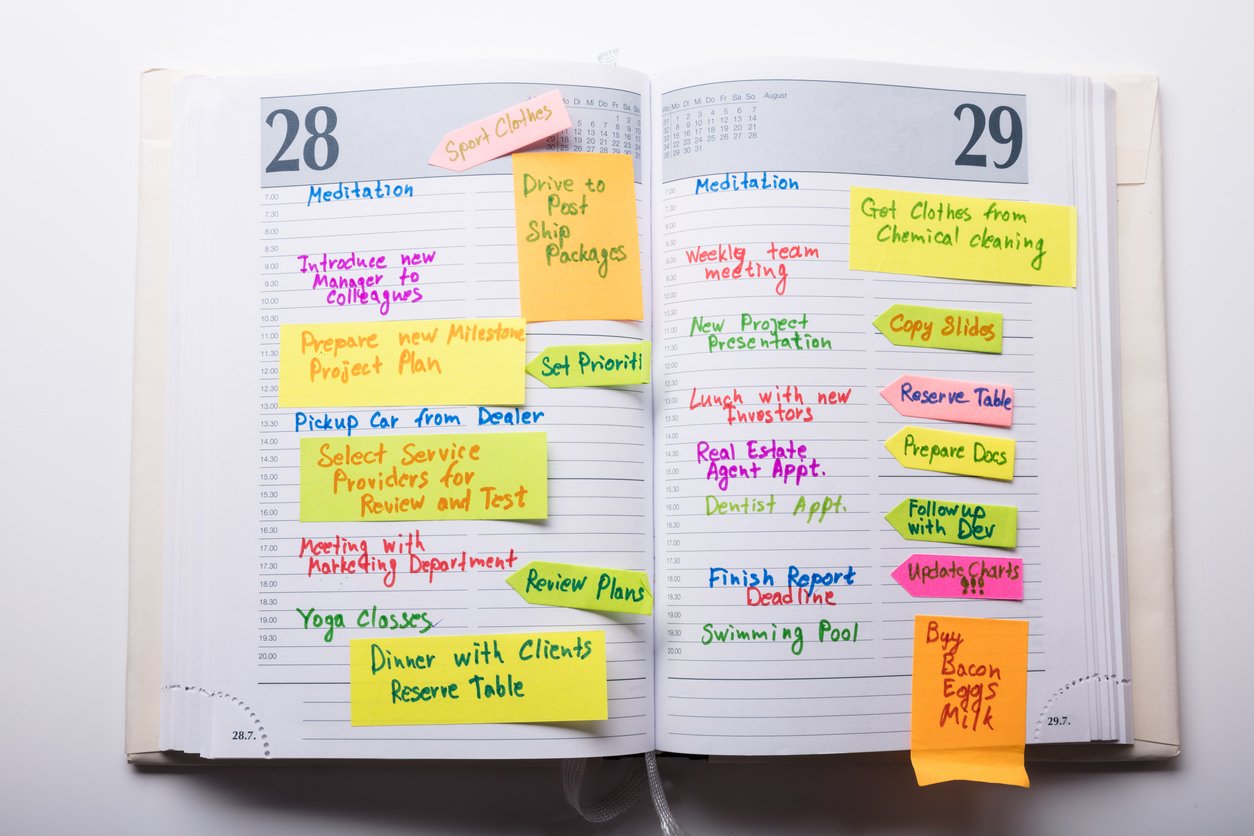
You didn’t mean to double-book that client. But it happened. And it’s awkward.
We’ve all been there—juggling meetings, forgetting to block off time, or relying on a single calendar app to catch everything. Double bookings feel unprofessional and can chip away at client trust, even when they’re honest mistakes.
In this article, you’ll learn:
- How double bookings happen
- Ways to prevent them from your end, permanently
- What to do when a double booking happens
Let’s get your scheduling under control. 💪
A double booking is an unintentional scheduling conflict where two appointments are set for the same time. It’s often the result of managing your calendar manually, using disconnected tools, or forgetting to block off time after accepting a meeting.
Most double bookings aren’t careless—they’re the result of a broken or incomplete scheduling system.
If you’re relying on memory, disconnected tools, or unclear team processes, it’s easy to accidentally commit to two things at once. Here are the most common ways it happens:
- Manual calendar management: When you’re entering appointments by hand or trying to mentally keep track of them, it’s easy to forget to record a meeting. Even small lapses, like adding something to your phone calendar but not your work one, can lead to double bookings. This is especially common when you’re busy or context-switching throughout the day.
- Not checking team calendars or availability: If you're booking on behalf of a teammate or sharing resources like meeting rooms or service equipment, not checking their availability can result in conflicts. This often occurs when visibility into team schedules is limited or scattered across multiple tools.
- Using separate systems that don’t sync: Maybe one client books through an online form, another texts you, and a third sends an email. When your scheduling lives in several places (none of which talk to each other), double bookings are almost guaranteed.
- Not using a scheduling link: Without a booking link, you’re stuck manually coordinating schedules, often through email, phone, or messaging apps. That means you're constantly guessing at availability, proposing times, and hoping nothing changes before the client confirms. The risk? Someone else could grab the same time slot while you're still finalizing details, leading to accidental overlaps.
- Time zone or timing misunderstandings: Scheduling across time zones without tools that auto-adjust can cause hidden conflicts. You might think a call is at 10 am your time, while your client shows up at 10 am theirs. Even daylight saving changes can throw things off if your systems aren’t accounting for them.
- Using a booking link, but not syncing all calendars: Even if you’re using a scheduling app, it won’t prevent double bookings unless all your calendars are connected. For example, you might block off time on your personal calendar, but if it’s not synced to your booking tool, someone can still grab that slot.
Understanding how double bookings happen is just the first step. But the real wake-up call comes when you see the impact. Now, let’s look at what double bookings can do to your business if left unchecked.
On the surface, double bookings might seem like a small scheduling mistake. Just send a quick apology email to the client—and problem solved, right? We wish!
If your calendar gets double-booked frequently, it can quickly snowball into lost revenue, frustrated clients, and added stress for you and your team.
Here’s what they can really cost you:
- Lost revenue and wasted time: Missed appointments mean missed income. Plus, the time spent rescheduling is time you’re not billing or being productive.
- Damaged professional reputation and client trust: Showing up late (or not at all) makes you look disorganized. Clients may hesitate to rebook or refer you.
- Stress and workflow disruption: Scrambling to fix overlaps interrupts your flow and adds unnecessary pressure to your day.
- Impact on team morale: Team members who deal with repeated conflicts may become frustrated or disengaged, especially if they’re blamed for issues caused by broken systems.
- Customer churn and negative reviews: One bad scheduling experience can lead to lost customers, poor word-of-mouth, or public complaints.
Sounds bad enough, right? But how do you know if double booking is actually a problem in your business? Watch out for these early signs. 👇
Look, a double booking problem isn’t always obvious at first. One or two mix-ups might feel like isolated mistakes. But over time, they can point to deeper issues with how you organize your calendar or coordinate with your team.
Here are a few telltale signs:
- You’re canceling or rescheduling at the last minute—a lot. If you're constantly moving things around at the last second, that’s more than just a busy week. It could be your scheduling system falling apart behind the scenes.
- Clients seem confused or annoyed: Clients who show up at the wrong time or express irritation about being double-booked are sending a clear message. Your current process may be coming across as unprofessional or unreliable.
- Your team shows up to the same appointment: When more than one person on your team is scheduled for the same client or meeting without knowing it, that’s a red flag. It often points to poor calendar coordination or a lack of internal visibility.
- You find out about conflicts way too late: If you’re regularly noticing overlaps just hours or minutes before a meeting, that’s another telltale sign that your scheduling process is broken.
If you’re at this point thinking, “Yep, that’s exactly how things go at my business,” don’t worry! In the next section, we’ll discuss a few practical ways to prevent double bookings for good.
Double bookings are annoying, but they’re completely preventable. With the right tools and a few smart habits, you can keep your calendar conflict-free.
The first—and most important—step to preventing double bookings is using a dedicated scheduling tool. Manually managing your calendar or going back and forth over email leaves too much room for errors, overlaps, and wasted time.
With an automated scheduling tool, you can set your availability, let clients book at their convenience, and instantly block off times that are already taken. These platforms handle confirmations, reschedules, and reminders for you, so you're not stuck chasing people or double-checking every time slot.
For example, YouCanBookMe (YCBM) is built specifically for small businesses that depend on smooth, professional client booking. It gives you a fully customizable booking page, syncs across all your calendars, and automates the admin that usually eats up your day. Whether you're a coach, consultant, photographer, or service provider, YCBM helps you stay booked, but not double-booked! 😉
Say goodbye to double-booking mistakes
Let YouCanBookMe handle your bookings so you never have to deal with scheduling conflicts again!

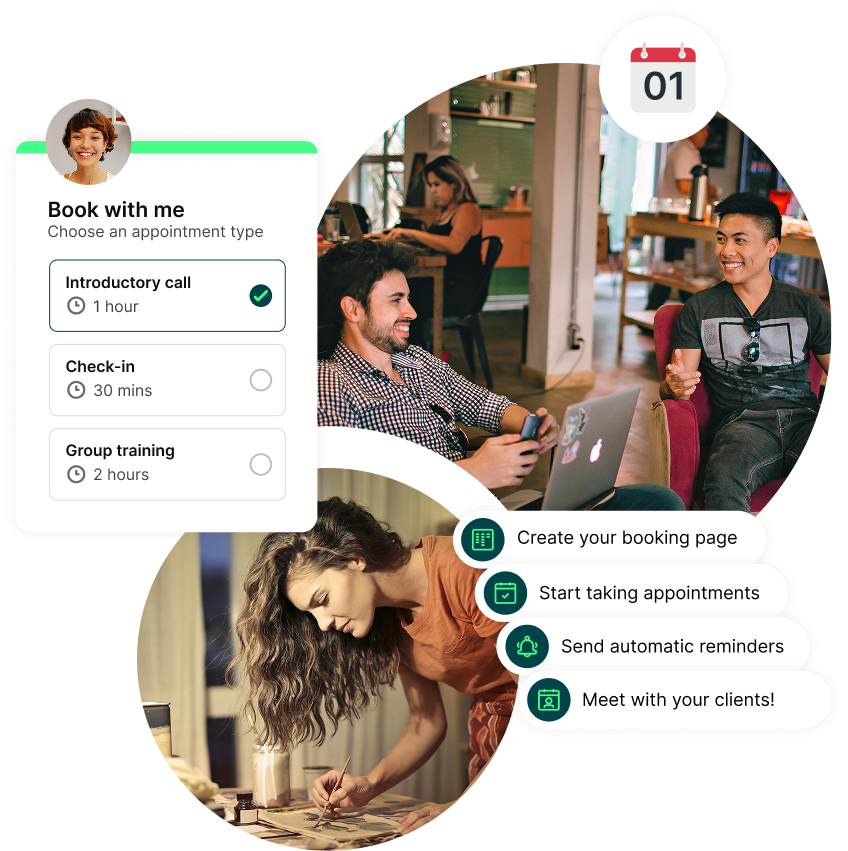
If your calendars aren’t talking to each other, double bookings are bound to happen one way or another. Maybe your personal calendar shows you're free, but your business calendar tells a different story—and your booking tool doesn’t know the difference.
This is one of the reasons why using a scheduling app is so important: it can sync with all your calendars and only show your real-time availability. That’s exactly what YouCanBookMe can do. It connects up to 10 calendars across Google, Outlook, Apple, and Fastmail—so your availability is always accurate.
|
💡Pro tip: If you use both Apple Calendar and Google Calendar, it’s worth syncing them so events appear in both. Check our guide on how to link Apple and Google Calendar that shows you how to do it in just a few minutes. |
Work with a team? Don’t forget to check all those calendars, too! Use a tool that offers pooled availability, showing everyone’s real-time schedules on one booking page, across time zones, so you never double-book and every open slot is genuinely available.
Even when appointments don’t overlap, booking them back-to-back can still cause problems. You might run late, need a moment to prep, or simply want a short break. Your calendar won’t know that unless you plan for it!
Buffer time is the extra space you build in before or after each meeting. It gives you room to reset, take notes, or deal with unexpected delays—and helps prevent one meeting from bleeding into the next. This is a super common scenario in industries like beauty and healthcare, where appointments often run over because of client questions, treatments taking longer than expected, or last-minute add-ons.
With tools like YouCanBookMe, you can automatically add buffer time to any booking. You choose how much time you need between appointments, and the system will block it out for you.
Another trick to preventing double bookings is making sure your availability updates in real time. If your schedule changes but your booking system doesn’t reflect it instantly, someone could grab a slot that’s no longer free, and you end up double-booked. Deep sigh. 😩
Real-time availability checking means your booking page is always up to date. As soon as a new meeting is added to your calendar or one is canceled, your availability adjusts automatically.
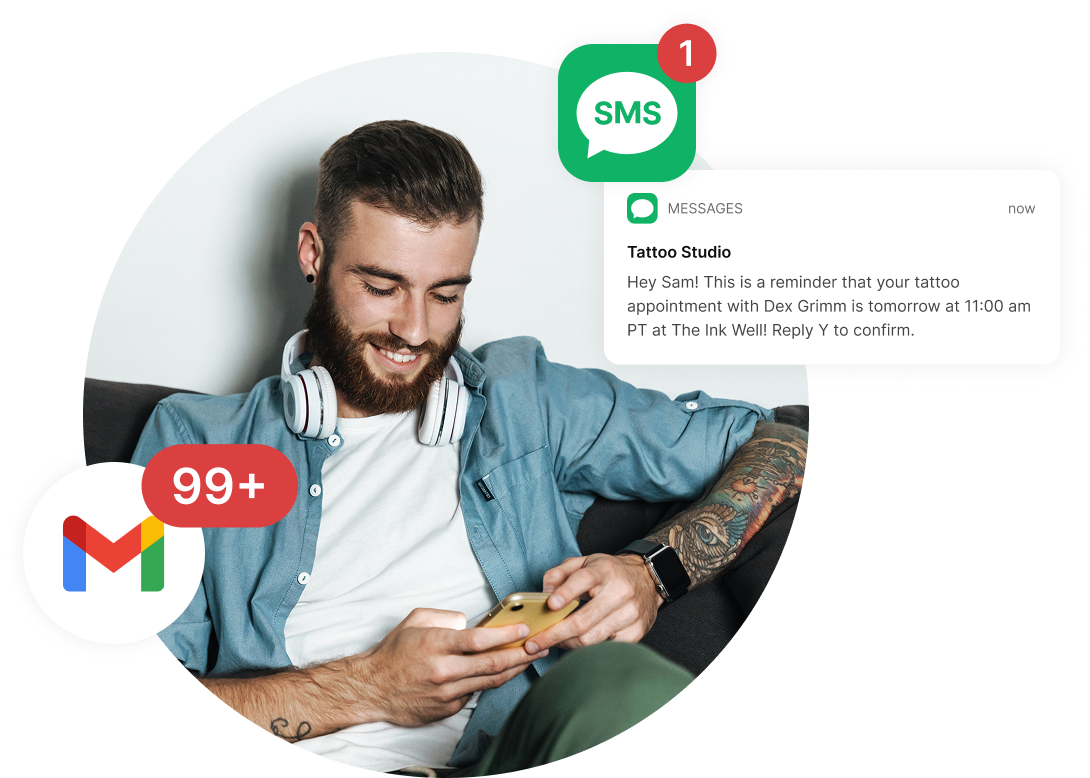
One of the easiest ways to avoid double bookings or no-shows is by setting up automatic confirmation and reminder messages. These help both you and your clients stay on the same page and reduce the risk of missed or overlapping appointments.
A confirmation lets you and the client know the booking was successful. Reminders give both of you a nudge before the appointment, which helps prevent forgotten meetings. These messages also give both sides a chance to catch any errors ahead of time, such as the wrong date, time, or time zone.
If you don’t want to send these messages manually, YouCanBookMe can send them automatically on your behalf. You can customize exactly what they say and when they’re sent. And, you can include helpful details like:
- Meeting links
- Link to reschedule or cancel
- Directions
* Content with { } are dynamic fields automatically updated in YouCanBookMe.
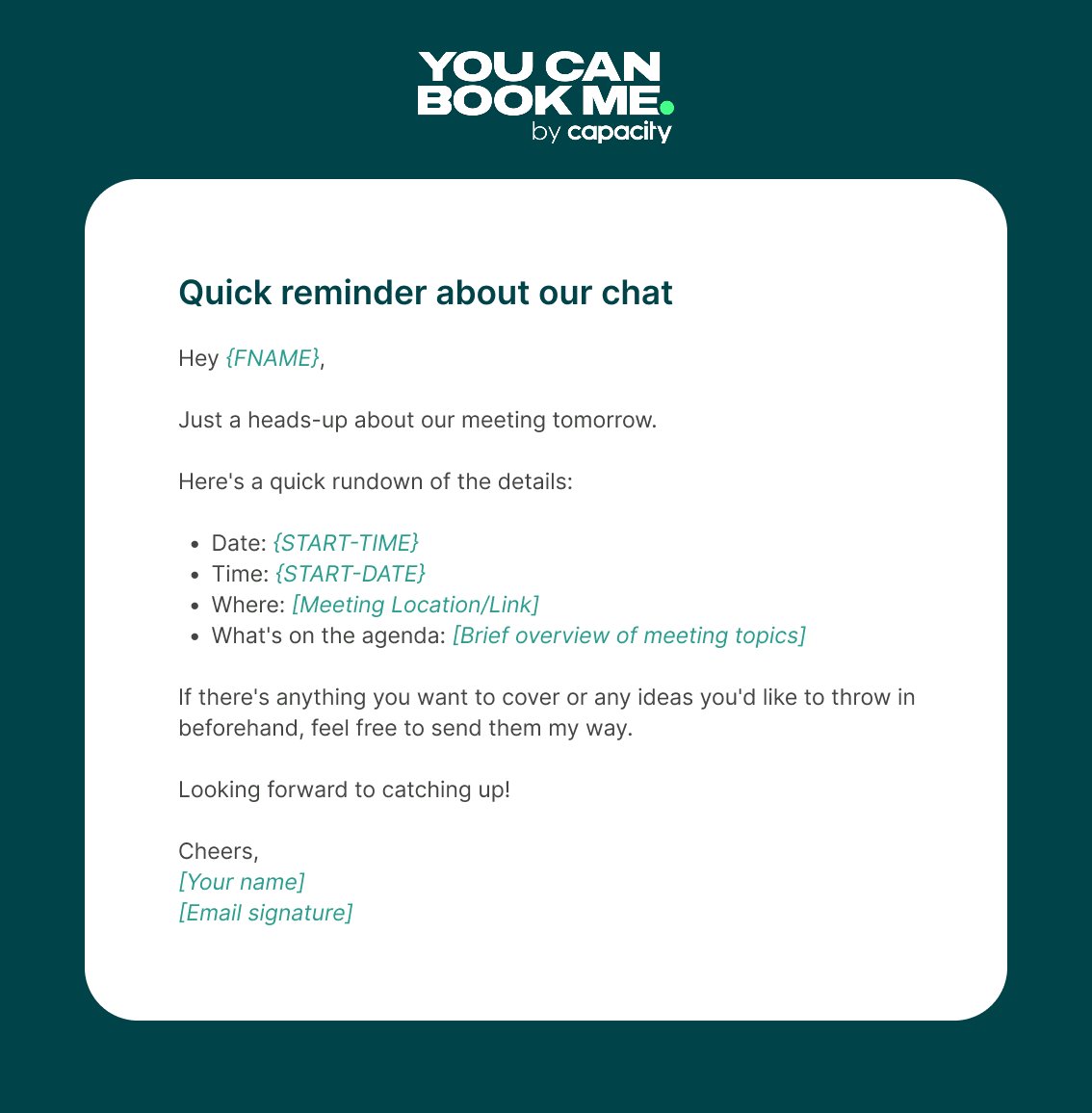
You never know—your client might be the one who’s double-booked on their end. They could accidentally commit to two meetings at the same time, so a reminder message gives them a helpful nudge and a chance to reschedule if needed.
Avoid mix-ups and missed meetings
Automated confirmations and reminders from YouCanBookMe can help reduce scheduling errors and improve client communication.

If the worst comes to worst and a double booking happens, you need to act fast. Here’s your best course of action for salvaging the situation👇
First, acknowledge the double booking as soon as you spot it. Don’t wait or hope it goes unnoticed—quick action shows professionalism. Check which appointment can realistically be kept, then move quickly to adjust the other.
If needed, loop in any team members who may be affected. The goal here isn’t to cover it up, but to minimize disruption and buy back some trust by acting quickly and respectfully.
How you communicate with affected parties is a big part of effective damage control. Whether you're calling them up or sending an email, you should be honest, polite, and proactive. Let them know there was a scheduling conflict, take full responsibility, and offer a clear path forward. The goal is to acknowledge the mistake without making excuses and to show that you're already working on a solution.
|
❓ Not sure how to word an apology email? Check out our guide to writing a professional apology email for tips and examples. |
When you’re the one canceling on a client, you’ll need to reschedule them—and how you handle that is really important.
You can send a simple reschedule email (this can be part of your apology message), offer a few new time slots, and make sure you don’t double-book yourself again. Always double-check your calendar before suggesting alternatives.
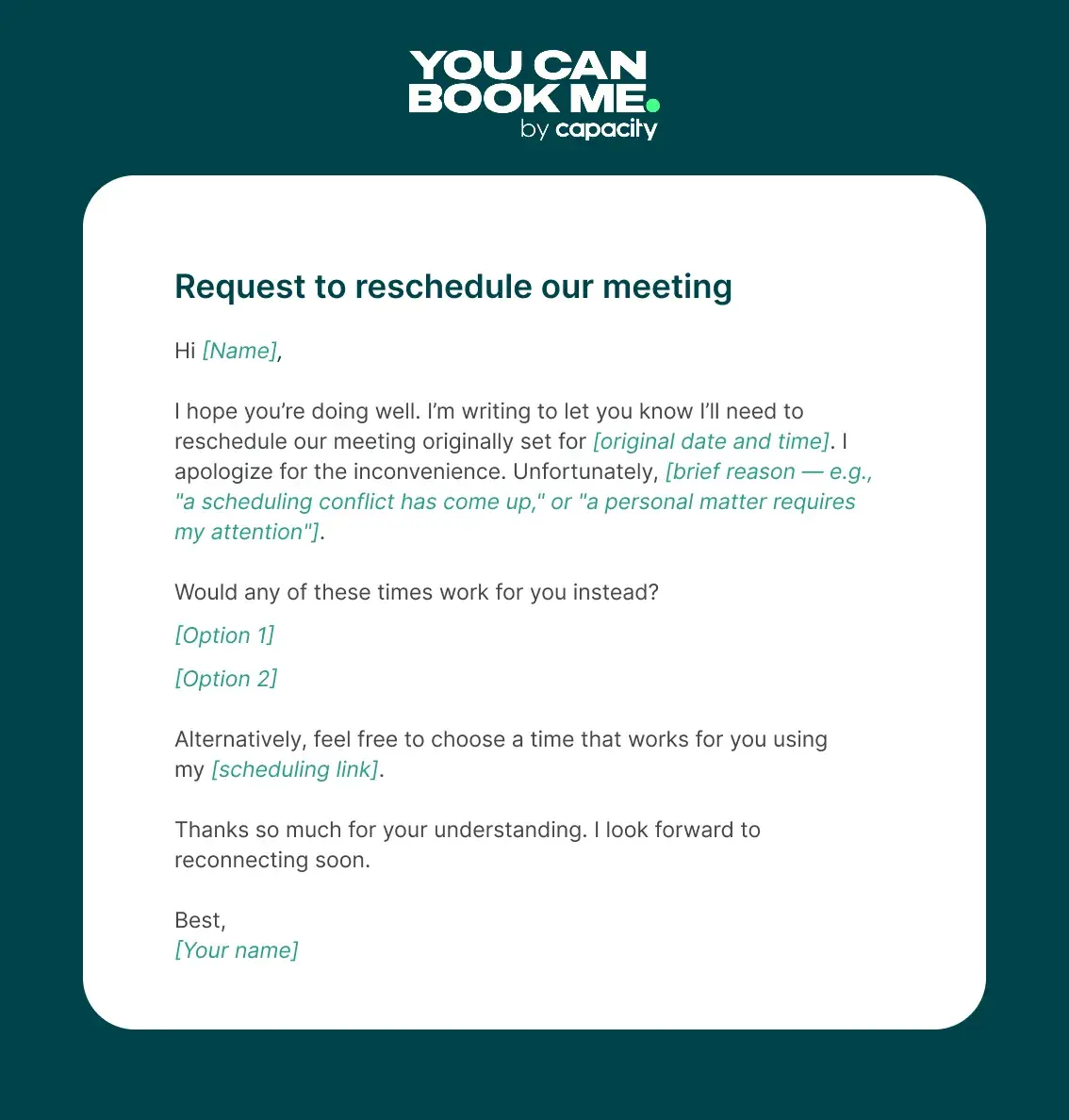
If you’re using a scheduling tool like YouCanBookMe, you can send your client a direct booking link. That way, they can easily pick a new time that works for them without any back-and-forth.
Once you’ve successfully rescheduled the meeting, it’s a good idea to follow up. Because let’s be honest, depending on the situation and the kind of business you run, your mix-up might have caused real inconvenience for your client.
In your follow-up, consider offering something extra to acknowledge the disruption and make things right. That could be a discount, a free session, or a small freebie to show you’re sorry.
At the end of the day, mistakes happen. What matters most is how you handle them—and following up the right way shows your clients that you take their experience seriously.
Don’t let double bookings affect your business
Running a business is chaotic enough. The last thing you need is a client showing up while you’re still in another meeting. Double bookings can make you look unprofessional, even if they’re totally innocent. But with a good scheduling tool in place, you can avoid them completely.
YouCanBookMe can help you stay ahead by syncing your calendars, showing your real-time availability, and adding a little breathing room between meetings.
FAQs
What is the difference between double booking and overbooking?

Double booking is when two appointments are scheduled for the exact same time, so you or your team or you are expected to be in two places at once. That usually happens by accident and forces you to cancel or move one of the bookings.
Overbooking is different. It means you take on more appointments in a day than you realistically have time for. Some businesses do this on purpose to stay busy, while others do it because they underestimate how long work will take. Overbooking leads to rushed work and burnout, while double booking creates direct conflicts that are harder to fix.
Do booking systems automatically prevent double bookings?
A good booking system can prevent double bookings, but only if it is set up correctly. The key is calendar syncing. If your booking tool only looks at one calendar, it can still book over events in your other calendars.
With YouCanBookMe, you can sync up to 10 calendars per user. That means your personal and work calendars are all checked before anyone can book time with you. For teams, you can also have a dedicated booking page across multiple team members.
How do I avoid double bookings when working with a team?
Team double bookings usually happen when people are not using the same system or cannot see each other’s availability. The best way to avoid this is to use a shared scheduling tool where everyone’s calendar is connected.
For example, tools like YouCanBookMe offer team booking pages with pooled availability, so everyone’s schedules are shown in real time. Clients can book time with the right person based on who’s available, which keeps appointments evenly distributed and prevents accidental double bookings.

Written by
Paulina Major
Paulina Major is a freelance B2B content writer with six years of experience. Since 2024, she has written 100+ articles on scheduling and personally tested and reviewed 30+ booking tools, helping small business owners choose software and simplify their booking processes. As a solopreneur managing her own clients and calendar, she brings firsthand experience to her advice on scheduling, time management, and running a business.
Get started today
Join thousands of coaches, consultants, and entrepreneurs who use YouCanBookMe to power their business. Get your first booking in a few minutes.


 4.7 / 5 — Trustpilot

