
Let customers book while you’re on the job
When you’re covered in drywall dust or elbow-deep under a sink, you can't always pick up the phone. YouCanBookMe lets customers book themselves, so jobs land on your calendar without the back-and-forth.

Trusted by 1M+ users across 100 countries




Built for the trades
Whether you're a solo operator or running a crew of 50.

Electricians
Installations, inspections, & repairs
Customers describe the job upfront and pick their slot, so you arrive with the right parts, ready to work.

HVAC, Plumbing, & Heating
Leaks, installations, & emergency callouts
When your customer's furnace breaks mid-winter, there's no time to wait. Let them book the right slot themselves, even when you're mid-job.

Home Inspectors
Pre-listing, buyer, & new construction inspections
Clients book the right inspection type and provide the property address. Automate reminders to make sure everyone's there when you arrive.

Pest Control & Lawn Care
Regular visits & one-off treatments
Distribute jobs across your crew automatically, and let customers reschedule online with zero back-and-forth.

Painters & Decorators
Estimates, touch-ups, & project kick-offs
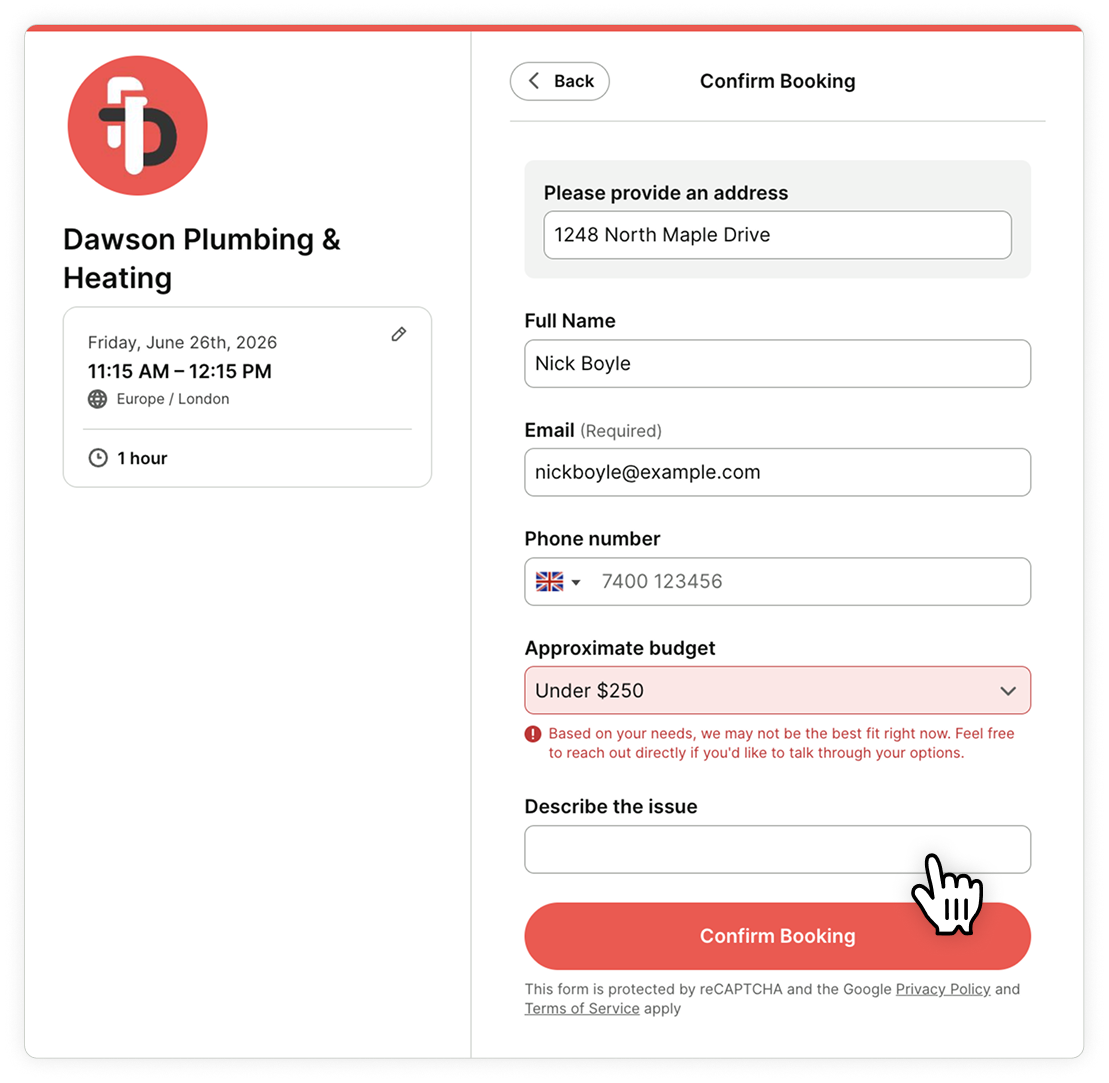
Collect job details and budget on the booking form to qualify leads upfront, so every estimate visit is worth the drive.

Renovations, Remodelling, & General Contractors
On-site consultations & walkthroughs
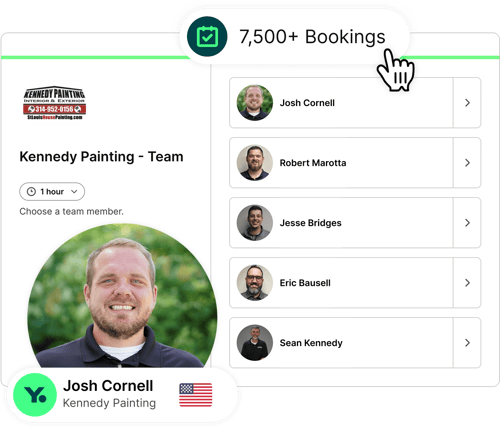
Clients pick their slot and project manager and you arrive with the full picture, not a blank notepad.
Get up and running in minutes
Create your booking page
Share your page
Customers book themselves

Show up to an open door, every time
You just drove across town to find yourself knocking at an empty home. That's fuel, time, and an hour you can't bill for. Gone.
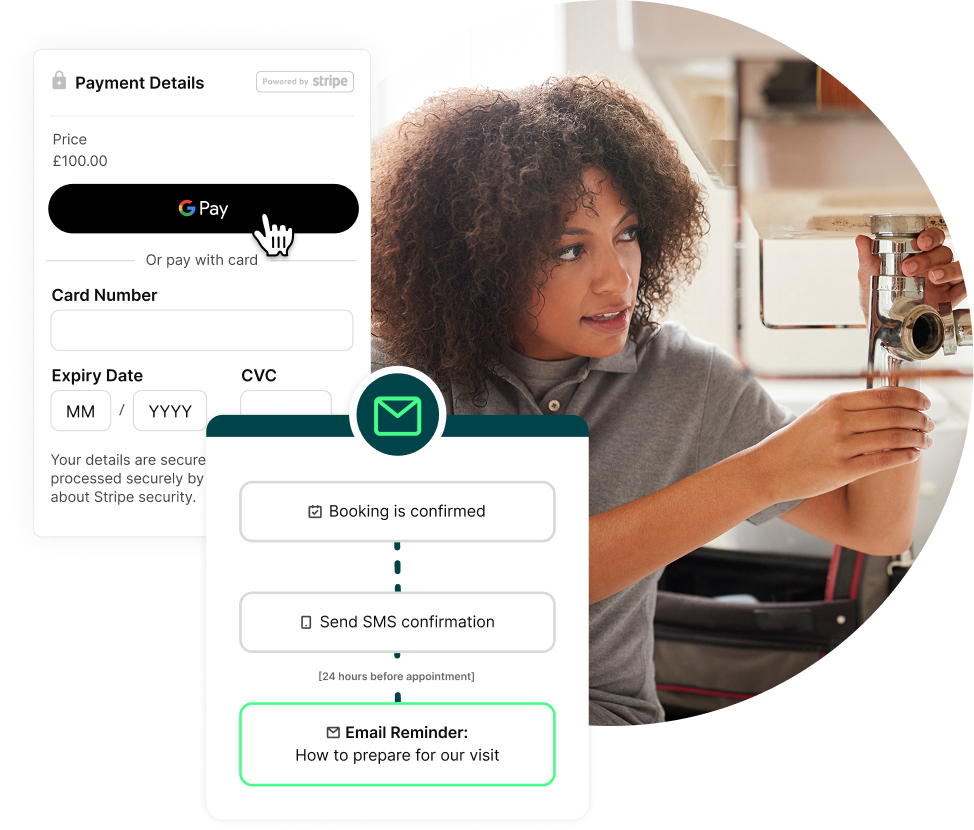
YouCanBookMe tackles it from both ends: customers book with a deposit and your cancellation terms upfront, and automatic reminders make sure they're home when you knock.

The right tools. The right parts. Zero surprises.
Before you hit the road, your booking form does the asking:
- Property address and access instructions
- Description of the issue
- Model and serial numbers
- Budget
Everything you need before a job. No wasted visits, no second trips.

Your booking page signals you're the real deal
Every job starts the same way—a stranger knocking on someone's door. Before a customer lets you in, they need to trust you.
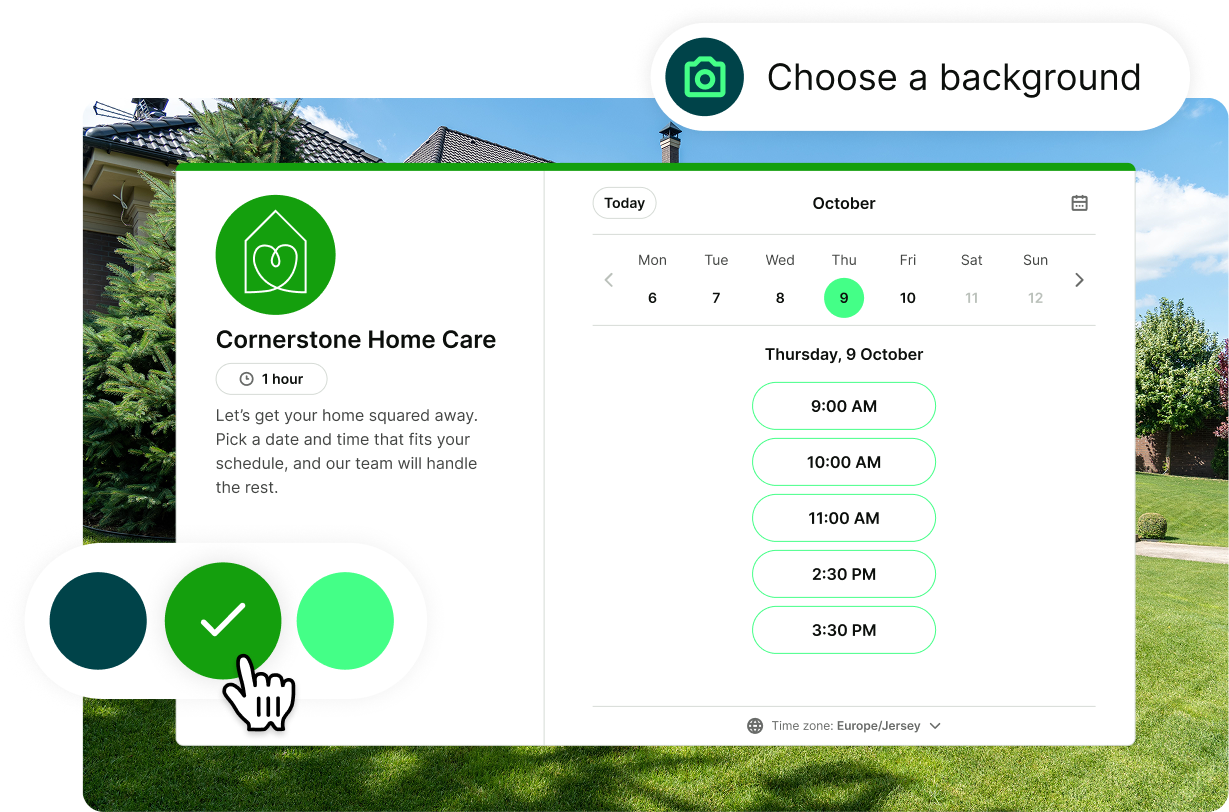
A professional booking page with your logo, team photos, and messaging builds that trust before you pull up to the curb. Customers know your name, your face, and what to expect.

Real businesses. Real results.
Thousands of jobs booked. Hundreds of no-shows eliminated.
-
"I can't actually remember the last time I knocked on a closed door. We've basically eliminated no-shows."
 Edward ErnebäckCo-founder of VärmekonceptBookings1,600+User Since2017
 -
“YouCanBookMe has been fantastic in helping us to organize our appointments and communicate with our customers. No shows to appointments have basically disappeared.”
 Josh CornellVP, Sales and Marketing at Kennedy PaintingBookings7,800+User Since2022
 -
"Our closing rate on YouCanBookMe is much higher than a phone call or anything else. We know it's serious when someone takes the time to book."
 Tracy DahlinFounder of Iron River ConstructionBookings2,900+User Since2015
 -
"Customers would say, wow, I've never done that before. And if they click on the service, they'll see the calendar isn't just there for show—it's bloody full."
 Stan FedinFounder of FITnFIXBookings2,200+User Since2016
Explore YouCanBookMe: Your 24/7 scheduling toolbox 👇

Encourage local reviews
Word-of-mouth wins jobs. Send automatic review requests after every job, while the experience is still fresh.

Schedule any type of service
From seasonal maintenance to emergency weekend bookings, create appointment types for every job. Set the price, technician, and duration for each one.

Manage your entire team
Let customers book the right person for the job or the next available slot across your team—no double bookings, no scheduling conflicts.

Get paid before every job
Take deposits or full payment at the time of booking. Boost your average job value with upsells like premium materials, emergency service fees, or inspection add-ons.

Be bookable everywhere
Embed on your site, add a QR code to your van and brochures, or send a direct link to a landlord, tenant, or anyone else who needs to find their own time—without you in the middle.

Add buffer time between appointments
Always rushing from one repair to the next? Automatically add buffer time between jobs so you can travel, grab materials, or handle unexpected delays, and still show up on time.







 4.7 / 5 — Trustpilot


More jobs. Less admin.
Practical guides to help you book smarter, reduce no-shows, and win more work.

How to Reduce No-Show Appointments: 10 Practical Strategies
Frustrated with clients who ghost on their own appointments? Get practical, easy-to-follow strategies to reduce those costly no-shows and keep your day (and business) on track.
How Does YouCanBookMe Work? A Simple Getting Started Guide
New to YouCanBookMe? Don’t worry—we’ll show you how to put your scheduling on autopilot and set up your first booking page in (almost) no time.
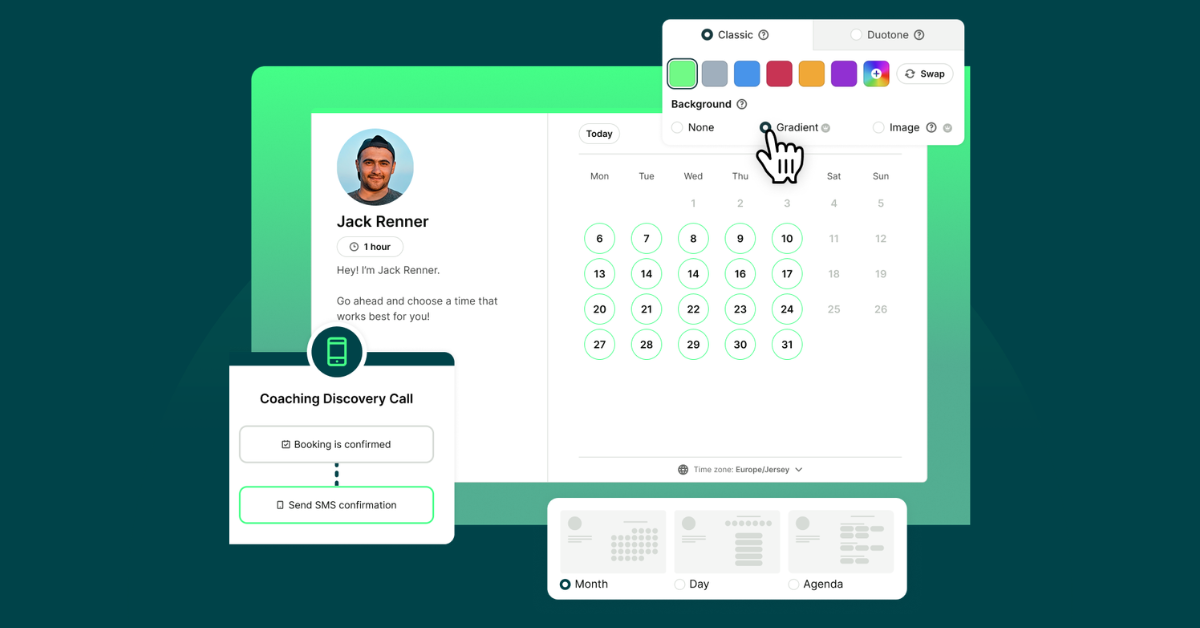
10 Powerful Ways to Customize Your Booking Page with YCBM
Unlock the secrets to a booking page that wows. See how to elevate your brand, streamline your workflow, and leave a lasting impression with every appointment.
Frequently Asked Questions (FAQ)
Can customers reschedule their appointments?

Yes. Our home service company software makes rescheduling simple. Customers receive a personalized reschedule link in every confirmation email, so they can update or cancel their bookings themselves—without needing to call and disrupt your day. You control the rescheduling policies, like minimum notice periods, to protect your time and keep your calendar running smoothly.
Can I manage multiple technicians or service areas?
Definitely. Our repair scheduling software is perfect for solo professionals, growing teams, or multi-location home service businesses. You can assign jobs to specific technicians, manage different service areas, and view everything from a single dashboard—giving you full visibility and control.
Can I block off unavailable times?
Of course! With YCBM’s job scheduler software, you can easily block off vacation time, personal days, or off-the-clock hours. You can also display a custom offline message on your booking page to let customers know when you’ll be available again and even offer a waitlist option for when you return.
Can I add customers to a waitlist if I’m fully booked?
Absolutely. With our field service scheduling software, you can add a waitlist option directly to your booking form. Customers can sign up to be notified if an earlier slot becomes available and even specify their preferred times and days. It’s a smart way to keep your schedule full and your customers happy.
Can I brand my home repair booking page?
Is there a free scheduling software for field service?
Yes! YouCanBookMe offers a completely free plan that’s great for home service pros just getting started with service scheduling. It offers:
- Integration with one calendar (Google, Microsoft, iCloud, or Fastmail)
- A branded booking page with your logo and messaging
- Website embedding for easy service scheduling
- Automated appointment confirmations
- Online payment processing for deposits and full payments
- Custom booking forms with up to 7 intake questions
- Automatic time zone and language detection
- Instant video meeting links for virtual consultations
- Single-use booking links for one-time appointments
It’s a simple, free way to streamline your calendar and make it easy for customers to book your services.
What is the best service work scheduling software?