
Schedule meetings before your next conference
Whether you're staffing a booth, coordinating press interviews, or booking sales demos, YouCanBookMe makes it easy to get the right meetings on the right calendars.

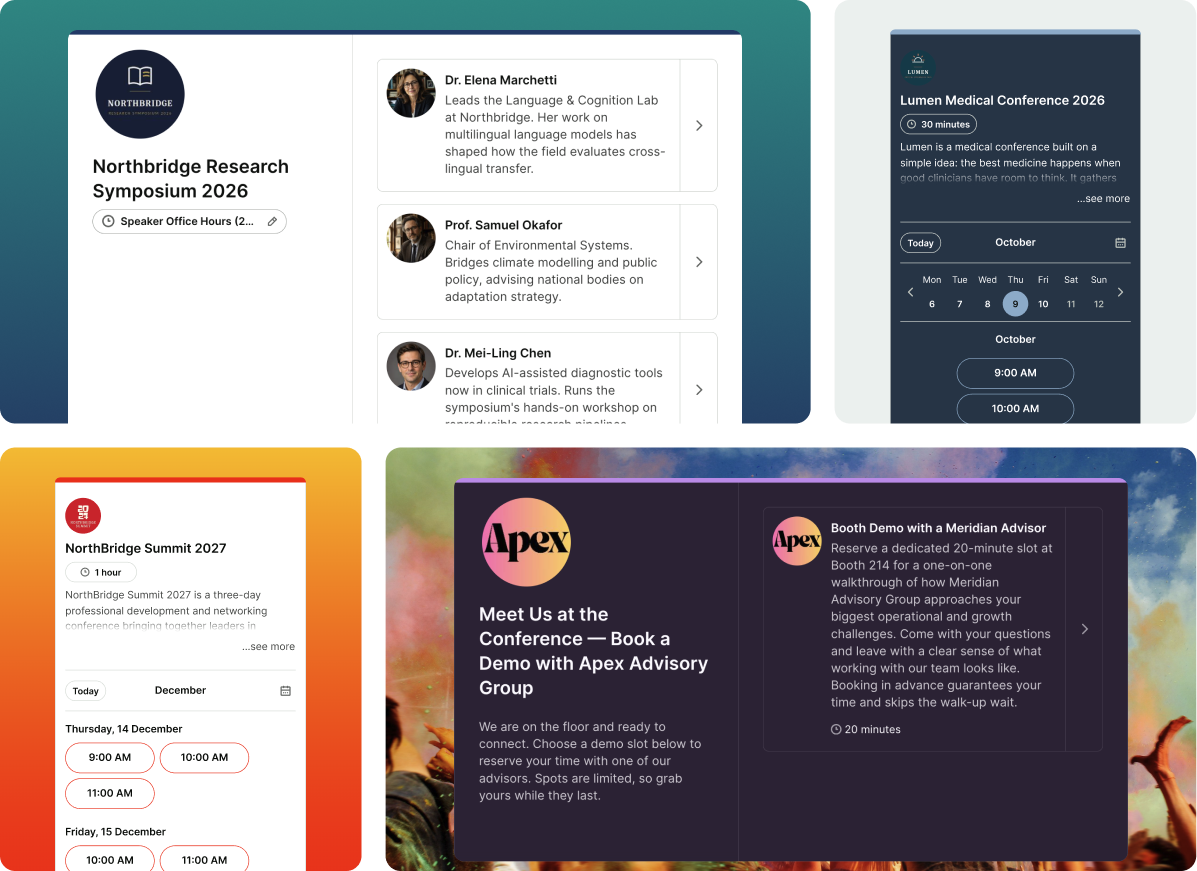
Trusted by 1M+ users across 100 countries


Built for every conversation at your event
Whether you're heading to a trade show with three sales reps or coordinating hundreds of meetings across your flagship conference, YCBM handles the scheduling for you.

Sales teams
Fill your team’s calendars before the event. Let prospects book with the right rep so your team can focus on building relationships and closing deals.

Press & media
Give journalists one simple place to book interviews while your team keeps people, times, and meeting spaces organized behind the scenes.

Customers & partners
Schedule customer catch-ups, partner meetings, and executive briefings. Coordinate calendars so everyone who needs to attend is available.
One link. Your whole team. Zero conflicts.
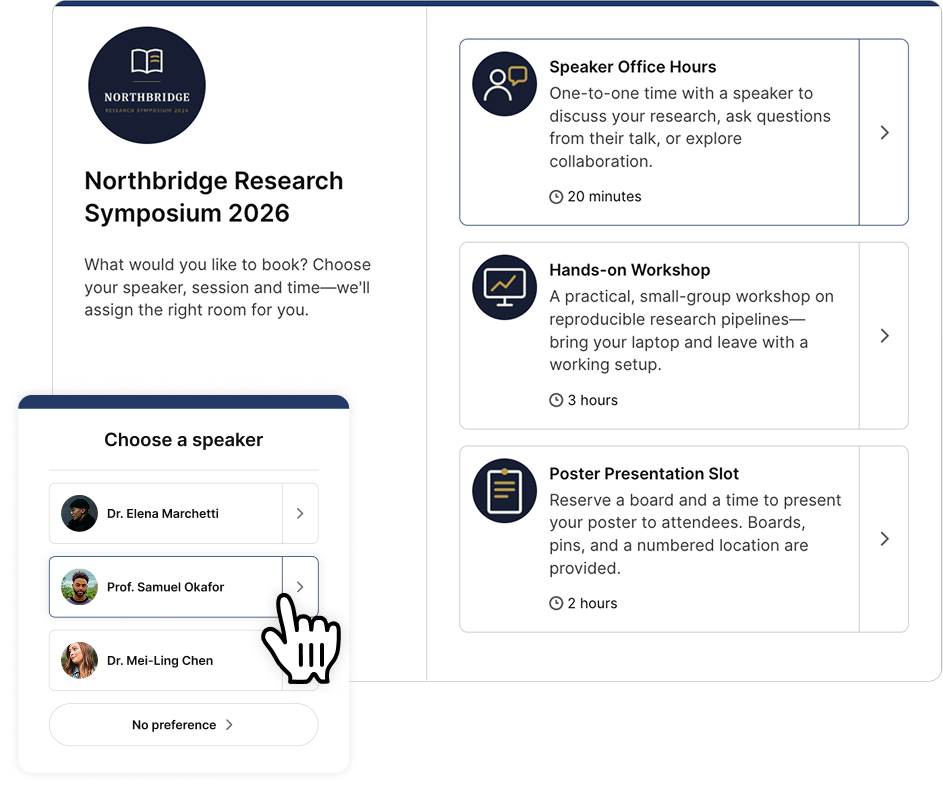
Whether you have two people or twenty, YouCanBookMe routes bookings your way: round robin, by team member, or by availability. From sales reps to press coordinators, everyone can get booked through one shared link.
And when a meeting needs multiple team members, like a PR rep and an executive, attendees only see times when everyone is available.

Know who's worth meeting before the event starts
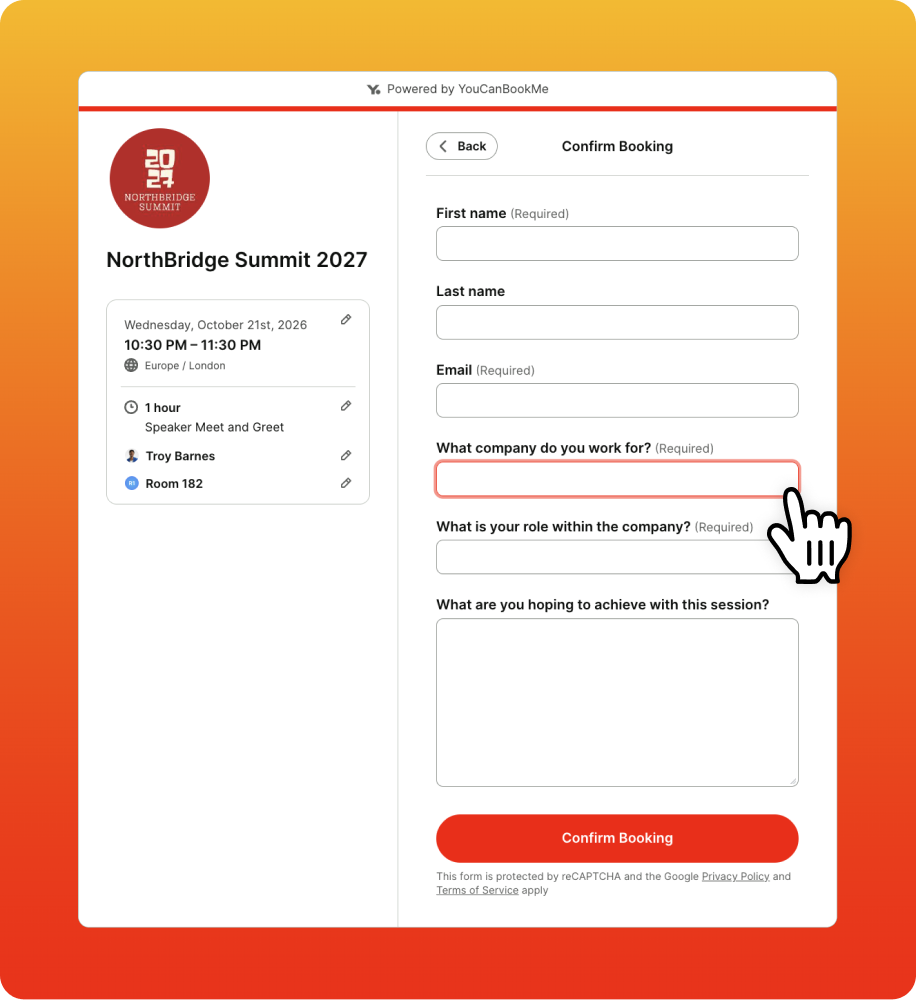
Your conference time is limited. Make sure you're spending it on the right conversations. Add custom questions to your booking form to learn who's attending, which company they're from, and what they want to discuss.
Your team arrives prepared, and with your CRM connected, booking details flow straight in to help sales reps follow-up and measure event ROI.

Start filling your calendar weeks before the event
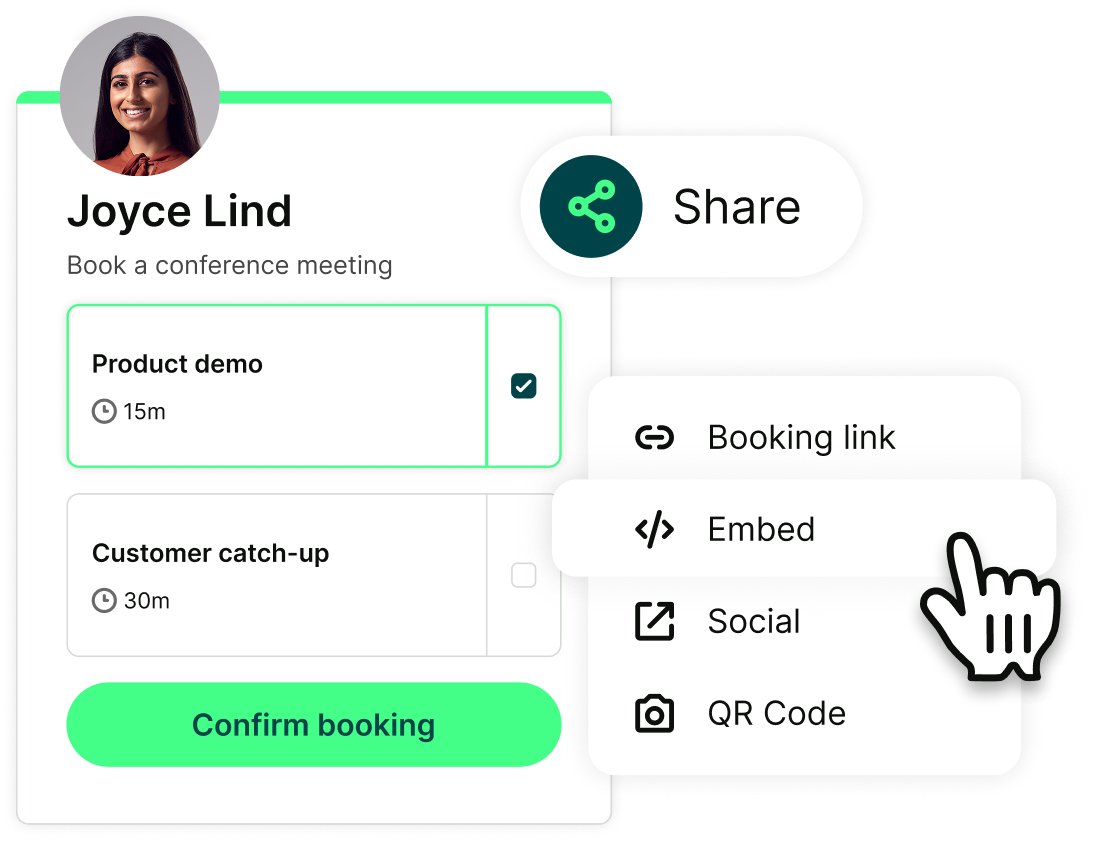
Share your booking page anywhere attendees are already looking: embed it on your event landing page or sponsor hub, link it in pre-event emails, and add it to your LinkedIn posts.
Prospects, customers, and partners can reserve time while they're planning their conference schedules. By the time you land at the venue, your schedule is ready.

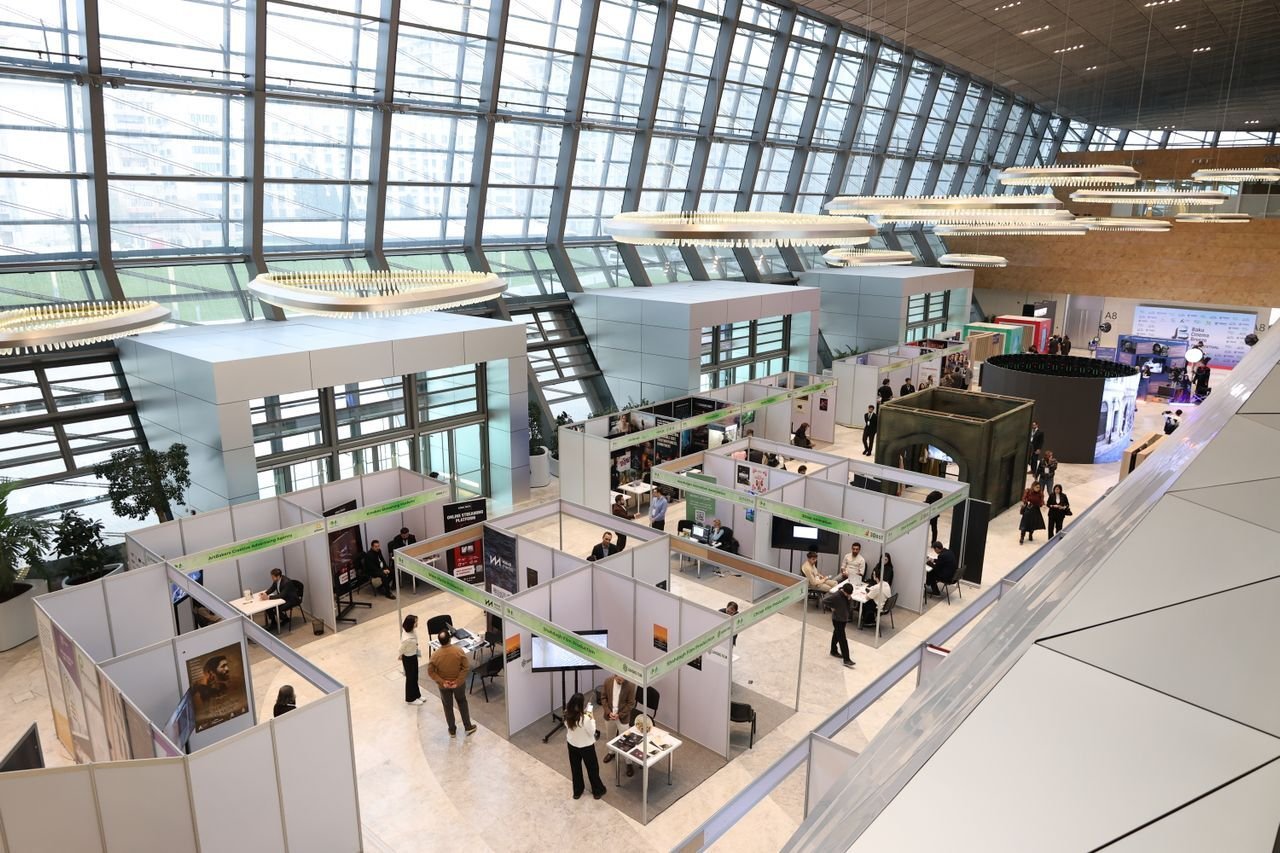
Turn booth visitors into booked meetings
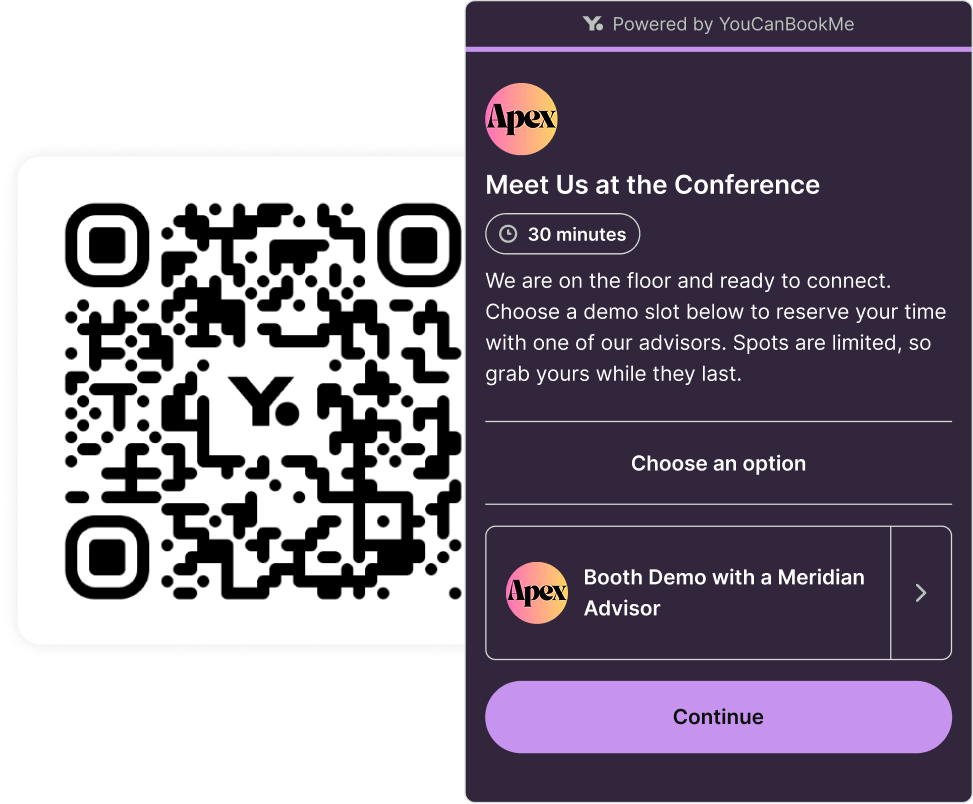
Print your booking page QR code on your booth signage, banner stands, table tents, and swag bags. Someone walks past, scans it, picks a slot—and you've got a confirmed meeting without saying a word.
No friction, no app download, no "email me and we'll find a time." They book from their phone in under a minute, get a confirmation and an SMS reminder, and show up on time.

Real conferences. Real meetings. Real results.
See what teams have to say about using YouCanBookMe at their events. 👇
-
“YouCanBookMe has been the best resource we've had in the last decade. The feedback we heard directly from our media was: we love this new tool you're using.”
 Ben WaringDirector of Global PR and Communications, RSA Conference
 -
“Ideal for conferences. I am such a fan of the feature that allows me to share one link with many people so I can set up a conversation with them at an event.”
 Verified user in EducationG2 Review
 -
“We have used YouCanBookMe to schedule appointments at trade shows. Timezones, notifications, reminders are awesome… They reduced our no-show rate from 40% to less than 5%.”
Ezequiel C.
-
“This is a perfect tool for our sales team to schedule meetings in our in booth and out of booth conference rooms at trade shows. The software makes it easy for the salesperson to book a meeting before the trade show begins or impromptu onsite.”
Jordan M.Trade Show and Event Specialist, Textiles

Conference mode: On. Scheduling stress: Off.

One scheduling link for your whole team
Two people or twenty? Let attendees choose a team member, rotate bookings round robin, or assign whoever's available.

Booking forms that capture context
Collect name, company, role, and what each person wants to discuss before they arrive. Everyone shows up prepared, not cold.

Mobile-ready, no app required
Attendees book in seconds from any device. No downloads, no accounts, just easy booking on a busy show floor.

Automated reminders and follow-ups
Conference days are chaotic. Email and SMS reminders keep attendees on schedule, while post-meeting follow-ups keep the conversation going.

Booking dates that fit your event
Set your conference dates and the booking page closes itself when the event wraps. Reuse and update the same page every year.

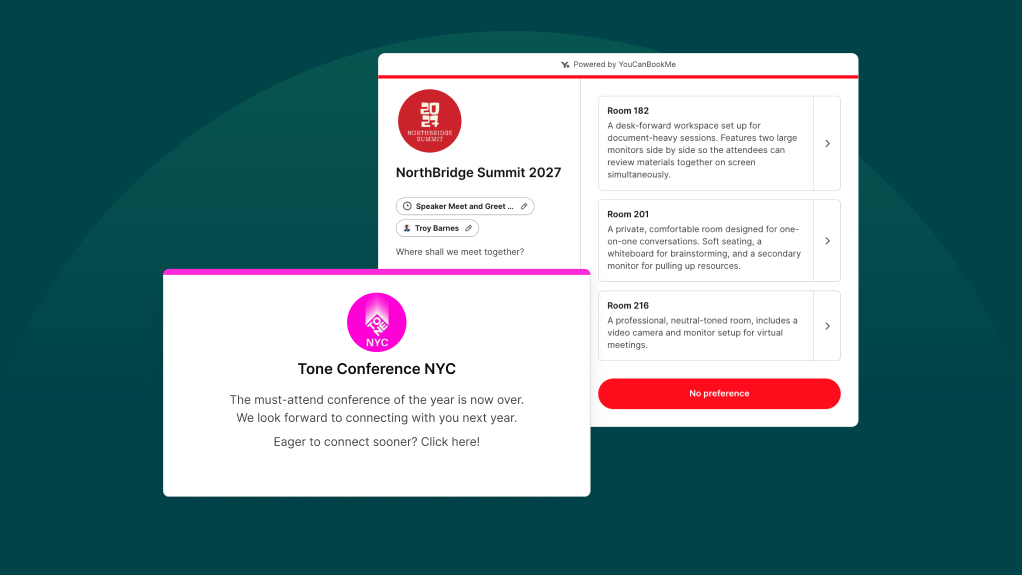
Meeting rooms assigned automatically
Running meetings across multiple rooms or pods? YCBM automatically assigns an available space when someone books, so everyone knows where to go.




Ready to make scheduling the easiest part of your next conference?
Start free today. No credit card, no commitment, just one less thing to worry about.


 4.7 / 5 — Trustpilot


Make your booking page do the heavy lifting
Resources to help you get started, see what’s possible, and get more out of your insurance client booking page.
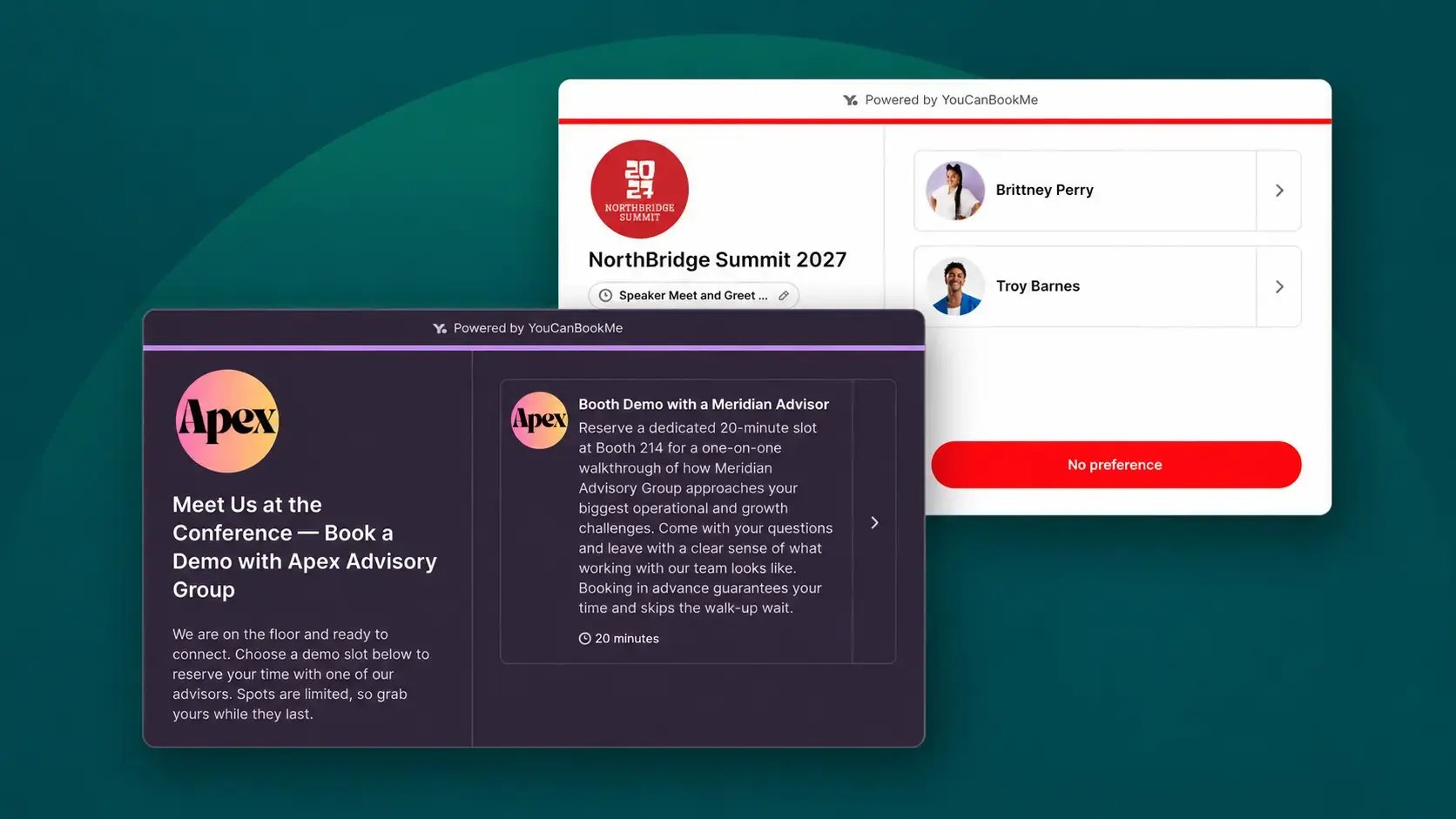
How to Set Up a Conference Booking Page with YouCanBookMe
Explore the YouCanBookMe settings that make it easier to schedule meetings before and during a conference.
How to Schedule Meetings at a Trade Show: A Practical Guide
A step-by-step guide to scheduling meetings at conferences and trade shows, so you know exactly what to do before, during, and after your event.
How to Write a Follow-Up Email After a Trade Show (+Templates)
A practical playbook for turning trade show leads into real business opportunities.
Frequently Asked Questions (FAQ)
Is this event management software?

No, YouCanBookMe is a trade show meeting scheduler, not an event platform. It doesn’t manage registrations, ticketing, or event agendas. Instead, it specializes in one of the most important parts of conferences and trade shows: helping your team fill their calendars with qualified meetings before and during a conference, and making sure those meetings actually happen.
With YouCanBookMe, you can create dedicated conference booking pages, coordinate availability across team members and meeting rooms, and let attendees schedule meetings before or during the event. It also handles confirmations, reminders, rescheduling, and collecting attendee details, so your team spends less time managing calendars and more time having valuable conversations.
Do prospects need to create an account or download an app?
No. Booking works directly in the browser on any device—phone, tablet, or laptop. There's no download required and no account to create. For conferences, this is a meaningful advantage: adding friction to the booking process loses meetings.
Can I close the booking page after the event?
Yes! Set fixed start and end dates on your booking page so attendees can only schedule meetings during your conference. Once the event wraps, bookings close automatically. No stray post-event bookings or manual switch-off. For recurring annual events, you can also reuse and update the same page each year.
How does pricing work for a booth team?
Whether you're attending solo or bringing your whole booth team, YouCanBookMe has a plan to fit your needs.
Unlike some scheduling tools, only our Team plan charges per team member. Our Free, Individual, and Professional plans don't, and each offers different calendar and booking page limits. For larger booth teams that need round-robin scheduling and shared availability, the Team plan gives you the tools to manage everyone in one place.
How do I schedule conference meetings across different time zones?
With YouCanBookMe, you can set your booking page to the conference's local time zone and turn off automatic time zone detection. That way, whether someone books from Germany, New York, or Tokyo, they'll see meeting times in the event's local time zone.
Hosting a hybrid or virtual conference instead? Leave automatic time zone detection on so attendees can book meetings in their own local time zone, wherever they're joining from.