
How to Write a Follow-Up Email After a Trade Show (+Templates)

Create your free booking page
Congratulations on wrapping up a successful trade show! 🎉 It takes plenty of planning, teamwork, and blood, sweat, and tears to pull off an event of that scale. However, the real measure of success is what happens next: how many of those conversations can you turn into new clients, partnerships, or other business opportunities?
That partly depends on how quickly you send your follow-up email after a trade show and what you say in it. A generic “great to meet you” message sent to every contact is unlikely to keep the conversation moving. Your email should reflect what you discussed, match the person’s level of interest, and offer a clear next step.
In this guide, we’ll cover trade show follow-up best practices, including when to contact different types of leads, what to include in your emails, and how to build a simple follow-up cadence.
You’ll also get practical email templates designed to turn promising conversations into booked meetings!
Let’s be honest: follow-ups can suck. Like, really suck. After several days at a busy trade show, writing dozens of personalized emails probably isn’t the first thing you want to do. However, putting them off can cost you promising opportunities.
Other reasons trade show follow-ups fail include:
- Your follow-up happens too late: The longer you wait, the harder it becomes for someone to remember your conversation among all the others they had. Improving your speed to lead helps you reconnect while their interest is still fresh.
- Your email is too generic: “Great to meet you at [Event]” could have been sent by every vendor in the exhibition hall. Mention a specific question, challenge, or idea from your conversation to show that the message was written specifically for them.
- You treat every lead the same: Someone who discussed pricing and requested a demo shouldn’t receive the same message as someone who briefly picked up a brochure. Segment your contacts by interest level, then adjust the timing, message, and next step.
- You stop after one email: No reply doesn’t always mean no interest. Prospects may return from the event to a crowded inbox and full calendar. In Qualified’s 2026 survey of 514 B2B marketing and revenue leaders, 48.6% reported that a lack of consistent follow-up was hurting conversions. Having a proper cadence gives people more than one opportunity to respond without overwhelming them.
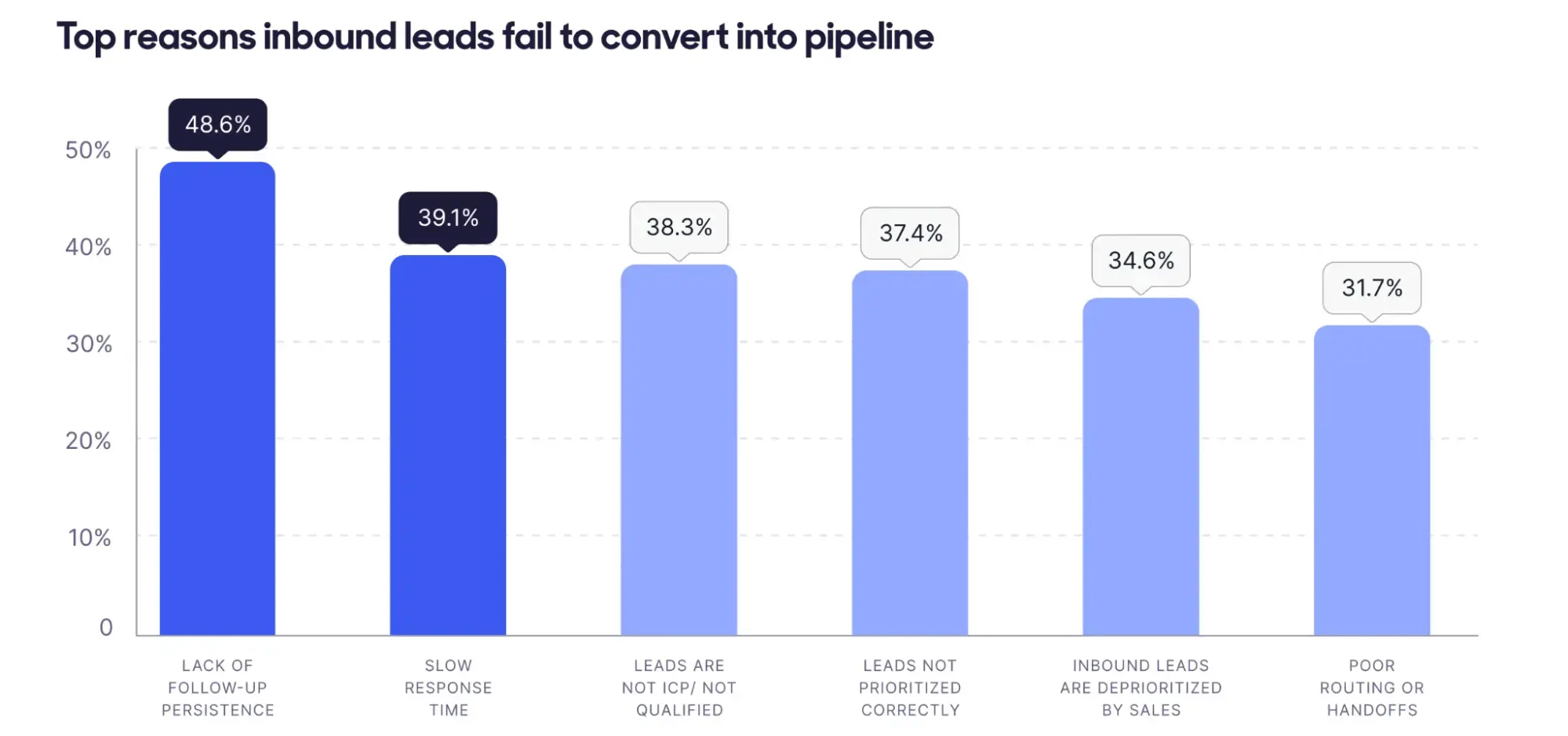
(Source)
You should follow up after a trade show within 24 to 48 hours in most cases. However, the right timing and message depend on the level of interest each person showed:
Alright, now that you’ve sorted your contacts by priority, it’s time to start writing! Use the following email templates as a starting point, then refine each one with details from your conversation so it feels personal and gives the recipient a clear next step.
Use this template for prospects who requested a demo, asked detailed buying questions, or attended a meeting with you during the event and agreed to continue the conversation. Send it the same day or the next morning, while their interest and memory of the discussion are still fresh.
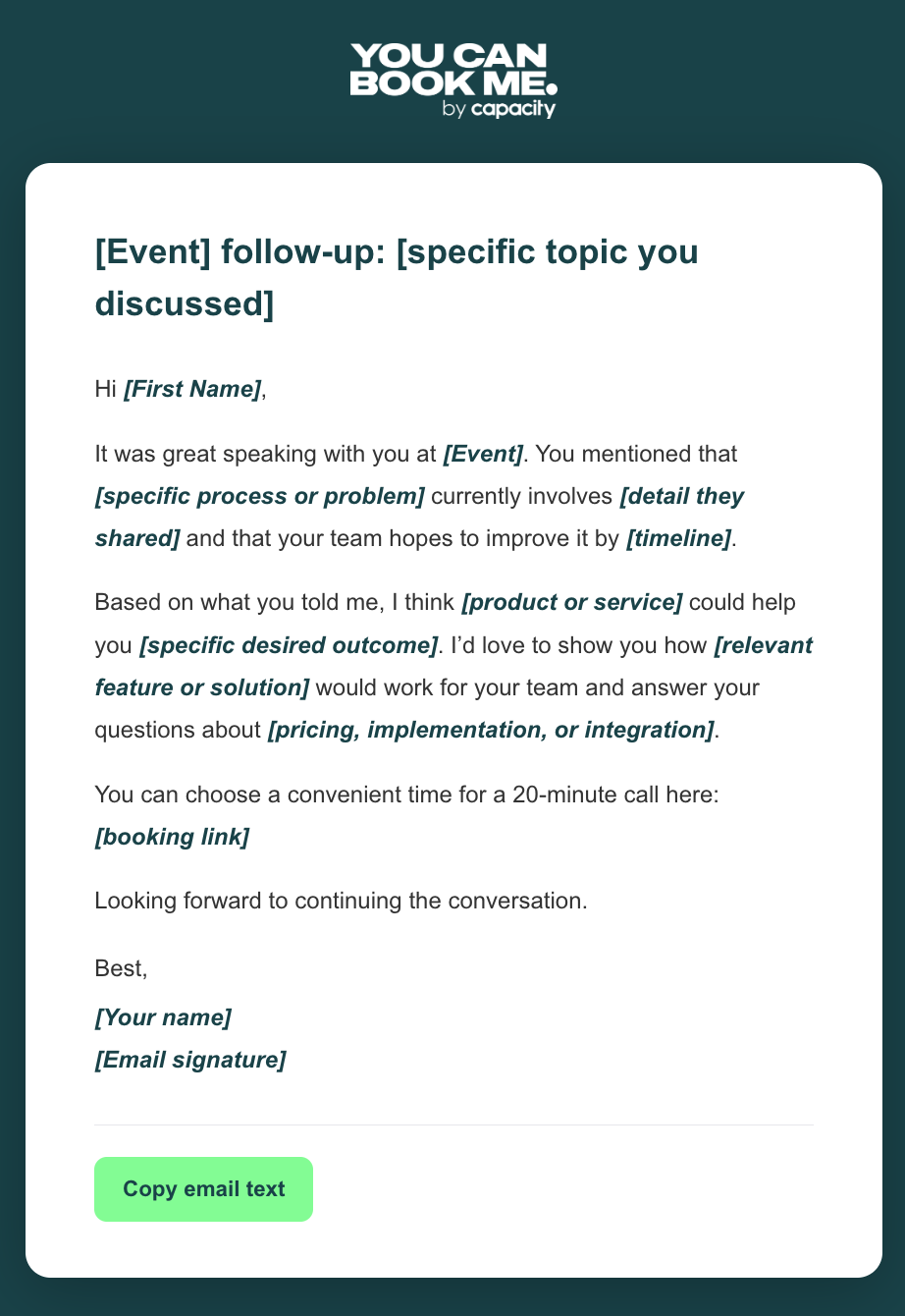
[Event] follow-up: [specific topic you discussed]
Hi [First Name],
It was great speaking with you at [Event]. You mentioned that [specific process or problem] currently involves [detail they shared] and that your team hopes to improve it by [timeline].
Based on what you told me, I think [product or service] could help you [specific desired outcome]. I'd love to show you how [relevant feature or solution] would work for your team and answer your questions about [pricing, implementation, or integration].
You can choose a convenient time for a 20-minute call here: [booking link]
Looking forward to continuing the conversation.
Best,
[Your name]
[Email signature]
Use this template for prospects who asked thoughtful questions or requested more information without expressing any immediate buying urgency. Send it within 24 to 48 hours, leading with something useful before suggesting another conversation.
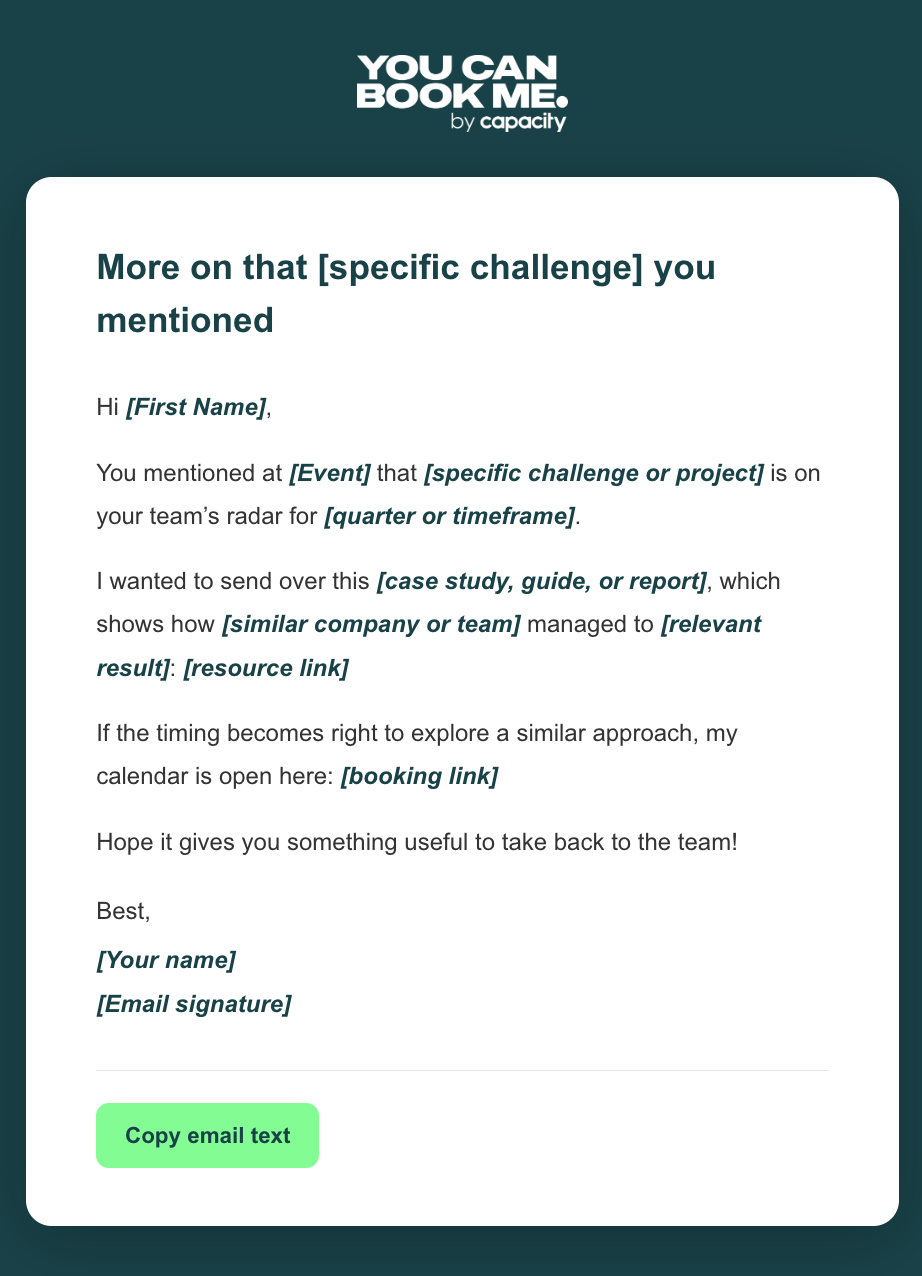
More on that [specific challenge] you mentioned
Hi [First Name],
You mentioned at [Event] that [specific challenge or project] is on your team's radar for [quarter or timeframe].
I wanted to send over this [case study, guide, or report], which shows how [similar company or team] managed to [relevant result]: [resource link]
If the timing becomes right to explore a similar approach, my calendar is open here: [booking link]
Hope it gives you something useful to take back to the team!
Best,
[Your name]
[Email signature]
If someone briefly stopped at your booth, scanned their badge, or entered a giveaway without having a detailed conversation, use this template to stay on their radar without making a hard sell. Send it within 48 to 72 hours and lead with something genuinely useful.
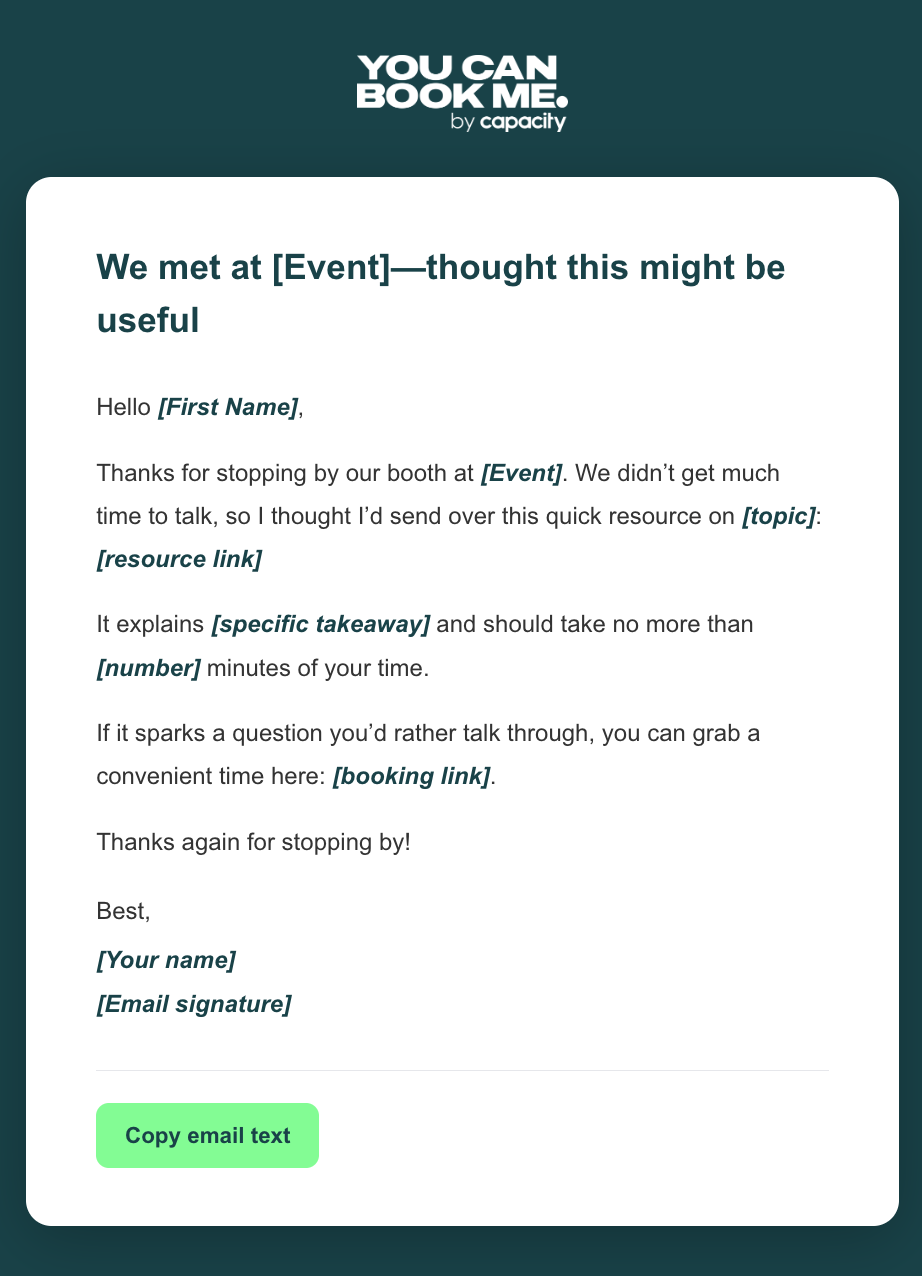
We met at [Event]—thought this might be useful
Hello [First Name],
Thanks for stopping by our booth at [Event]. We didn't get much time to talk, so I thought I'd send over this quick resource on [topic]: [resource link]
It explains [specific takeaway] and should take no more than [number] minutes of your time.
If it sparks a question you'd rather talk through, you can grab a convenient time here: [booking link].
Thanks again for stopping by!
Best,
[Your name]
[Email signature]
Use this template after speaking with a journalist, analyst, podcaster, or content creator at the event. Send it the same day or the next morning while they’re still working on their coverage, and lead with information or access that supports the angle you discussed.
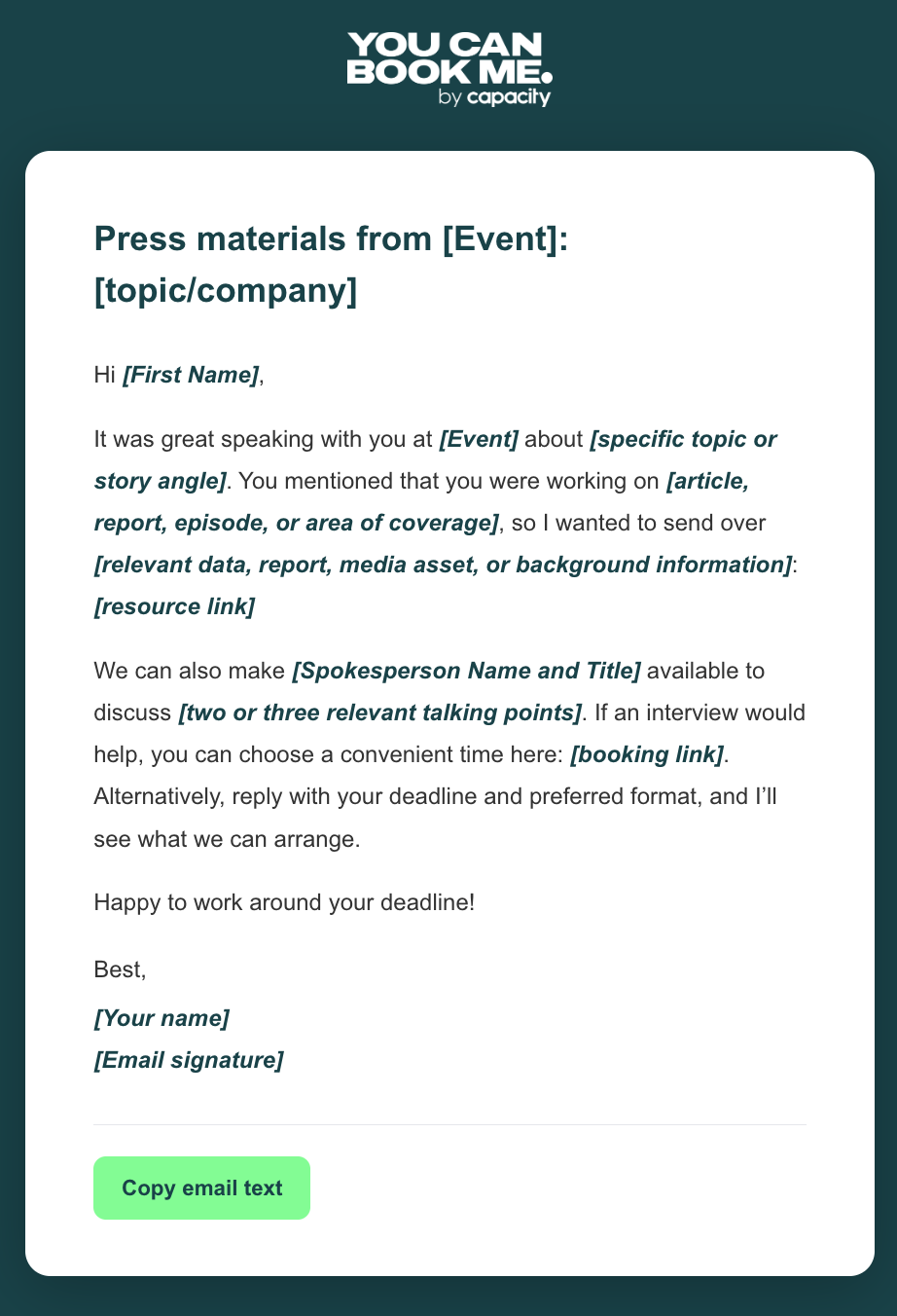
Press materials from [Event]: [topic/company]
Hi [First Name],
It was great speaking with you at [Event] about [specific topic or story angle]. You mentioned that you were working on [article, report, episode, or area of coverage], so I wanted to send over [relevant data, report, media asset, or background information]: [resource link]
We can also make [Spokesperson Name and Title] available to discuss [two or three relevant talking points]. If an interview would help, you can choose a convenient time here: [booking link]. Alternatively, reply with your deadline and preferred format, and I'll see what we can arrange.
Happy to work around your deadline!
Best,
[Your name]
[Email signature]
As you can see, the common thread running through all these follow-up emails is a scheduling link. Whether it’s the main call to action or a softer option at the end, the link gives interested prospects an immediate way to continue the conversation.
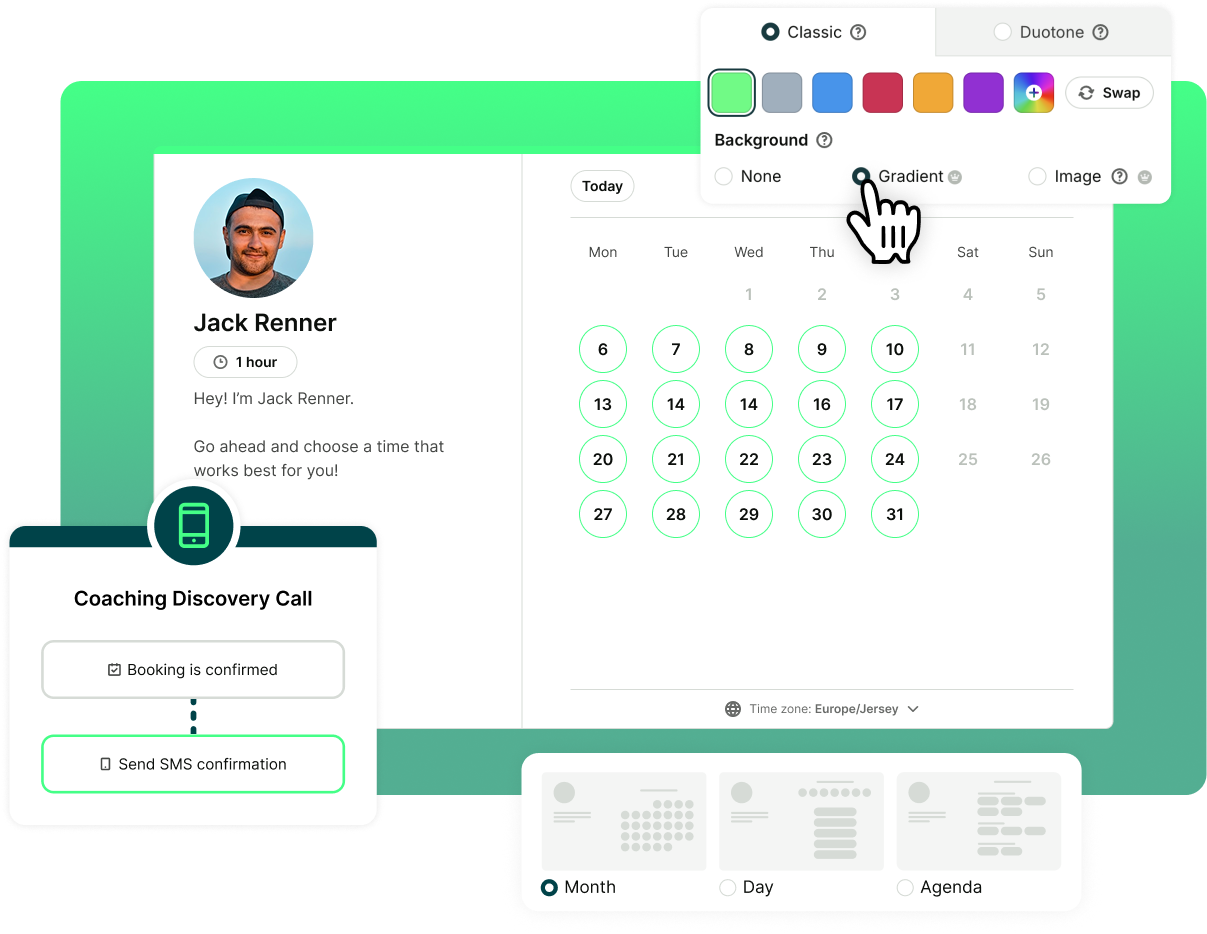
If you don’t have one yet, YouCanBookMe is a flexible online scheduling tool that lets you create branded conference booking pages, connect your calendars, set your availability, and collect information prior to the meeting with configurable booking forms.
You can also automate confirmations, reminders, and follow-up emails. Simply add your scheduling link to the message, and prospects can choose a convenient time without the usual email back-and-forth.
Make it easy for leads to book the next conversation
Create a branded YouCanBookMe booking page, add your scheduling link to your follow-up emails, and let prospects choose a time that works for them.

When it comes to the follow-up cadence, one email rarely cuts it. Outreach data suggests it takes an average of five to seven touches to reach a contact for the first time. Your trade show conversation counts as the first, so four well-spaced follow-ups provide persistence without overwhelming their inbox.
After four unanswered post-meeting follow-ups, stop actively chasing the lead and move them into a quarterly nurture sequence in your CRM. More follow-ups are unlikely to change their mind and may do more harm than good.
The exception is a hot lead who expressed strong intent and shared a direct number. In that case, a brief call or voicemail between the first and second touches can be a good move.
A strong trade show follow-up email should feel personal, make the next step obvious, and respect the recipient’s time. Personalization matters, too! Outreach data suggest that customized emails receive 10% higher open rates and twice as many replies as standard templates. Include these five elements:👇
- A specific conversation detail: Replace “Great to meet you” with “You mentioned [pain point, project, or goal].”
- A quick reminder of how you can help: Briefly restate your name, company, and how you help. They may have spoken to dozens of vendors, so include a quick refresher to jog their memory.
- A clear next step: Make a specific request or include your booking link instead of leaving things vague with, “Let me know if you want to chat.”
- One relevant resource: Share a case study, guide, or data point connected to their interests.
- A recognizable subject line: Mention the event and conversation topic rather than using a generic subject such as “Following up.”
Badge scans tell you how many contacts you collected, not whether the event generated real business opportunities. To track leads and measure trade show ROI, start by tagging every lead with the event name in your CRM. This gives you the source data needed to compare conferences and connect your follow-up activity to actual outcomes.
From there, track performance at two stages:
- Email performance: Leads contacted, delivery and bounce rates, open rate, click-through rate, and replies.
- Booking performance: Meetings booked, booking conversion rate, meetings held, reschedules, and no-shows. You can then trace your sales pipeline and revenue back to those meetings.
Ben Waring's RSAC team tracks this explicitly after every event:

And although Ben runs a press room, not a sales booth—the importance of metric tracking is universal. With YouCanBookMe’s meeting analytics, getting those key attendance figures is easy. Not only do you get access to an analytics dashboard showing total meetings booked, cancellations, reschedules, and no-shows, but you can also export your booking data to a CSV or schedule weekly or monthly reports to arrive automatically in your inbox.
If you use HubSpot, connect it with YouCanBookMe to automatically create or update contacts, add booking details and form responses to their activity stream, and track reschedules and no-shows. This gives your team the context they need for follow-ups without manually updating each contact.
Lastly, don’t forget to review the data after 30 and 90 days. The 30-day results reveal how well your follow-up performed, while the 90-day results provide a clearer picture of lead quality and event ROI.
The goal of your follow-up email isn’t simply to get a reply. It’s to get a meeting on the calendar. A booking link gives interested prospects a clear next step and lets them choose a convenient time while your conversation is still fresh, without another round of back-and-forth emails.
If you’re ready to turn more trade show conversations into booked meetings, create your free YouCanBookMe booking page and add your scheduling link to your next follow-up message.
FAQs
How do you follow up after a trade show?

What is a good subject line for a trade show follow-up email?
Should you automate trade show follow-up emails?
Absolutely. The last thing you want after a busy trade show is to rely on memory or manually email every person you met. Automating your follow-ups helps you reach leads quickly and makes sure promising conversations don’t get lost in the post-event rush.
If you use a scheduling tool like YouCanBookMe to schedule your trade show sessions, you can set follow-up emails to go out automatically at your chosen time after each meeting. This means you can contact leads while their interest is still high and the conversation is fresh in their minds. Just make sure the email includes a relevant next step and still feels personal to the recipient.

Written by
Paulina Major
Paulina Major is a freelance B2B content writer with six years of experience. Since 2024, she has written 100+ articles on scheduling and personally tested and reviewed 30+ booking tools, helping small business owners choose software and simplify their booking processes. As a solopreneur managing her own clients and calendar, she brings firsthand experience to her advice on scheduling, time management, and running a business.
Get started today
Join thousands of coaches, consultants, and entrepreneurs who use YouCanBookMe to power their business. Get your first booking in a few minutes.


 4.7 / 5 — Trustpilot

