
The YouCanBookMe Professional Plan, Explained
-min.png?width=100&name=image%20(21)-min.png)
Create your free booking page

If meetings are the heart of your business—not just something that happens on your calendar—you need more than just a scheduling link. You need a system.
And that’s exactly what the YouCanBookMe Professional Plan gives you. It’s built for solopreneurs and small businesses that rely on bookings to bring in leads, serve clients, and keep their business moving.
YCBM’s Professional Plan builds upon the Individual Plan with:
- More calendar connections and booking pages
- Automated follow-up emails and SMS, plus no-show workflows
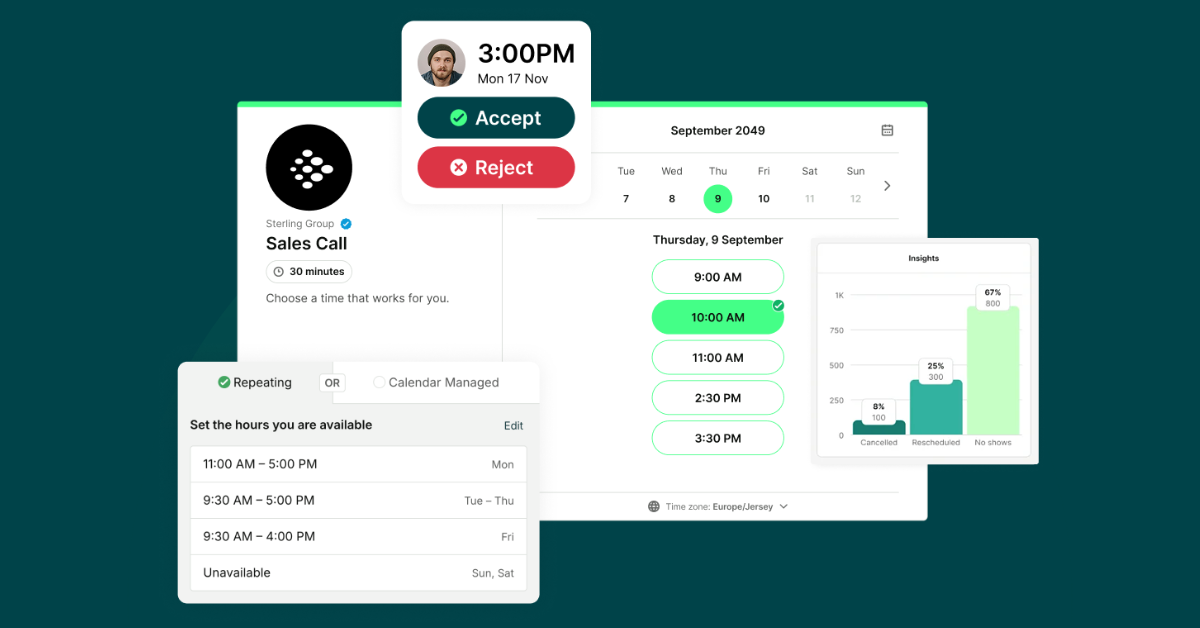
- The ability to accept/decline booking requests
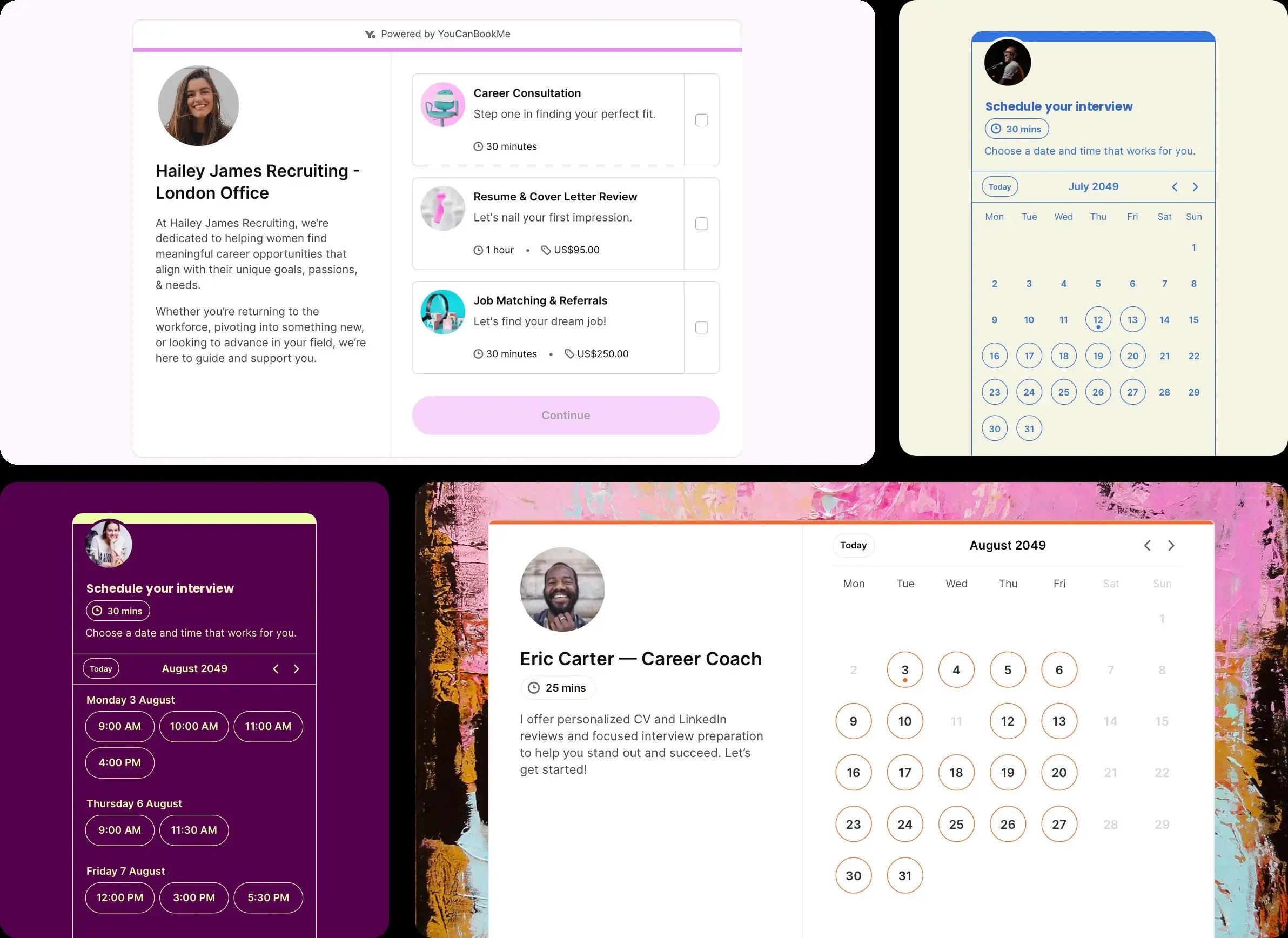
- Multiple appointment types listed on one booking page
- HubSpot, Zapier, webhooks, and tracking pixels for Meta and LinkedIn
- Booking analytics and scheduled exports
You can compare the full feature list on the pricing page, but here we’ll walk through what all of that actually means for your business day-to-day. Let’s get into it. 👇
If bookings are more than just calendar slots—they’re how you serve your clients and make your revenue—then YouCanBookMe’s Professional Plan is the right fit for you!
This is the plan for anyone who wants to run their business through their booking page, not just book time on it. For example:
-
Coaches and consultants who want to approve bookings before committing, collect the right intake info, and send post-session follow-ups automatically.
-
Financial advisors and mortgage brokers who need fast lead response, HubSpot sync, and SMS reminders for high-intent leads.
-
Service businesses and freelancers who want to list all their different services on one booking page, create promo codes for packaged services, and dive into analytics to see what’s actually driving the most bookings.
-
And all businesses whose calendar is directly tied to revenue and who need daily booking limits, automatic rebooking, and to drive bookings in the background while they’re busy running the business.
|
🆘 Still aren’t sure Professional is the right choice? From YouCanBookMe’s Free tier through to the Team plan, take this quiz to help you decide which option is best for you! |
For those who just want a quick list of how Professional upgrades you from the Individual plan, keep reading. Here’s a rundown of all the key additions:
- 6 calendar connections (up from 2)
- 10 booking pages (up from 2)
- Native HubSpot sync & 7,000+ integrations with Zapier
- Multiple appointment types on one booking page
- Sell add-on services (like additional resources, materials, or physical items)
- Accept/reject appointments before they’re added to your calendar
- Create promo codes and packages
- Unlimited booking form questions (including hidden & passthrough)
- Automatic rebookings
- Limits on the number of bookings taken per day
- No-show tracking and workflows
- Follow-up emails and SMS (from a dedicated business line)
- Add notes to bookings and include them in workflows
- Booking analytics & scheduled exports
Ready for your booking page to do more?
Professional helps you protect your calendar, follow up automatically, capture better client details, and connect every booking to the tools your business already runs on.

When your work has layers—different services, different clients, different calendars—a basic setup starts to show its limits fast.
Maybe you have multiple calendars to juggle and need all of them checked to avoid double-bookings. Maybe you offer different services that each need their own intake questions, pricing, and follow-ups. Whatever the case may be, Professional gives you more room to set things up properly.
With 6 calendar connections, YouCanBookMe can check availability across your calendars in real time, so clients only see times when you're actually free.
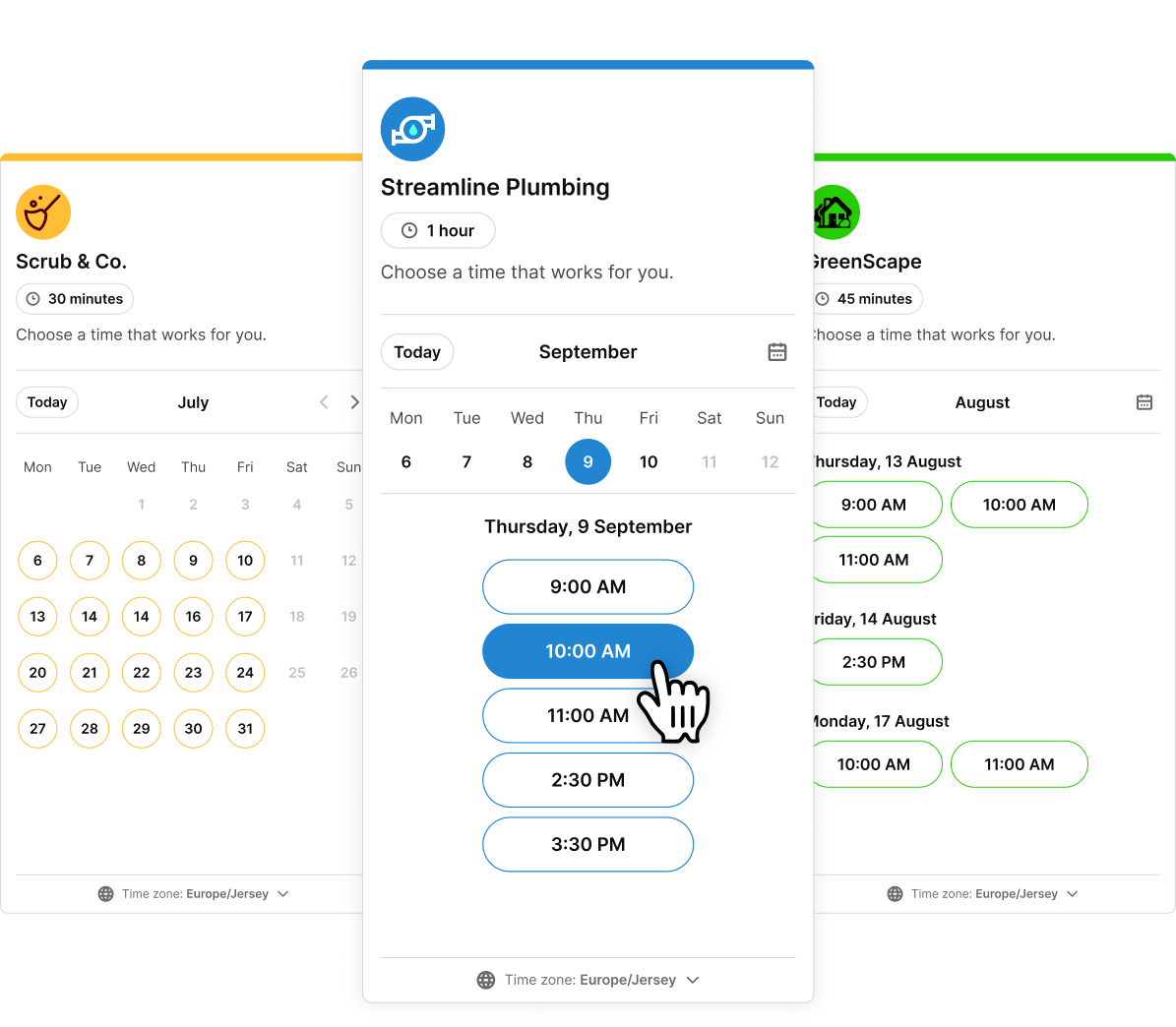
With 10 booking pages, you can create a dedicated page for each service, client type, campaign, or use case.
Each booking page can have its own:
- Availability
- Copy
- Booking form questions
- Locations
- Branding
- Confirmation, reminder, and follow-up sequences
- Appointment types with different durations and pricing
You can create separate booking pages for separate services, or let clients choose different services all listed on one page—it’s all up to you and how your business works.
For example, a coach might offer discovery calls, 1:1 coaching sessions, and strategy intensives on the same page. A salon could group appointments by category—haircuts, color services, waxing—then list the specific options under each one.
Clients can choose exactly what they need, including more than one appointment type at a time. It’s easier for them, and it helps you increase the value of every booking.
Getting someone booked is only the beginning. There are reminders to send, prep details to share, follow-ups to write, review requests to go out, and sometimes no-shows to chase.
That’s a lot of tiny admin tasks for one calendar invite.
With YCBM’s Professional plan, those little admin tasks can happen automatically. You can set up booking workflows that send the right message at the right time, before or after a meeting.
And because you control the content, these messages won’t sound like generic robot emails. You can include instructions, links, resources, payment reminders, directions, forms, or anything else your clients need.

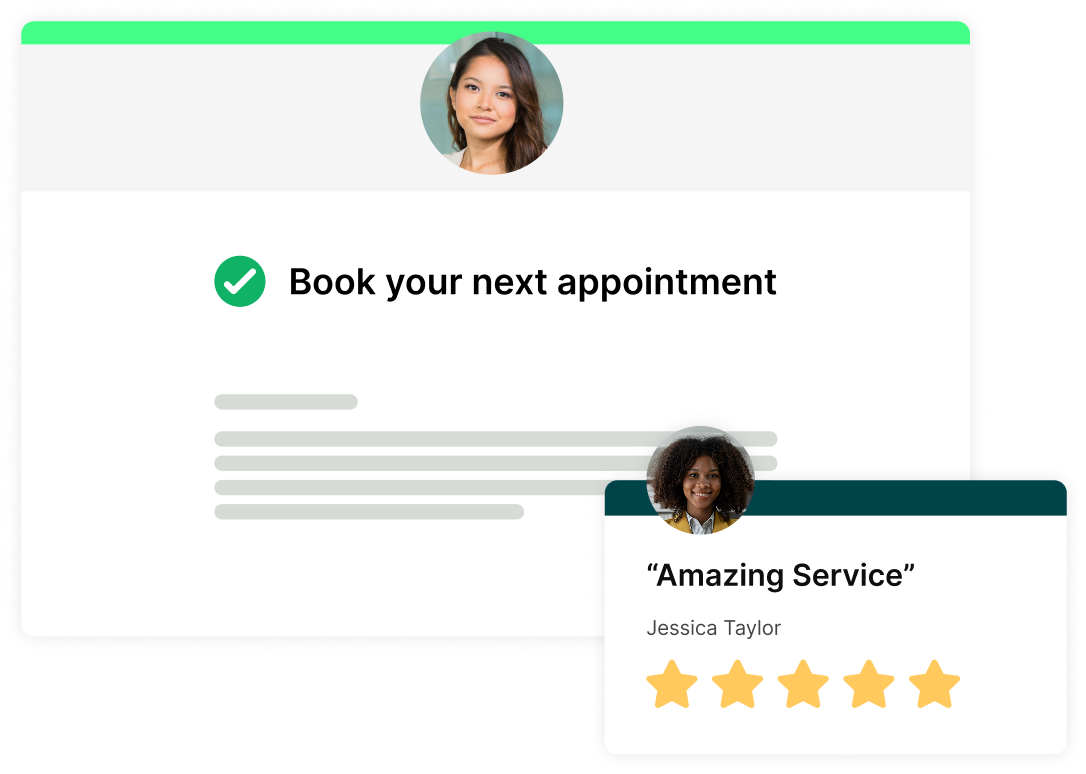
And that’s where YouCanBookMe starts to pay for itself. Review requests help happy clients spread the word, while rebooking reminders prompt past customers to book again. More reviews, more repeat bookings, less manual chasing. 🎉
That’s the real benefit here. Professional doesn’t just remind people to show up. It keeps the whole booking experience moving before and after the meeting.
Let the booking page handle the busy work
YouCanBookMe automates the scheduling, reminders, and review requests that help clients book, show up, and spread the word.

SMS notifications are available across YouCanBookMe plans as an extra charge, but Professional adds something important: SMS from a dedicated business line.
That means clients see a recognizable business number, not your personal mobile or a 1-800 number.
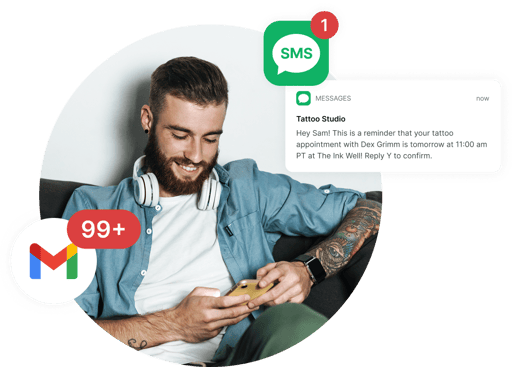
For client-facing businesses, that matters. It keeps your professional and personal communication separate, gives your messages a more polished feel, and makes reminders easier for clients to recognize.
It’s especially useful for appointments where timing matters: consultations, sales calls, financial reviews, interviews, home services, medical-style intake calls, or anything where a missed meeting creates a real headache.
Not every booking should automatically land on your calendar.
Sometimes you need to check fit first, limit how many meetings hit your day, or block a certain person or domain from booking. The YCBM Professional plan gives you the controls you need to decide who can book, when they can book, and what happens next.
There’s a lot of personalization power in the Professional plan, so let’s quickly run through what it lets you do:
- Turn on request-only bookings: Perfect if your time is high-value, your work depends on fit, or you don’t want every request to automatically take up space on your calendar.
- Set limits on bookings per day: Cap how many meetings can land on your calendar so one busy day doesn’t swallow your entire week.
- Prevent bookings by email address or domain: Block specific people or whole domains from booking. Helpful for keeping pages invite-only, managing difficult clients, or protecting certain booking flows.
- Use unlimited booking form questions: Ask everything you need before the meeting. No squeezing your intake process into a tiny form!
- Use hidden and passthrough form questions: Pass campaign data, UTM parameters, CRM details, or other information through the booking form without making the booker see or fill it in.
- Add notes to bookings: Keep internal context attached to the booking, whether that’s meeting prep notes, client history, or follow-up actions.
- Customize your unavailable message: Control what people see when your page is full, paused, or offline. Much better than leaving them at a dead end.
Professional lets you shape what happens before, during, and after someone books, so the experience feels more polished from start to finish.
That means you can:
- Send bookers to a custom landing page after they book
- Run an introductory offer with a promo code
- Reward loyal clients with a discount
- Sell add-ons to boost revenue, like extra materials, resources, or physical products
- Bundle sessions into packages so clients book more upfront
- Remove YouCanBookMe branding to put your own company front and center

It’s still scheduling. It just feels a lot less like “here’s my calendar link” and a lot more like a proper client experience.
Scheduling shouldn’t live in a silo.
When someone books with you, that action usually needs to show up somewhere else. Your CRM. Your email tool. Your analytics. Your Slack channel. Your spreadsheet. Your reporting dashboard. Whatever it may be, Professional gets it done.
The Professional plan includes a native HubSpot sync, which is a big deal for sales-led businesses.
When someone books, their details can flow into HubSpot automatically. Contacts can be created or updated, booking details and form answers can be added to the activity stream, and changes like reschedules or no-shows can be tracked without manual data entry.
So instead of finishing a call and thinking, “I’ll update the CRM later,” the booking has already done the work for you!
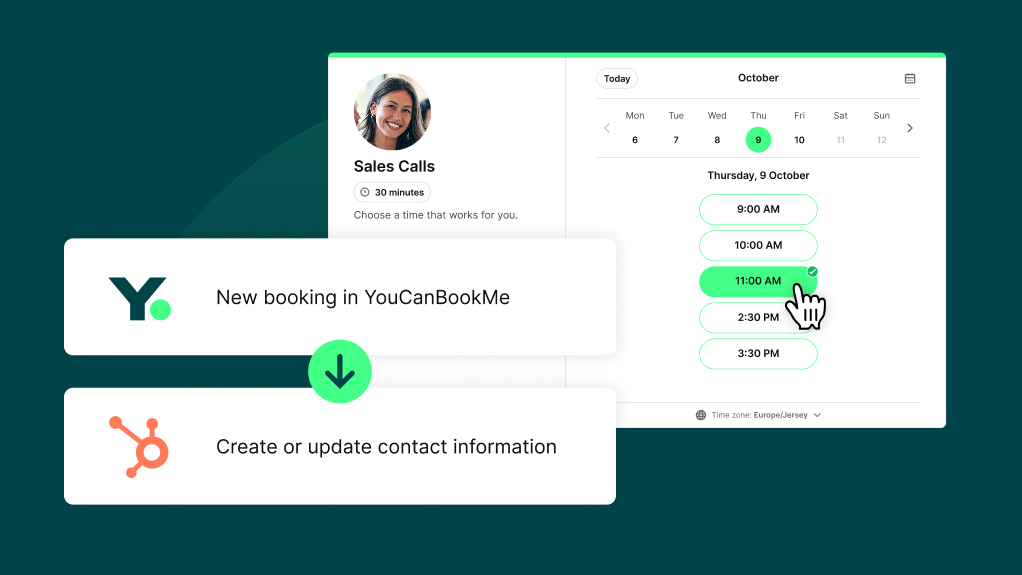
Professional also connects to thousands of apps through Zapier, which means you can build workflows with the tools you already use.
Here are a few of our users’ favorite YCBM + Zapier integrations,
- Google Sheets: Automatically log new, cancelled, and rescheduled bookings for reporting or handoffs.
- Slack: Send instant alerts when someone books, so you or your team can jump into action.
- Mailchimp & ActiveCampaign: Add bookers to the right list, trigger email sequences, or keep contact records updated.
- Google Contacts: Create a new contact every time someone books, so client details are always easy to find.
- WhatsApp: Get booking, cancellation, or reschedule alerts straight to your phone.
- Trello or Asana: Turn new bookings into cards for prep work, onboarding, or follow-up tasks.
Need something more custom? Webhooks let you send booking data to your own tools in real time, which is handy if you have a custom CRM, internal system, or developer-built workflow.
And if you’re running ads or campaigns that send people to your booking page, Google Analytics, Meta Pixel, and LinkedIn Tracking help you see which campaigns are turning those clicks into actual booked meetings.
It’s one thing to know you’re getting bookings. It’s another to know which pages are performing, where people are dropping off, and which services are generating revenue.
The Professional plan gives you booking analytics so you can make decisions based on what’s actually happening, not what you think is happening. You can track things like:
- Total meetings booked
- Top-performing booking pages
- Cancellation, reschedule, and no-show trends
- Revenue generated from bookings
- SMS messages sent
This is especially useful when you’re running multiple pages or services.
And once you can see those patterns, you can actually do something about them.
- High no-show rates? Add SMS reminders.
- Lots of cancellations? Tighten your cancellation policies and make sure people accept them before booking.
- Slow week? Promote your best-performing page more widely.
- Your discovery call page getting lots of bookings, but paid consultations looking quiet? Add a follow-up workflow that points strong-fit leads to your paid offer.
With the YouCanBookMe Professional plan, your booking page becomes the system that keeps your business moving.
Someone books, shares the details you need, gets the right reminders, and is added to your CRM automatically. After the meeting, your follow-up goes out without you having to remember. And if they don’t show, you can trigger a workflow to help bring them back.
Less chasing and less wondering what happened after someone booked. Just a smoother way to turn bookings into real next steps. That's the Professional plan.
Sign up for a free, 14-day trial to test it out for yourself!
FAQs
What’s included in YouCanBookMe’s Professional plan?

Professional includes 6 calendar connections, 10 booking pages, automated workflows, follow-up emails and SMS, accept/decline booking requests, unlimited booking form questions, HubSpot, Zapier, webhooks, tracking pixels, booking analytics, daily booking limits, email/domain blocking, SMS from a dedicated business line, and premium support.
It’s designed for solopreneurs and small businesses that need scheduling to do more than simply show available times.
How is the Professional plan different from the Individual plan?
Individual gives you the essentials for a customized booking experience, including 2 calendar connections, 2 booking pages, reminder emails and SMS, group sessions, password protection, and branded notifications.
Professional adds more scale and control: more calendars, more booking pages, more automation, more integrations, more analytics, and more advanced booking controls.
Is Professional the most advanced YouCanBookMe plan?
No. The Team plan sits above Professional and adds team management features, including centralized admin controls, role-based access, round robin scheduling, team member management, and more booking pages and calendar connections per user.
Professional is best for individuals and small businesses. Team is best when you need to coordinate scheduling across multiple people.
Does the Professional plan include a HubSpot integration?
Yes. Professional includes native HubSpot integration, so booking details can sync into your CRM automatically.
When someone books, YouCanBookMe can create or update their HubSpot contact, add booking details and form answers to the activity stream, track changes like reschedules and no-shows, and include useful links like Join Meeting and Manage Booking.
In other words, your CRM stays up to date without you manually copying booking details after every meeting.
Can I use Zapier with Professional?
Yes. Professional includes Zapier integration, so you can connect YouCanBookMe to thousands of other tools. It’s handy for sending booking details to Slack, updating spreadsheets, creating CRM records, triggering email sequences, or connecting YCBM to whatever else is already in your workflow.
Can I accept or decline meeting requests on Professional?
Yes. YouCanBookMe’s Professional plan lets you accept or decline booking requests before they land on your calendar. That means a booker can request a slot, but the meeting won’t be fully confirmed until you approve it.
Does the Professional plan include SMS reminders?
Yes. You can send SMS reminders, and Professional also includes SMS from a dedicated business line. SMS messages are an extra charge across plans, but the dedicated business line is what gives Professional a more polished, client-facing SMS setup.
-min.png)
Written by
Gabriela Łaba
Gabriela is Editor-in-Chief at YouCanBookMe and a SaaS copy and content writer with over a decade of experience. Since 2021, she’s written 100+ articles on scheduling, personally tested and compared 38 booking tools, and helped businesses make sense of scheduling, automation, and productivity.
Get started today
Join thousands of coaches, consultants, and entrepreneurs who use YouCanBookMe to power their business. Get your first booking in a few minutes.


 4.7 / 5 — Trustpilot

