
How YouCanBookMe Pays for Itself (and Then Some)
-min.png?width=100&name=image%20(21)-min.png)
Create your free booking page
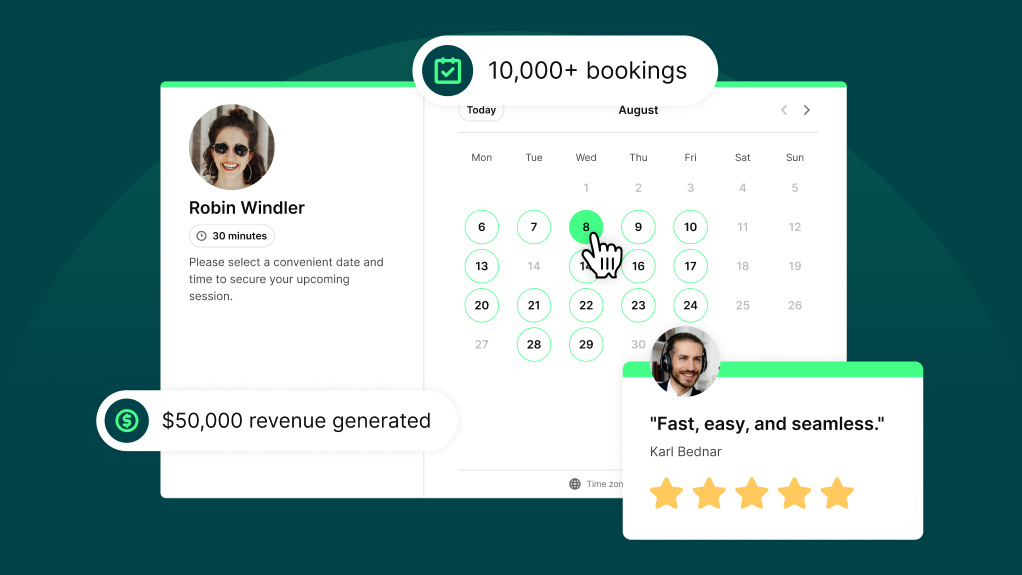
Most people think of scheduling software as a time-saver. Helpful? Sure. Productivity-boosting? Absolutely.
But what often gets missed is that the right scheduling tool doesn’t just give you time back—it can save you money, and even help you make more of it.
Think of it this way: say your average session is worth $100.
👉 If one automated reminder prevents just one no-show this month, YouCanBookMe has already paid for itself several times over.
👉 If one extra lead books through your scheduling link at 10 PM on a Sunday? Same story.
👉 And if one client chooses a package instead of booking a single session? At that point, your booking page is actively helping you generate revenue.
That’s the shift. YouCanBookMe isn’t just a nice-to-have scheduling tool. Used correctly, it drives more bookings and reminds people to show up, pay, and keep coming back.
No-shows aren't just frustrating. They're expensive.
Not only is a no-show a sudden blank space in your day, but it means losing a session you planned for, revenue you expected, and time you probably could have offered to someone else. So if YouCanBookMe helps prevent even one missed appointment a month, that’s not just a more predictable calendar—that’s real money protected.
Depending on what you charge, avoiding a single no-show could cover months, or even years, of your YCBM subscription.
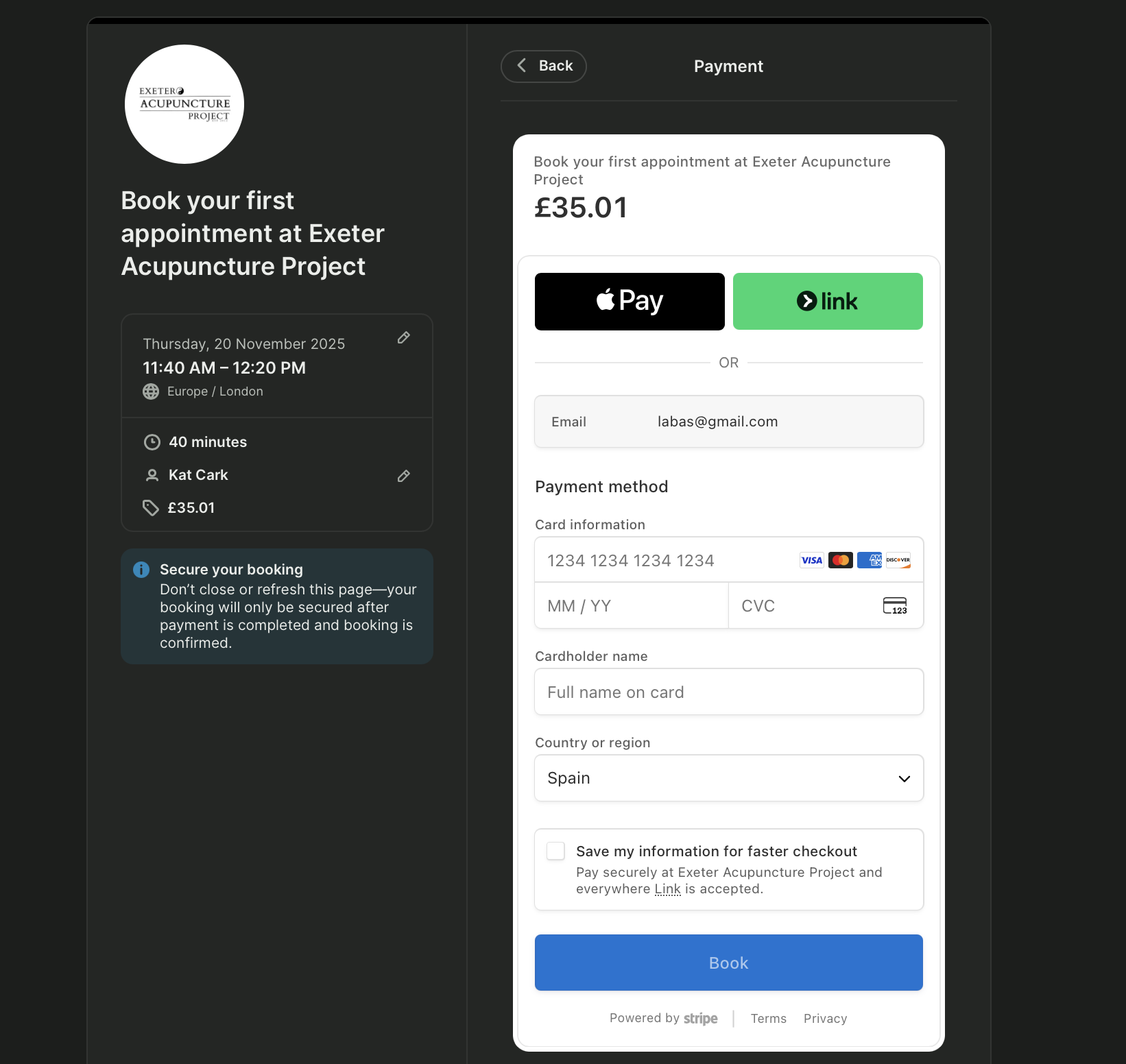
Deposits and pre-payments are one of the simplest ways to turn “I’ll try to make it” into “I’m definitely showing up!”
When someone has already paid, the appointment becomes real. It’s not some vague thing sitting in next week’s calendar that they can easily forget, cancel last-minute, or skip entirely. They’re more likely to treat it like a real commitment—and if something changes, to reschedule rather than disappear.
It’s also better for your cash flow. Instead of waiting until after the session to get paid (or worse, having to send that dreaded invoice reminder email), you can collect payment right when the booking is made.
With YouCanBookMe, you can take payments at the point of booking, so your booking page does more than save a spot on your calendar. It secures the value of that spot, too.
(Source)
Automated reminders are one of those features that sound small until you calculate what they’re actually worth. Because once someone books with you, the job isn’t done!
Bookers still have to remember the appointment, show up on time, and arrive ready to make the most of it. If they forget, ghost, or cancel too late, that booking turns back into a costly empty slot.
That’s where reminders earn their keep. They give bookers the nudge they need at exactly the right moment, so your appointment stays top of mind instead of getting buried under everything else in their day.
With YouCanBookMe, you build the reminder sequence once, decide when clients should hear from you, and the messages go out automatically before every appointment. That might mean an email reminder 24 hours before the session, an SMS reminder a few hours before, or both!
And those reminders don’t have to just say, “Don’t forget!” You can use them to help people show up prepared, too—whether that means linking to an intake form, reminding them to complete an onboarding questionnaire, or sharing anything they need before the appointment.
The point is, you don’t have to remember to remind people. YCBM does it for you, every time. And when people show up more consistently, the revenue impact can be huge.

And the results are real—businesses using automated reminders see a drastic drop in no-show rates. In healthcare, one study found that non-attendance rates were 38% lower for patients who received an SMS reminder compared with those who didn’t.

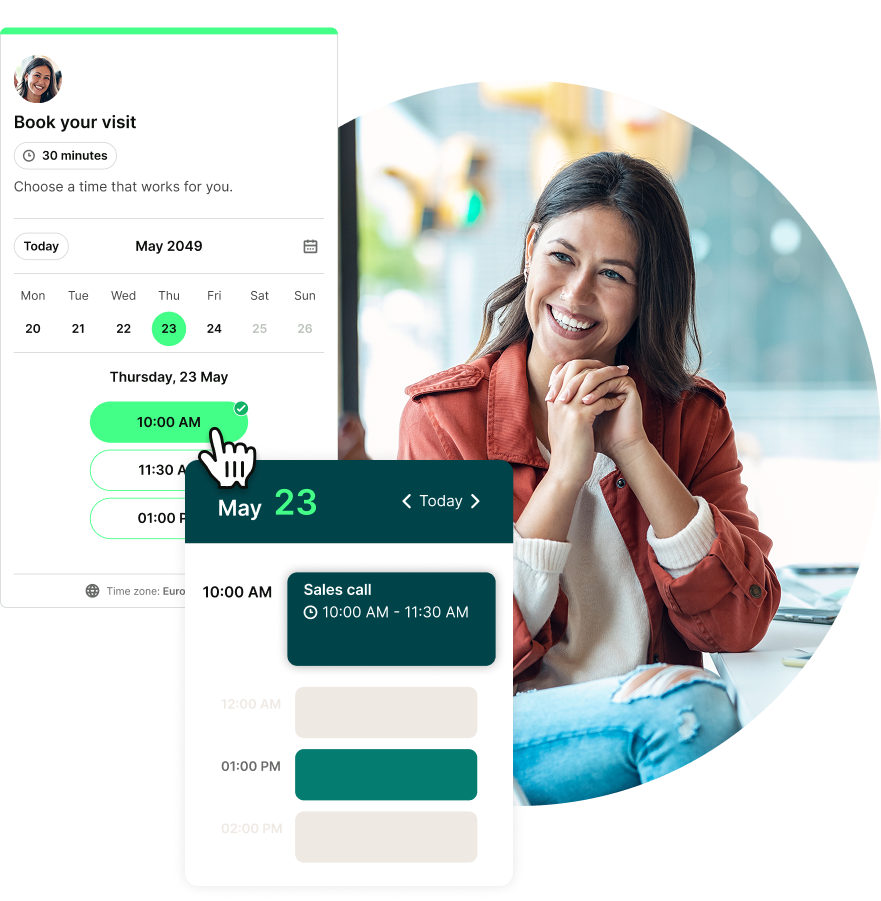
When it’s easy to book, more people book. That may sound obvious, but it’s easy to underestimate how quickly friction causes people to drop off.
Speed to lead matters here, too. If someone lands on your website at 8 PM on a Sunday and has to wait until Monday morning to book with you, they might not wait. In fact, they’re likely to go straight to the competitor who lets them book right now.
This is one of the clearest ways YouCanBookMe pays for itself: it catches people while they’re ready to act, drastically improving your speed to lead.
Letting people book outside business hours doesn’t mean you have to work outside business hours. It means letting your booking page do its job while you’re living your life.
Someone can book after dinner. On a weekend. Between school runs. During a lunch break. Whenever they finally get around to doing the thing that’s been on their to-do list for weeks.
With YouCanBookMe, your availability can be visible when the client is ready, without you needing to reply in real time. Your booking page does the heavy lifting: showing available times, collecting booking details, confirming the appointment, and sending the right information automatically.
You’re not just sharing calendars—you’re offering access to your team’s combined availability in one place.
Make it easy for clients to book the moment they’re ready
Because if someone’s thinking, “I should book that,” your booking page should be there to catch them.

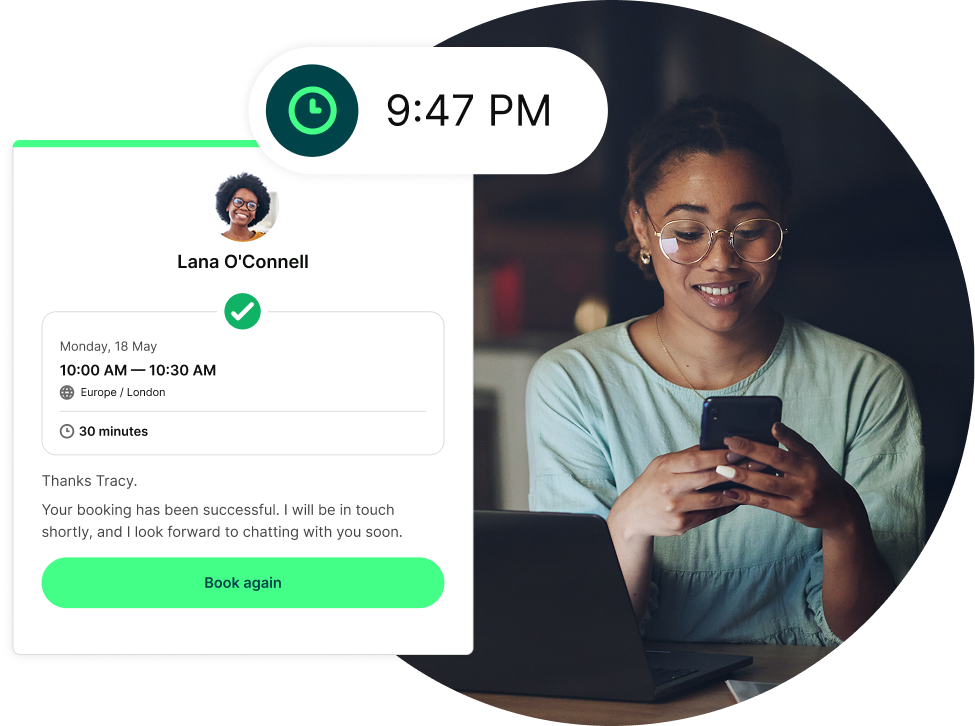
Back-and-forth scheduling doesn’t just waste time—it kills momentum. Every extra email is another chance for someone to get distracted, go cold, or choose the person who made it easier.
Mike Desjardins, CEO of Virtus and a 10-year YCBM user, explains it well:
If it’s a prospective client or a client, I don’t want any impediment to them being able to book with me. Each of those meetings would have taken at least six back-and-forth emails to get sorted out—which I would genuinely need to hire a person to do.”
And that’s the other side of the ROI equation. Removing back-and-forth doesn’t just help you land the booking. It also reduces the admin (and mental load) required to manage every appointment.
That might mean you don’t need extra help just to coordinate calendars. Or, if you’re handling scheduling yourself, it gives you time back for the work that actually grows your business.

That’s the kind of booking page that doesn’t just save you time. It saves you headcount, protects your focus, and keeps opportunities moving.
More bookings are great. More revenue per client is even better.
This is where YouCanBookMe can help you move from one-off appointments to bigger, more valuable client relationships.
Let’s say you’re a coach and you charge $80 per session.
You could keep booking one session at a time, or you could offer a bundle of five sessions for $350 instead of $400. Your client gets a small discount, you lock in $350 upfront, and that one package could cover multiple years of your YCBM plan.
Packages aren’t the only way to make your booking page work harder, either. You can also create promo codes to reward loyal clients, encourage repeat bookings, or run seasonal offers without complicated setup or coding.
With appointment add-ons, you can give clients the option to include extras when they book, like additional resources, materials, or physical items. It’s a simple way to increase revenue per booking.
That’s exactly what Sandra Mo, founder of Lashes By SxMo, does on her booking page: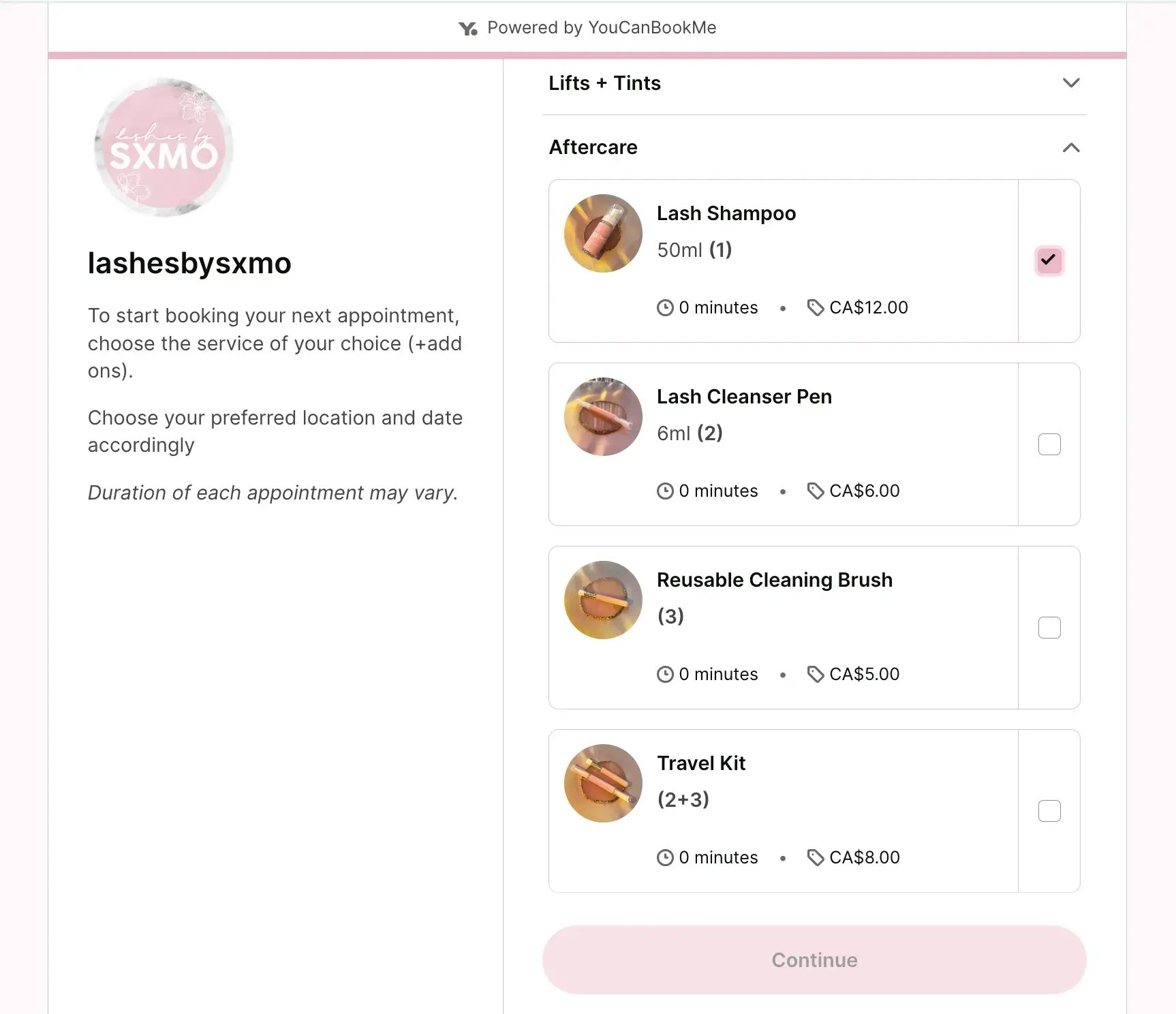
Most businesses know reviews matter. They build trust, improve visibility, and help new prospects feel more confident before they’ve even spoken to you.
The tricky bit is asking for them, not because it’s complicated, but because it’s just easy to forget. You finish a great session, jump to the next thing, reply to three emails, make a coffee, lose the coffee, find the coffee, and suddenly the review request is still sitting on your mental to-do list a week later.
YCBM automates that task right into your booking flow, so every completed appointment becomes a natural, instant review opportunity.
If you want to get more reviews, the best time to ask is right after a great experience, while the client still feels the value of the conversation or service.
A follow-up message 30–60 minutes after the appointment feels timely and natural. A cold request a week later is much easier to ignore.
“My appointment rate is so high because of the text and email reminders people get. And even after meetings, I send a message about an hour later. People reply saying, 'That was time well spent.' Sometimes I save those messages because I need the win."

That’s the good stuff. A follow-up like that reinforces the value of the appointment, keeps the relationship moving, and creates the perfect opening to ask for a review, testimonial, or referral.
A Google review or testimonial isn’t a one-time win. It can keep working for your business long after the original appointment is over.
Imagine this: someone finds you through a Google search. They see dozens of positive reviews. They feel more confident and need less convincing. They book.
Then they have a great experience, get your automated follow-up, and leave their own review!
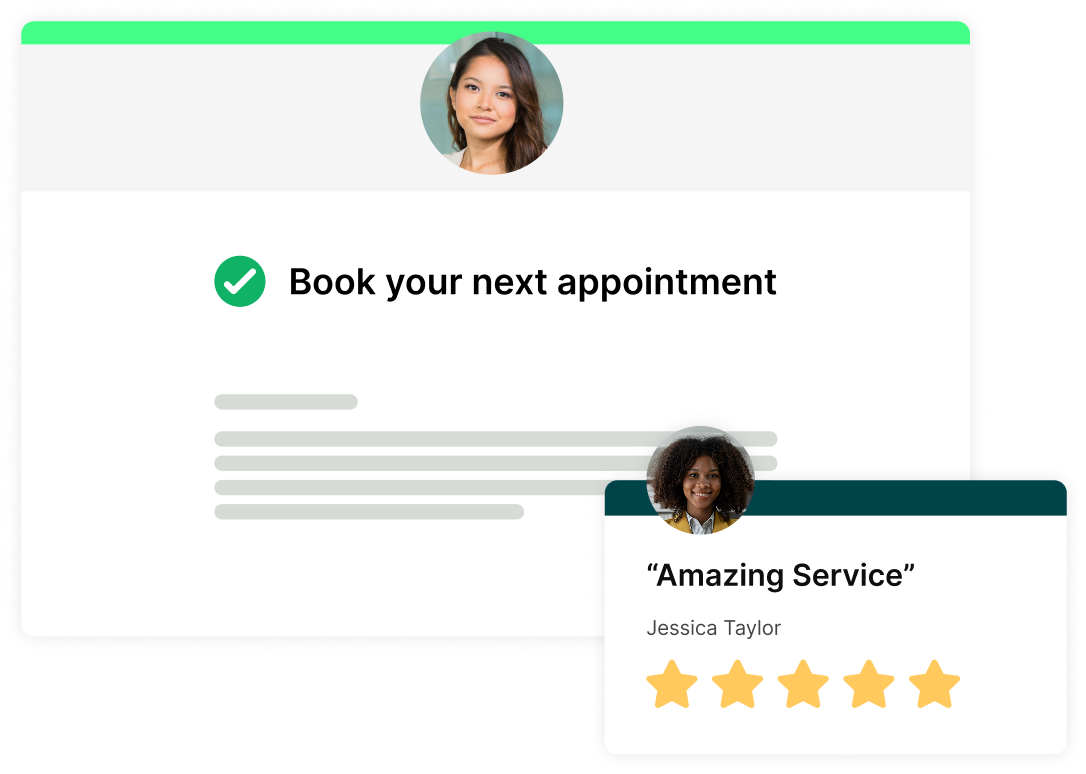
That’s the kind of flywheel most businesses want but rarely build, because it’s hard to remember every tiny step manually. But YouCanBookMe lets you build it once in your booking flow, and it goes out automatically.
Over time, that small automated moment can become a meaningful source of revenue—all through one click in your booking tool.
Let your booking page handle the busy work
YouCanBookMe automates the scheduling, reminders, and review requests that help clients book, show up, and spread the word.

Getting new clients is always important, but keeping existing clients is usually easier, cheaper, and a lot less exhausting.
Retention isn’t just about doing great work, though. It’s also about making the experience around your work feel easy. That includes booking!
If a long-term client has to fight for a slot, wait two weeks, or dig through old emails to find your scheduling link, that friction adds up. Even if they love working with you, the client experience can start to feel clunky.
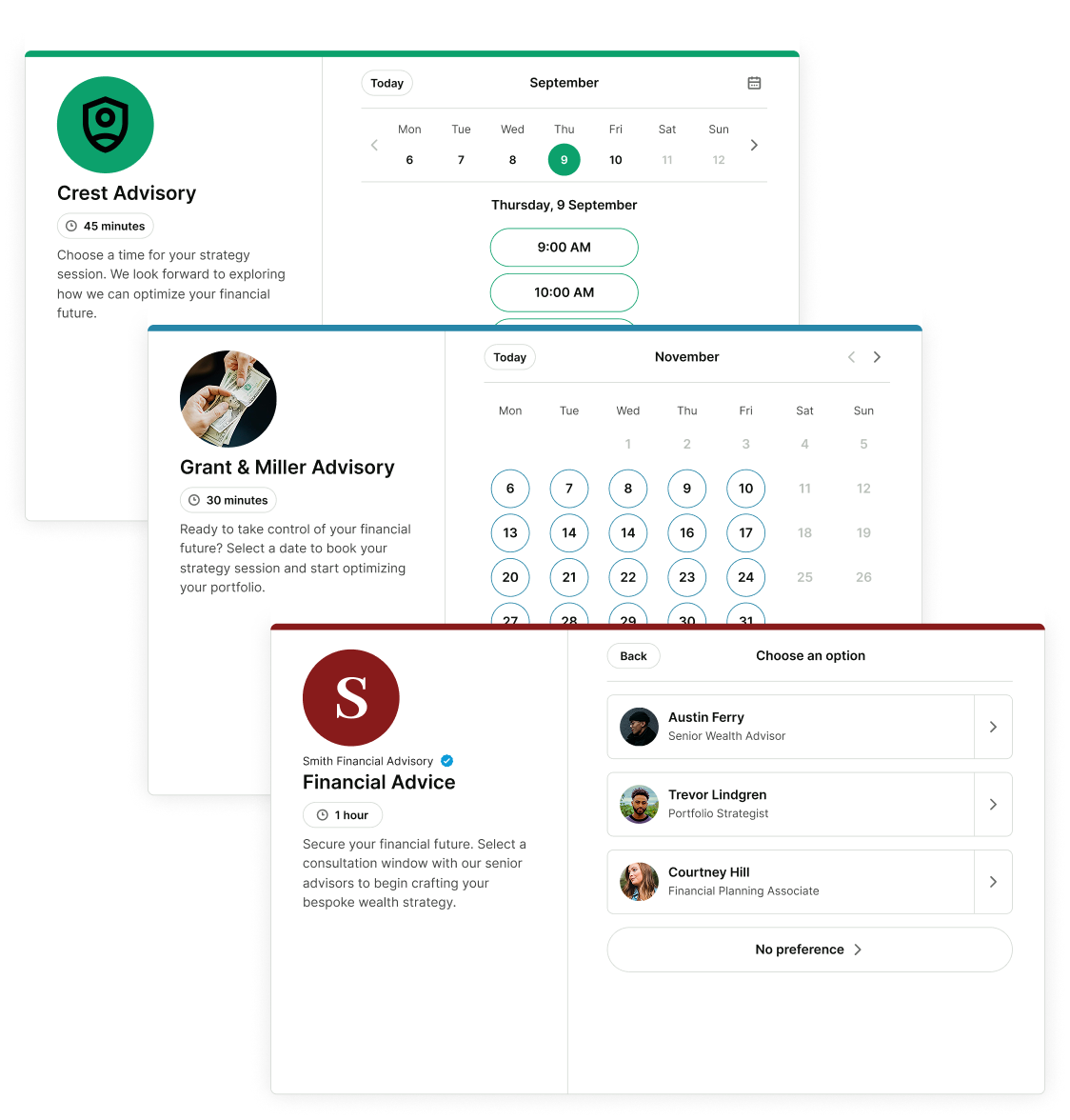
One underrated way YouCanBookMe pays for itself is by helping you create different booking experiences for different people.
For example:
- New leads get a public booking page with limited availability
- Existing clients get a private link with more options
- VIP clients get priority slots
- Paid package clients get dedicated booking access
.png?width=100&height=97&name=Alex%20Falcon%20Huerta%20FCCA%20(1).png)
It’s a small operational choice that quietly tells existing clients, “You matter here.”
A lot of repeat business doesn’t disappear because the client didn’t want to come back. It disappears because life got busy.
They meant to book the next session, schedule the follow-up, or continue the work, but the longer it sat on their mental to-do list, the easier it was to forget. YouCanBookMe helps you bring that intention back to the surface at exactly the right moment.
We’ve already talked about using follow-up emails to ask for reviews, but they can also help clients rebook. You can send your booking link after the appointment, suggest the next best step, or remind someone when it’s time to book again.
You write the message once, choose when it should go out, and YouCanBookMe sends it automatically after every relevant booking.
The point isn’t to be pushy. It’s to make coming back easy while the value of the appointment is still fresh.
Happy clients often intend to rebook; YCBM simply helps you turn that intention into action.
Let’s bring it back to the math!
YouCanBookMe costs money (unless you choose the free plan 😉), but so does:
- An empty appointment slot
- A no-show you could have prevented
- A lead who wanted to book but couldn’t
- A review you never asked for
- A package you never offered
- A client who forgot to rebook
- An hour spent doing scheduling admin instead of deep work
If one reminder saves one appointment, one after-hours booking turns into a client, or one follow-up brings someone back, YouCanBookMe can pay for itself many times over.
That’s the real value: small moments adding up. YouCanBookMe isn’t just here to make scheduling easier. It’s here to help more people book, show up, pay, come back, and tell others about you.
And when those little moments are handled for you, your booking page can do a lot more than fill your calendar—it can help your business grow.
Try YouCanBookMe for free today and see what your booking page can do for you.
FAQs
How much does YouCanBookMe cost?

YouCanBookMe offers a generous free plan, and three paid plans. When billed annually, the Individual Plan costs $8.10/month, the Professional Plan costs $11.70/month, and the Team Plan costs $16.20/month/user. You can test the paid plans with a free, 14-day trial (no credit card required).
Can YouCanBookMe take payments and deposits?
Yes! YouCanBookMe lets you collect payments or deposits at the point of booking, before the session takes place.
That means clients can commit when they book, which can help reduce no-shows and improve cash flow. Instead of chasing payment after the appointment, your booking page can secure the value of the slot upfront.
Can I send automated follow-up emails after a booking?
Yes. YouCanBookMe lets you set up automated follow-up emails that send after an appointment.
You can use them to thank clients, ask for reviews, share helpful resources, send your booking link again, or prompt someone to book their next session. You write the message once, choose when it should go out, and YCBM handles the rest.
Can I have different booking pages for different clients?
That makes it easy to give existing clients more access while keeping a more filtered booking page for new leads. For example, VIP or returning clients could get a private link with more availability, while first-time bookers see a more limited set of options.
-min.png)
Written by
Gabriela Łaba
Gabriela is Editor-in-Chief at YouCanBookMe and a SaaS copy and content writer with over a decade of experience. Since 2021, she’s written 100+ articles on scheduling, personally tested and compared 38 booking tools, and helped businesses make sense of scheduling, automation, and productivity.
Get started today
Join thousands of teams, businesses, and institutions that use YouCanBookMe to power their scheduling. Set up your booking page in minutes.


 4.7 / 5 — Trustpilot

