
Every parent booked Zero back-and-forth
No more unanswered emails, phone tag, or juice-stained notices pulled from the bottom of backpacks. Share one booking link and let every parent choose an available meeting time themselves.

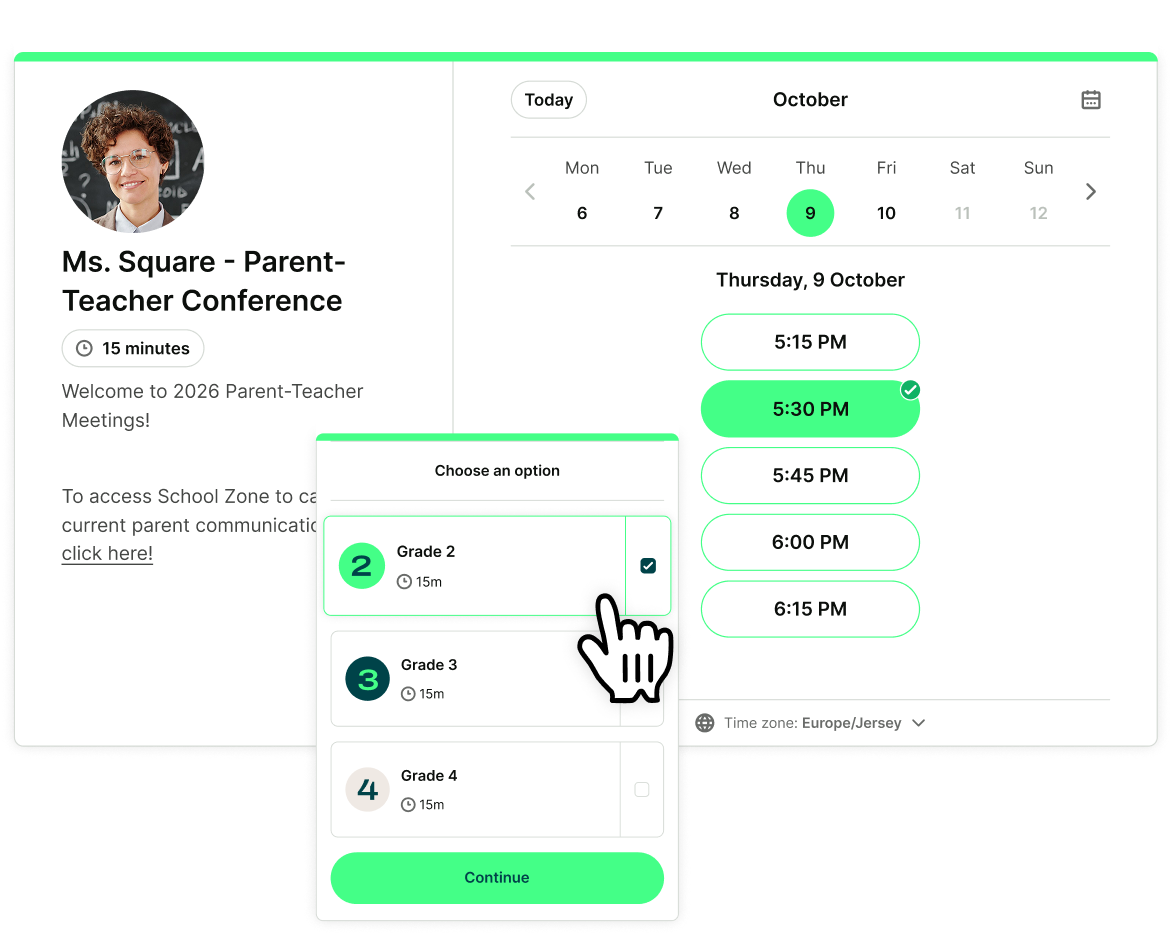
Get your parent-teacher conferences scheduled in minutes
Create your booking page
Share your link
Parents book themselves

Conference week shouldn’t mean admin week
Forget the back-and-forth emails, missed phone calls, and sign-up sheets that never make it home.
With YouCanBookMe, you send one simple link to all parents. They see what meeting slots are free, choose a time that works for them, and book straight into your calendar—no account, app, or complicated school system required.

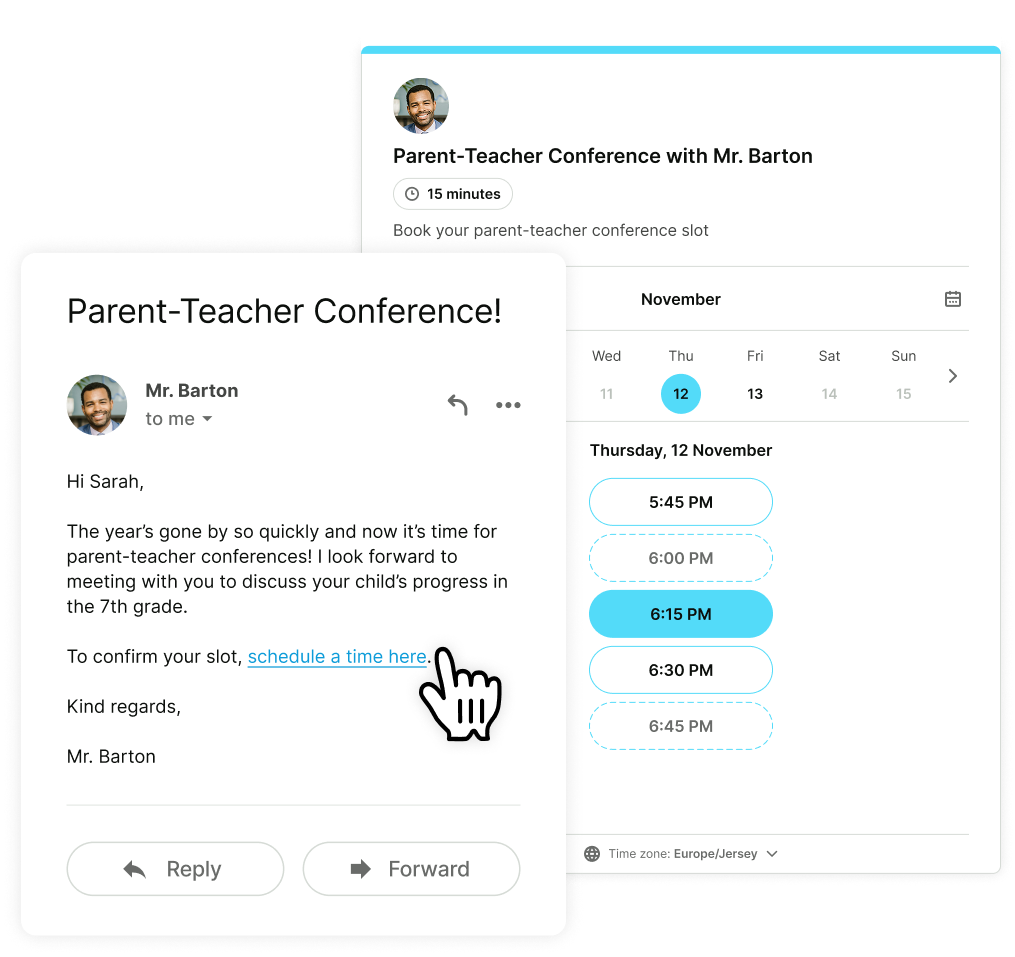
Keep conference night running smoothly
Bookings, cancellations, and reschedules update automatically in your connected calendar, so you always know exactly what the evening looks like.
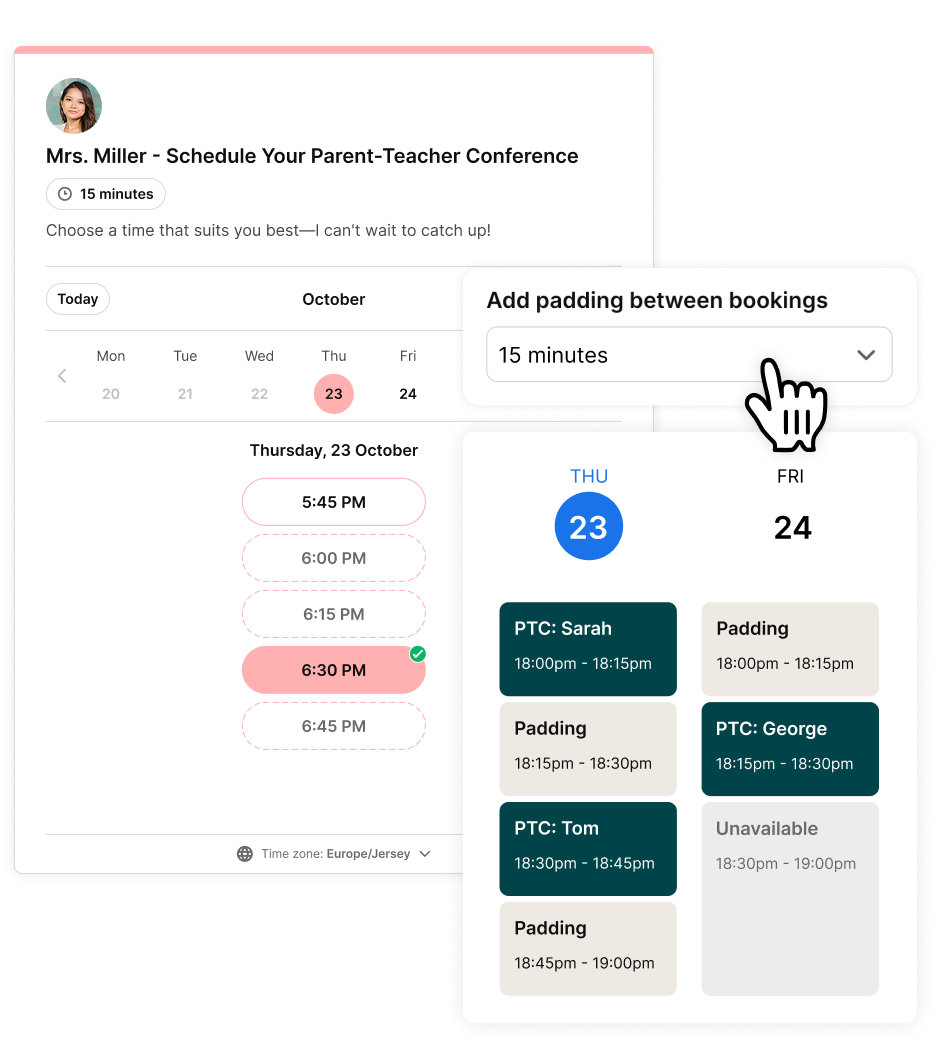
Set your meeting lengths, leave a few minutes between appointments, and block out breaks when you need them. You’ll have space to take notes, prepare for the next student, or let an important conversation run a little longer without leaving the next parent waiting.

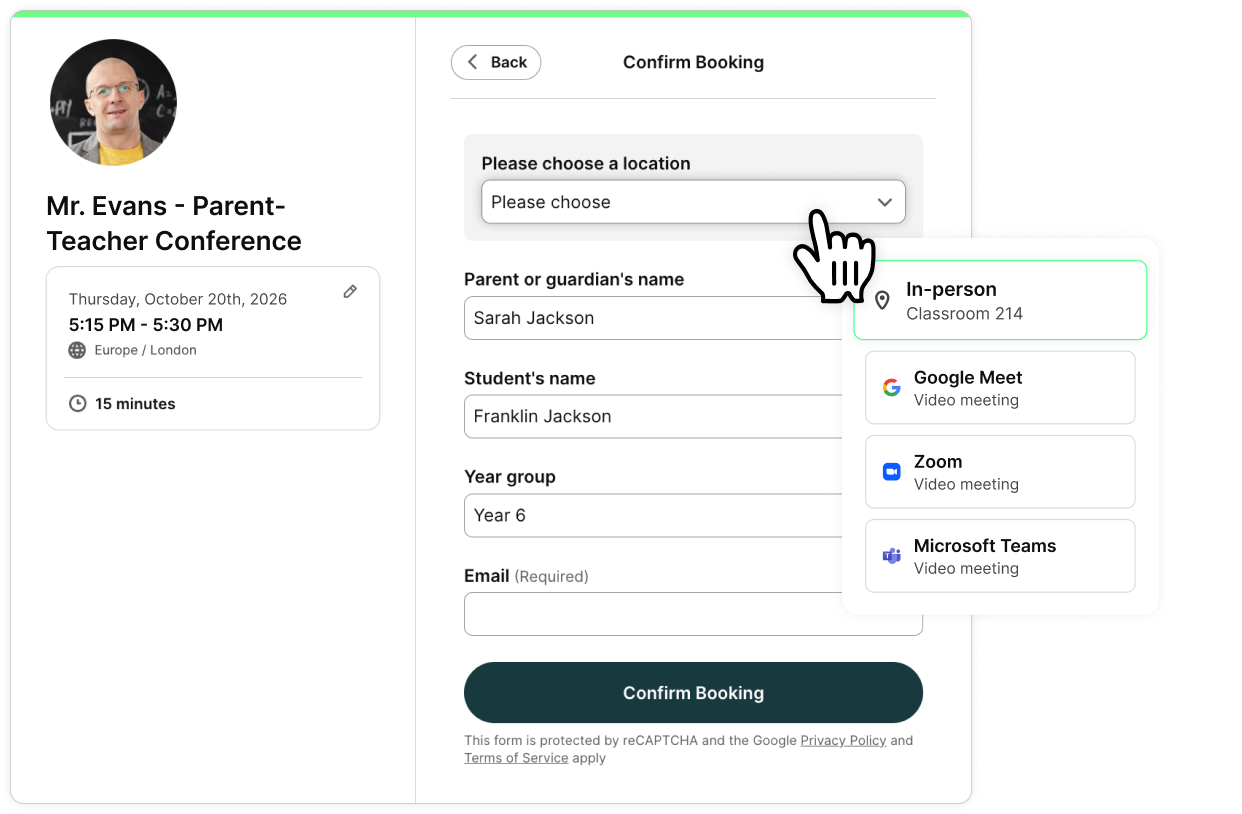
Know what every parent wants to discuss in advance
Your booking form does the asking before conference day:
- Parent or guardian’s name
- Student’s name and year
- Topics or questions they want to discuss
- Accessibility or meeting requirements
No more walking into a 15-minute slot blind. The notes become the agenda, and the conversation starts where it should.

Get every teacher scheduled with one plan
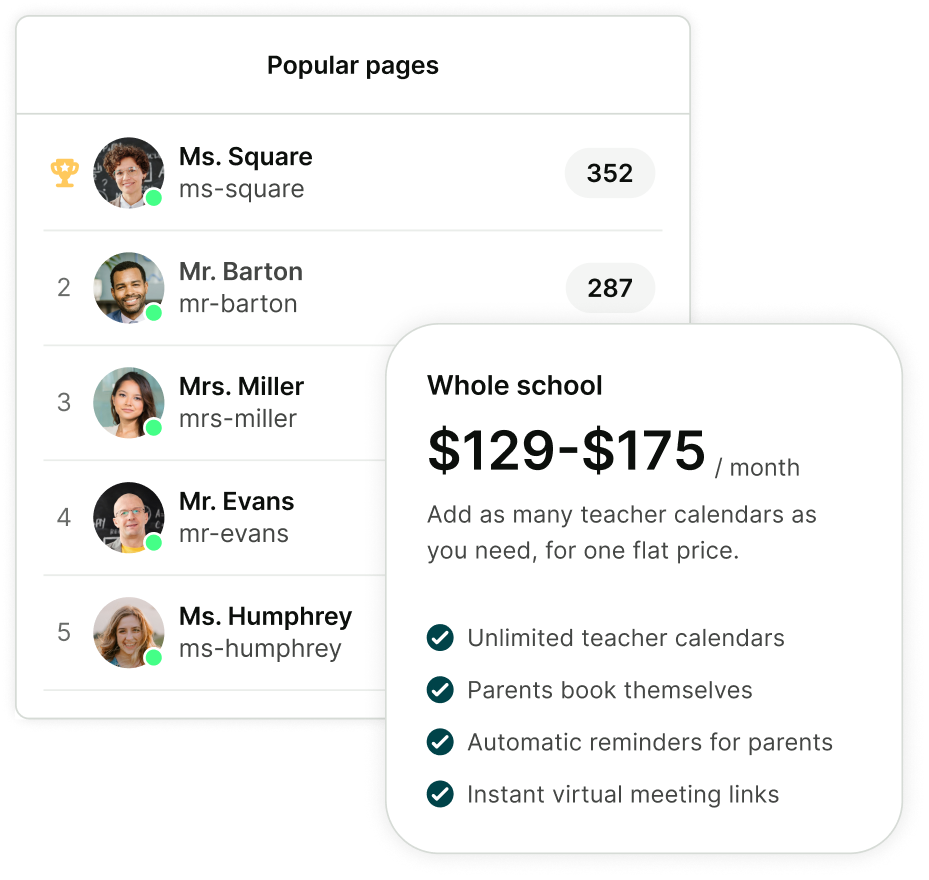
Get 30 days of access to YouCanBookMe for one flat price, with as many teacher calendars as your school needs.
- $129 for schools that don’t charge tuition
- $175 for schools that charge tuition
Need it for longer or only scheduling for yourself? Choose our free forever plan, or a paid plan starting at $8.10/month. Eligible educators can also save 30% with our educator discount.

Happier teachers. Happier students.
Less coordination. Easier booking. See what happens when parents book themselves.
-
"There used to be multiple staff having to take calls and schedule these conference days, or teachers took their time and organized all their students' conferences. Now, the parents click a link, sign up online, and get confirmation and reminders. YouCanBookMe is the gift of time for so many staff!"
 Tim L.School Counselor
 -
"YouCanBookMe makes scheduling parent-teacher conferences a lot easier for the teachers (and the parents!) It's pretty easy to set up and get started with the program. It was really easy to connect my school calendar to create appointments."
User in Primary/Secondary EducationG2 Review
-
"I love how easy it is to share the link to my live booking page. I also love that I receive an email each time someone books an appointment. This tool allows parents to choose a time convenient for them and even allows them to cancel and re-book if something comes up.”
User in Primary/Secondary EducationG2 Review
-
“Booking parent conferences has increased efficiency across the board. Syncing with my Google Calendar is wonderful. Parents can easily see my availability and get time set aside for parent-teacher meetings.”
User in e-LearningG2 Review
Built for the way you actually meet with parents

Set conference-only availability
Open your booking page for one evening, a few specific dates, or your full conference week without changing your usual working hours.

Prevent double-bookings and frustrated parents
Connect your calendar so parents only see times when you’re genuinely free, not slots that clash with another conference, lesson, staff meeting, or school commitment.

Send reminders so parents don’t forget
Automatically send confirmations and reminders with the correct time, location, and meeting instructions, so parents know exactly when and where to show up.

Let families choose in-person or online
Add your classroom location or automatically create a unique Google Meet, Zoom, or MS Teams link for each conference. Parents can choose the option that works best for them.

Leave time between meetings
Add a few minutes between conferences so you can take notes, prepare for the next student, or give a conversation a little extra time without keeping the next parent waiting.

Let parents reschedule themselves
Parents can choose another available time without emailing you. You decide how close to the meeting they can make changes, and their original slot opens automatically for another family to book.

 4.7 / 5 — Trustpilot


Less admin. Better conversations.
Practical guides to help you set up your booking page and run parent-teacher conferences better than ever before.
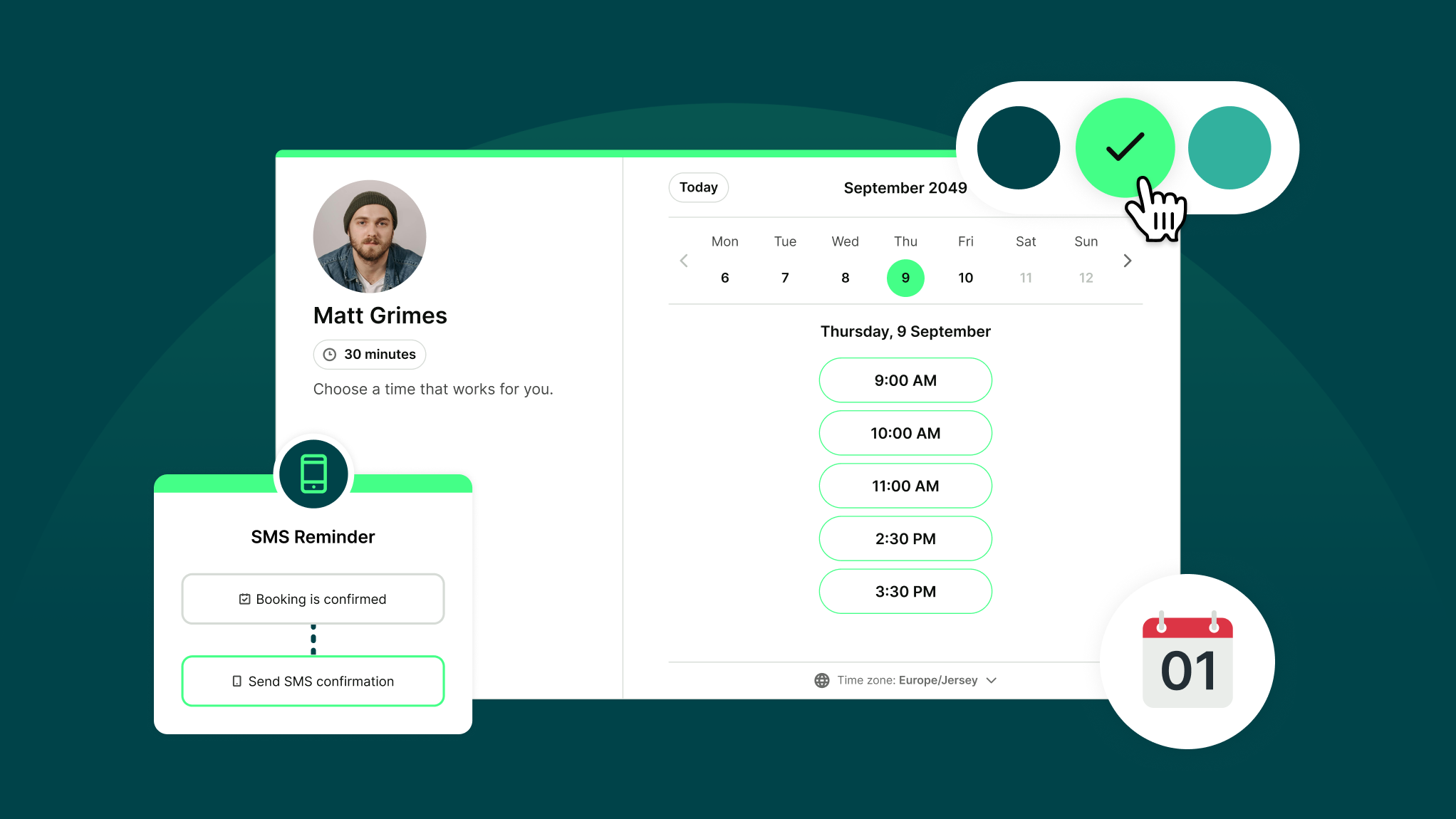
How Does YouCanBookMe Work? A Simple Getting Started Guide
New to YouCanBookMe? Don’t worry—we’ll show you how to put your scheduling on autopilot and set up your first booking page in (almost) no time.

Meet the Ultimate Time Saver: Parent Teacher Conference Schedulers
Say goodbye to juice-stained notices and hello to smooth scheduling. It’s time to make scheduling parent teacher conferences easy for both parents and teachers.
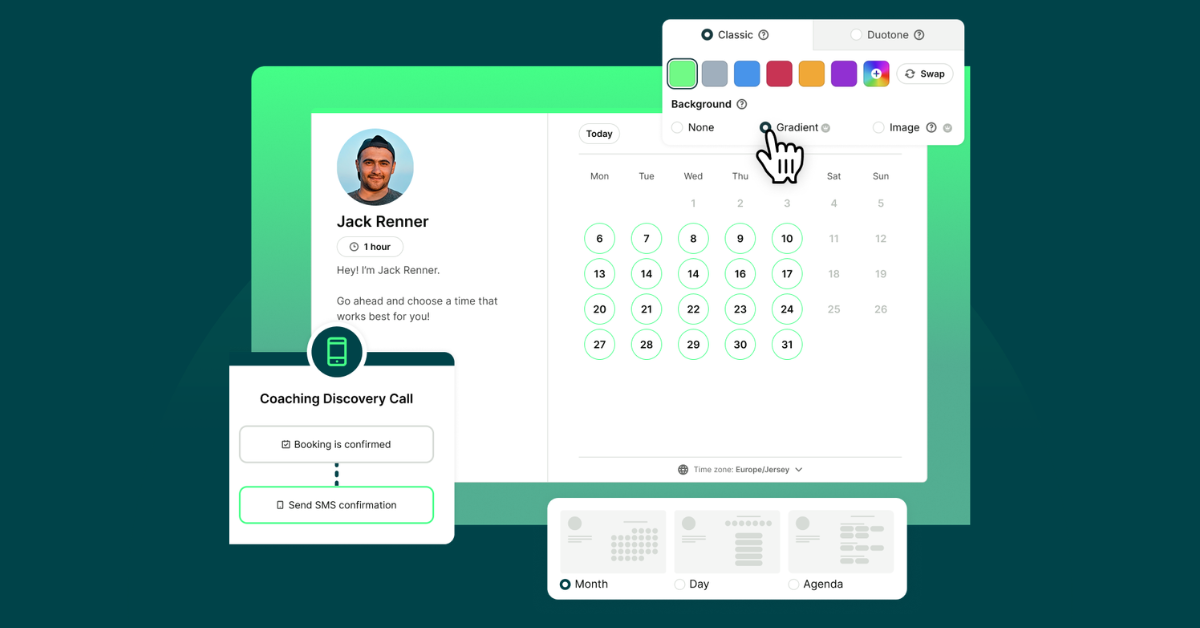
10 Powerful Ways to Customize Your Booking Page with YCBM
Unlock the secrets to a booking page that wows. See how to elevate your brand, streamline your workflow, and leave a lasting impression with every appointment.
Frequently Asked Questions (FAQ)
Can I offer both in-person and virtual conferences on the same page?

Yes. Parents select their preferred format when they book. If they choose virtual, a Zoom, Google Meet, or Microsoft Teams link is generated and included in their calendar invite and confirmation and reminder emails automatically.
What happens if a parent needs to reschedule?
Parents can reschedule themselves using the link in their confirmation email. Their original slot reopens automatically for another family to book—no message to you required. You choose how close to the meeting they can still make changes, so you're never left with a gap you can't fill.
Can I use this for a whole school, not just one class?
Yes. Each teacher gets their own booking page with their own availability. An administrator can set up and manage all pages from one account. YouCanBookMe supports schools of any size. If you're coordinating conferences school-wide, the conference plan gives you as many teacher calendars as you need for one flat fee.
Do parents need to create an account to book?
No, parents do not need to create an account or download any apps. They simply click your booking link, pick a time, and fill in their name—done.
Do you offer discounts for educators?
Yes, we do! Educators at publicly funded institutions can apply to save 30% off on Professional and Team YouCanBookMe plans.
You also have a couple of other options:
1. A free forever plan, ideal if you’re scheduling just for yourself. It includes one booking page connected to one calendar.
2. A special 30-day Parent-Teacher Conference Plan for schools scheduling conferences across multiple teachers. You pay one flat fee and can connect as many teacher calendars as you need under one main account. Every teacher gets their own booking page.
Here's our pricing breakdown per conference period:
-
Schools that don’t charge tuition: $129 / €120 / £100
-
Schools that do charge tuition: $175 / €160 / £135
How long does it take to set up?
Most teachers are set up in a few minutes. You set your available slots, add a buffer between meetings, turn on reminders, and share the link. That's it.