
Your job is managing properties, not everyone’s calendars
Prospects want to tour. Residents need help. Lease renewals need attention. YouCanBookMe lets each of them book the right appointment with the right team—so the scheduling admin never lands on you.

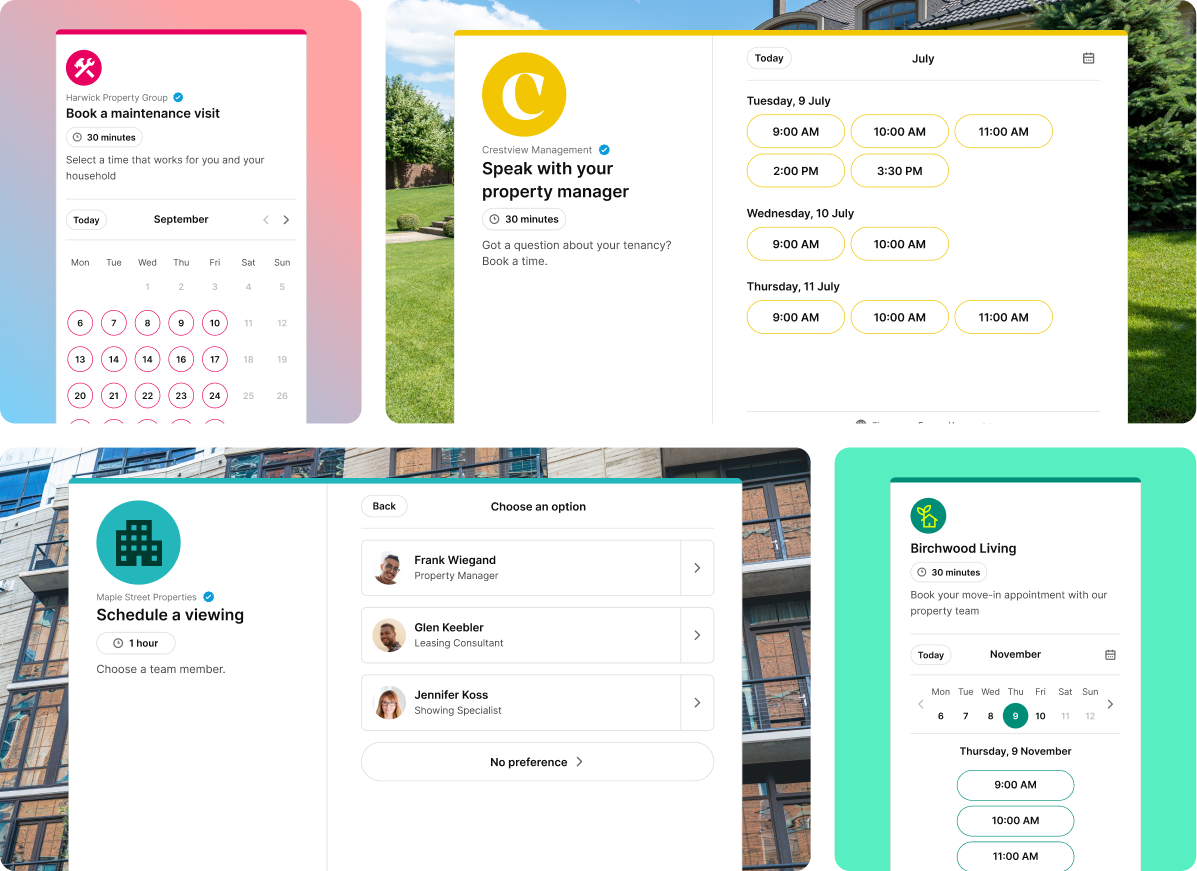
Trusted by 1M+ users across 100 countries





Get up and running in minutes
-
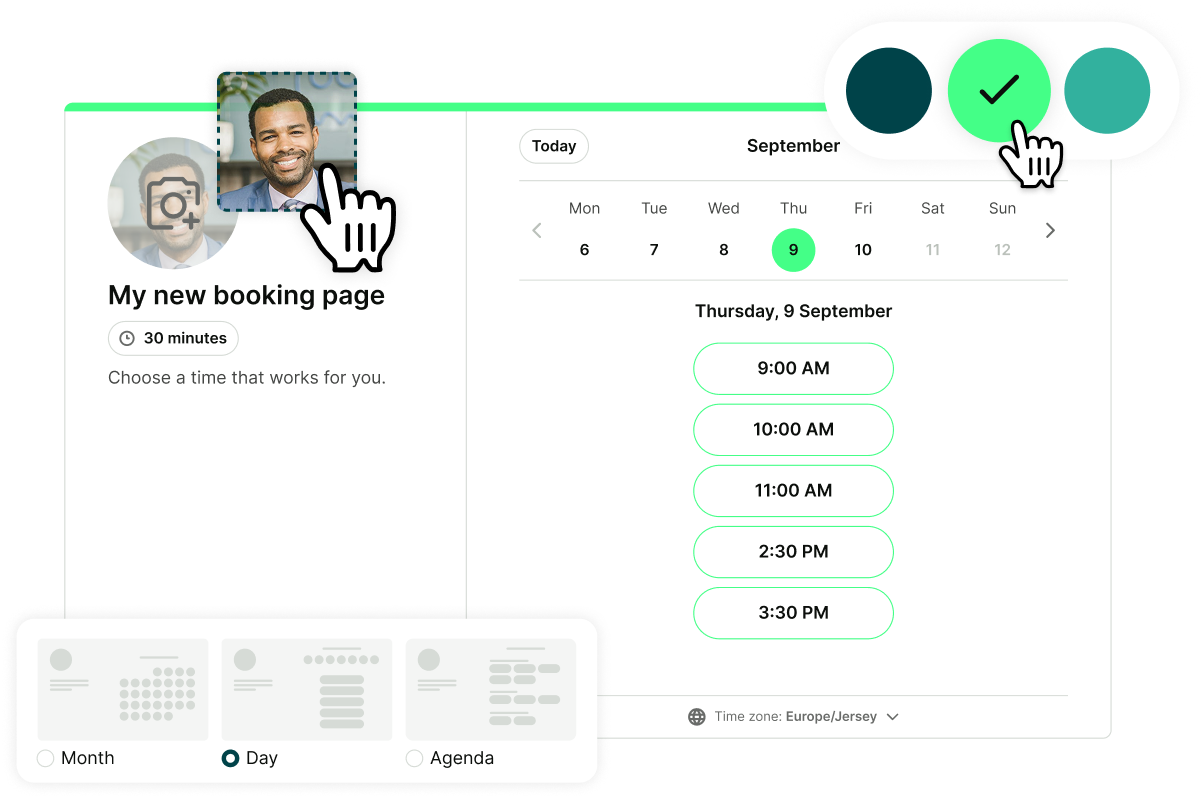
1. Create your booking page
Add your appointment types, set your availability, and customize your booking form.

-
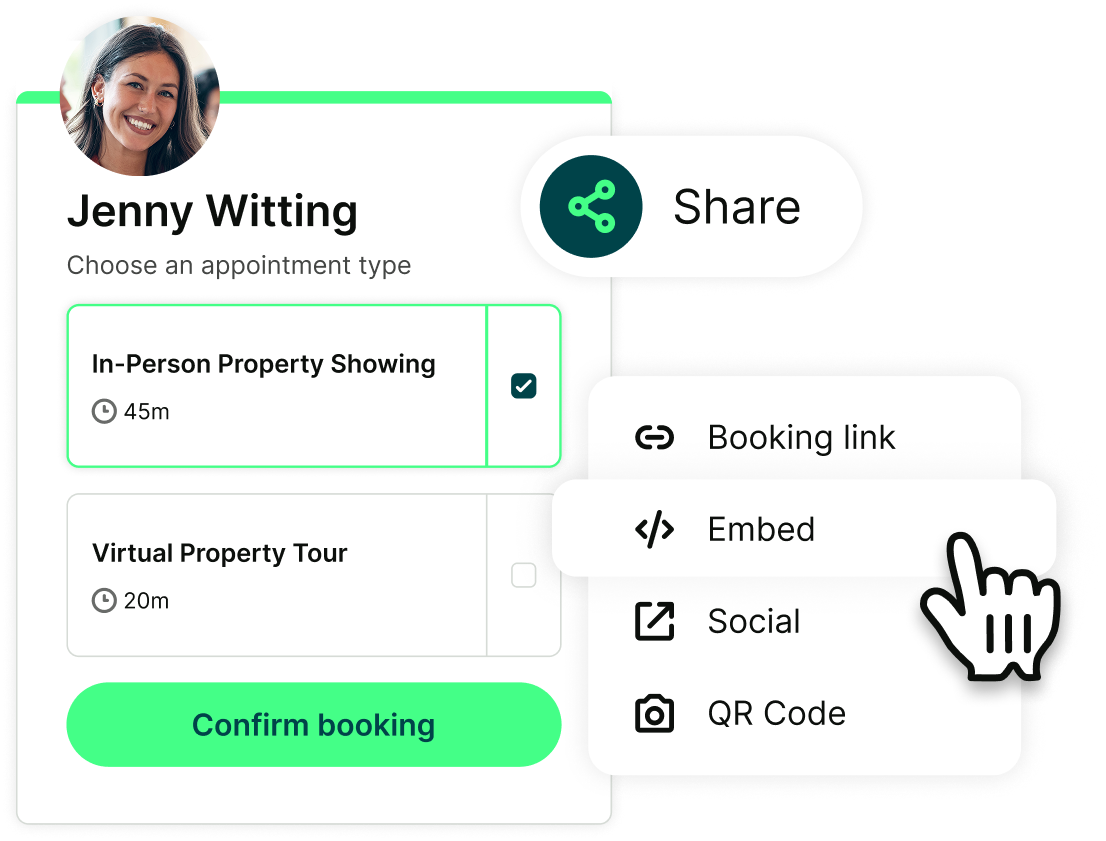
2. Share your page
Embed on your website, add a link to your listings, or drop it in your welcome email to new tenants.
-
3. Residents & prospects book themselves
They pick a slot, describe what they need, and get an instant confirmation—no phone call needed.
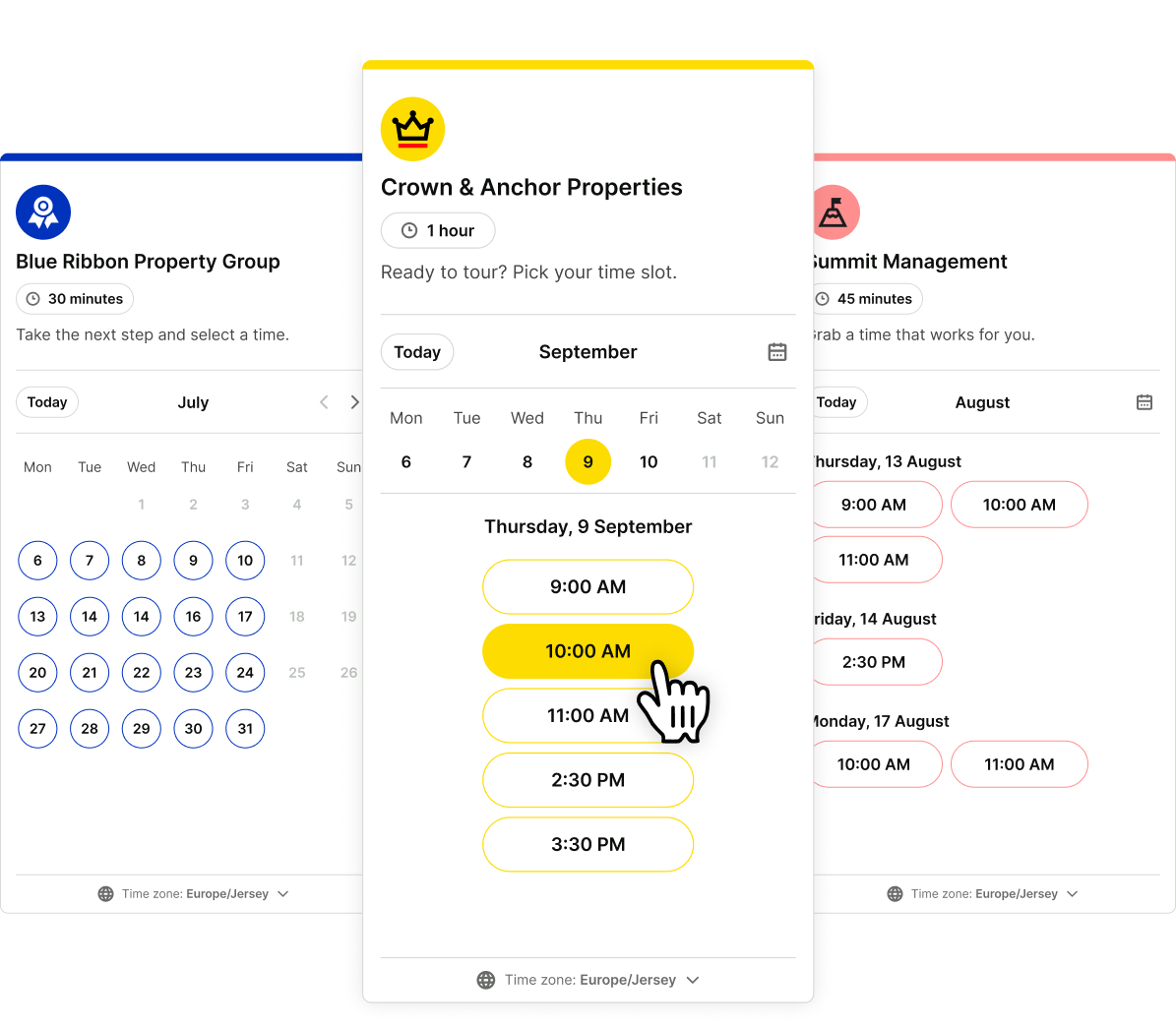

Every enquiry becomes a booking. Even the ones that come in at midnight.
Prospects don't browse during business hours. Tenants want to schedule maintenance the moment something breaks.
YouCanBookMe gives everyone a self-booking link that works around the clock. Bookers pick a slot and get a confirmed appointment—no phone tag, no missed messages.

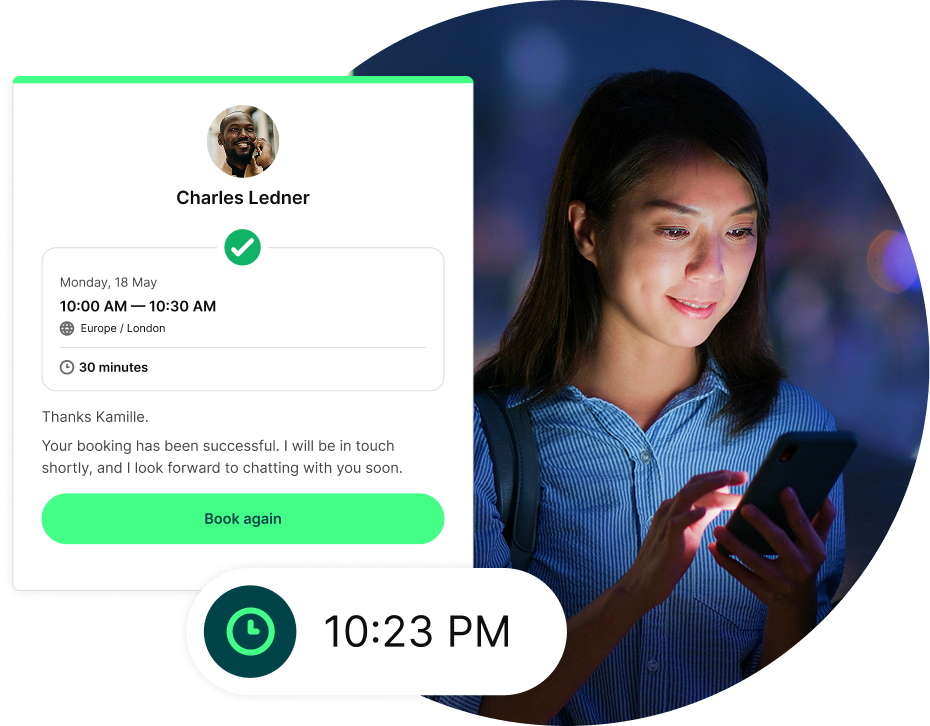
Stop being the dispatcher, scheduler, and secretary.
Managing five buildings shouldn't mean five times the phone calls. YouCanBookMe directs every booking to the right team automatically—tours to leasing, maintenance to your crew, renewals to the right manager.
Confirmations, reminders, follow-ups, and rescheduling happen without you. Tenants stay informed. Contractors show up prepared. You just run the portfolio.

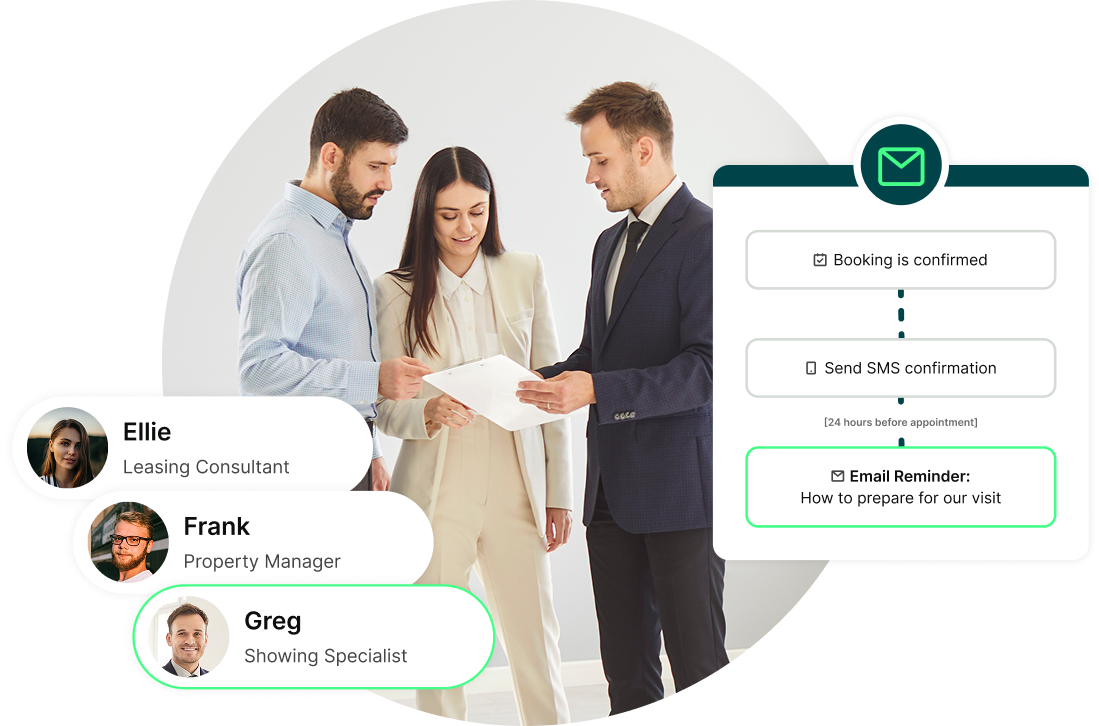
Full context before every appointment, for you and your team.
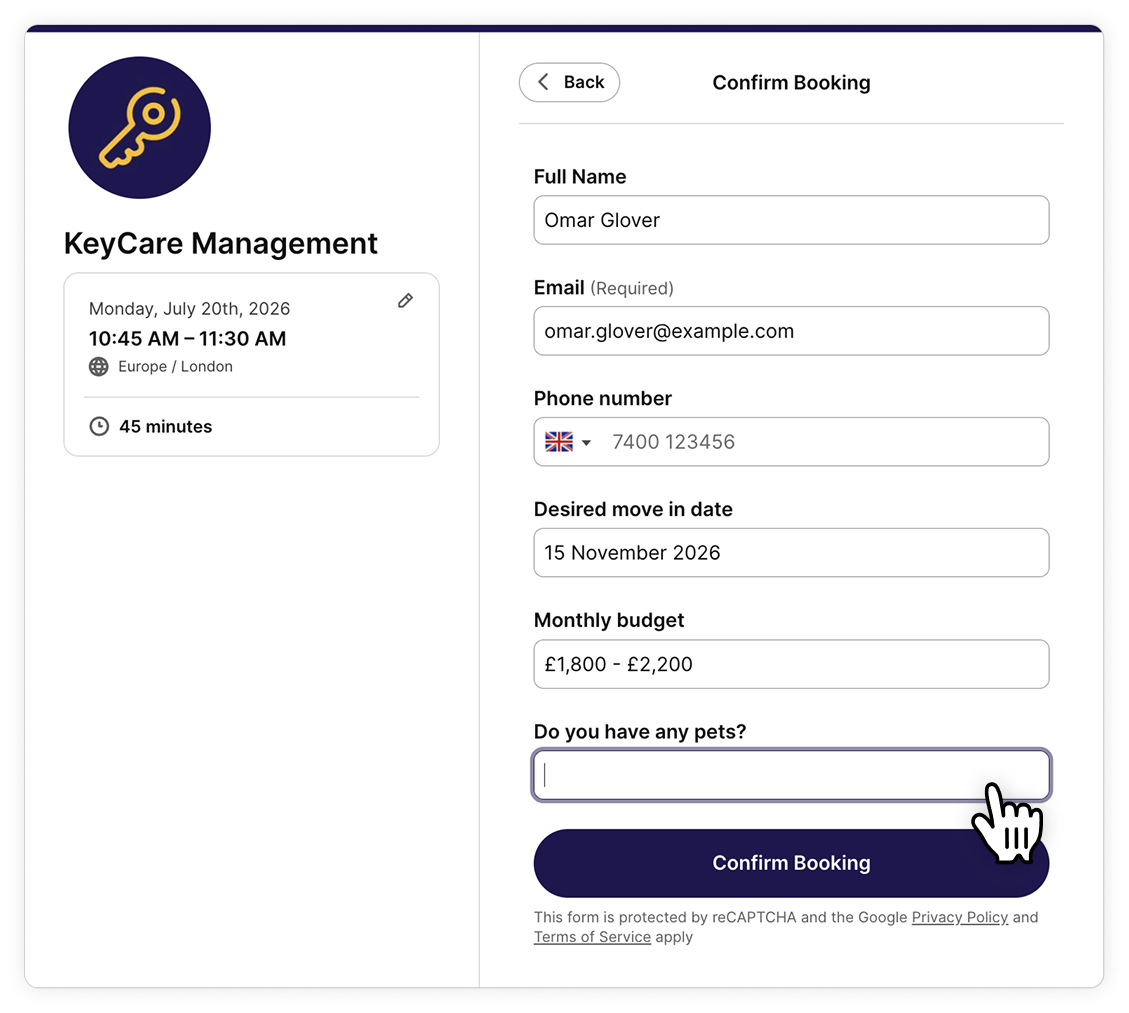
Built-in booking forms do the asking for you:
- Maintenance requests arrive with the issue already described
- Prospect preferences pre-qualify leads—budget, move-in date, unit size already answered
- Customize questions for each booking page—property tours, maintenance, and lease consultations

Real professionals. Real results.
Thousands of property and real estate professionals use YouCanBookMe to cut the admin and get their time back.
-
“The biggest challenge for me was the manpower it took to get people scheduled, especially when they canceled or rescheduled. It took a whole load off of us.”
 Mark HewittFounder of The Hewitt Group
 -
"What we found with Google Calendar is that I can't send reminders to my clients — they have their own settings. That was one of the reasons why we started using YouCanBookMe. We can set up how clients get reminded and how often."
 Kathleen MetcalfFounder, Kammbium
 -
"We get after-hours bookings, weekends, mornings, nights. If somebody wants to be called at 10 o'clock on a Saturday night, we make it happen. That's rare in business."
 Van RichardsonCo-Founder & CEO, Filo Mortgage
 -
“Run, don't walk. This platform will alleviate so many headaches for you if your business is in appointments of any capacity. I have eliminated dozens of back-and-forth emails with each client who books a showing with me. I'm able to quickly screen their wants/needs for an upcoming move, as well as determine if the clients match the needs of the property owner.”
 Cory S.Licensed Leasing Agent

Built for the way property management actually works

Schedule every appointment type
Tours, maintenance visits, lease consultations, move-in inspections—create as many appointment types as you need, each with its own availability, duration, and assigned team members.

Create dedicated booking pages for every property
Want a different booking page per property? Done. Have multiple managers who each need their own page? No problem. Need separate pages for maintenance, renewals, and tours? Easy.

Never be double-booked again
Connect your calendars across your team so availability stays accurate in real time. Personal appointments, tours, renewals, and resident meetings all stay in sync.

Cut no-shows with automatic SMS reminders
SMS cuts through where email gets ignored. Send personalized text reminders before every tour, maintenance visit, or consultation. Fewer forgotten appointments, fewer wasted slots, and no manual chasing.

Look like your company, not a generic booking tool
Customize your booking page with your logo, colors, team photos, property images, and copy. Residents and prospects see a professional, branded experience—not a generic third-party page.

Take back control of your schedule
Add buffer time between appointments so your team has space to move and prep between properties. Password-protect your tenant pages so only residents can book.





Ready to stop playing phone tag with your residents?
Start free today. No credit card, no commitment—just less busywork and more time to actually run your properties.


 4.7 / 5 — Trustpilot


More bookings. Less admin.
Resources to help you get started, see what’s possible, and get more out of your insurance client booking page.
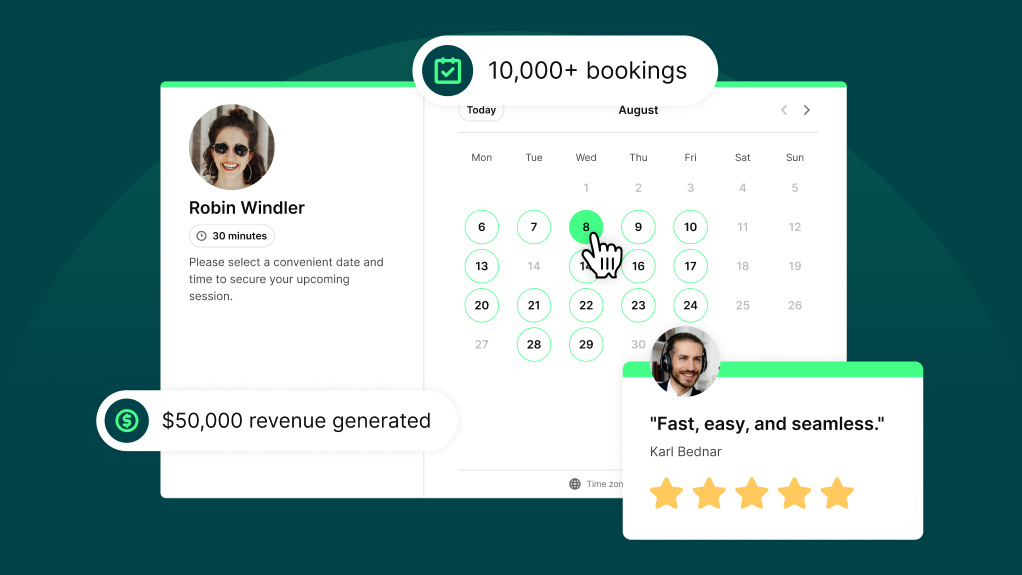
How YouCanBookMe Pays for Itself (and Then Some)
From fewer no-shows to more 5-star reviews—here's the math on why YCBM is one of the highest-ROI tools in your stack.
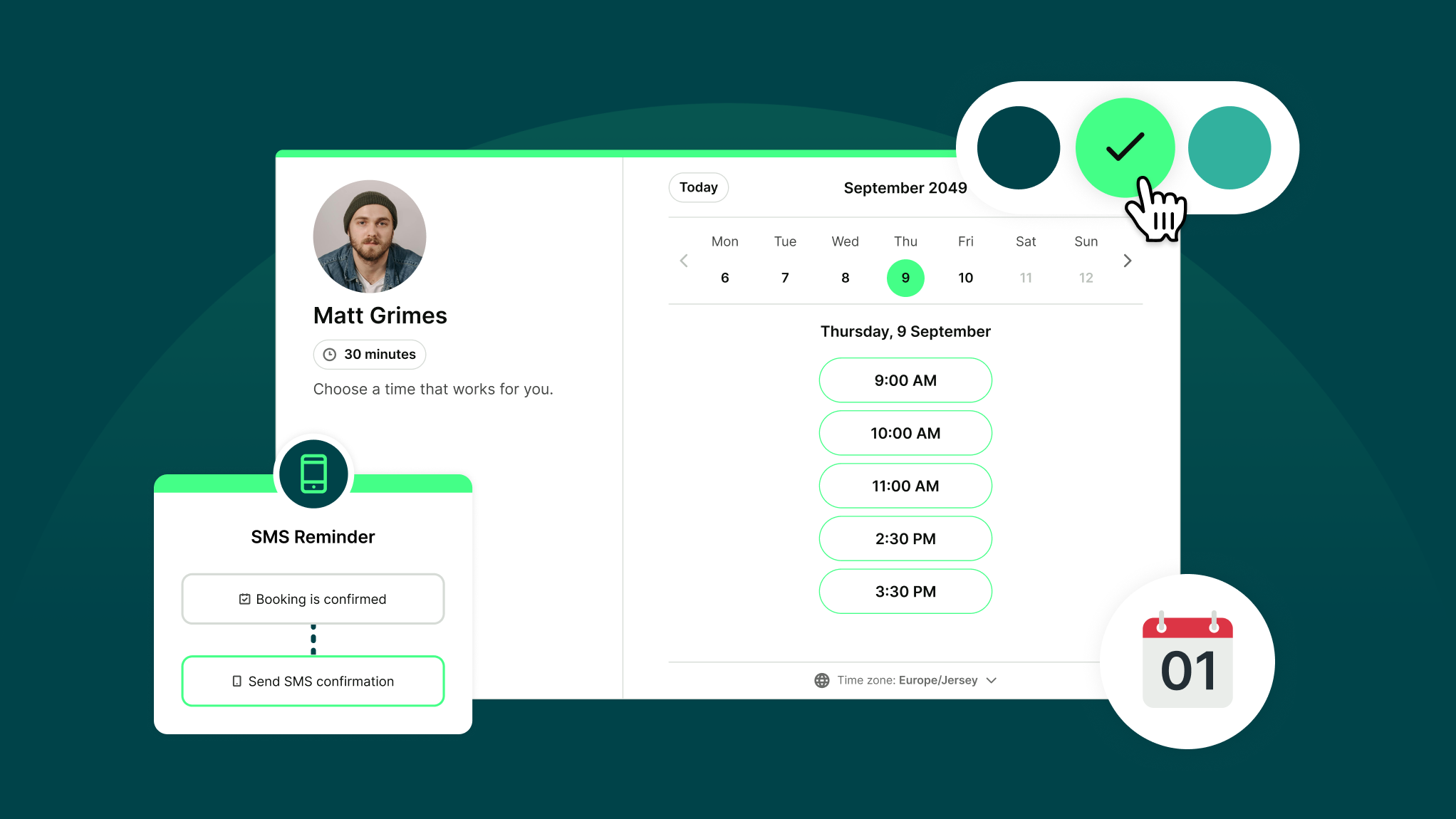
How Does YouCanBookMe Work? A Simple Getting Started Guide
New to YouCanBookMe? Don’t worry—we’ll show you how to put your scheduling on autopilot and set up your first booking page in (almost) no time.
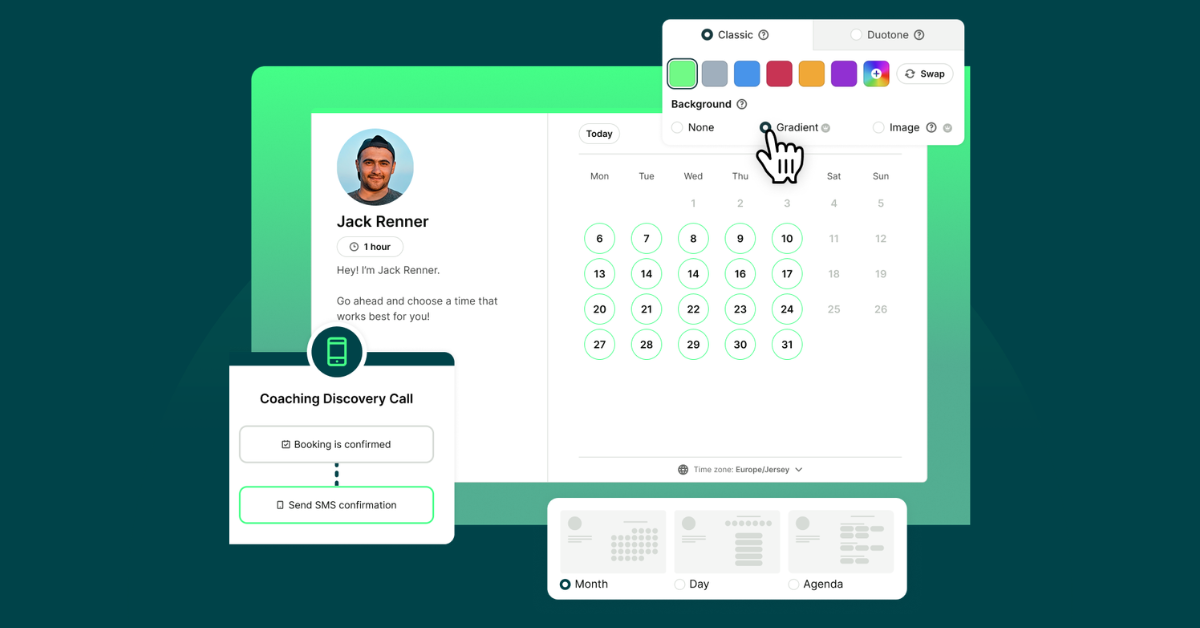
10 Powerful Ways to Customize Your Booking Page with YCBM
Unlock the secrets to a booking page that wows. See how to elevate your brand, streamline your workflow, and leave a lasting impression with every appointment.
Frequently Asked Questions (FAQ)
How quickly can I get set up?
Your first booking page can be live in under a minute. Connect your calendar, add your appointment types, and share your link—tenants and prospects can start booking instantly.
Confirmations, reminders, and calendar syncing are all set up automatically. You can go back any time to customize availability, intake forms, and settings to match how your team works across your portfolio.
From there, you can further customize your availability, branding, intake questions, notification messages, and team settings whenever you're ready.
How much does YouCanBookMe cost?
YouCanBookMe offers a free plan plus three paid plans starting from $9 per month, with a 14-day free trial—no credit card required. Paid plans unlock additional booking pages, team features like round robin scheduling, admin panels, and more—everything a property management team needs to handle tours, maintenance scheduling, and lease consultations across multiple properties. See full pricing here.
Can I use YouCanBookMe to schedule apartment tours automatically?
Yes. Prospects self-book directly into your leasing team's calendar at any hour—no calls, no back-and-forth emails. You can set your available tour slots, add intake questions to pre-qualify leads, and send automatic confirmations and reminders, so every tour is confirmed and prepared before anyone shows up.
Can tenants reschedule without calling the office?
Yes. Every booking confirmation includes a rescheduling link. Tenants pick a new slot from your available times—within the hours and rules you've set—and your calendar updates automatically. Nobody has to pick up the phone. It works the same way for prospects rescheduling tour appointments, too!
How does maintenance scheduling work for property managers?
Tenants book their own maintenance windows from the hours you set. When they book, they fill in a form describing the issue—so your contractor arrives knowing exactly what to expect. Confirmations and reminders go out automatically to both the tenant and contractor, with no phone calls to your office.
Can I have separate booking pages for different properties or teams?
Yes. You can create as many booking pages as you need—one per property, per team, or per appointment type. Or keep it simple with a single page that lists all your appointment types in one place. Either way, maintenance requests go to your maintenance crew, tour inquiries go to your leasing team, and lease consultations go to the right manager. Everything runs under one admin account with full visibility across your portfolio.