
How to Connect YouCanBookMe to Your Tech Stack
-min.png?width=100&name=image%20(21)-min.png)
Create your free booking page

Scheduling is already a solved problem.
You send a link, someone picks a time, and it lands in your calendar. Done.
…if only it were that easy! Unfortunately, scheduling doesn’t live in a silo. There are always steps that need to happen after someone books:
- Adding their details to your CRM
- Notifying your team
- Creating follow-up tasks
- Adding them to the right email or marketing flow
- Collecting upfront payment (if needed)
And if you’re doing all of that manually, how much time is that scheduling software really saving you?
In reality, your booking app is only as powerful as what it connects to.
You need a tool that doesn’t just handle scheduling, but connects your booking flow to the rest of your tools—so everything that should happen next just…happens. That’s where YouCanBookMe comes in. 👇
Integrations aren’t just a list of tools that businesses brag about—they’re outcomes.
Instead of thinking about the apps themselves, it’s more useful to focus on what you want to happen after someone books, whether that’s updating your CRM, notifying your team, or triggering follow-ups.
Here are some of the most common (and most useful!) workflows you can automate with YouCanBookMe:
Double bookings are one of those problems that shouldn’t exist but somehow still do. 🤷
You block time in one calendar, forget about another, and suddenly you’re sending the classic: “Sorry, I’m actually not free then…”
With YouCanBookMe, that just doesn’t happen.
YCBM connects directly to your calendars—like Google Calendar, Microsoft Outlook, and Apple Calendar—and keeps everything in sync in real time. On the Team plan, you can connect up to 10 calendars per user, so whether it’s work, personal, or that side project you’re trying to grow, everything is taken into account.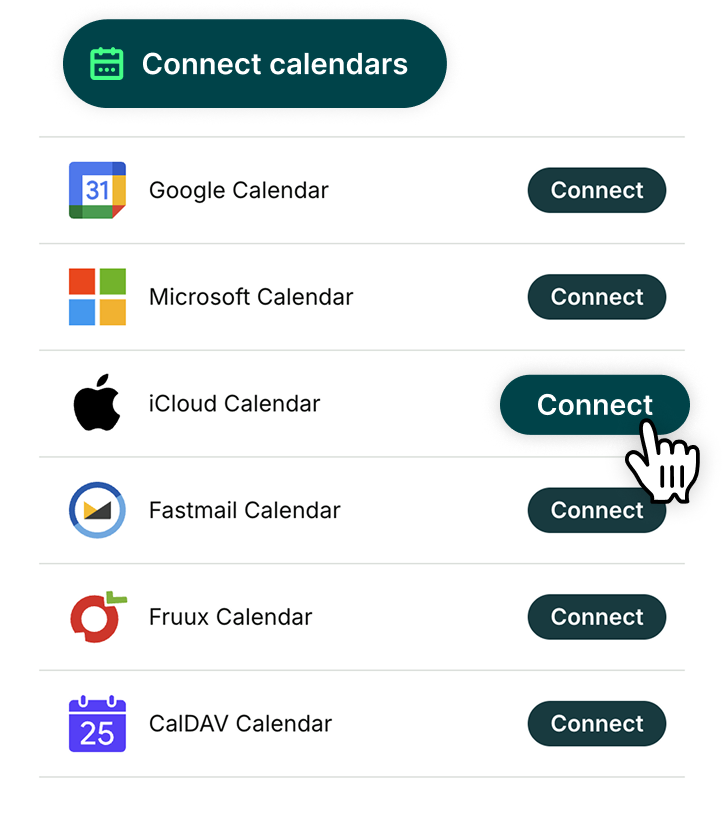 The result? When someone books, they’re only ever seeing times you’re actually available.
What this looks like in practice:
- Your availability updates instantly on your booking pages, taking all calendars into account
- Meetings booked elsewhere automatically block off time, so nothing overlaps
- Everything stays in sync behind the scenes, even if you’re juggling multiple calendars
📅 Curious how to connect your calendar? Here’s a quick guide to syncing Google Calendar with YouCanBookMe.
Getting someone to book is great. But getting commitment and payment sorted at the same time? Even better.
If you’ve ever chased invoices, dealt with no-shows, or had to awkwardly ask for payment after the fact, you know how much time and mental space these actions take up.
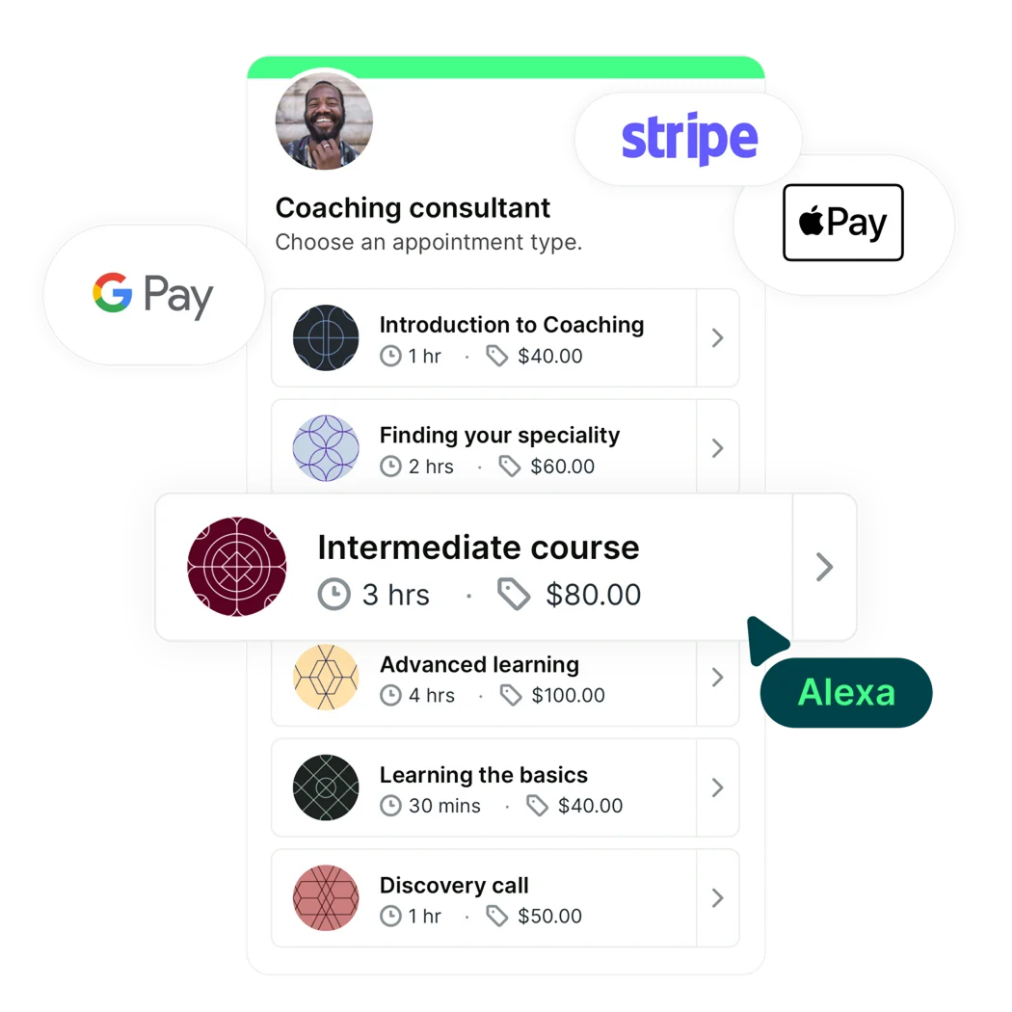
With YouCanBookMe, you can take payment the moment someone books by connecting Stripe. So instead of “I’ll pay later,” everything’s handled upfront before the meeting ever hits your calendar.

What this looks like in practice:
- Let clients book and pay in seconds using Apple Pay, Google Pay, or credit/debit card
- Get paid upfront, so only committed bookings land on your calendar
- Set different pricing for everything from free intro calls to premium sessions
- Boost revenue with promo codes, packages, and add-ons
Stop chasing invoices. Start getting paid.
Take payment upfront with Stripe and turn every booking into a paid commitment.

A booking is more than just a meeting—it’s a new lead, contact, or deal in progress.
But if you’re manually copying details from your booking page into your CRM, things get slow (and messy) fast. Information gets missed, records don’t get updated, and your sales pipeline stops reflecting what’s actually happening.
With YouCanBookMe, that work happens automatically. You can connect your bookings directly to HubSpot, or via Zapier to other CRMs like Salesforce or Zoho.
And what data gets logged? That’s up to you!
Build your booking form with exactly what you need—ask lead qualification questions, how leads found you, what they want to discuss, and anything else that helps you move deals forward.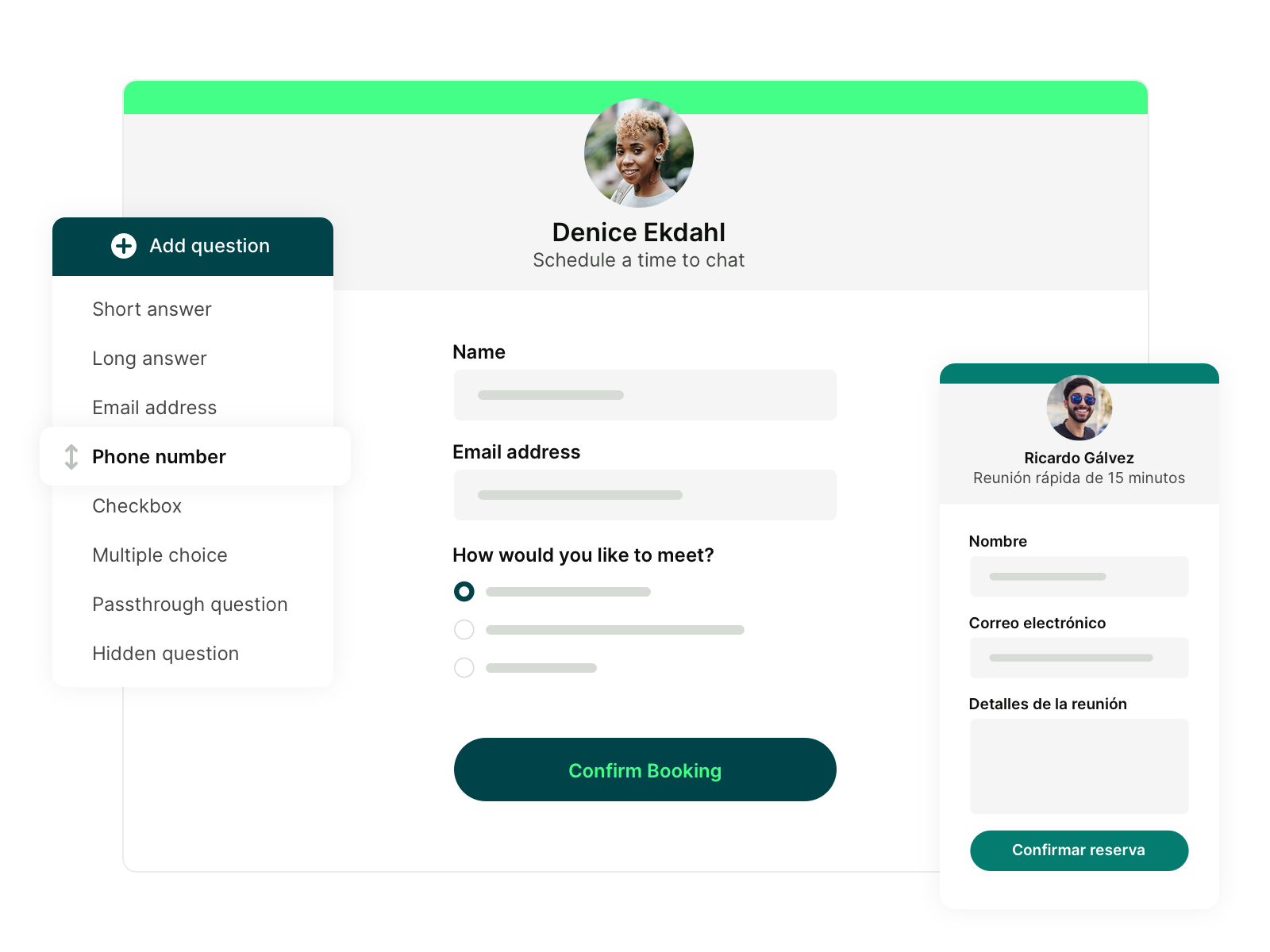
What this looks like in practice:
- New bookings automatically create or update contacts in your CRM
- Answers from your booking form are saved with each contact
- Changes like reschedules and no-shows are tracked automatically
- Private meeting notes are logged with each contact for easy reference
A booking shouldn’t be the end of a conversation—it should be the start of it!
But if you’re manually sending follow-ups, adding contacts to lists, or trying to remember who needs what email next, things can slip through the cracks.
With YouCanBookMe, you can automatically trigger email and marketing sequences the moment someone books.
Connect your booking page to tools like Mailchimp or ActiveCampaign, and each new booking will add a contact to your list and trigger the right sequence, whether that’s a welcome email, a reminder series, or a longer nurture flow.
What this looks like in practice:
- The right email flow is triggered based on what customers or leads book
- New bookings automatically add and tag contacts in your email lists
- Your lists stay clean by automatically updating or removing contacts from certain lists based on bookings
When a new booking comes in, your team needs to know about it.
But if that relies on you manually passing it on, it’s not a practical long-term solution—it’s a headache for you and a recipe for things getting missed.
With YCBM, you can send instant alerts to your team the moment a booking is made.
Connect your booking page to tools like Slack or Microsoft Teams, and every new booking can trigger a notification in the right channel with all the details your team needs.
What this looks like in practice:
- New bookings trigger alerts in your team’s communication tools
- Notifications show who booked, what they booked, and key intake form answers
- Alerts go to the right channels based on booking type
- Follow-up reminders go out after meetings, so your team always knows what to do next
Running virtual meetings?
Stop copying and pasting meeting details. With YCBM, every booking comes with a ready-to-go video link using Zoom, Google Meet, or Microsoft Teams—automatically.

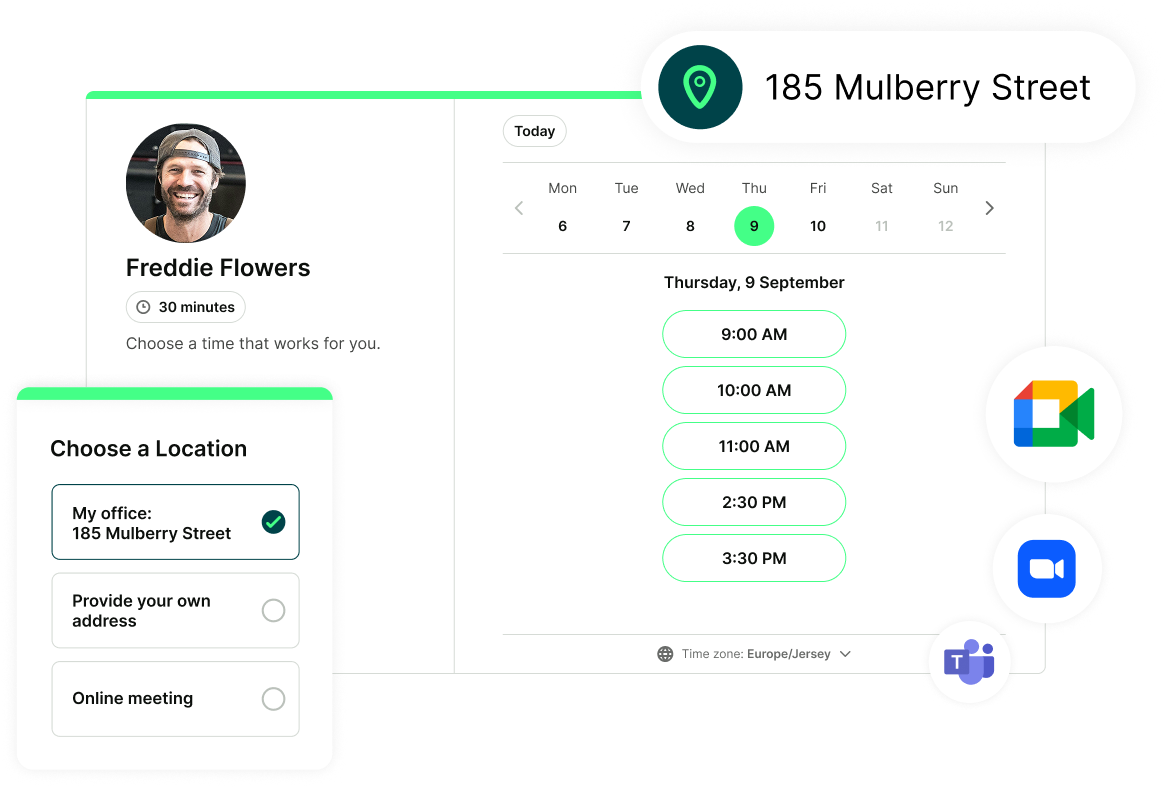
By now, a pattern has probably emerged—a booking is rarely just a meeting with no other work tied to it!
There’s usually meeting prep that needs to be done, onboarding that needs to be planned, or a demo that needs to be put together, whatever comes next.
With YouCanBookMe, you can automatically turn bookings into tasks in your project management tools.
Connect your booking page to work productivity apps like Trello or Asana, and every new booking creates a task with all the details your team needs to take action.
What this looks like in practice:
- New bookings create tasks in your project or task management tools
- Tasks include key booking details, like appointment type and booking form answers
- Booking changes (like reschedules or cancellations) trigger updates automatically
So how do you actually set all of this up? There are three main ways: 👇
These are integrations built right into YouCanBookMe, so there’s nothing extra to set up.
You just connect your account and everything works automatically, with data syncing directly between the two tools. It’s the simplest way to get started, especially if you’re new to integrations.
Popular native integrations include:
Automation tools connect your apps and handle the busywork for you.
When something happens in YouCanBookMe—like a new booking—they automatically trigger actions in other tools, like updating your CRM, sending a message, or creating a task.
The main player here is Zapier, which connects YCBM to thousands of apps without you needing to write any code.

Founder of the Ayurvedic Living School
Popular Zapier integrations include:
- Automatically log bookings in Google Sheets
- Send a WhatsApp message when someone books, cancels, or reschedules
- Create a new contact in Google Contacts every time someone schedules with you
You can also use tools like Make, n8n, or Zoho Flow for similar flexibility. If you want something more straightforward, Integrately is easier to set up, but less powerful for more complex workflows.
Webhooks are another way to connect YouCanBookMe to your tools—but instead of choosing from a list of apps and actions, you decide exactly what happens.
This is the most flexible option, and best for when you want something fully custom or your dev team needs to build something specific for your workflow.
And if you need even more control, the YouCanBookMe API gives you direct access to your booking data.
Make every booking do more
Here’s the big idea: Your booking page shouldn’t be the end of the process. It should be the start of everything else.
When you connect YouCanBookMe to your tech stack:
- Every booking kicks off the next steps automatically
- Your data ends up exactly where it needs to be, without copy-pasting
- Your team has the context they need before every meeting
- And the admin work that used to take hours simply disappears
Start simple by picking one workflow that annoys you the most today and automate it. Then build from there!
Sign up for YouCanBookMe today to try it out yourself.
-min.png)
Written by
Gabriela Łaba
Gabriela is Editor-in-Chief at YouCanBookMe and a SaaS copy and content writer with over a decade of experience. Since 2021, she’s written 100+ articles on scheduling, personally tested and compared 38 booking tools, and helped businesses make sense of scheduling, automation, and productivity.
Get started today
Join thousands of coaches, consultants, and entrepreneurs who use YouCanBookMe to power their business. Get your first booking in a few minutes.


 4.7 / 5 — Trustpilot

