
I Tested 5 Online Booking Systems With Payment: My Top Picks


Create your free booking page
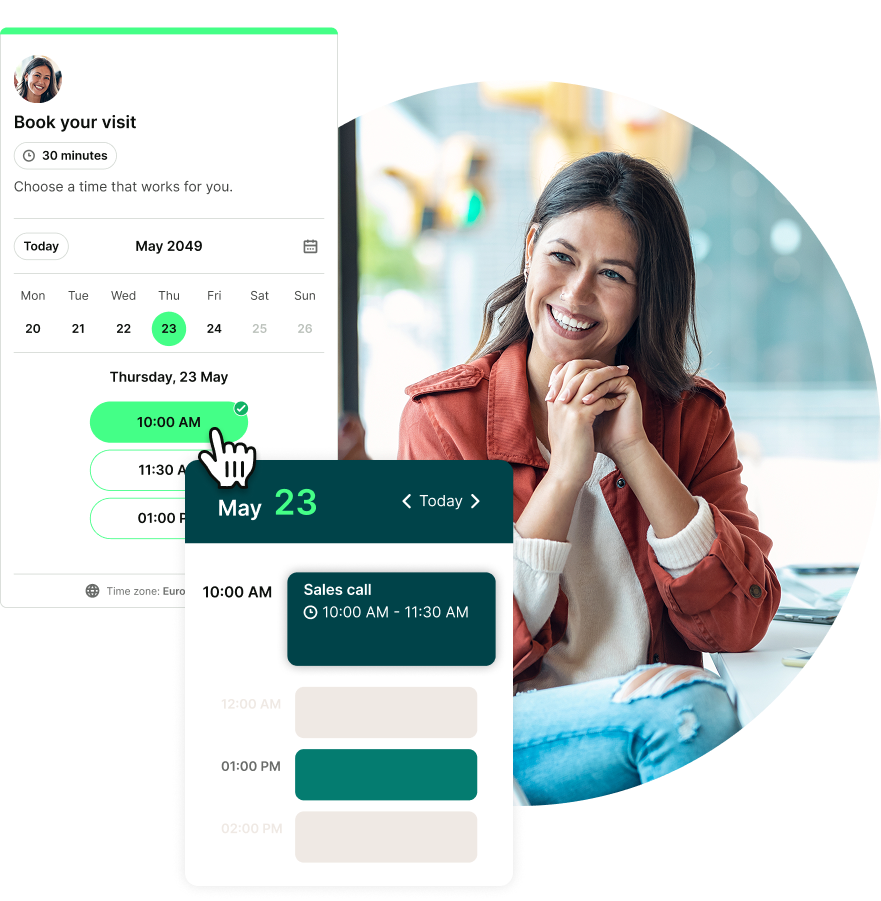
If you run a business that relies on paid appointments, such as a legal consulting firm, coaching practice, or beauty salon, you need a reliable online booking system with payment built in. Clients should be able to choose a time and pay for it in one go, saving your team from sending separate links and payment reminder emails.
Luckily, there are plenty of tools that promise to do both! That said, some important details are easy to overlook when you’re comparing options. Can clients use their preferred payment method? Can you collect an upfront payment? Are you able to take payments in multiple currencies?
I’ve compared five scheduling tools with those details (and more!) in mind. Below, I’ll explain:
- Which businesses I’d recommend each one for
- What you’ll pay
- Which limitations deserve a closer look before you commit
Before I get into the nitty-gritty of each tool, here’s a quick overview of how they compare:👇

The first scheduling tool on my list is Square Appointments. It works best if your team takes payments both online and in person, particularly if you already use Square’s card readers.
What I particularly liked is that even the Free plan includes unlimited staff calendars. If you upgrade, paid plans charge per location rather than per user, so adding team members won’t mean paying for extra scheduling seats, which is an ideal setup for businesses like salons, fitness studios, and consulting firms.

Payments: Square only; cards, Apple Pay, and Google Pay. The wider platform also supports invoices, payment links, subscriptions, and phone payments through its virtual terminal.
Fees: US online card processing costs 3.3% + 30¢ on Free or 2.9% + 30¢ on Plus/Premium, with no additional booking transaction fee.
Deposits and refunds: Fixed or percentage deposits are available on every plan. No-show fees require a paid plan. Refunds go through Square, but processing fees aren’t returned.
Square Appointments pros & cons
Pros ✅ |
Cons ❌ |
|
|
Pricing
As of November 2026, Square Appointments offers a free plan for a single location. Paid plans start at $49 per month per location for Plus, while Premium costs $149 per month per location. Payment processing fees apply to all plans. There’s a free 30-day trial.
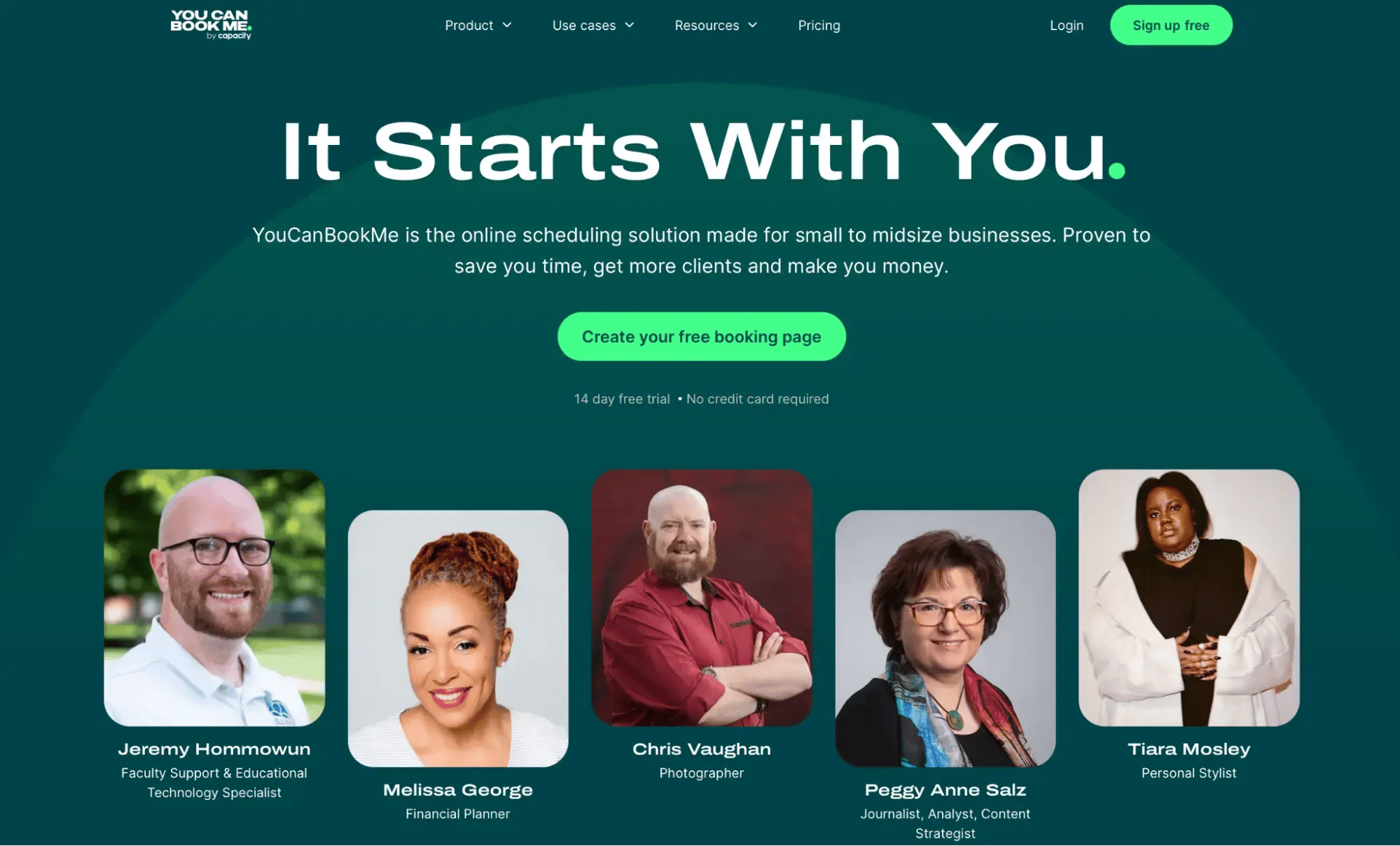
YouCanBookMe (YCBM) is our own tool, but I think it earns its place here, too. It's particularly useful when paid appointments involve more than just choosing a time slot. Think collecting information from clients as they book, coordinating staff and rooms in one flow, or managing different services with their own prices and add-ons. You can also customize your branding, availability, language, and currency for each booking page.
YCBM works with Stripe on every plan, including Free, letting clients pay by card, Apple Pay, or Google Pay. If your Stripe account is already set up, connecting it to YouCanBookMe takes just a few minutes.
The Team plan also brings staff availability onto shared pages and adds a round-robin scheduler, so clients can choose who to book or have someone assigned automatically. Payments for everyone’s bookings go through one connected Stripe account, keeping payment collection centralized across your team.

Payments: Through Stripe integration; cards, Apple Pay, and Google Pay on every plan, including Free.
Fees: 1% per payment, on top of Stripe’s processing fees.
Deposits and refunds: Set the price to the deposit, then collect the full balance separately. Refunds happen in Stripe; cancellations don’t trigger them automatically.
I have people from the Netherlands who use euros and Dutch as their language, but also people internationally who use dollars and speak English. I needed the flexibility to set the currency and the language per booking page.”
– Roel van Gorkum, Founder, Still Tinnitus
YouCanBookMe pros & cons
Pros ✅ |
Cons ❌ |
|
|
Pricing
As of November 2026, YCBM’s Free plan supports one booking page, one calendar connection, and 30 monthly bookings. You can also accept payments through Stripe without upgrading.
Paid plans start at $8.10/month for Individual, $11.70/month for Professional, and $16.20 per member/month for Team, all billed annually. A 2-week free trial is available.
Give clients one place to book and pay
Create a booking page that looks and feels like your business and connect Stripe to accept cards, Apple Pay, and Google Pay.


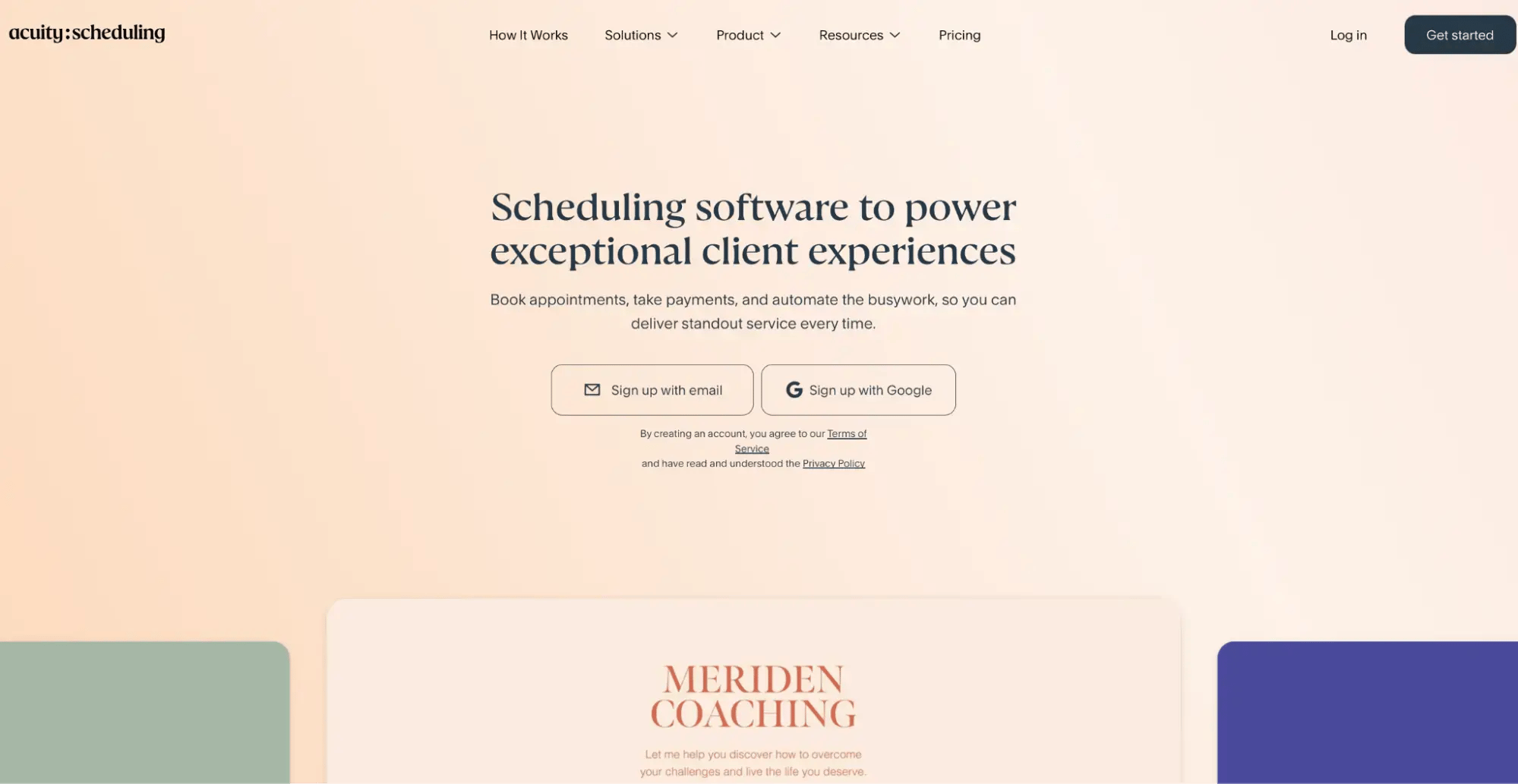
Next is Acuity Scheduling, which I’d consider for coaching practices, wellness businesses, or consultancies that collect client information before appointments. What I liked the most about Acuity is that it allows you to sell gift certificates, providing dedicated tools for redeeming and managing them. That’s in addition to packages and coupons that they also offer.
If you’re looking for team features that cover separate staff schedules, multiple booking calendars, and packages of sessions, you’ll need to upgrade to Standard. It includes up to six calendars, while Premium supports up to 36.

Payments: Stripe, Square, or PayPal. Apple Pay and Google Pay work through Stripe or Square; Venmo is available through PayPal for US businesses accepting USD.
Fees: No additional Acuity transaction fee on current plans; your processor’s fees apply.
Deposits and refunds: You can require fixed or percentage deposits on every plan. Refunds must be issued through your processor, and canceling an appointment doesn’t automatically refund it.
Acuity Scheduling pros & cons
Pros ✅ |
Cons ❌ |
|
|
Pricing
As of November 2026, Acuity’s plans start at $16 per month for Starter, with Standard at $27 and Premium at $55 per month, all billed annually. There’s no free plan, but a 7-day free trial is available.
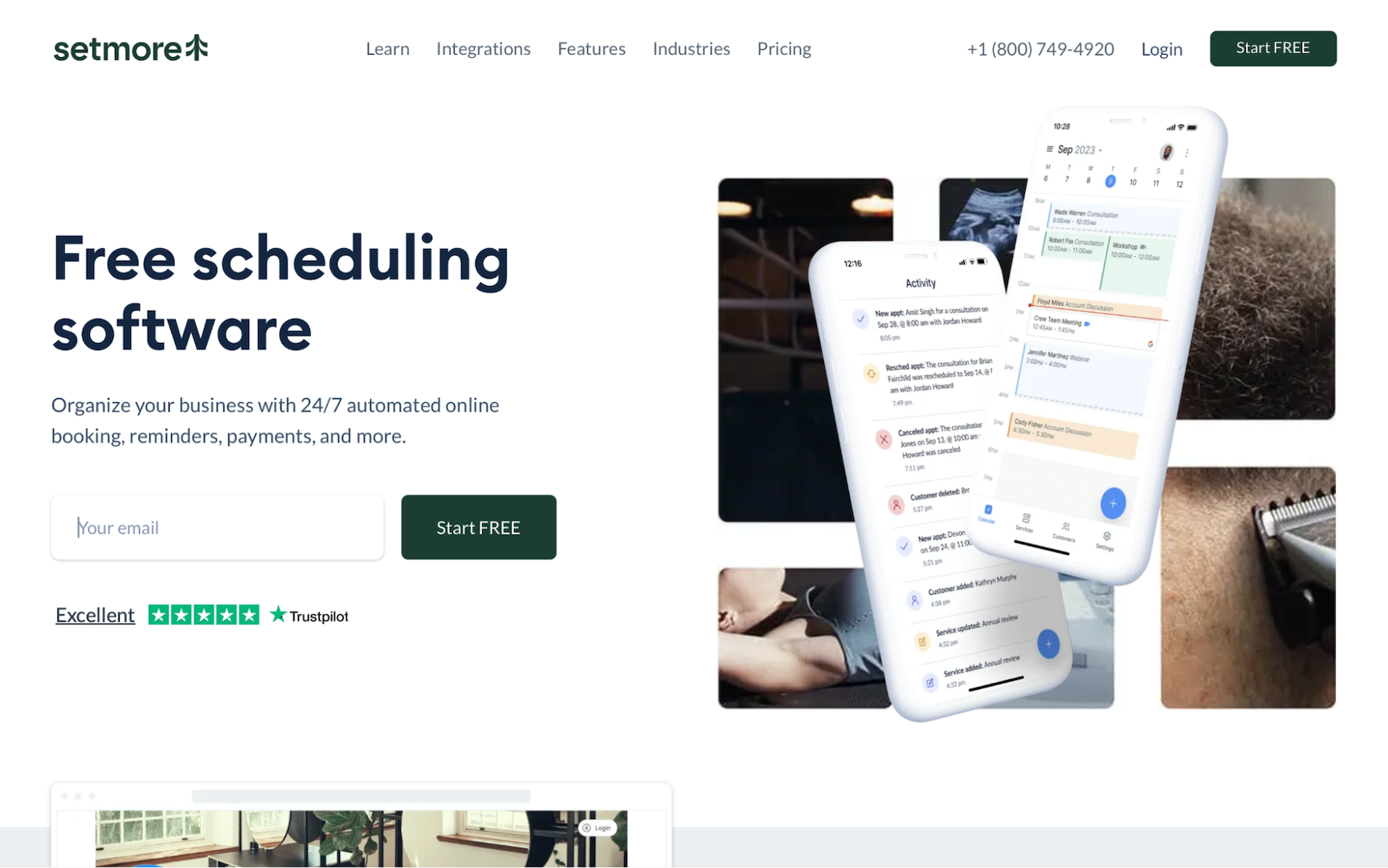
Setmore is another scheduling tool that accepts payments. What immediately caught my attention is that you can get a four-person team taking paid bookings before spending anything on a scheduling subscription.
Bigger teams will need Pro, which removes the four-user limit and adds two-way calendar sync, deposits, and promo codes. I’d factor in the per-user pricing, though, since your subscription cost will grow with your team.

Payments: Square, Stripe, PayPal, or LawPay on every plan. Apple Pay and Google Pay are supported through Stripe; wallet availability depends on the integration.
Fees: Doesn’t collect transaction fees, unlike other Setmore alternatives. Your payment processor’s charges still apply.
Deposits and refunds: Pro supports fixed or percentage deposits. Refunds can be issued from payment history, but canceling a booking doesn’t automatically refund its deposit.
Setmore pros & cons
Pros ✅ |
Cons ❌ |
|
|
Pricing
As of November 2026, Setmore offers a free plan for up to four users. Pro costs $5 per user per month, billed annually. Setmore also offers a free, 14-day trial of the Pro plan.
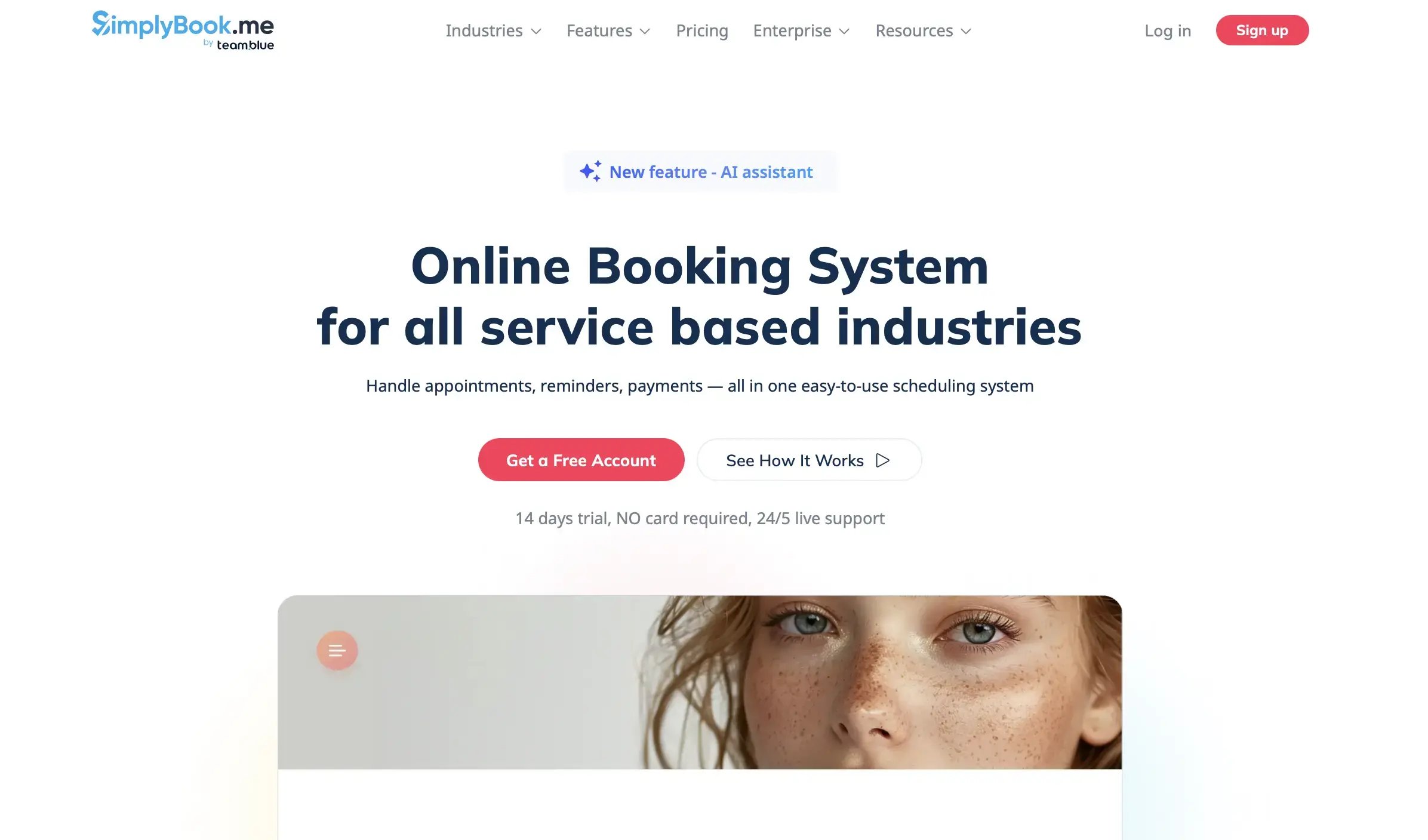
Lastly, you should look into SimplyBook.me if you want more choice of payment gateways, languages, and add-ons. Its custom features include multiple locations and Google Translate, which lets clients choose a language for your booking website.
What I like for teams is that you can manage several locations under one account, with clients choosing a branch and paying online when they book. Your subscription covers a set number of staff providers and monthly bookings across those locations. The Basic plan supports up to five providers, Standard up to 15, and Premium up to 30.

Payments: 40+ gateway options, including Stripe, Square, and PayPal. Apple Pay and Google Pay are listed with SBPay Pro on Premium and above.
Fees: No additional platform transaction fee; your processor’s charges apply.
Deposits and refunds: Deposits can vary by service or class. In-platform refunds require Premium’s SBPay Pro; otherwise, refund clients through your payment processor.
SimplyBook.me pros & cons
Pros ✅ |
Cons ❌ |
|
|
Pricing
As of November 2026, Basic costs $11.90/month, Standard $24.90, and Premium $49.90, all billed annually. The Free plan is limited to one provider and 50 bookings a month. A seven-day free trial is available, with no credit card required.
When comparing tools, you should look at three costs:
- The tool’s subscription
- Payment processing fees
- Additional platform transaction fees
Here’s a quick breakdown of the US rates charged by Stripe, Square, and PayPal (all verified in November 2026):
When using YouCanBookMe with Stripe, you pay Stripe’s processing fee plus YCBM’s additional 1% platform fee. Here’s what that means at different booking prices:
What’s worth keeping in mind, though, is that you can accept payments on YCBM’s Free plan without paying a monthly subscription fee. And if collecting payments at booking helps you prevent even one no-show, the money you save could easily outweigh the additional 1% fee. 🤓 Here's the full math on how YouCanBookMe pays for itself.
At this point, you're probably feeling a little overwhelmed by all the booking tools, pricing plans, transaction fees, and other terms and conditions.
So, to make things easier, here's a quick decision guide to help you narrow down your options. 👇
Think about the booking, not just the payment
Payment options and processing fees are important, but they're only part of the picture. Your clients also need to choose the right service, find a time that works, and sometimes answer questions or book a specific person or room. The right tool should make all of that easy, with payments fitting naturally into the process.
If you need that kind of flexibility, YouCanBookMe is worth considering. Payments are available on every plan, including Free, so you can try YouCanBookMe for free and see if it fits the way you work.
Frequently Asked Questions
What is the best online booking and payment system?

It depends on the business you run, how you want to collect payments, and what your team needs from scheduling. A few picks to consider:
- YouCanBookMe: Customizable booking pages and flexible scheduling flows with service-specific pricing and payments by card, Apple Pay, or Google Pay through Stripe.
- Square Appointments: Online bookings and in-person checkout using Square’s payment system and card readers.
- Acuity Scheduling: Gift certificates, packages, and staff calendars, with payments through Stripe, Square, or PayPal.
- Setmore: A free starting plan for small teams accepting payments through Square, Stripe, PayPal, or LawPay.
- SimplyBook.me: Multiple locations and languages, with gateway options including Stripe, Square, and PayPal.
What is the cheapest online booking system?
Some of the cheapest options are tools with free plans that support payments. You’ll still pay processing fees, though, and some add a platform fee:
- YouCanBookMe: Free branded booking page with card, Apple Pay, and Google Pay payments. Fees: Stripe’s 2.9% + 30¢, plus YCBM’s 1%.
- Setmore: Free for four users. Using Stripe costs 2.9% + 30¢, with no additional Setmore transaction fee.
- Square Appointments: Free online booking, with 3.3% + 30¢ processing for online card payments on Free.
Can you make payments through booking?
Yes. Scheduling tools with a payment collection feature let clients book and pay in one go. You’ll usually need to connect a supported payment processor, such as Stripe or PayPal. Once that’s set up, clients can go from choosing a service to securing a paid booking in four steps:
- Choose a service they’d like to book.
- Pick a time from your available slots.
- Enter their details and pay through the booking page.
- Receive confirmation of their appointment.
Depending on your tool and settings, you can collect the full price upfront or take a deposit and collect the balance later.
Can I take a deposit instead of full payment?
Yes, although the setup differs between tools. Square and Acuity support fixed or percentage deposits on every plan, while Setmore requires Pro. SimplyBook.me lists deposits from Basic, with amounts configurable by service or class. In YouCanBookMe, you set the booking price to the deposit amount and collect the balance separately.
Whichever tool you choose, make sure clients can see the full service price, what they’re paying now, and when the remaining balance is due.
Can a team share one booking page and take payments?
Yes, with most scheduling tools, your team can share a booking page and get paid through it. However, the exact setup depends on the tool you use.
YouCanBookMe’s Team plan, for example, allows you to bring everyone’s availability onto one page and collect payments through one Stripe account. With Square Appointments, you get unlimited staff calendars, even on Free, with Square handling payments. Setmore’s Free plan covers four teammates, while Acuity’s Standard plan supports six calendars and SimplyBook.me’s Basic plan accommodates five providers.
Can I refund a client?

Written by
Paulina Major
Paulina Major is a freelance B2B content writer with six years of experience. Since 2024, she has written 100+ articles on scheduling and personally tested and reviewed 30+ booking tools, helping small business owners choose software and simplify their booking processes. As a solopreneur managing her own clients and calendar, she brings firsthand experience to her advice on scheduling, time management, and running a business.
Get started today
Join thousands of teams, businesses, and institutions that use YouCanBookMe to power their scheduling. Set up your booking page in minutes.


 4.7 / 5 — Trustpilot

