
4 Best Lunacal Alternatives for 2026 (Researched and Compared)

Create your free booking page
Lunacal is a relatively new scheduling app, and its biggest appeal when I tried it was the booking page customization. You can build a mini landing page with videos, testimonials, and details about your services, helping potential clients get to know you before they book. I also liked being able to connect multiple calendars without having to upgrade my plan.
That said, Lunacal won’t suit everyone. There’s no free plan, and you may find yourself missing a feature or integration that’s crucial to your business. Fortunately, there’s a good selection of Lunacal alternatives to choose from.
To help you find the right scheduling tool for your business, I’ve handpicked four Lunacal alternatives and compared what they offer, how much they cost, and who I’d recommend them to. I’ll also share a few things to check before you switch.
So, without further ado, let’s jump right in!
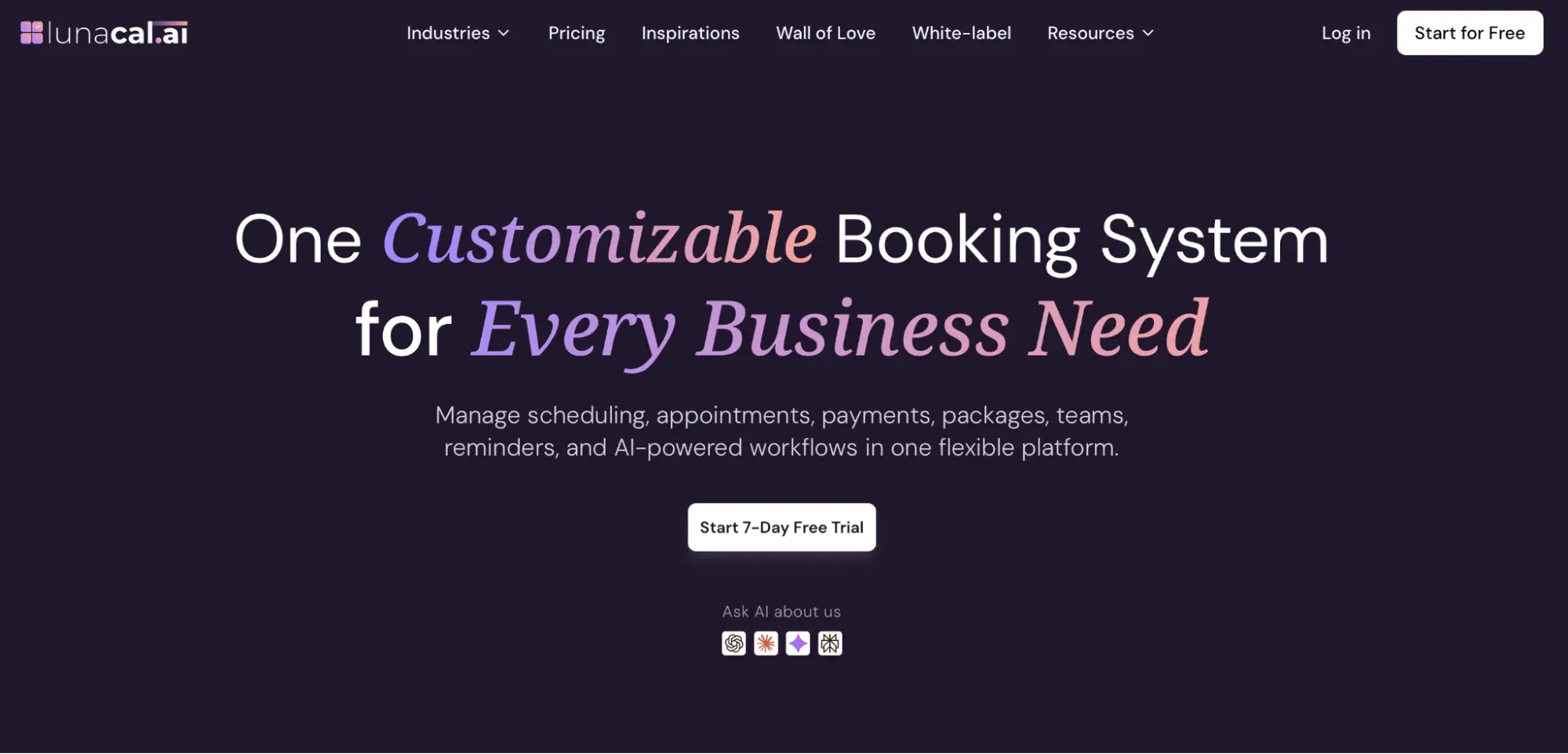
Lunacal is an online appointment scheduling app that lets clients book meetings, classes, and services through a calendar link. It syncs with your calendars, collects payments, and sends automated reminders.
Lunacal doesn’t offer a free plan, but it does offer a free 7-day trial. After that, you can choose from three paid plans: Standard, Teams, and Enterprise. See the pricing breakdown below: 👇
Lunacal has plenty going for it, but I’d weigh up a few limitations before committing. Here’s where some users think it falls short:
If you only take occasional bookings, paying for a scheduler every month might feel unnecessary. Lunacal has no ongoing free plan, and its per-user pricing means your bill grows as you add people.
Not every business needs the same integrations, but the lack of Salesforce support stood out to some users.
Some reviewers have found getting started less straightforward than they expected, which can be a drawback if you’re not technically savvy.
Lunacal has a smaller review base than established options. When I checked in October 2026, it had 37 G2 reviews, compared with more than 2,600 for Calendly and 1,900+ for YouCanBookMe. That gives you fewer experiences to draw on, particularly if your scheduling needs are unusual.
I wouldn’t rule it out on that basis alone, though I’d advise you to confirm the workflows your business depends on before committing.
I’ve focused on four things that matter when choosing a scheduling tool, drawing on my own experience trying the tools alongside their product documentation, pricing pages, and customer reviews:
- Booking page customization: How much control do you have over the design, branding, and information clients see before booking?
- Payments and team scheduling: Can you collect payments, offer different appointment types, and manage bookings across a team, including round-robin scheduling?
- Ease of use and setup: How straightforward is it to connect your calendar, set your availability, and get a booking page ready to share?
- Value for money: What’s included at each price, which features require an upgrade, and is there a free scheduling plan you could realistically use?
The aim is to help you find a tool that fits how you work, so I’ll explain what I like about each option, where it falls short, and who I think it suits best.
Before we get into the nitty-gritty, here’s a quick side-by-side comparison of the four options I’ll review in this guide:
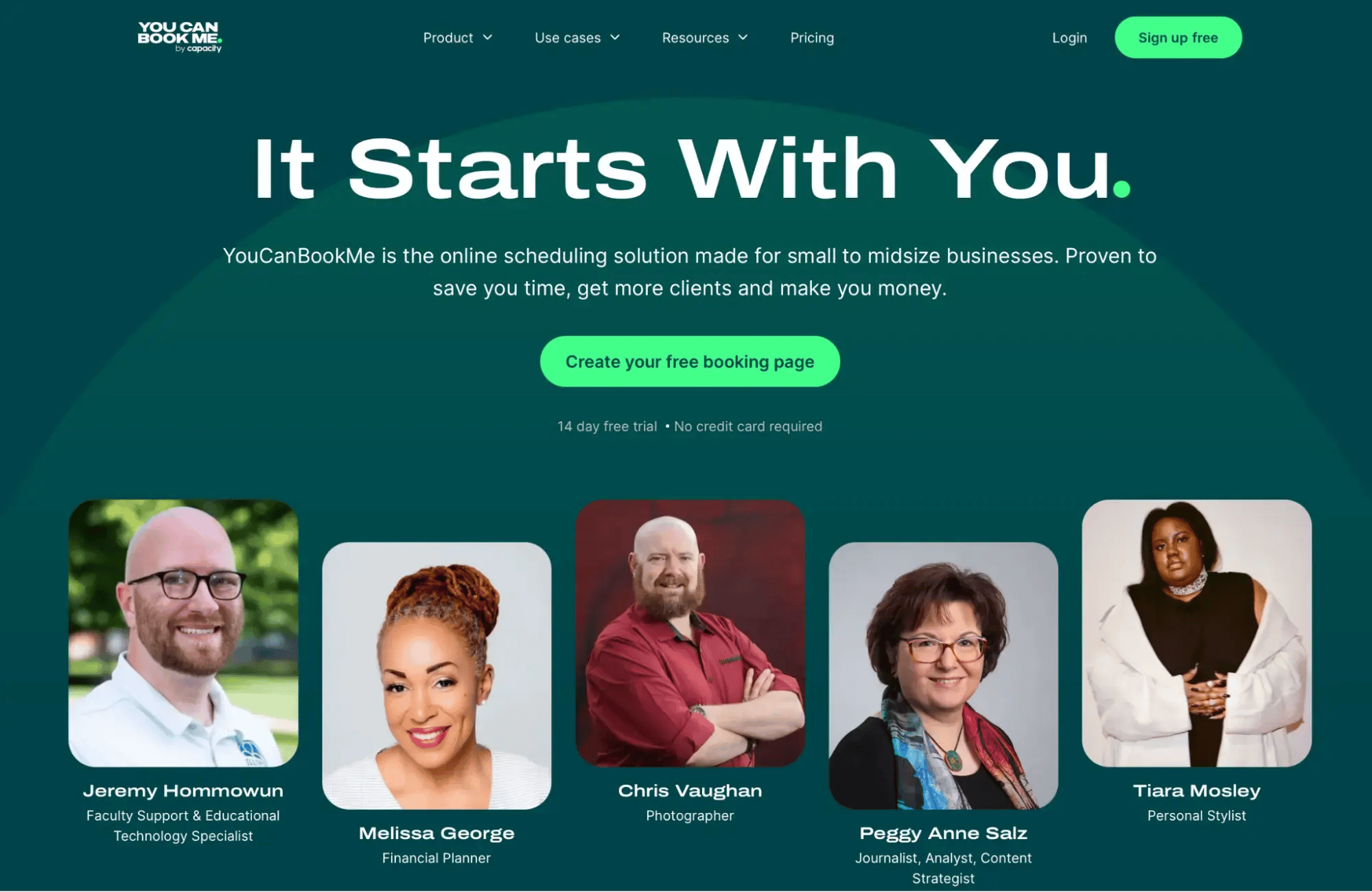
First up, we have YouCanBookMe (YCBM)—a flexible scheduling tool I recommend if you want your booking experience to feel like part of your business.
And yes, I know what you’re thinking: “Of course you’d recommend it. I’m on your blog.” Fair point! Our tool won’t suit everyone though, and that’s okay. But I think it earns its place here. Let me explain why.
First of all, getting started with YouCanBookMe literally takes a few clicks to get a basic booking page up and running. However, what I personally like the most is the range of customization options.
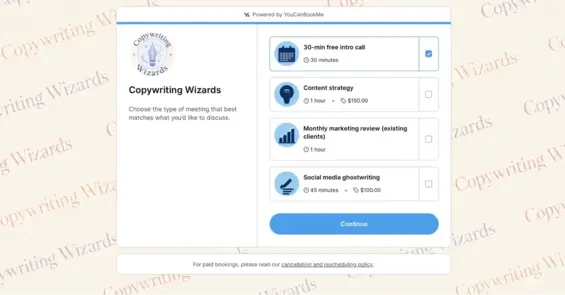
You can personalize your booking page with your logo, brand colors, background image, and wording, then carry that tone into automated confirmations, reminders, and follow-ups. I also like the availability controls for adding buffers, setting minimum booking notice, and limiting daily bookings to keep your schedule manageable. Support for booking pages in 44 languages is another big plus if you work with international clients.
Key features:
- Two-way calendar synchronization with Google, Apple/iCloud, Outlook, and Fastmail
- Stripe payments with Apple Pay and Google Pay (even on the free plan), plus promo codes on Professional and Team plans
- Extensive availability controls
YouCanBookMe Pros ✅ |
YouCanBookMe Cons ❌ |
|
I’d lean toward YCBM if you want more language options for international clients, customizable customer messages, and a free plan you can keep using. YouCanBookMe’s Professional plan also includes a native HubSpot integration and booking analytics, which are valuable when tracking how appointments contribute to your business.
Also, only YCBM’s highest-tier plan (Teams) charges per team member. On Professional, you can connect up to 6 calendars and create 10 booking pages under one login, so a small business can give each person their own booking page without paying per user. Lunacal is still worth considering if native PayPal payments or built-in video and testimonial sections on your booking page are priorities.
As of October 2026, YCBM offers four plans. Paid plans below are based on annual billing:
-
Free forever plan: 1 calendar, 1 booking page, payment collection, and meeting polls
-
Individual: $8.10/month—2 calendars, 2 booking pages, custom colors and backgrounds, and reminders
-
Professional: $11.70/month—6 calendars, 10 booking pages, follow-ups, promo codes, HubSpot integration, and analytics
-
Team: $16.20/member/month—10 calendars and 15+ booking pages per user, round-robin scheduling, team administration, and API access
There’s also a 14-day trial with no credit card required.
- You want booking pages and customer messages to reflect your brand.
- You work with customers across different languages and time zones.
- You need automated follow-ups or shared team scheduling.
Super easy to use and very cost-effective. Also, the support is great. Thank you for creating such a simple tool to use!”
Make booking easier for international clients
Help clients book in a language they’re comfortable with. YouCanBookMe supports booking pages in 44 languages and handles time zone differences automatically.

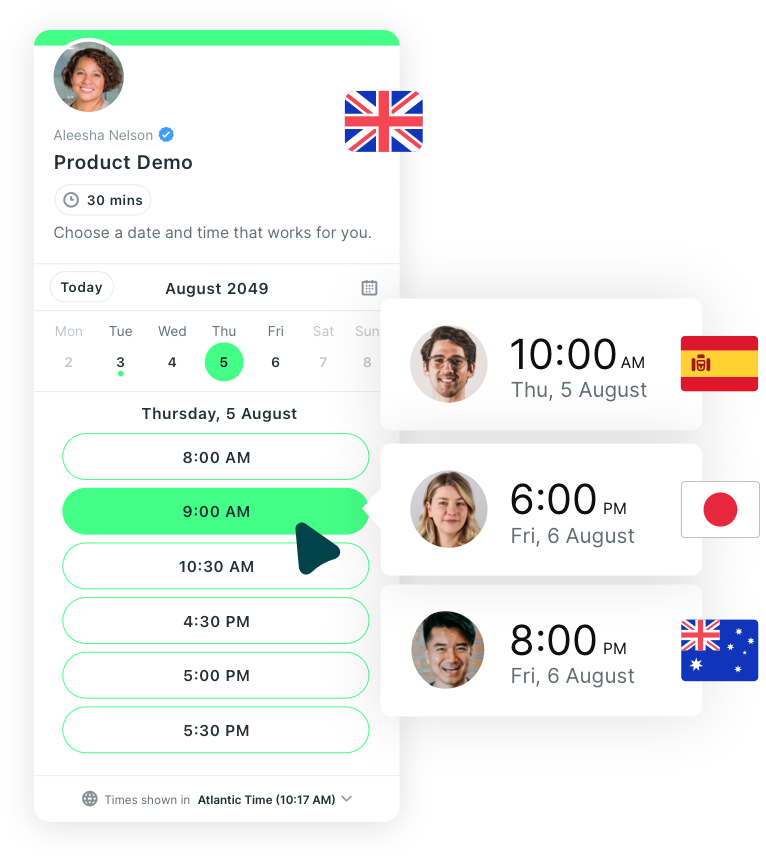
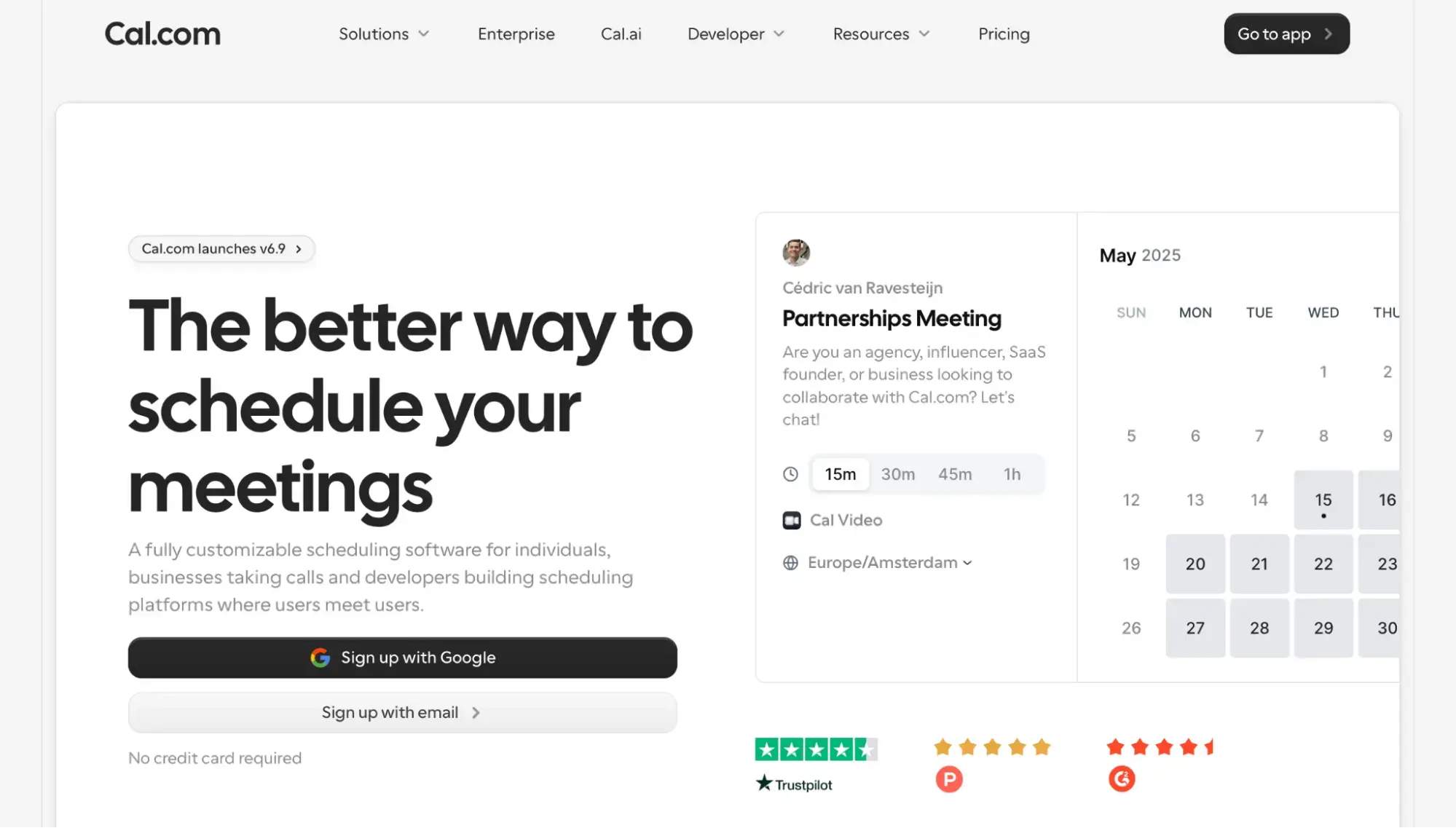
Next up, we have Cal.com—a scheduling tool that works closely with your existing apps and lets developers build booking functionality into your own products. As of recently, the tool is no longer fully open source: the commercial product is now closed source. However, you can still use the open-source community edition, which continues separately as Cal.diy.
When it comes to creating a basic booking page, I found it relatively easy, with a guided setup asking for my name, bio, and calendar connections. What stood out to me was the Events feature, which lets you organize workshops or meetups, collect RSVPs, manage guest lists, and sell tickets.

That said, setting up more advanced scheduling workflows took more digging than some of the other Cal.com alternatives out there. If you just want a simple booking page, the extra complexity can feel like overkill.
Key features:
- APIs and webhooks for custom integrations
- Multiple meeting lengths on the same booking page, such as 15, 30, or 60 minutes
- Recurring bookings for weekly check-ins or ongoing sessions on paid plans
Cal.com Pros ✅ |
Cal.com Cons ❌ |
|
|
I’d choose Cal.com if you want unlimited calendar connections on a free plan or need a native Salesforce integration. Lunacal makes more sense if you want clients to read about your services, watch an introduction, and see testimonials before booking. Both support APIs and webhooks, so I’d base the decision on the specific integrations you need and how much information your booking page needs to convey.
As of October 2026, Cal.com offers a free version, along with three paid plans (all prices are based on annual billing):
- Free: 1 user, unlimited event types and calendars, Stripe and PayPal payments
- Teams: $12/user/month—round-robin and collective scheduling, routing forms, booking analytics
- Organizations: $28/user/month—unlimited sub-teams, custom subdomain, SSO, roles and permissions
- Enterprise: Custom pricing—dedicated database, onboarding, and priority support
Paid Teams and Organizations plans include a 14-day trial.
- You’re building scheduling into an app.
- You need custom booking workflows.
- You need bookings to sync directly with Salesforce.
I have found Cal.com a great calendar resource. Particularly all the integrations that allow you to customize the experience.”
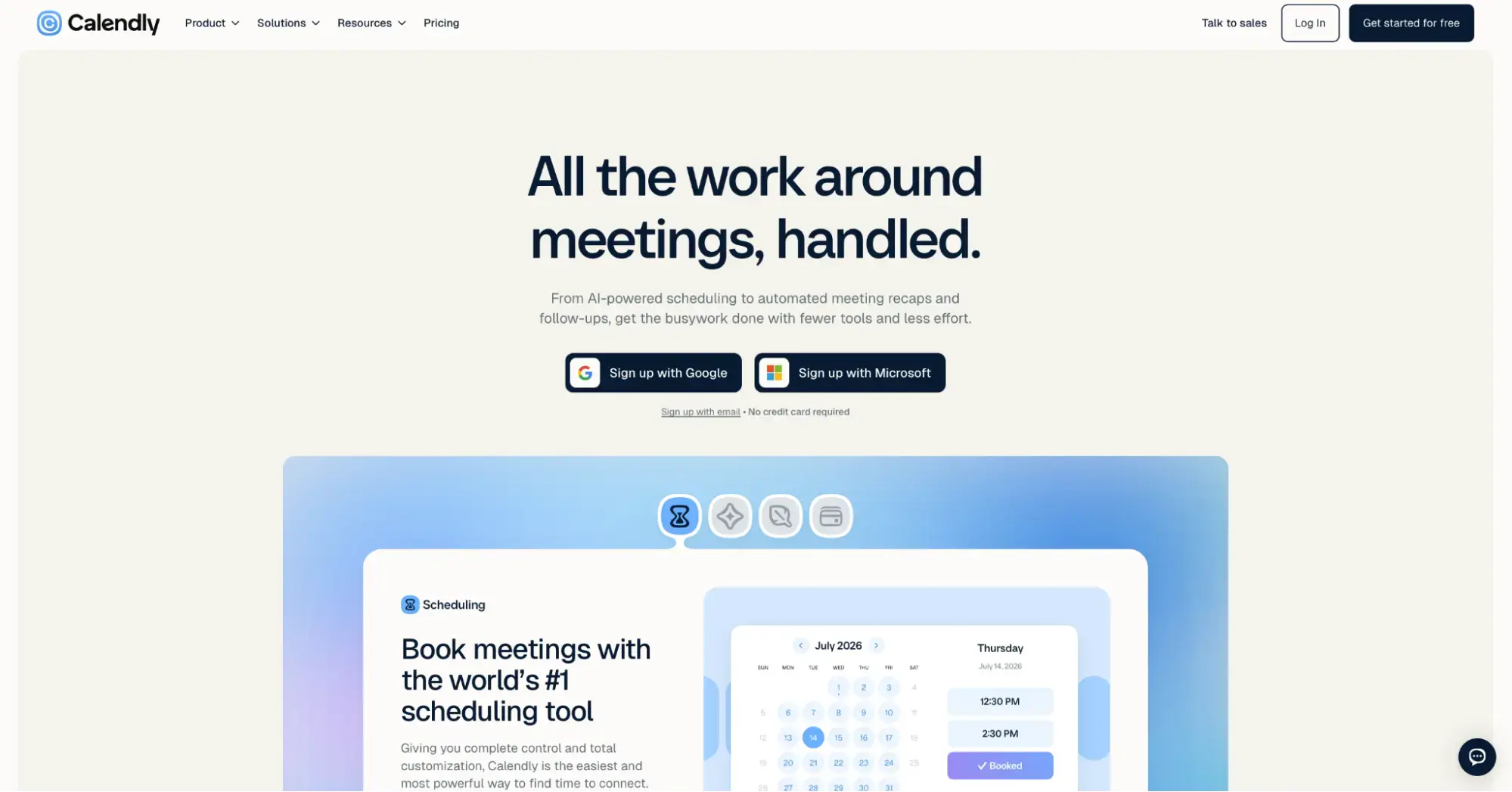
Calendly is another option to consider if you want a straightforward scheduling tool that connects with the apps you already use. It’s had a bit of a refresh recently, adding Callie, an AI assistant that schedules meetings over email, and Notetaker, which captures meeting notes, recaps, and action items.
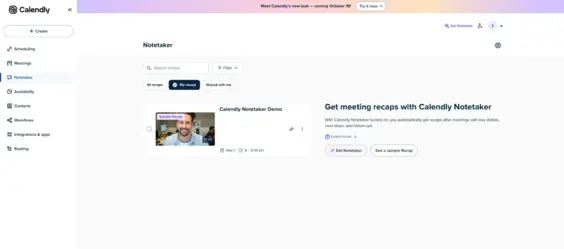
Creating an account didn’t take long, and I was able to start using the tool right away. I particularly liked the routing feature, which asks visitors a few questions before directing them to the right person or appointment type. It’s useful for sales teams that want to match prospects with the right rep based on details like company size or the service they’re interested in.
Key features:
- Routing forms that qualify visitors and direct them to the right team member on Teams and above
- Automated workflows for reminders and follow-ups on paid plans
- Contact profiles that keep meeting history, notes, and client details in one place
Calendly Pros ✅ |
Calendly Cons ❌ |
|
|
I’d choose Calendly if your priority is connecting scheduling with your sales workflow. Lunacal gives you more room to explain your services and share videos, testimonials, and files before someone books. Calendly’s integrations would matter more to me when managing leads across a team, while Lunacal’s richer pages would be useful when clients need more context before committing.
As of October 2026, Calendly offers a free version and three core paid plans. Standard and Teams prices below are based on annual billing:
- Free: One event type, one calendar connection
- Standard: $10/seat/month—unlimited event types, up to six calendars, automated reminders, Stripe and PayPal payments
- Teams: $16/seat/month—round-robin scheduling, lead routing, Salesforce integration
- Enterprise: From $15,000/year—SSO, domain control, advanced Salesforce routing
New accounts include a 14-day free trial. Callie and Notetaker require a Plus upgrade rather than being included in the Standard and Teams prices above.
- You’d like to qualify prospects before they book a meeting.
- You want to distribute sales calls across your team.
- You prefer a straightforward booking page over a detailed service landing page.
I mostly use Calendly for our weekly calls, and it just makes scheduling much easier. Everyone can see the available times and choose what works without us having to discuss it in chat every week.”
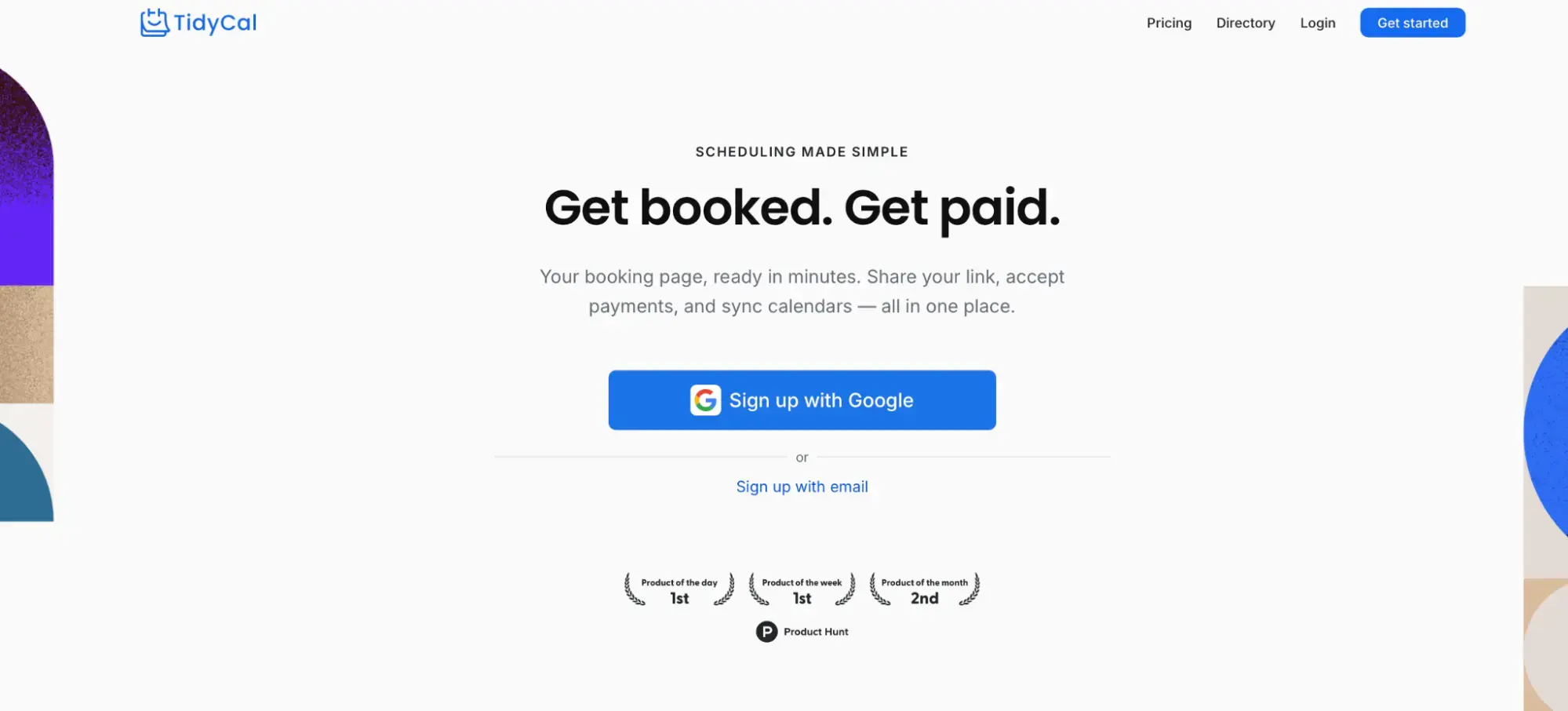
Lastly, I picked TidyCal—a scheduling tool I’d consider if you’re trying to keep subscription costs down. Its main appeal is simple: pay once for a lifetime plan and keep using it without a monthly renewal.
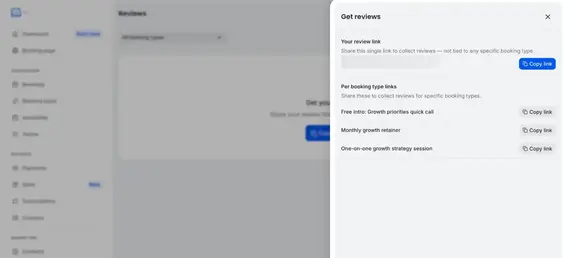
Getting up and running was easy. When testing the tool, I especially liked the reviews feature, which allows clients to leave ratings and feedback after their appointment. It’s a handy way to collect feedback without bringing another tool into your setup.
That said, buying a lifetime plan doesn’t unlock everything. Individual Lifetime doesn’t include SMS reminders for US or Canadian numbers, and your booking page still carries TidyCal branding. You also can’t use a custom domain. If you want to unlock these features, you’ll be forced to upgrade to a Pro plan, which comes with a recurring monthly or annual payment.
Key features:
- Recurring appointments and session packages included on the free plan
- Digital storefront that allows you to sell PDFs, courses, and templates alongside bookings
- Discount codes
TidyCal Pros ✅ |
TidyCal Cons ❌ |
|
|
I’d choose TidyCal if keeping costs down is your priority, since it offers a free plan and Lunacal doesn’t. Its biggest selling point is the lifetime pricing, which lets you pay once instead of committing to an ongoing subscription. My advice is to check carefully what’s included before buying, because features like custom domains and complete branding removal still require a recurring Pro subscription.
As of October 2026, TidyCal offers a free plan, two lifetime plans sold through AppSumo, and a Pro subscription:
- Free: One calendar, unlimited bookings and booking types
- Individual Lifetime: $29 one-time—10 calendars, group bookings, automatic meeting links, custom emails
- Agency Lifetime: $79 one-time—team page, round-robin and collective meetings
- Pro: $12/month or $99/year—custom domain, no TidyCal branding, unlimited calendars
- You want to avoid another monthly software subscription.
- You sell consultations or coaching packages.
- You’re happy with a simple booking page.
Really easy to set up and use, and easy for my clients to book sessions with me too. Really good value for money.”
The easiest way to narrow down your options is to start with what you need your scheduling tool to do every week. I’d focus on your budget, the types of appointments you offer, and the experience you want clients to have when booking.
Here’s a simple framework to help you decide:
If you need… |
Use… |
|
A free plan for ongoing scheduling |
YouCanBookMe, Cal.com, TidyCal, or Calendly |
|
Developer tools and custom booking workflows |
Cal.com |
|
A multilingual booking page for international clients |
YouCanBookMe |
|
A simple and cheap solution |
TidyCal |
|
Branded booking pages with automated reminders and follow-ups |
YouCanBookMe |
|
Broad business integrations and lead routing |
Calendly |
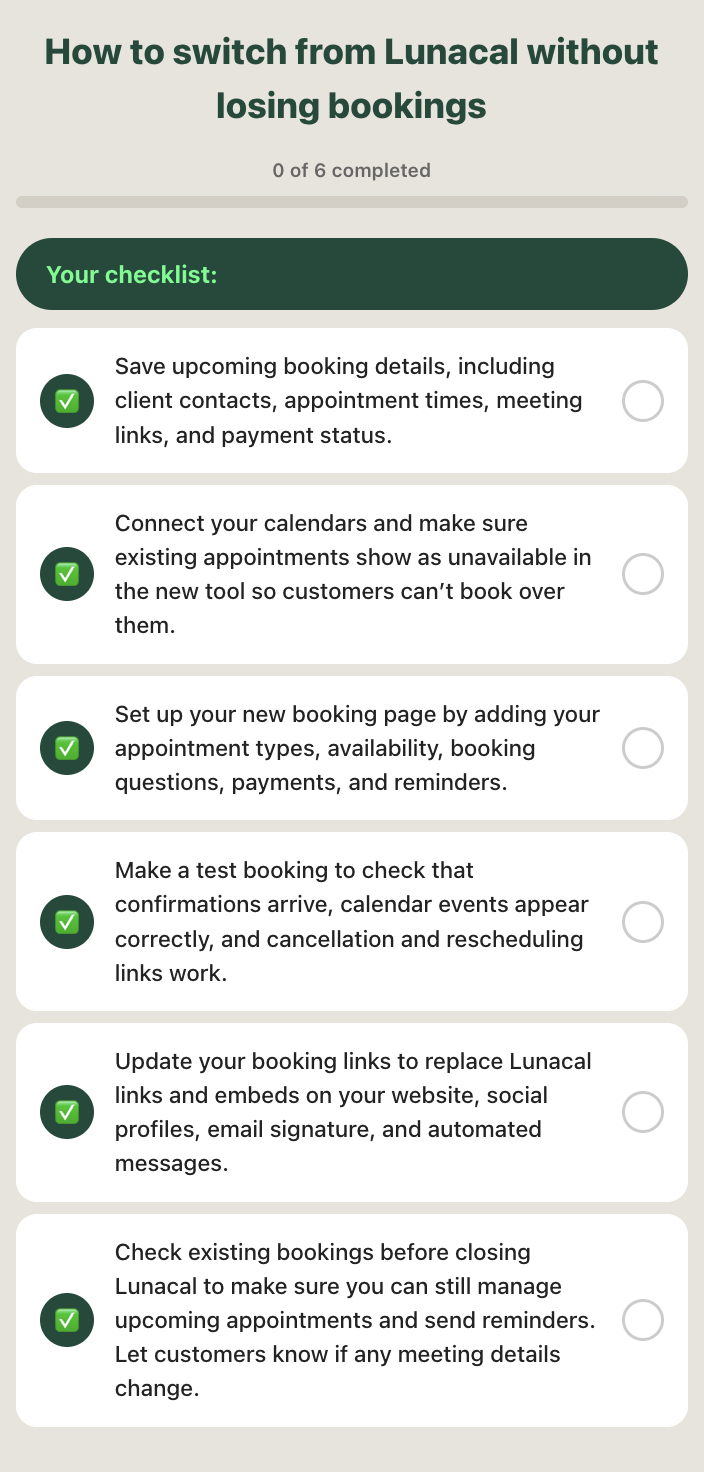
Once you’ve picked a new tool, a little preparation can help keep existing bookings on track. Use the checklist below to make the switch as smooth as possible for you and your customers:
Take your pick
The best scheduling tool comes down to how you work and what you want clients to experience when they book.
Among the alternatives, if you need custom workflows, Cal.com is a good choice. Calendly is worth considering if sales integrations and lead routing matter most, while TidyCal makes sense if you want to keep costs down with a one-time payment.
YouCanBookMe would be my pick if you want a balance of easy setup, customization, and useful automation. You can make your booking page feel like your business, keep clients informed with automated messages, and offer bookings in 44 languages.
Get started with YouCanBookMe today!
Frequently Asked Questions
Is Lunacal free, and what is the cheapest alternative?

Lunacal has no free plan, only a 7-day free trial, and paid plans start at $9/user/month on annual billing. YouCanBookMe, Cal.com, Calendly, and TidyCal all have free plans, and TidyCal also offers a $29 one-time lifetime plan. YouCanBookMe’s free plan stands out for small businesses because it includes a branded booking page, payments at booking, a custom booking form, and automatic video links, so you can start taking bookings without paying.
Which Lunacal alternative has the most customizable booking page?
YouCanBookMe is the strongest pick. You can add your logo, brand colors, background image and wording, carry that tone into confirmations and reminders, and offer pages in 44 languages. Custom colors and backgrounds start on the Individual plan ($8.10/month on annual billing). Lunacal’s built-in video and testimonial sections remain its edge. Calendly’s customization is limited, and Cal.com and TidyCal require paid plans to remove their branding.
Which Lunacal alternative lets me collect payments?
Cal.com, TidyCal, and YouCanBookMe all support payments on their free plans, while Calendly only accepts them on paid plans. Cal.com and TidyCal support Stripe and PayPal. YouCanBookMe supports Stripe with Apple Pay and Google Pay, but has no native PayPal.
Which Lunacal alternative is best for teams and CRM integrations?

Written by
Paulina Major
Paulina Major is a freelance B2B content writer with six years of experience. Since 2024, she has written 100+ articles on scheduling and personally tested and reviewed 30+ booking tools, helping small business owners choose software and simplify their booking processes. As a solopreneur managing her own clients and calendar, she brings firsthand experience to her advice on scheduling, time management, and running a business.
Get started today
Join thousands of teams, businesses, and institutions that use YouCanBookMe to power their scheduling. Set up your booking page in minutes.


 4.7 / 5 — Trustpilot

