
4 Best Koalendar Alternatives I Tested in 2026 (Free & Paid)

Create your free booking page
If you’re looking for a Koalendar alternative, you probably have a few things you’d like your scheduling app to do differently. Maybe you want more control over your booking page or need integrations that fit the tools you or your team already uses.
Koalendar gives you a solid starting point with unlimited free bookings and support for popular calendars like Google and Outlook on its free plan. Its paid features cover more advanced scheduling needs, too. But, like with everything, it isn’t a tool for every team and use case.
To help you compare other options out there, I’ve tested four Koalendar alternatives, looking at their:
- Features
- Pricing
- Strengths and limitations
I’ll share what stood out about each one, where it falls short, and who I’d recommend it to, all to help you find a better scheduling solution for your workflow.
Koalendar is an online scheduling tool that lets people book time with you based on your calendar availability. You share a booking link, someone chooses an available slot, and the appointment lands in your calendar.
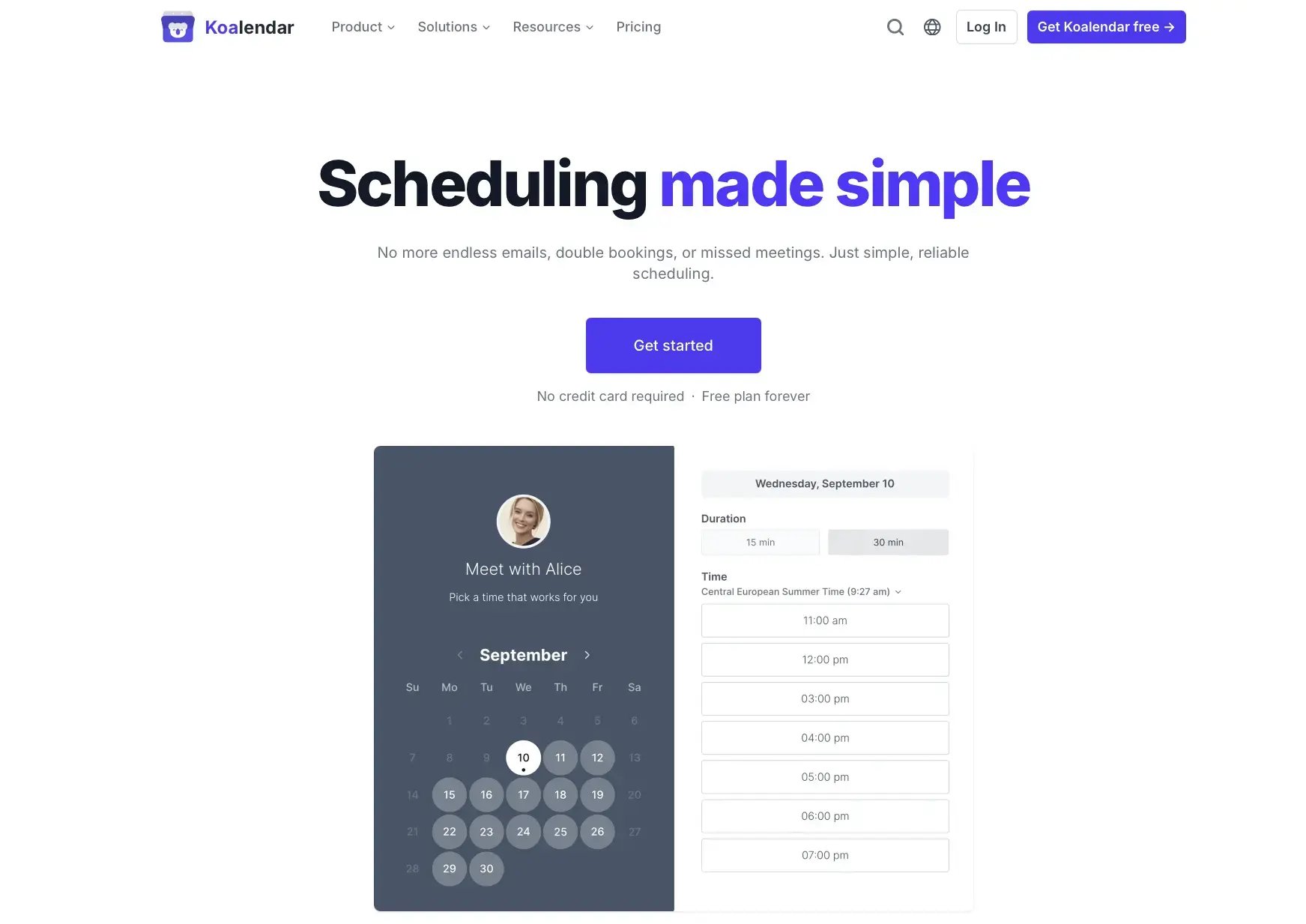
Its free plan is fairly generous. You get unlimited bookings and booking pages, plus support for Google, Outlook, and Apple/iCloud calendars. You can also embed your booking page on your website and set availability rules, including buffer time between meetings.
If that covers your needs, there may be little reason to switch. However, some users find it limiting, especially in the following areas:
- Collecting customer information and payments: Koalendar puts custom booking form questions and payment collection behind a paid plan. Some alternatives, including YouCanBookMe, include these in their free offering.
- Email reminders: Koalendar’s free plan includes confirmations, but no reminders. Pro allows one reminder, while Business allows up to three, which is pretty limiting in comparison to other tools on the market.
- Integrations: Zapier and custom webhooks require the most expensive Business plan, which matters if you want bookings to trigger actions in other tools.
- Branding removal: Even Pro plan retains Koalendar branding. You need the Business plan to remove it.
If those are central to your workflow, I’d compare the cost with alternatives that include them in a lower-priced (or even free) plan.
All prices are in USD and based on annual billing.
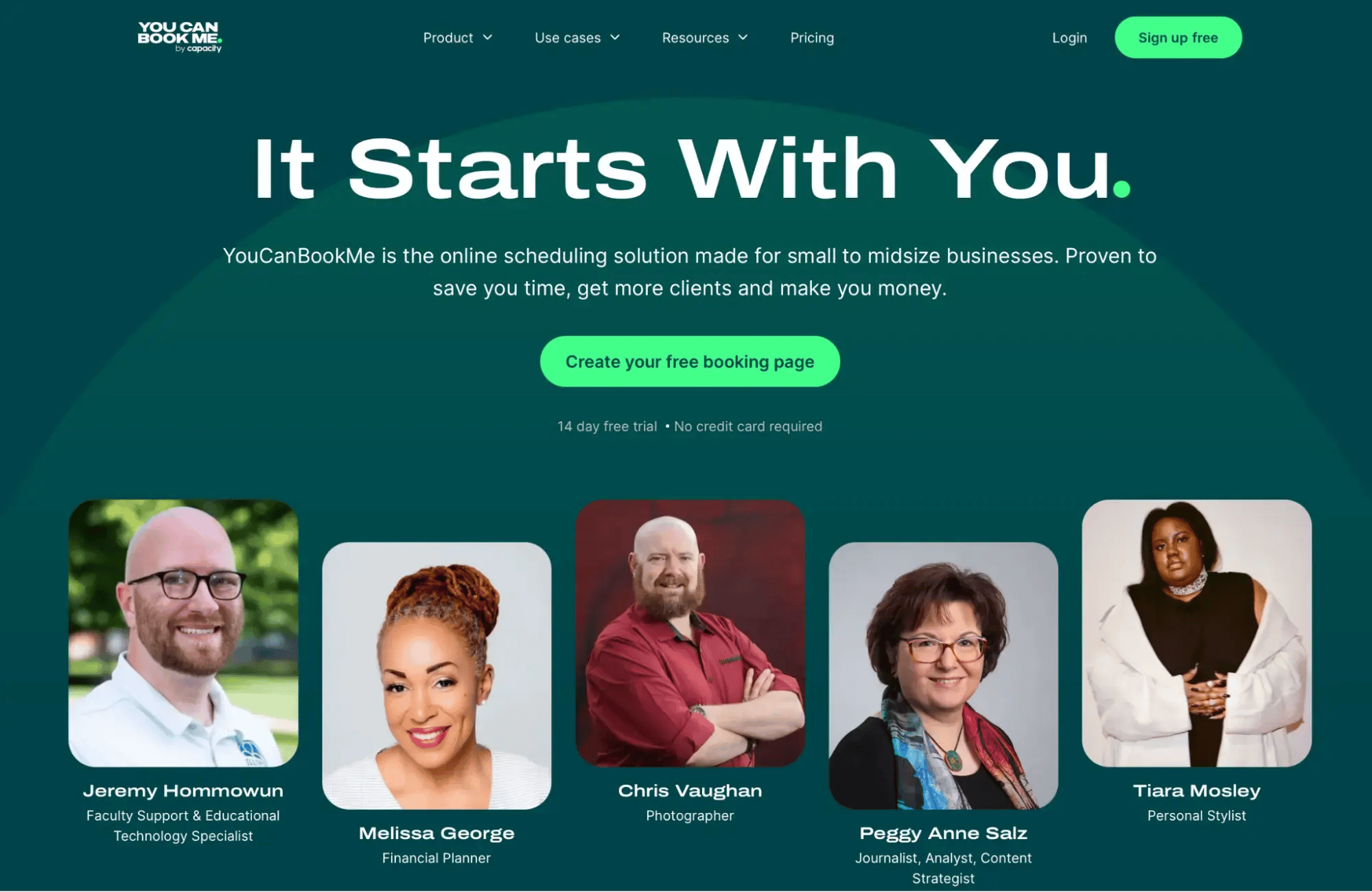
YouCanBookMe (YCBM) is a flexible scheduling tool for solopreneurs and small to midsize businesses that’s been around since 2011. While it shares many standard features with Koalendar, YCBM offers the most customization options of the tools I’ve tested.
What I liked most was being able to create a branded booking page with my own logo, colors, background image, footer, and appointment types. The customization also extends to availability: you can add buffers between meetings, set minimum notice periods, and limit daily bookings. Plus, with support for 44+ languages, you can give clients a booking experience in their preferred language, which is a big bonus if you work with international clients.
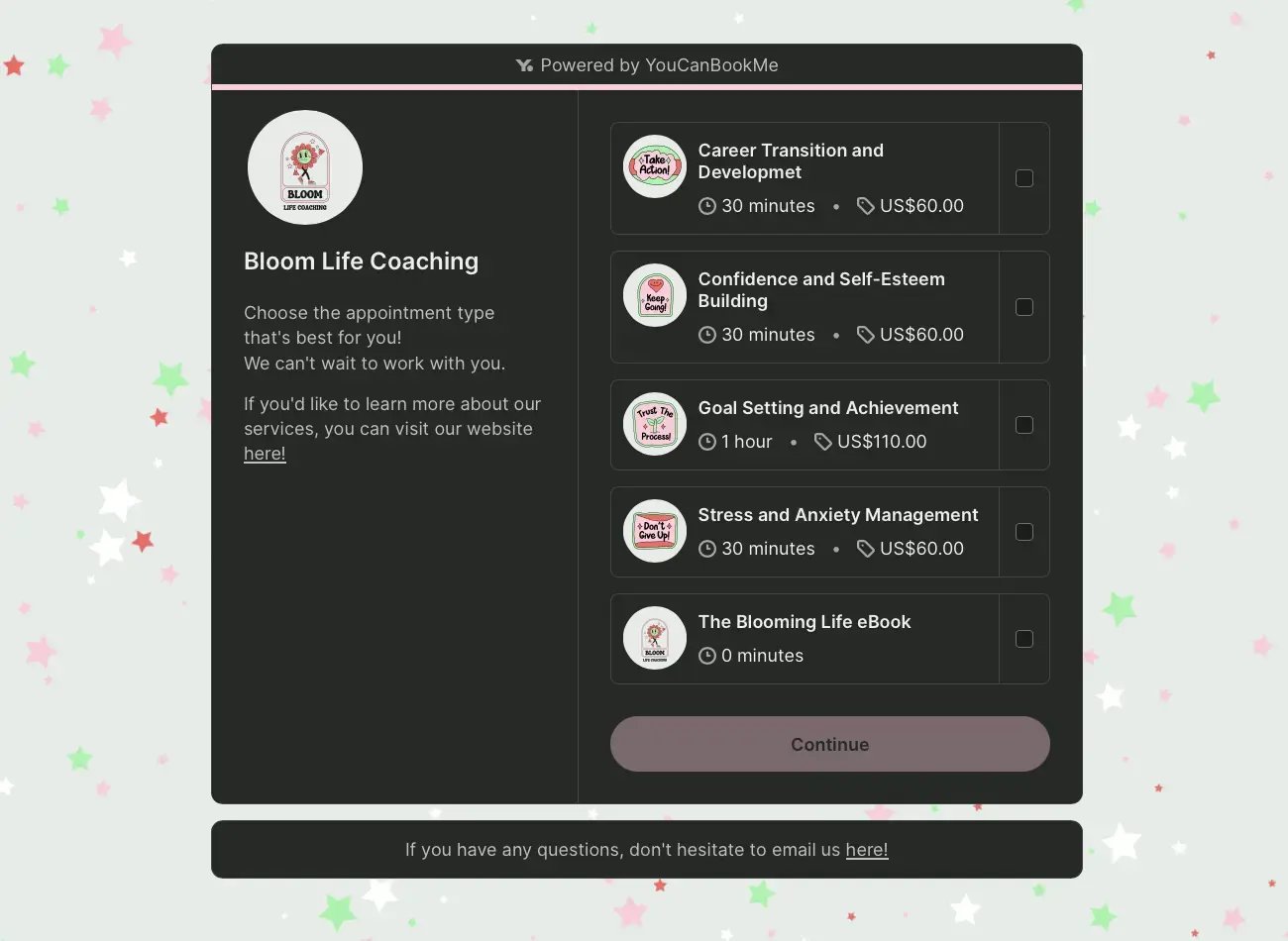
Core features:
- Custom booking forms: Collect intake details to qualify bookers before you meet.
- Automated meeting notifications: Customize confirmations, reminders, and follow-ups with details from each booking.
- Calendar sync: Connect Google Calendar, Outlook, and Apple/iCloud to check availability and prevent double-bookings.
- Connected workflows: Sync booking data with HubSpot or use Zapier to connect other business tools.
YouCanBookMe Pros ✅ |
YouCanBookMe Cons ❌ |
|
|
YouCanBookMe vs. Koalendar
Both tools handle everyday scheduling well, though I’d lean toward YouCanBookMe if you want to automate more of the work around each appointment. You can choose when messages go out, automatically personalize them with clients’ booking answers, and set up separate follow-ups for people who attended or missed their meeting. That gives you more room to keep clients informed without manually chasing or checking in with everyone.
Plus, YCBM’s free plan lets you take payments through Stripe and add up to seven custom intake questions, including conditional follow-ups and blocking questions that prevent ineligible people from booking. Koalendar’s free plan doesn’t include payments or custom form questions; those start on Pro, which allows up to three questions, and Koalendar doesn’t offer an equivalent to YCBM’s blocking questions.
YouCanBookMe pricing:
Available plans include:
- Free: One booking page and one calendar connection, with customizable booking forms, confirmation emails, and Stripe payments.
- Individual: $8.10/month billed annually, with two booking pages, two calendar connections, additional appearance settings, and reminders.
- Professional: $11.70/month billed annually, with 10 booking pages, six calendar connections, advanced workflows, unlimited booking questions, HubSpot, and Zapier.
- Team: $16.20/member/month billed annually, with 15+ booking pages and 10 calendar connections per user, round-robin scheduling, role-based access, and centralized admin.
A 14-day free trial is available without a credit card. There’s also a 20% discount available on all paid plans if you choose a two-year subscription.
Great experience with YouCanBookMe. The platform is very easy to use and makes managing bookings simple and efficient. It’s been a reliable tool for organizing our scheduling without complications. What really stands out is their support team, they are responsive, helpful, and quick to assist whenever needed. Overall, a great solution for anyone looking for a smooth and dependable booking system. Would definitely recommend.”
Create your free branded booking page
Give clients an easy way to book with you and get the details you need before you meet. Bring it all together on your own branded booking page.

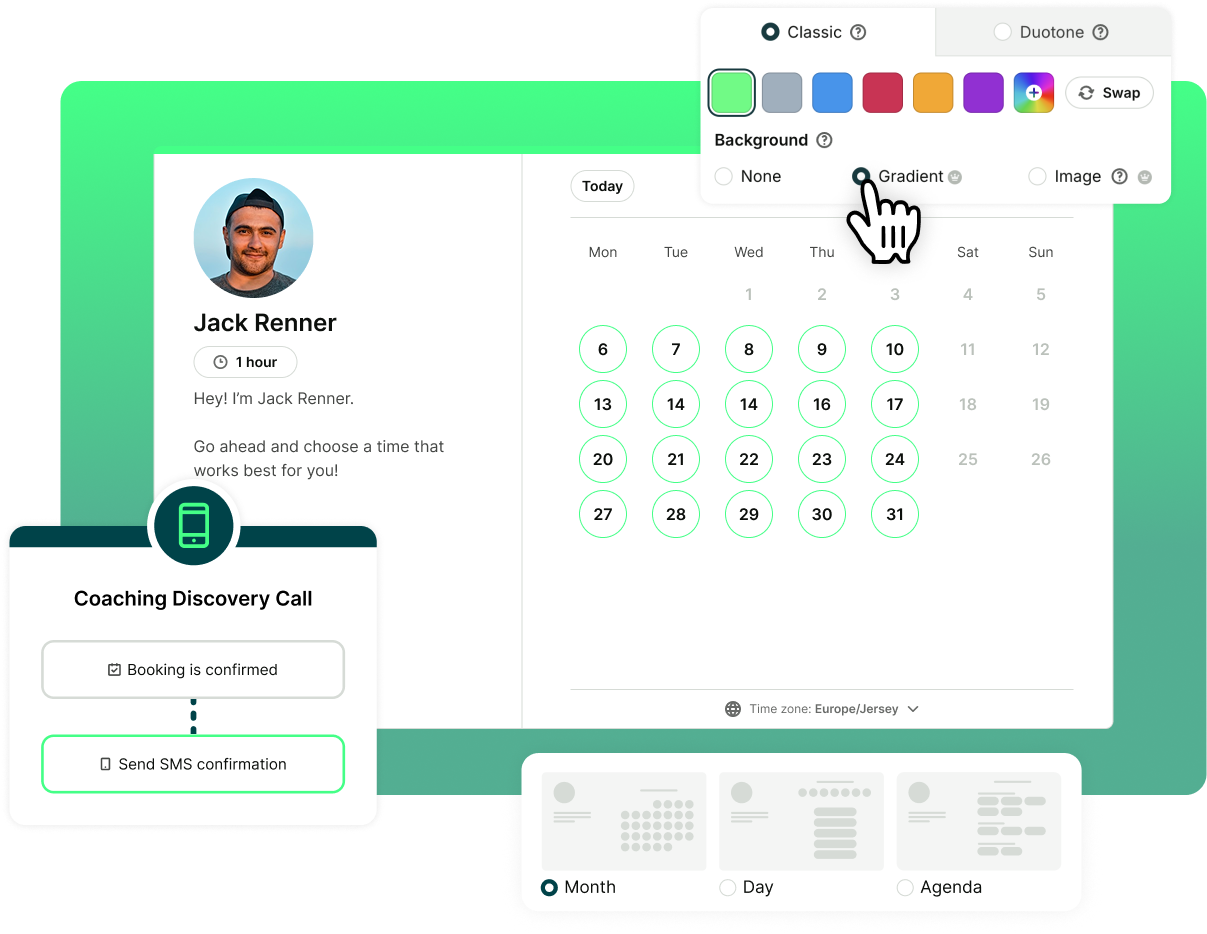
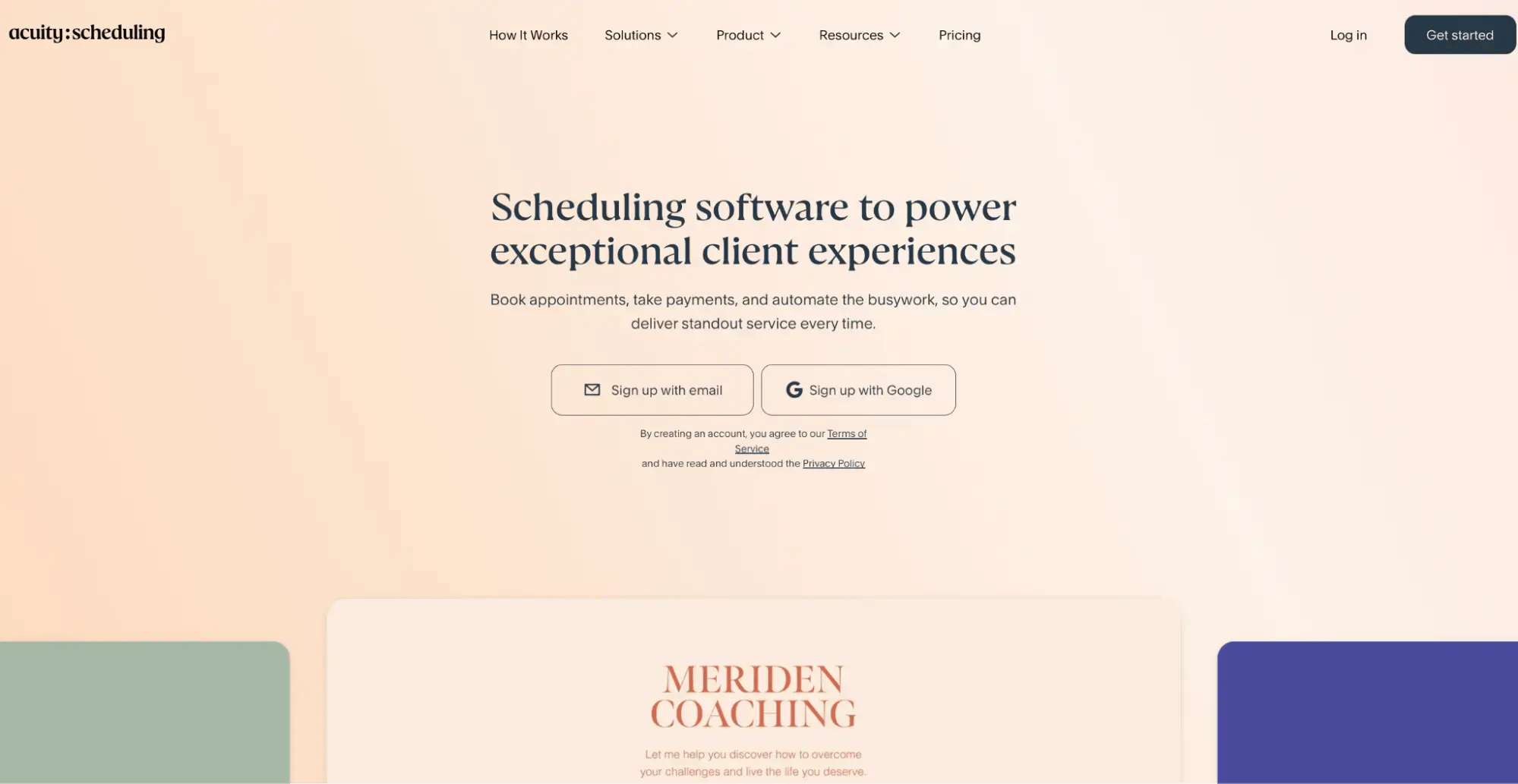
If your business is service-based through and through, and you need advanced payment and client management features, you might want to consider Acuity Scheduling.
Owned by Squarespace, it lets clients book appointments, fill out intake forms, and pay a deposit in one go. You can also sell packages and memberships, keep notes on returning clients, and connect your email marketing tools to stay in touch between visits.
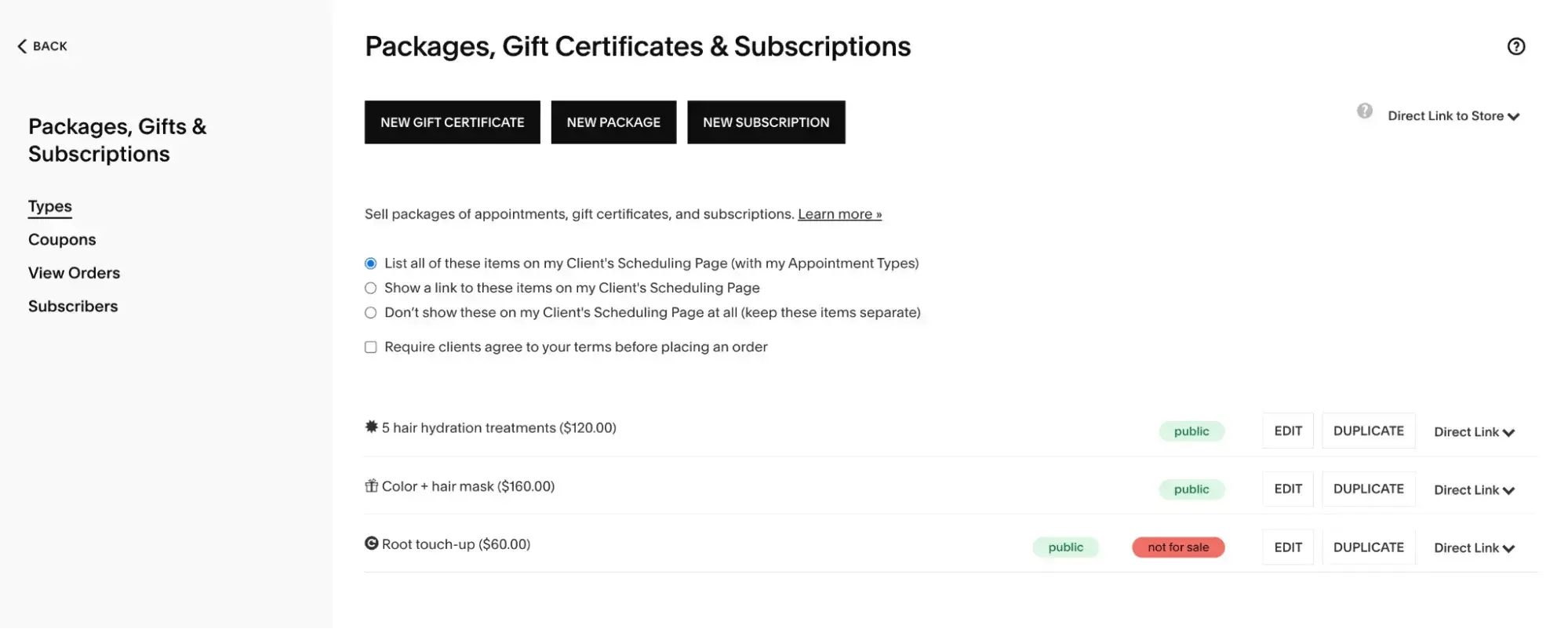
Core features:
- Client management: Store intake forms, appointment history, and notes in client profiles.
- Automated communication: Send confirmation, reminder, and follow-up emails.
- Packages and memberships: Sell bundled appointments, subscriptions, and gift certificates.
- Calendar sync: Connect Google Calendar, Outlook, or iCloud to prevent scheduling conflicts.
Acuity Scheduling Pros ✅ |
Acuity Scheduling Cons ❌ |
|
|
Acuity Scheduling vs. Koalendar
I’d lean toward Acuity, rather than its alternatives, if you need to manage an ongoing client relationship, with appointment history, intake forms, and packages or memberships in one place. Its Starter plan also includes follow-up emails and Zapier integration, which Koalendar reserves for Business.
That comes with a trade-off: Acuity has no free plan. If you mainly need people to book individual meetings, Koalendar’s free offering may cover your needs without another subscription.
Acuity Scheduling pricing:
Paid plans include:
- Starter: $16/month billed annually, with one bookable calendar, intake forms, payments, and email notifications.
- Standard: $27/month billed annually, with up to six calendars, SMS reminders, packages, and memberships.
- Premium: $49/month billed annually, with up to 36 calendars, branding removal, and custom CSS/API access.
A seven-day free trial is available without a credit card.
I use Acuity Scheduling for scheduling health coaching appointments, and I find it very customizable and user-friendly for both my team and clients. The ability to customize our schedules, adjust appointment times, and send automated emails to clients is great because it allows a more automated process with communication between clients and requires less manual upkeep to manage appointments.”
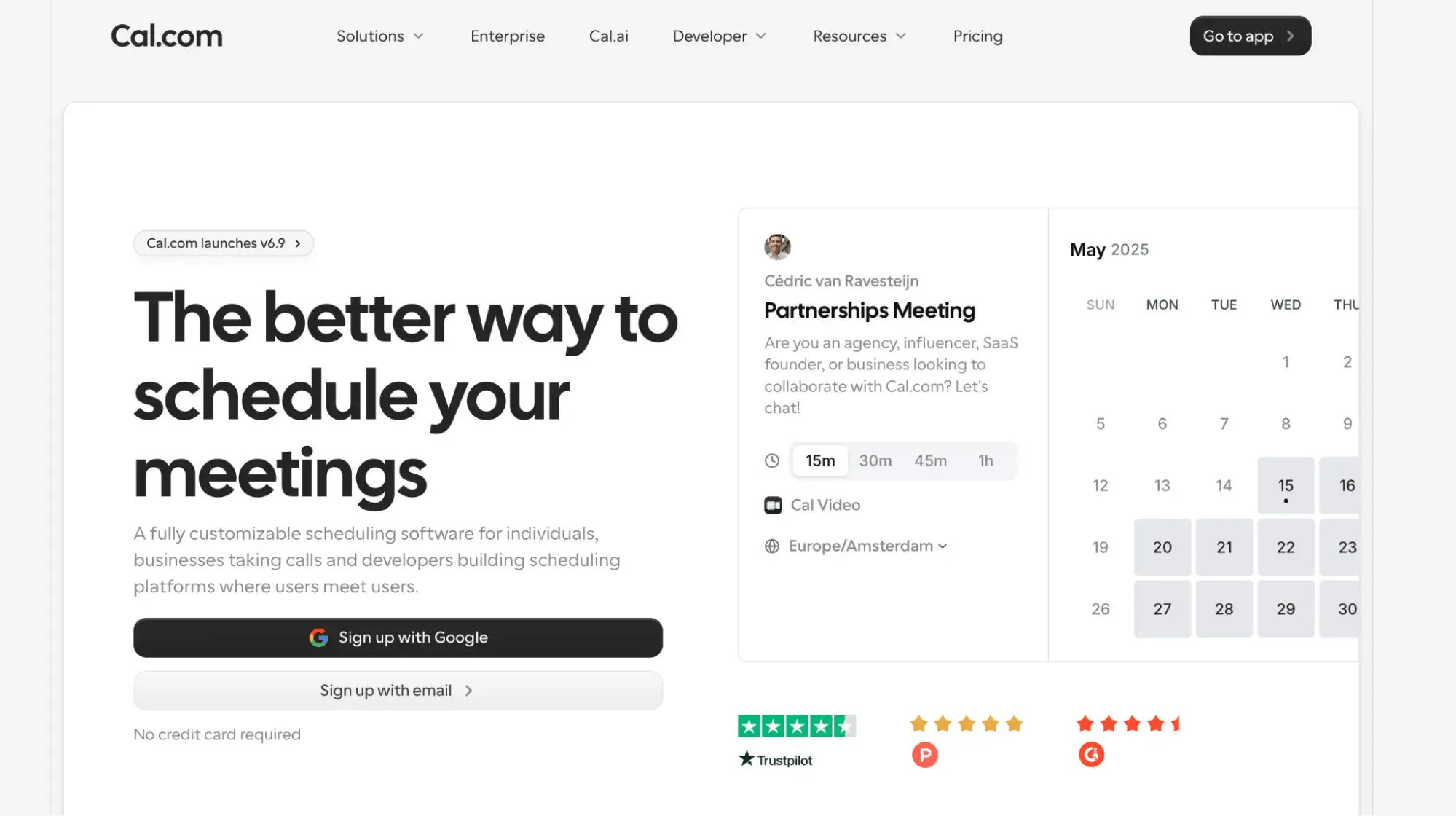
Cal.com is worth a look if you want room to refine your scheduling setup as your needs change. Its free individual plan includes unlimited event types and calendar connections, payment collection, and access to 100+ app integrations.
What I like about that combination is you don’t have to upgrade just to offer different meetings or check availability across several calendars. There’s also a developer side to Cal.com, with APIs and scheduling components for businesses that want to build booking into their own products.
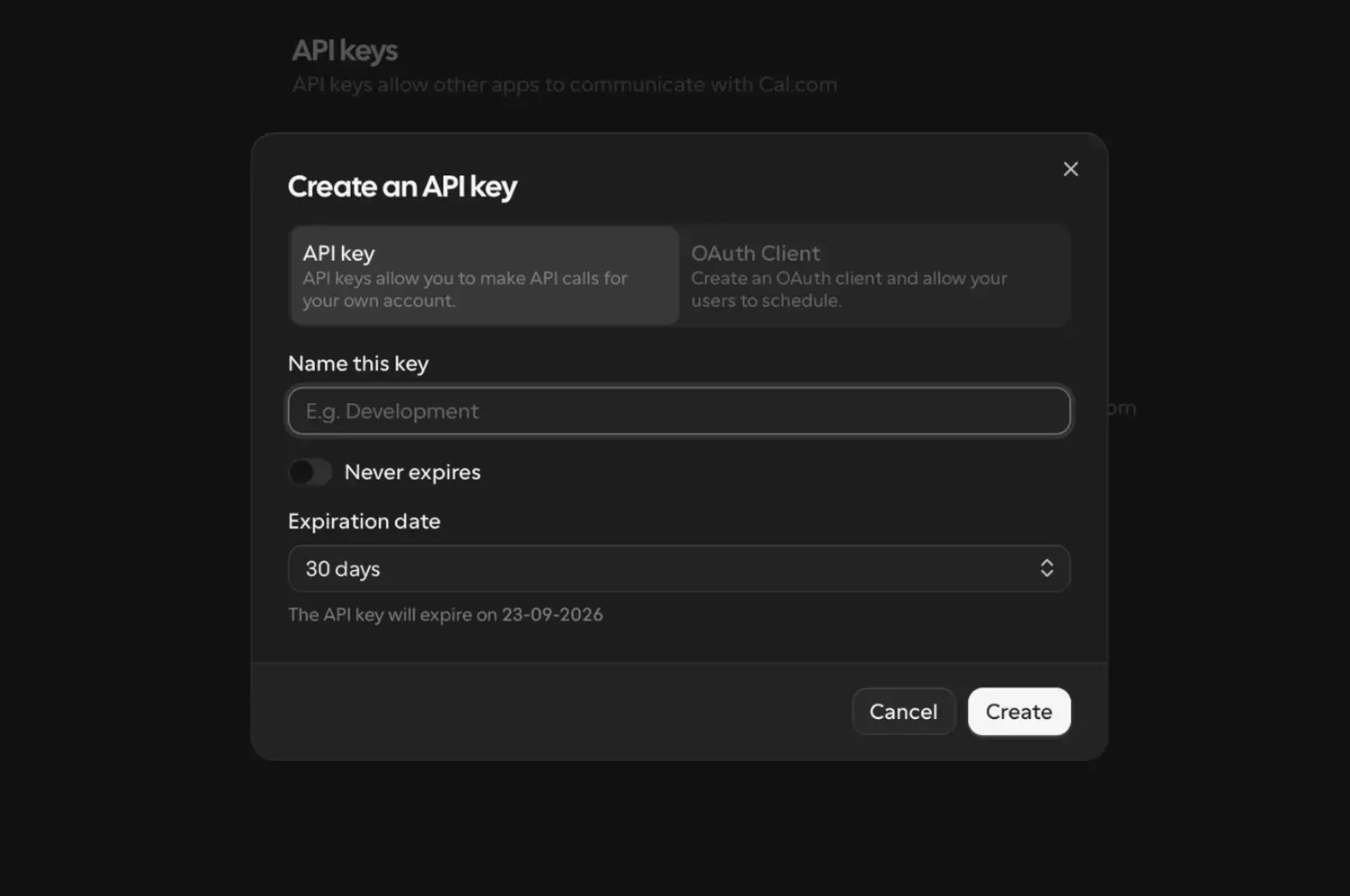
While Cal.com is no longer open source as of April 2026, you can still use Cal.diy, a separate open-source version you can host yourself.
Core features:
- Availability controls: Set buffers, minimum notice, and daily, weekly, or monthly booking limits.
- Payment collection: Accept payments through Stripe and PayPal, including on the free individual plan.
- Team scheduling: Use round-robin distribution, collective events, and routing forms on paid plans.
- Developer tools: Connect custom software and build scheduling into your own app or website.
Cal.com Pros ✅ |
Cal.com Cons ❌ |
|
|
Cal.com vs. Koalendar
In my opinion, Cal.com has the upper hand if you want to collect payments and connect bookings to other apps without immediately paying for a subscription. Koalendar puts payments on Pro and Zapier integration on Business, while Cal.com’s free individual plan includes payment integrations and access to its app ecosystem.
That advantage comes with a trade-off once you need collaborative scheduling: Cal.com charges per user, while Koalendar’s Business plan includes three seats. I’d compare the total cost for your team alongside the routing and scheduling features you need.
Cal.com pricing:
Available plans include:
- Individuals: Free for one user, with unlimited event types and calendars, app integrations, and payment collection.
- Teams: $12/user/month billed annually, with round-robin scheduling, collective events, routing forms, and branding removal.
- Organizations: $28/user/month billed annually, with unlimited sub-teams, additional routing controls, and role-based permissions.
- Enterprise: Custom pricing.
Teams and Organizations offer a 14-day free trial.
What I appreciate most about Cal.com is the freedom it offers to create a scheduling system that truly matches my workflow. Unlike many other tools that feel restrictive, Cal.com allows me to personalize the booking process, appearance, and even the finer details.”
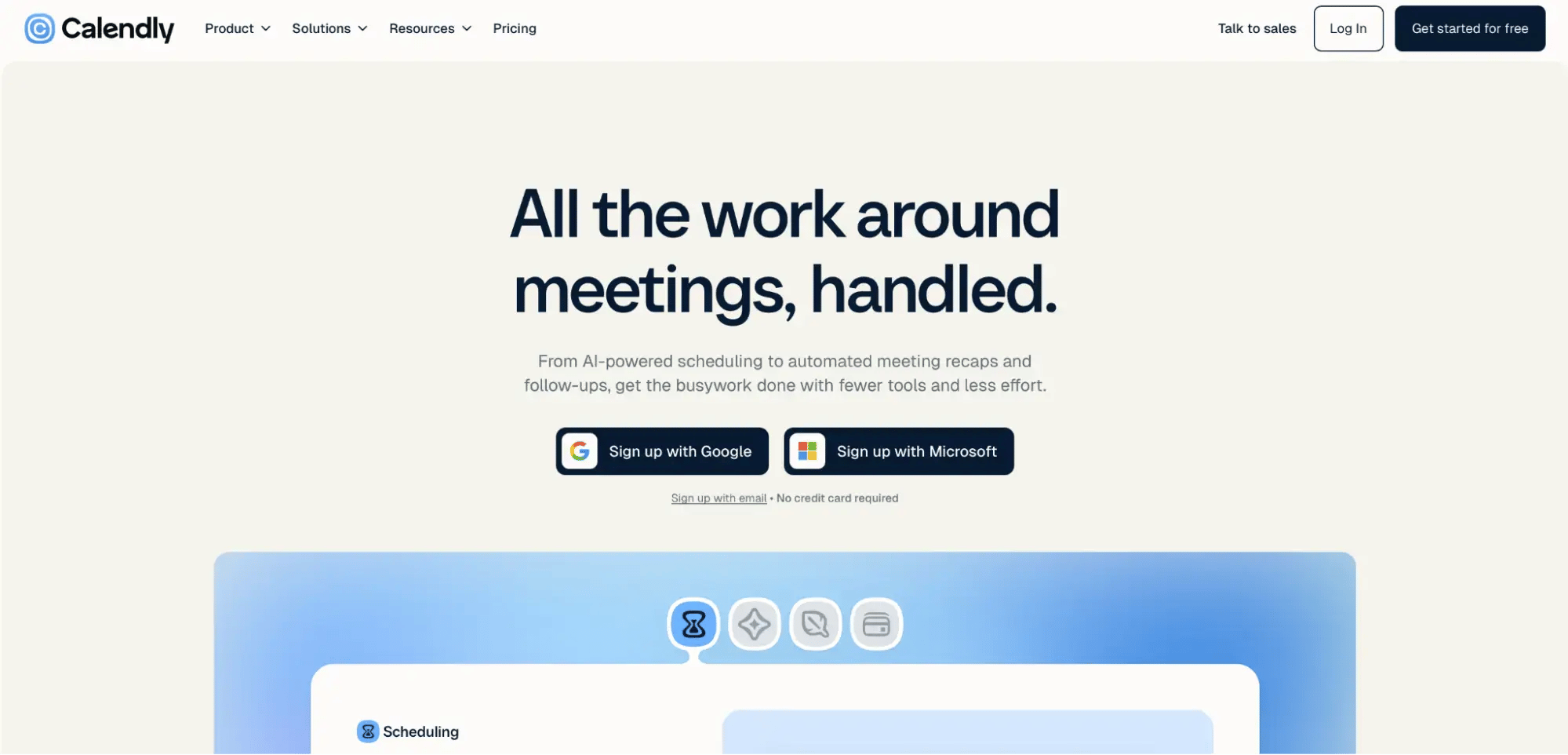
If Koalendar was your first scheduling tool and you’re ready for something with more name recognition and deeper integrations, Calendly is worth a look. It’s a familiar name in the online scheduling space, especially among enterprise teams.
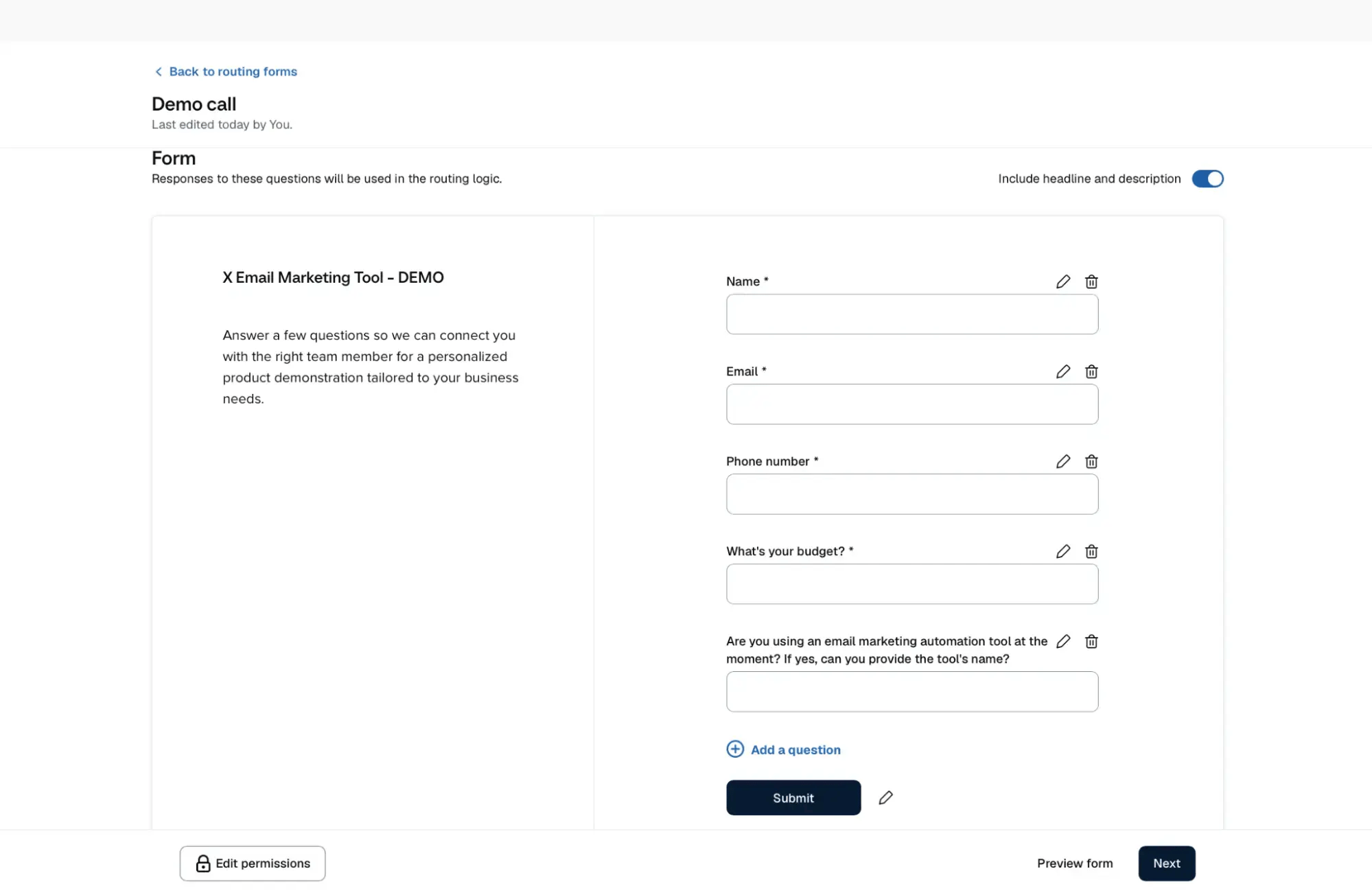
The bigger reason I’d consider switching from Koalendar is how it connects with the tools you already use. The Standard plan includes HubSpot, Mailchimp, and Zapier, while the Teams one adds Salesforce, Marketo, and Pardot. You also get booking routing on Teams, so you can ask prospects a few questions and direct them to the right person, which is a big bonus if you’re using your scheduler for things like product demos or discovery calls.
Core features:
- App integrations: Connect bookings to CRM, marketing, and automation tools, with access depending on your plan.
- Automated reminders: Send pre- and post- meeting emails to reduce no-show appointments and handle rescheduling.
- Team scheduling: Distribute meetings through round-robin scheduling and route leads.
- Payment collection: Accept payments through Stripe and PayPal.
Calendly Pros ✅ |
Calendly Cons ❌ |
|
|
Calendly vs. Koalendar
Calendly is a better option if you want scheduling to work more closely with your CRM and marketing tools, with direct HubSpot and Mailchimp integrations on Standard, and Salesforce on the Teams plan.
Both tools offer round-robin scheduling, but Calendly’s routing goes further by qualifying leads through forms and directing existing HubSpot contacts to their assigned account owner on the Teams plan.
Calendly pricing:
Available plans include:
-
Free: One event type, one calendar connection, and unlimited one-on-one meetings.
-
Standard: $10/user/month billed annually, with unlimited event types, reminders, payments, and additional integrations.
-
Teams: $16/user/month billed annually, adding round-robin scheduling, lead routing, and advanced CRM integrations.
-
Enterprise: Starts at $15,000/year, with additional security controls and dedicated support.
There’s a free 14-day trial.
Calendly is super easy to use. The interface feels very intuitive, and it’s always easy to find what I’m looking for. The integrations work great, performance has been solid, and the pricing seems okay for what it offers. I feel like the free version would be better if it included at least one email reminder, or at least one way to set a reminder. Right now I have to upgrade and pay, and that’s the only feature I actually need from the upgraded version.”
Each of the tools I’ve reviewed offers a different reason to switch from Koalendar. The right choice depends on what you’d like to improve, whether that’s how your booking page looks, how you collect payments and sell appointment packages, or how scheduling connects with your other tools.
Here’s a simple framework to help you decide: 👇
If you need… |
Use… |
|
A branded booking experience with intake forms, automated reminders, and personalized follow-ups |
YouCanBookMe |
|
To collect payments without a paid subscription |
YouCanBookMe or Cal.com |
|
Appointment packages, memberships, and client records for a service business |
Acuity Scheduling |
|
Broad integrations and advanced team routing |
Calendly |
What’s your pick?
Koalendar does a good job of making it easy for people to book time with you. Choosing an alternative comes down to how much more you need from your setup as your business grows.
If you want more control over your booking experience, from the questions you ask to the messages clients receive, try YouCanBookMe for free and see how it fits the way you work.
Frequently Asked Questions
What is the best free alternative to Koalendar?

Calendly is a good option for one meeting type, while Cal.com offers unlimited event types and calendar connections on its free individual plan. If you need more than a basic booking link, YouCanBookMe’s free plan includes custom intake questions, your logo and page text, personalized meeting confirmations, and payment collection, with no booking limits.
Which Koalendar alternative is best for teams?
YouCanBookMe is a solid choice for teams that want to manage bookings under one account. You can give teammates individual pages, let clients choose who to meet with, distribute bookings through round-robin, or find shared availability when several colleagues need to attend. Calendly is another strong alternative for enterprise teams that need deeper CRM integrations and lead routing.
What features should I look for in a Koalendar alternative?
Look for features that solve a specific scheduling need, such as syncing multiple calendars, customizing your booking page, or automating reminders and follow-ups. Teams may also need round-robin scheduling and shared availability, while service businesses might prioritize payments and intake forms.
Check which features are included in the plan you can afford, how easily the tool connects with your existing software, and whether setup is straightforward. A solo user with simple booking needs may get more value from an easy-to-use free plan than a platform with lots of extras.

Written by
Paulina Major
Paulina Major is a freelance B2B content writer with six years of experience. Since 2024, she has written 100+ articles on scheduling and personally tested and reviewed 30+ booking tools, helping small business owners choose software and simplify their booking processes. As a solopreneur managing her own clients and calendar, she brings firsthand experience to her advice on scheduling, time management, and running a business.
Get started today
Join thousands of coaches, consultants, and entrepreneurs who use YouCanBookMe to power their business. Get your first booking in a few minutes.


 4.7 / 5 — Trustpilot

