
6 Time Management Tools to Save You Hours Weekly

Create your free booking page

You have 14 tabs open, a half-written email, and a meeting in five minutes. Welcome to the daily chaos of running a business. 😰
As a small business owner, you’re constantly juggling competing priorities and doing way too many things at once. And while your multitasking skills are impressive, it might be time to take a closer look at how you're managing your time.
Are you really being productive? Could you optimize your day a bit better? Are you spending hours on admin work that could easily be automated?
In this guide, I’ve rounded up six best time management tools to help you save hours each week and free you up to focus on high-value work. For each tool, I’ll break down:
- What it’s best for
- Pros and cons
- Key features
- Pricing
Before you dive into new apps and features, it's worth taking a moment to understand how you actually manage your time. The most effective tools are the ones that support your existing habits—or help you build better ones.
Improving how you manage your time starts with being more intentional about how you use it. Before investing in any tools, it’s worth experimenting with a few simple time management techniques first. Tools are there to support good habits rather than fix underlying issues on their own. Once you understand what works best for you, you’ll be in a much better position to choose tools that actually add value.
Here are a few methods to try:
- The Pomodoro Technique: Work for 25 minutes, then take a 5-minute break.
- The Eisenhower Matrix: Prioritize tasks based on urgency and importance.
- Time blocking: Plan your day in focused time chunks.
|
⏰ Want to try time blocking? Grab one of our free time-blocking templates to plan your day more intentionally and protect time for deep work. |
The right tools only work if your priorities are clear in the first place!
To set them, start by asking:
- What are my top business goals this month?
- What’s eating up the most time with the least return?
- What can I delegate, automate, or drop entirely?
Once you have that clarity, it’s much easier to identify the right tool:
- Need to reduce time spent on admin? → Scheduling app
- Constantly interrupted? → A productivity tool that blocks distractions
- Juggling too many projects? → A workspace that centralizes tasks and plans
Now that you’ve got a handle on your priorities and time management style, it’s time to find the right tools to match. 👇
Best for calendar protection & automation
|
Best for time-tracking & insights |
Best all-in-one workspace |
|
|

|
|
|
YouCanBookMe Best for protecting your calendar and automating administrative tasks for bookings. |
RescueTime Best for tracking how you spend your time and turning it into actionable insights. |
Notion Best for combining notes, tasks, and project tracking in one place. |


If you’ve ever tried a “productivity” app that took more time to set up than it saved, you already know that not every time management tool is worth it.
I focused on tools that actually help you get time back, not lose it to endless setup, confusing features, or rigid workflows.
Here’s what I looked for when picking the top tools:
- Ease of use: If a tool isn’t intuitive, it won’t get used. I looked for platforms that work out of the box, with clean interfaces and minimal onboarding time.
- Customization & flexibility: Time management is personal. I picked tools that give you options to adapt workflows, adjust preferences, and make the software work the way you do.
- Integrations: A great tool should fit into your existing stack. I gave extra weight to platforms that connect easily with your calendar, email, task manager, and comms tools.
- Visibility & insights: To manage your time well, you need visibility into how it’s being spent. Tools that offer tracking, reporting, or real-time feedback made the cut.
- Pricing: A good tool should pay for itself in time saved. I looked for transparent pricing, scalable features that grow with your business, and free plans that are actually usable.
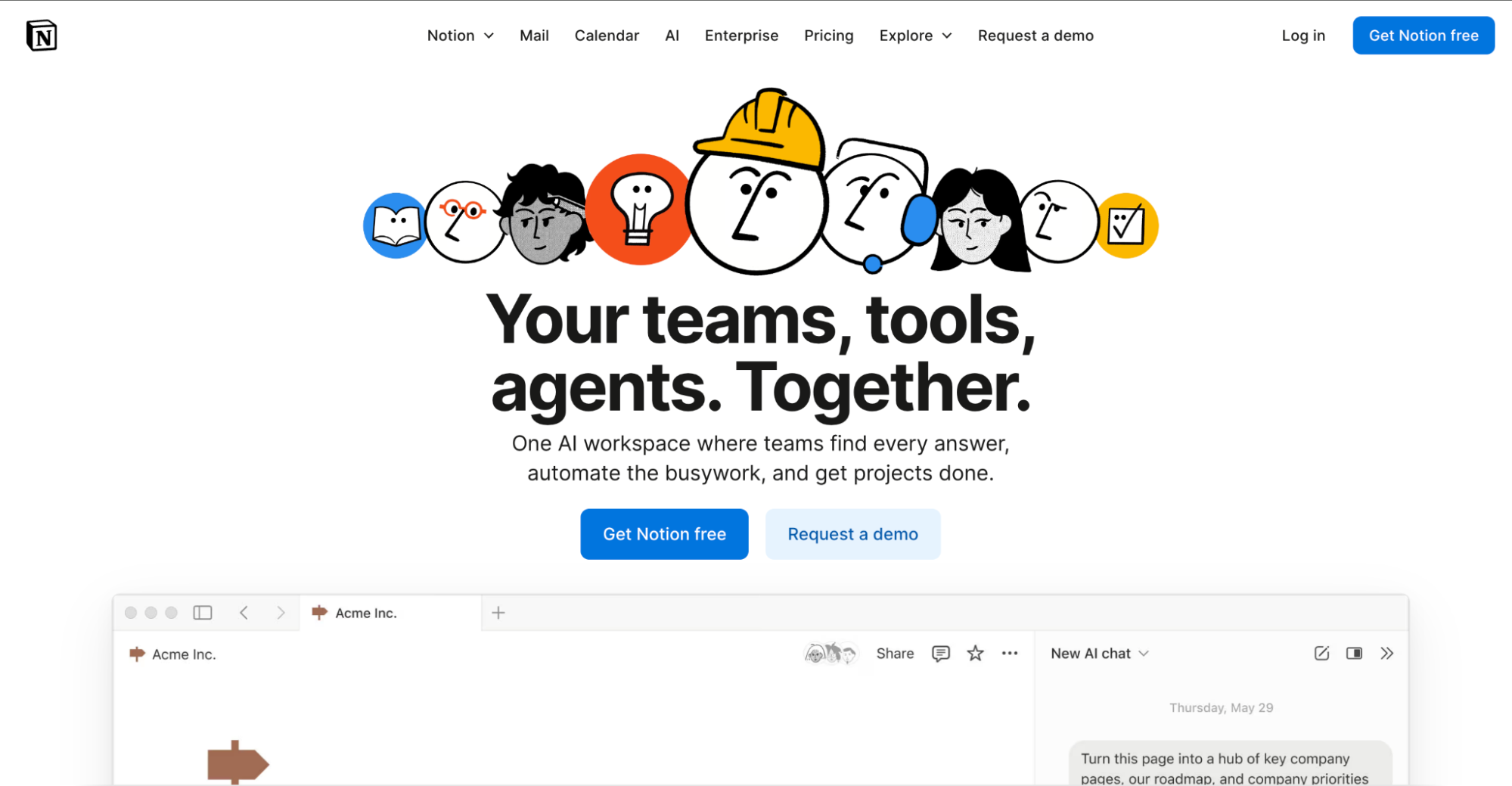
Notion is a flexible workspace that helps you organize tasks, schedules, and information in one place. For time management, it’s especially useful if you prefer a visual, customizable approach to planning. You can build out weekly planners, track recurring tasks, link deadlines to calendars, and create dashboards that reflect your specific priorities.
Key features
- Flexible databases: Organize calendars, tasks, and goals with filters, views, and dependencies.
- AI-powered tools: Summarize meeting notes, draft content, and automate repetitive workflows.
- Team collaboration: Shared workspaces, permission controls, and project templates for scaling.
Notion pros |
Notion cons |
|
|
Notion pricing
Notion offers a generous free plan for individuals. Paid plans start at $10/user/month for small teams and $20/user/month for growing businesses.
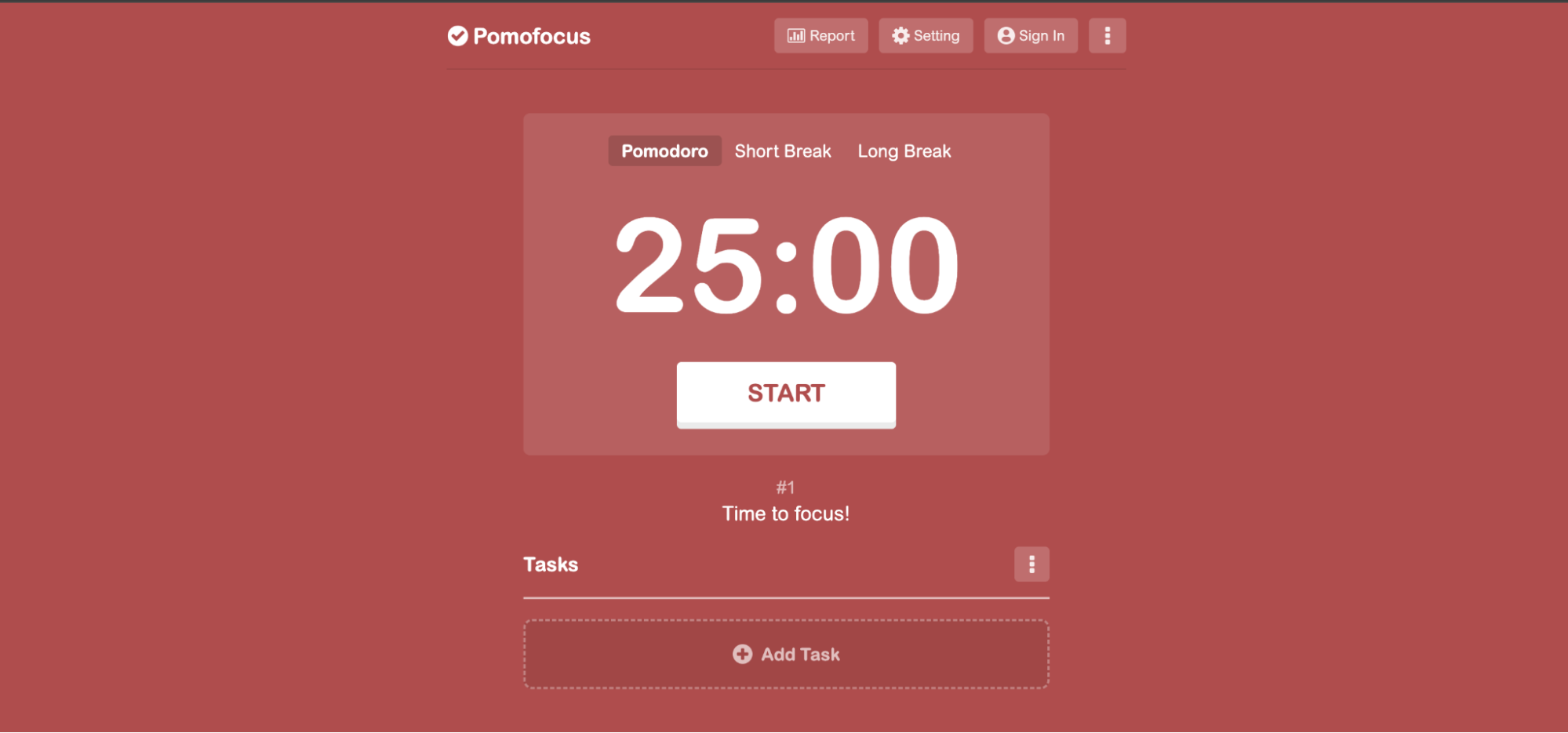
If you’re struggling to stay focused or constantly find yourself checking the clock, Pomofocus might be the simplest way to get back on track. It’s a lightweight, browser-based Pomodoro timer that helps you break your day into focused work sprints with built-in breaks. Based on the classic Pomodoro Technique, it’s ideal for anyone who needs structure and rhythm without using a fully loaded productivity app.
Key features
- Custom timer settings: Set your own focus and break intervals to match your energy and workflow.
- Task tracking and templates: Add tasks for the day, estimate how long they’ll take, and reuse common ones.
- Visual reports: See how much time you’ve focused each day, week, or month.
Pomofocus pros |
Pomofocus cons |
|
|
Pomofocus pricing
Pomofocus is free to use with all core features. The Premium plan starts at $3/month, $18/year, or a one-time $54 lifetime payment.
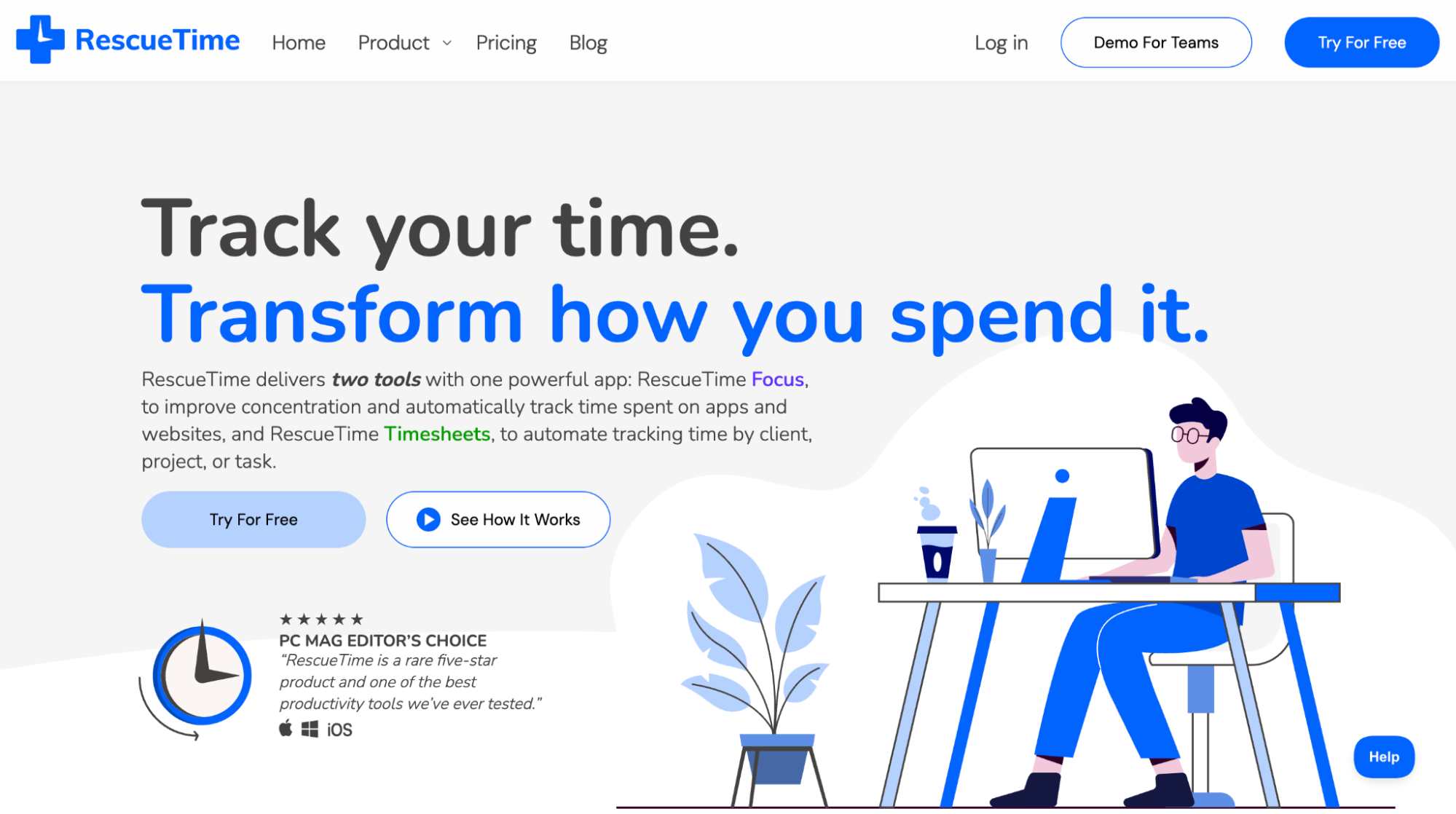
Most people think they know how they spend their time—until they actually track it. RescueTime gives you the visibility and data to manage your time more intentionally. It runs in the background, automatically recording time spent on apps, websites, and tasks, then turns that data into insights you can act on.
Key features
- Automatic time tracking: Monitors time spent on digital activity, including websites, apps, and documents.
- Focus sessions: Block distracting websites and apps when you need uninterrupted time.
- Productivity reports: Identify your peak hours, attention patterns, and most common time drains.
RescueTime pros |
RescueTime cons |
|
|
RescueTime pricing
Individual plans start at $7/month for Solo Focus. The Solo+ plan, which includes Timesheets, is $12/month. The Team plans costs $10/user/month, which includes Focus, and the Team+ plan, which adds Timesheets, is $16/user/month.

If your calendar, inbox, and task list feel like three separate fires you're constantly putting out, Kai is worth a look. Launched in May 2026 by the team behind Morgen, Kai is an AI executive assistant that works across your calendar, email, meetings, and tasks, keeping them in sync and aligned so you can plan your day better.
Key features
- Email triage and drafting: Sorts your inbox and drafts replies.
- Focus time blocking: Builds focus blocks into your daily plan so deep work is protected.
- Daily planning and morning briefs: Starts your day with a morning brief and ends with a recap of what's been done and what's ahead.
Kai pros |
Kai cons |
|
|
Kai pricing
Kai offers two paid plans—Pro for $100/user/month (currently available at a founding rate of $50) and Team for $50/seat/mo. You can test out Kai Pro with a free, one-week trial.

If you want to save time managing your calendar, one tool you should seriously consider adding to your arsenal is YouCanBookMe (YCBM). Designed to streamline scheduling and reduce time spent on admin, YouCanBookMe connects directly to your calendars (Google, Apple, Microsoft, and Fastmail) and shows your real-time availability to anyone booking time with you.
What really sets it apart from other scheduling apps is that it gives you granular control over when, how, and how often people can schedule meetings with you, so you stay in charge of your time, not the other way around.
Key features
- Booking limits: Set a maximum number of meetings per day to avoid calendar overload.
- Min & max notice time: Prevent last-minute bookings or meetings scheduled too far in advance.
- Padding & breaks: Add buffer time before or after meetings for prep, travel, or downtime.
YouCanBookMe pros |
YouCanBookMe cons |
|
|
YouCanBookMe pricing
YouCanBookMe offers a 14-day free trial with full access to all features, no credit card required. After the trial, you can choose from the following plans:
- Free plan: Includes 1 calendar connection and 1 booking page. A good option for individuals just getting started.
- Individual plan ($8.10/month): Adds more customization options and up to two booking pages and calendar connections.
- Professional plan ($11.70/month): Unlocks advanced features like unlimited workflow automations and booking notes, and lets you sync 6 calendars.
- Team plan (from $16.20/user/month): Designed for teams that need shared booking management, admin controls, and collaboration features.
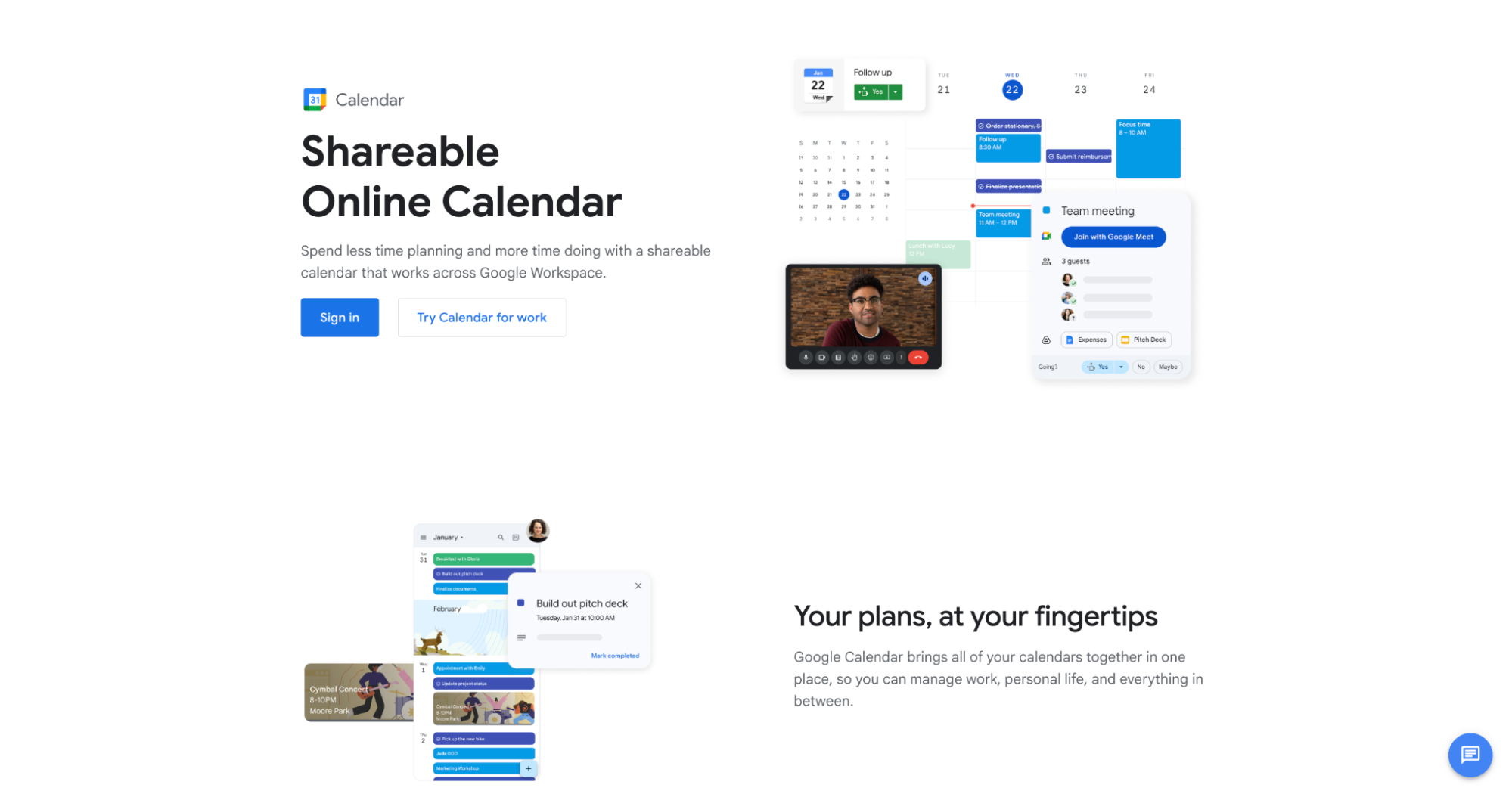
Google Calendar is a clean, intuitive calendar app that helps you structure your time, stay on top of tasks, and maintain daily routines. It’s ideal for visual planners who want to map out their days, set reminders, and manage recurring events.
While it doesn’t offer advanced time tracking, features like Time Insights, task integration, and multiple calendar views make it a great option for managing your day at a glance.
|
💡 Pro tip: To make the most of Google Calendar, explore our Google Calendar productivity tips that help you plan smarter and avoid calendar chaos. |
Key features
- Daily and weekly calendar views: See your time clearly and plan around meetings and tasks.
- Recurring events: Save time by setting repeating events for routines or check-ins.
- Task integration: Add to-dos directly to your calendar for easy tracking.
Google Calendar pros |
Google Calendar cons |
|
|
Google Calendar pricing
Google Calendar is free for individual use, but advanced time management features, like Google's appointment booking, AI scheduling, and team calendar controls, are available through paid Google Workspace plans. These start at $7/user/month and include tools like Gemini AI and shared calendars.
Take control of your schedule with Google Calendar + YouCanBookMe
Integrate YouCanBookMe with Google Calendar to display your real-time availability, avoid double bookings, and automate meeting scheduling.


|
📅 If you don’t fancy Google Calendar, there are plenty of alternative calendar tools. Check out our guide to the best Google Calendar alternatives to find a better fit for you. |
Ready to try these time management tools?
As you know, between meetings, client work, admin, and emails, time management quickly becomes survival mode. But it doesn’t have to stay that way! With a few smart tools and systems in place, you can free up time for actual deep work. And while these tools aren’t a magic solution, they can certainly help you set better boundaries with your time, reduce distractions, and automate what doesn’t need your full attention.
If you're looking for an easy way to protect your calendar and cut back on the back-and-forth of scheduling, give YouCanBookMe a try.
Try YouCanBookMe for free today.
Frequently Asked Questions
What are the tools used for time management?

There are many types of time management tools, each designed to solve a different challenge:
- Scheduling tools – Automate meeting bookings, avoid back-and-forth emails, and protect your availability. (e.g., YouCanBookMe)
- Focus tools – Help minimize distractions and work in deep, uninterrupted sessions. (e.g., Pomofocus, RescueTime)
- Task & project management tools – Organize your to-dos, set deadlines, and track progress. (e.g., Notion, Todoist, Trello)
- Time tracking tools – Log how you spend your time to uncover patterns and boost productivity. (e.g., RescueTime, Toggl Track)
What's the best time management tool?
There’s no one-size-fits-all answer. It really depends on what kind of time management support you need. Here are a few standout tools based on different needs:
- YouCanBookMe – Ideal if your days are packed with meetings. It streamlines scheduling, automates confirmations, reminders, and follow-ups, and helps you protect your calendar from unnecessary admin work.
- Pomofocus – Great for anyone struggling with focus. This simple Pomodoro timer encourages deep work by breaking your day into focused 25-minute sessions with regular breaks to avoid burnout.
- Notion – Best if you’re looking to manage your entire workflow in one place. You can build personalized dashboards that combine task lists, calendars, notes, and even time tracking.
Can time management tools really help reduce burnout?
Time management tools aren’t a cure-all, but they can help prevent burnout. Time management tools make it easier to prioritize what matters and create structure in an otherwise reactive day. That structure can reduce the mental clutter that fuels burnout. But they’re most effective when you pair them with intention, like saying “no” more often, blocking out breaks, and avoiding the urge to overschedule just because your calendar looks empty.

Written by
Paulina Major
Paulina Major is a freelance B2B content writer with six years of experience. Since 2024, she has written 100+ articles on scheduling and personally tested and reviewed 30+ booking tools, helping small business owners choose software and simplify their booking processes. As a solopreneur managing her own clients and calendar, she brings firsthand experience to her advice on scheduling, time management, and running a business.
Get started today
Join thousands of coaches, consultants, and entrepreneurs who use YouCanBookMe to power their business. Get your first booking in a few minutes.


 4.7 / 5 — Trustpilot

